
You are viewing a potentially older version of this package.
View all versions.
DripRemix
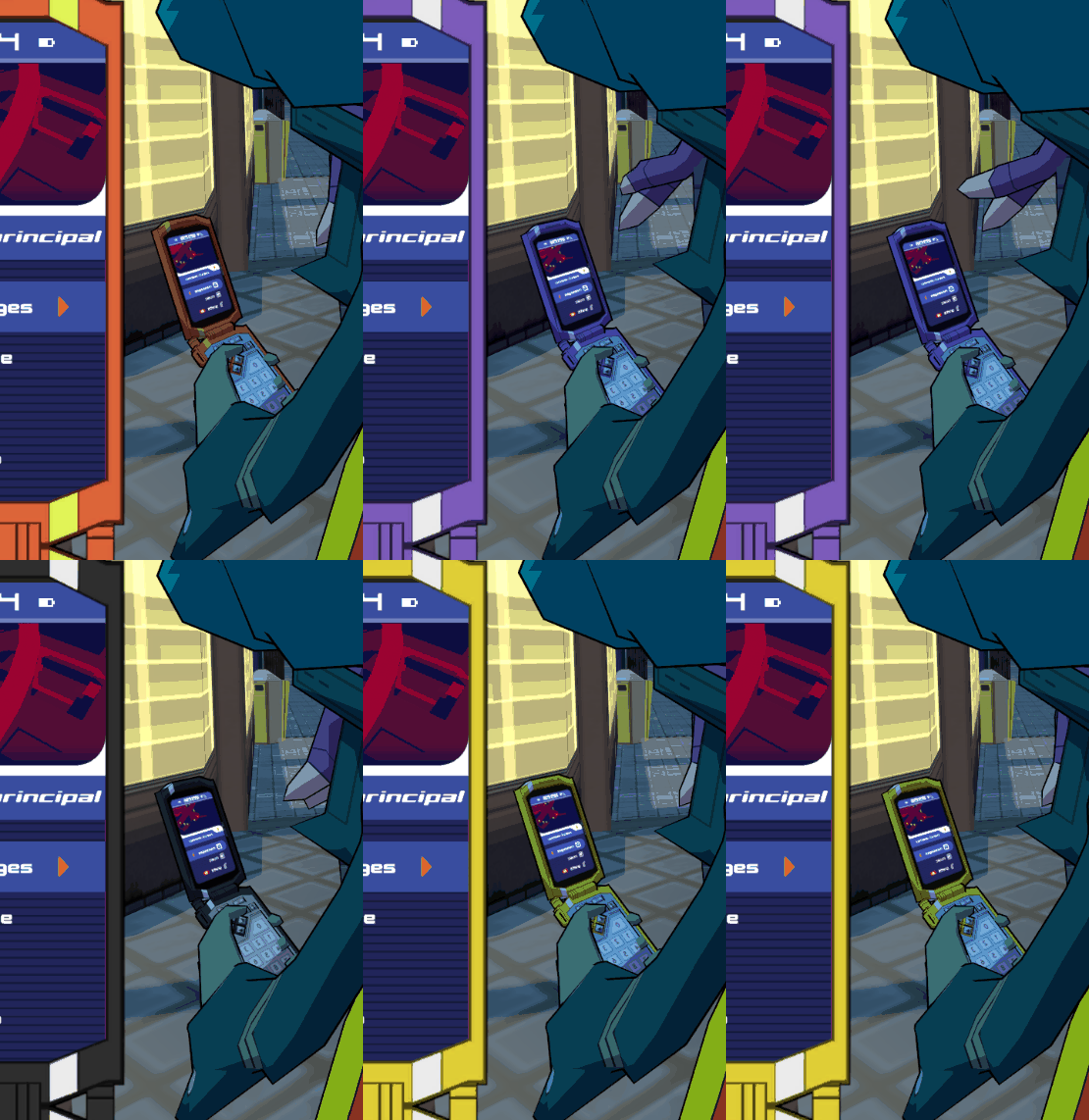
Swap Skins and Models for your Character, Gears, Phone & Spraycan directly in-game ! (No Unity/UABE required)
| Date uploaded | 2 years ago |
| Version | 1.0.2 |
| Download link | AndyLobjois-DripRemix-1.0.2.zip |
| Downloads | 956 |
| Dependency string | AndyLobjois-DripRemix-1.0.2 |
This mod requires the following mods to function

BepInEx-BepInExPack
BepInEx pack for Mono Unity games. Preconfigured and ready to use.
Preferred version: 5.4.2100README
Swap Skins and Models for your Character, Gears, Phone & Spraycan directly in-game ! (No Unity required)
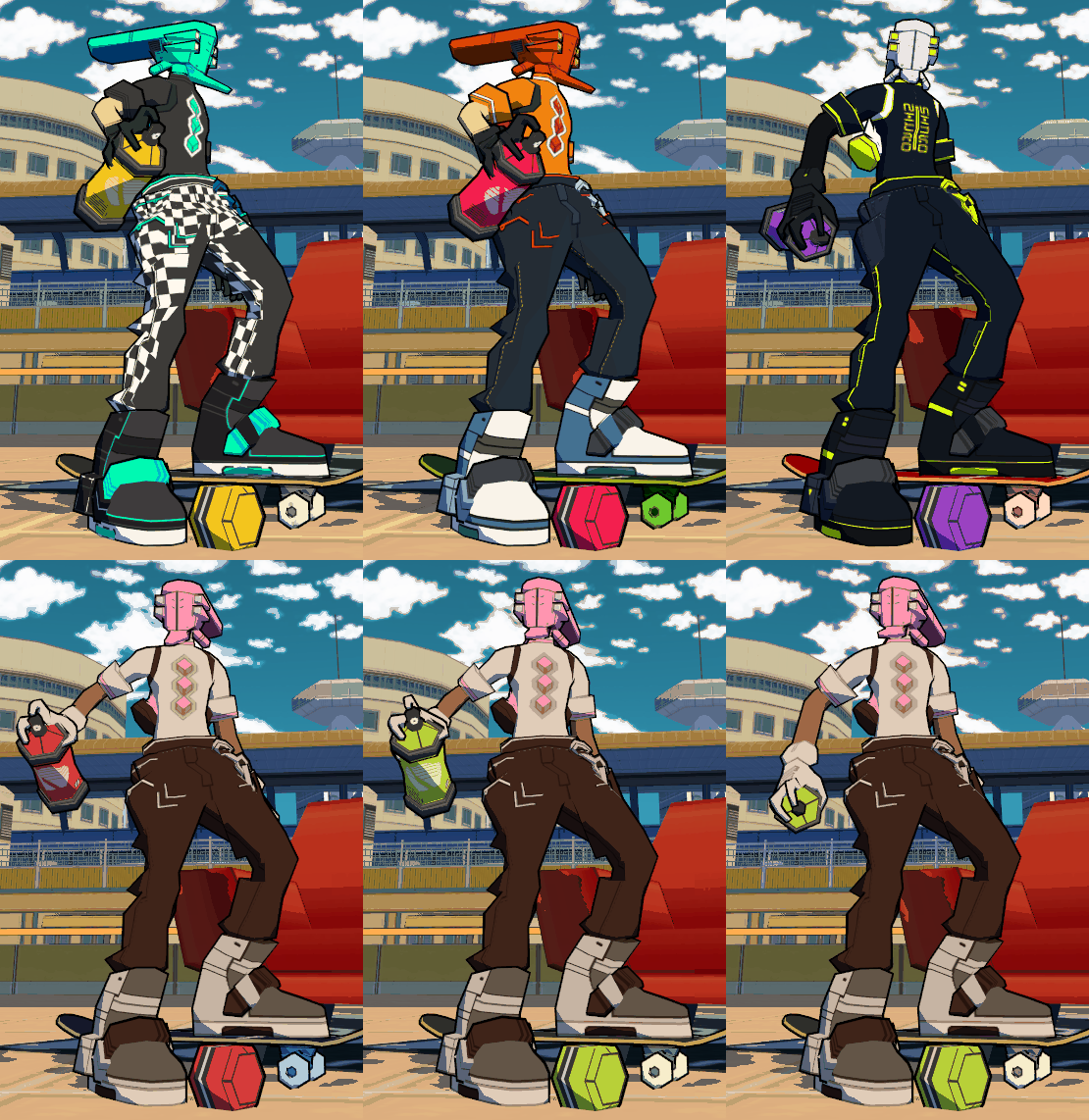
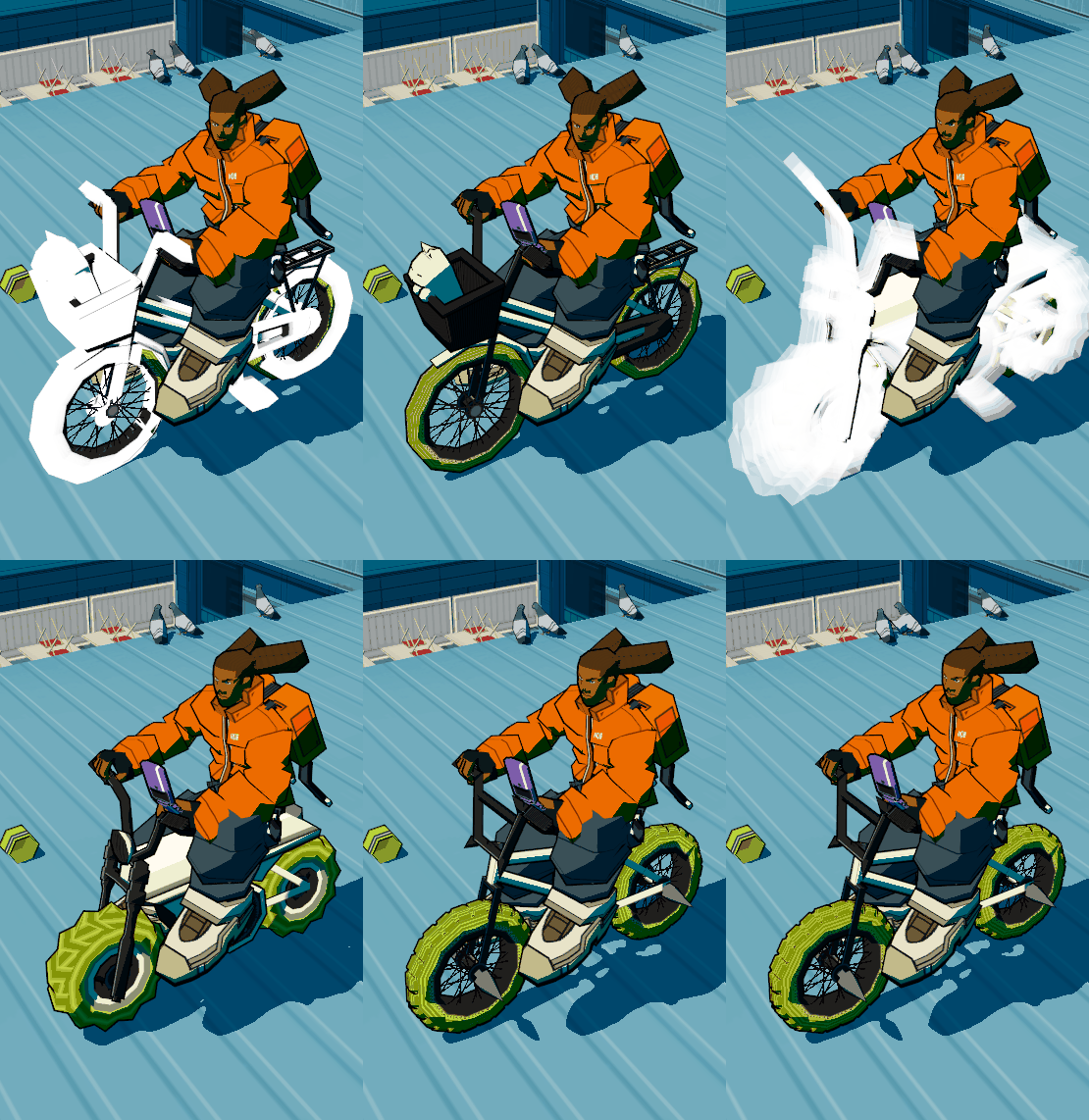
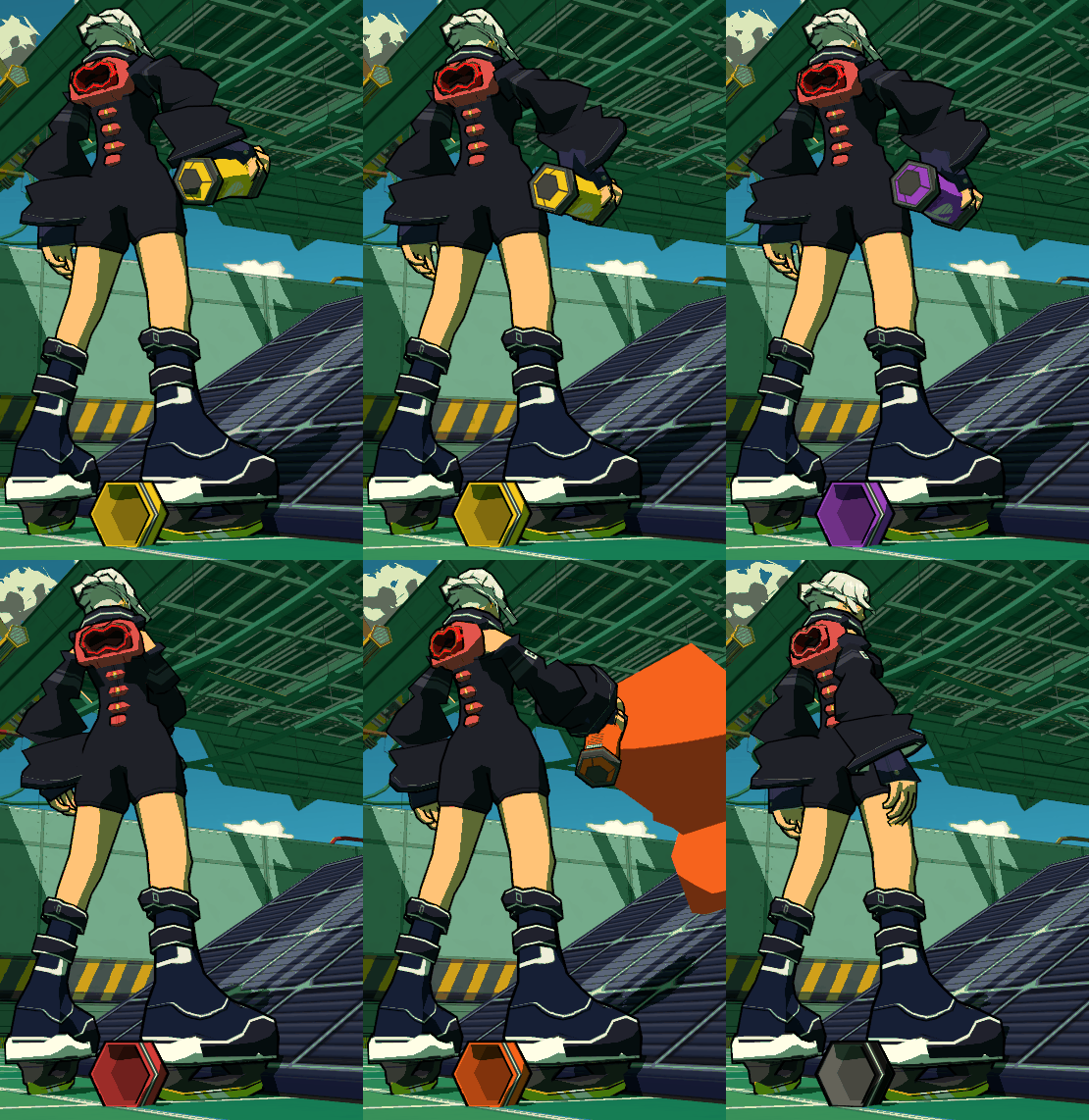
FEATURES
Unlimited Skins Swap per Character→ Character models can't be swap for now ! Sorry !Unlimited Skins/Models Swap for Movestyles/Gears, Phone and SpraycanCustom Color Spray→ Takes bottom left pixel from the textureAdvance Texture Options→ Emission maps for everything and Phone UIQuick Reload In-gameEasy Skins/Models Installation & Edit→ Drop .obj and .png/.jpg inside a folder, no Unity required !Custom BindingSave System per Character→ Skin/Model of Character, Gears, Phone and Spraycan
HOW TO INSTALL
- After installing DripRemix, I REALLY recommend to install my examples.zip package for understanding how it's organized !
- Launch the game once for auto-configuration
- Go to the
ModdingFolderin your Bomb Rush Cyberfunk folder applicationSteam/common/BombRushCyberfunk/ModdingFolder - Drop the content of examples.zip inside
ModdingFolder/BRC-DripRemix
HOW TO INSTALL SKINS & MODELS
- Go to the
ModdingFolder - Inside
CharactersandGears, you have sub-foldersRed, Bel, Tryce, ...andInline, Skateboard, BMX, Phone, Spraycan - From there, each sub-folder is a
modlike a container with PNG/OBJ- For custom Character Skins, drop them inside the existing
.Defaultfolder of your character - For custom Gears/Phone/Spraycan, drop the folder ASIDE the other folders
- For custom Character Skins, drop them inside the existing
Examples
∟ Characters
   ∟ Red
      ∟ .Default (info.txt, PNG(s))
∟ Gears
   ∟ BMX
      ∟ .Default (info.txt, PNG(s), OBJ(s))
      ∟ CustomBMX (info.txt, PNG(s), OBJ(s))
HOW TO USE
Reload : F5 (Useful for quick editing !)
- Character :
Hold C ... - Gears :
Hold G ... - Phone :
Hold P ... - Spraycan :
Hold B ...- ... and
Press PageUp/PageDownfor scrolling through your Skins ! - ... or
Press Home/Endfor scrolling through your Models !
- ... and
You can edit the bindings from the config file inside BepInEx/config
HOW TO MAKE YOUR OWN SKINS/MODELS
Follow my Github Section about Custom Skins/Models !
CREDITS
- Andy Hellgrim — Code & Design
- Glomzubuk — Code Structure & Save/Binding System
Thanks LMR_1 for the previous logo !
CHANGELOG
- [0.1.0] Gears Swapping (MeshRemix was the old name of the tool)
- [1.0.0] Character Skins, Gears Skins/Models, Phone Skins/Models (with UI), Spraycan Skins/Models (with Color Spray)
- [1.0.1] Fix Missing Folders error, Fix PhoneClosed that doesn't show up, Color Spray added to GraffitiGame
- [1.0.2] Fix Felix missing SkinnedMeshRenderer reference
