

Bunch Of Emotes
Select a variety to animations to play on your charracter !
| Date uploaded | 2 years ago |
| Version | 1.2.0 |
| Download link | Dragsun-Bunch_Of_Emotes-1.2.0.zip |
| Downloads | 1195 |
| Dependency string | Dragsun-Bunch_Of_Emotes-1.2.0 |
This mod requires the following mods to function

BepInEx-BepInExPack
BepInEx pack for Mono Unity games. Preconfigured and ready to use.
Preferred version: 5.4.2100
LazyDuchess-CommonAPI
FOR PLUGIN MAKERS - General purpose library to make modding certain aspects of the game easier. Custom save data, phone apps, interactables and more!
Preferred version: 1.3.1
README
 .
.
Bunch Of Emotes
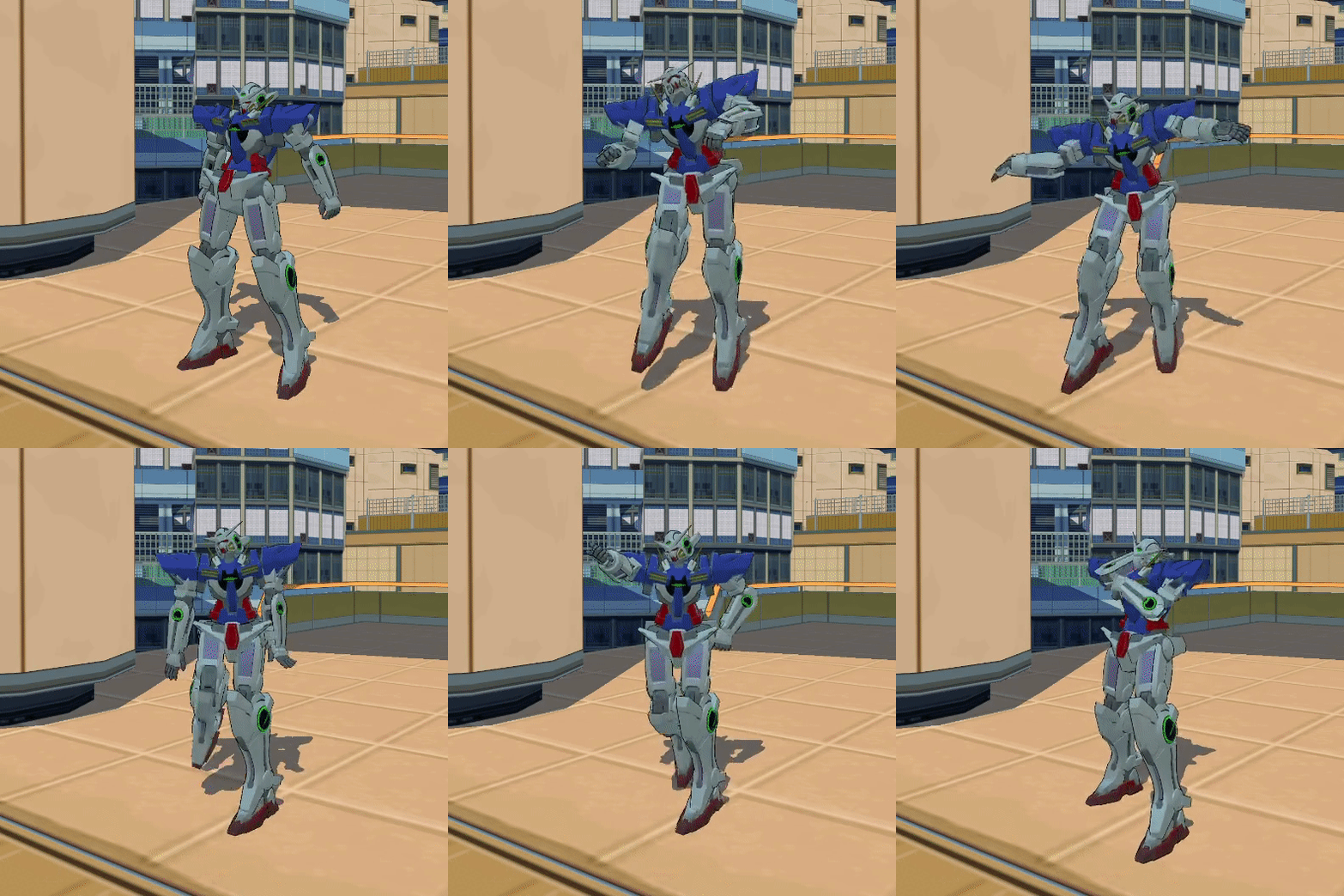
Press down the N button and select any of the available emotes with left bracket '[' or right bracket'['.
Then press N again to play the selected emote, move or jump to go back to your normal state.
All the animations should be synced over multiplayer and every keybind can be changed through the R2modman config editor.
⚠ The animations has to be done while on foot, not when having the skateboard, BMX or the blades out it might not play the animation.
Making your own list of emotes (from the game):
Firstly you will have to navigate to the config files and switch the Do you want to use a custom list ? to true.
Secondly you need to make a list separated by , with the emote names that are listed here. The list is case sensitive, and requires no spaces.
Example : jumpNEW,fallNEW,wallRunLeftNEW,grafSlashUP_RIGHT
If you have BepInEx.ConfigurationManager you can change all of it without having to reboot the game.
Not all the animations has been tested, since those are from the game. So it's possible that some will not work and just make you sit, if this is the case please verify if the word is written correctly, and if you did the animation on foot.
Making your own list of emotes (external from the game):
Using your custom list of emotes
By pressing the B button you can switch between the in game emotes and the custom ones and use the regular keybinds to navigate through!
Special thanks to :
- StonyOnBRC
- Lazy Duchess
CHANGELOG
2.2.2 - TRAVERSALS !
-Added traversals emotes
2.0.0 - The phone update
-Now with a phone menu with base animation and pack based menues -Now shows the z slot in the console
1.4.1 - oopsie
-fixed missing animations
1.4.0 - stutter fixes
-now custom animations are stackable ! -fix the NPC stuttering issue on the cyphers -should run better bis
1.3.5 - the replace update
-Now you can replace existing animations ! -should run better
1.3.0 - the multiplayer update
-Now custom emotes are available for multiplayer ! -Mooved the location of the custom emotes -Fixed some custom emotes unintended behaviours -Fixed crashing issues -More edge casses fixed
1.2.0
-Added custom animations from a bundle -fixed some edge cases
1.1.0
-Added the possibility of making a custom list -Added npc animations
1.0.1
-Fixed Typos. -Reduced the amount of dupes. -Changed the order of some animation to put the more relevant ones on top.
1.0.0
-Initial release.
