
| Date uploaded | 2 weeks ago |
| Version | 1.0.4 |
| Download link | Siveran-Llong-1.0.4.zip |
| Downloads | 5 |
| Dependency string | Siveran-Llong-1.0.4 |
This mod requires the following mods to function

LavaGang-MelonLoader
The World's First Universal Mod Loader for Unity Games compatible with both Il2Cpp and Mono
Preferred version: 0.7.3README
Llong
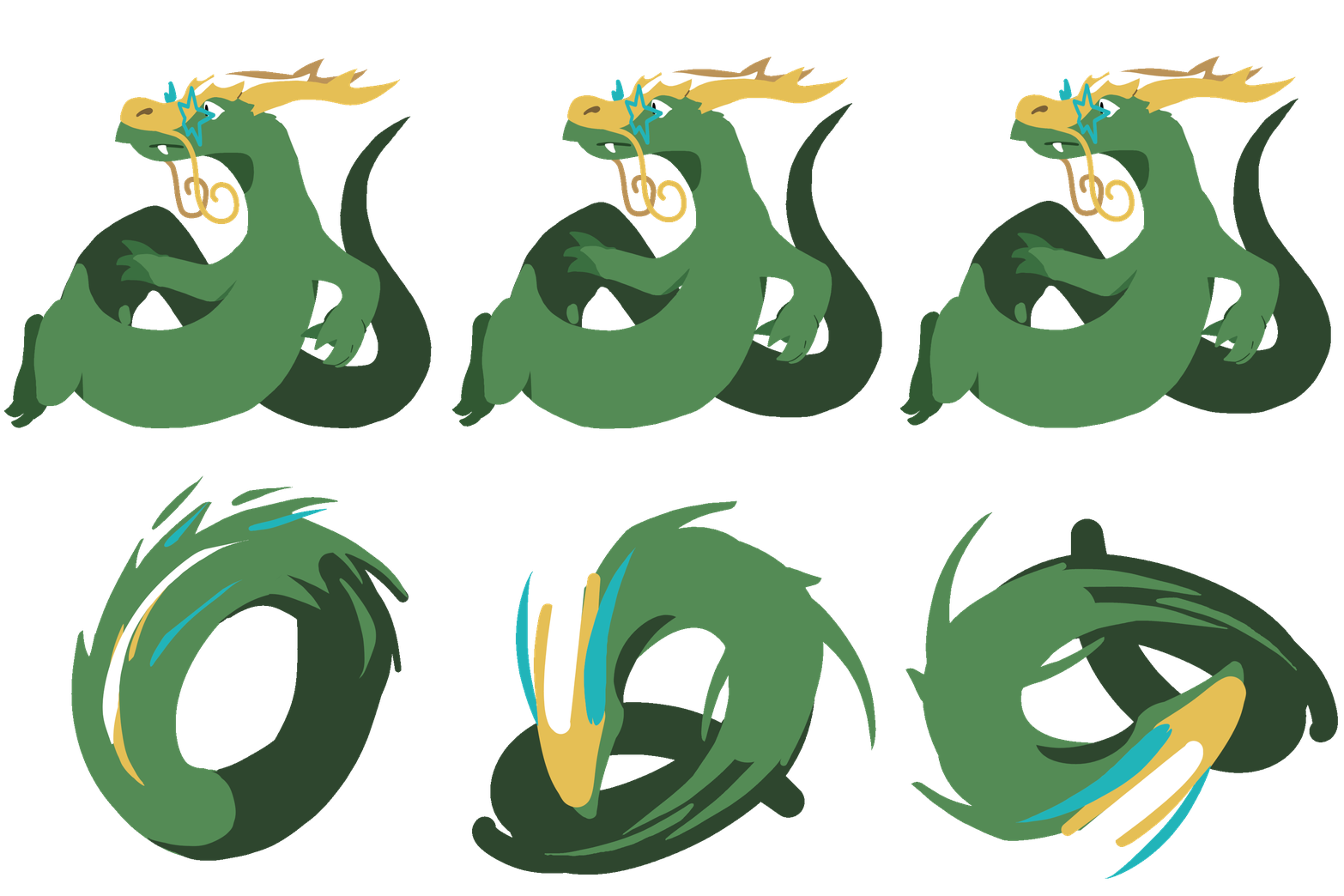
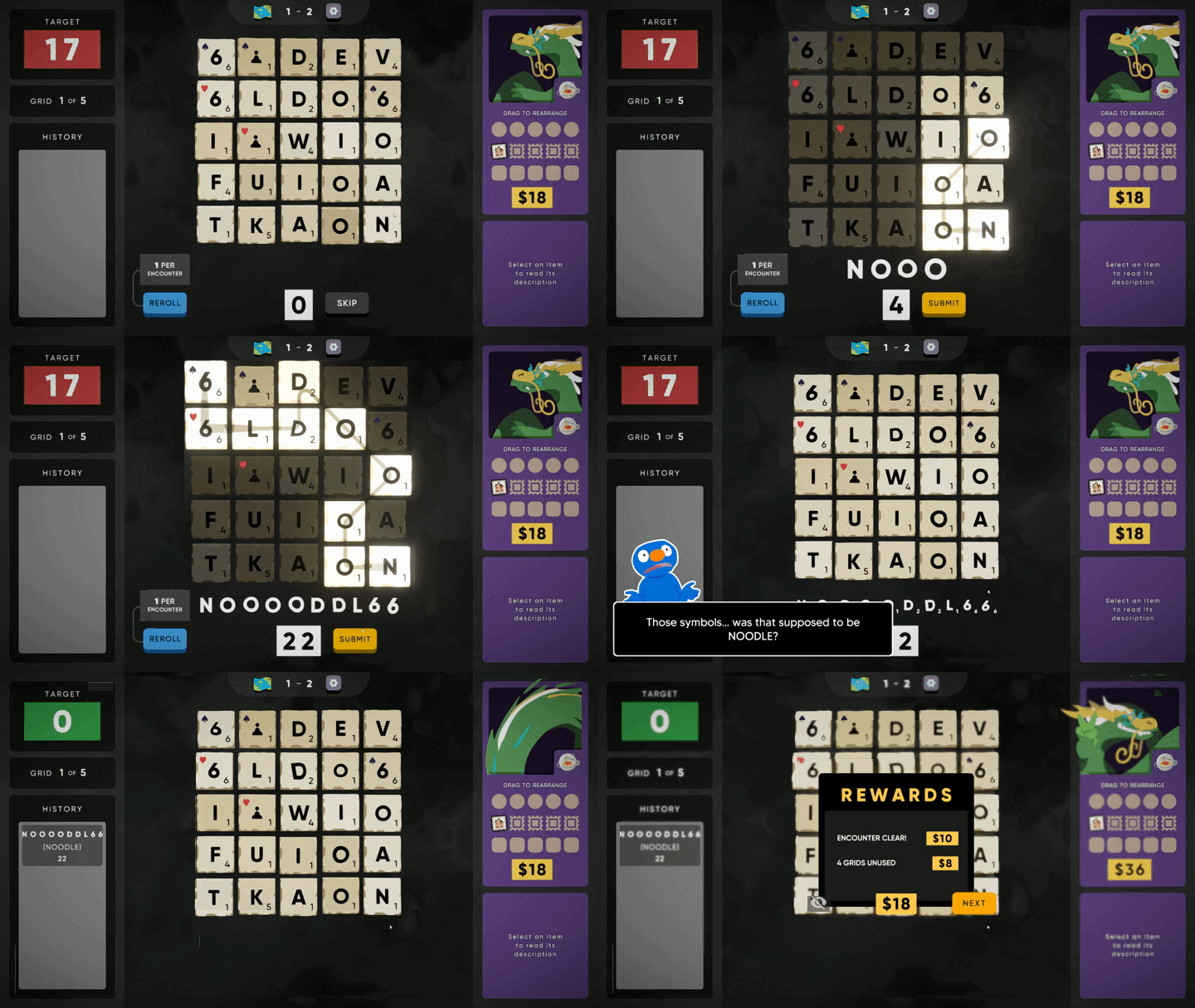
Llong is finally awake and ready to wobble as a new member of the Ssecret Ssyntactic Ssociety
- A new character, fully animated and with a unique pin!
- A new curse mechanic!
- Eight more unlockable items!
Installation
Automatic
Pick your favorite mod manager (r2modman, Gale, etc.) and install Llong through there!
Manual
Install MelonLoader: https://thunderstore.io/c/cursed-words/p/LavaGang/MelonLoader/
Back up your saves, just in case something goes horribly wrong (AppData\LocalLow\Buried Things\Cursed Words\Saves\SteamCloud\BUNCHA_NUMBERS\slot_X.sav)
Put the contents of the contained Mods/ folder inside Steam/steamapps/common/Cursed Words/Mods/: Llong.dll, noodleassets, and noodleitems
That means you should have Cursed Words/Mods/Llong.dll, not Cursed Words/Mods/Mods/Llong.dll!
If it worked correctly, you should be able to select Llong when starting a new run.
Troubleshooting
If you don't get a command prompt window appearing when starting Cursed Words, you probably don't have MelonLoader installed correctly.
If MelonLoader starts but Llong doesn't appear, check the MelonLoader logs for any useful info and confirm Llong.dll is in the right spot.
If Llong appears but the assets are all white squares, check to make sure noodleassets and noodleitems are in the root of Mods/ and not in Mods/Siveran/. (You probably installed it through r2modman/gale and I don't have support set up for that quite yet)
Uninstalling
As long as Llong isn't your currently saved run, he can be removed at any time safely. Be aware that his crown progress will be lost if you reinstall!
CHANGELOG
Changelog
[1.0.7] - 2026-07-02
Added
- Multiplayer mod support (https://github.com/PurelyK2/Cursed-Words-Multiplayer)
Fixed
- Reduced noisy MelonLoader logging
- Fixed stitched Yo-Yos from Sewing Needle not working
- Fixed a crash that occurred when having Spaghetti/Yo-Yo + Honeypot + Microphone
[1.0.6] - 2026-06-18
Added
- Llong now has his picture on his ID Card
- The mod now keeps a recovery save with Llong ascension completion info. Now, if you disable or uninstall Llong and then reinstall, it will remember your crown progress!
[1.0.5] - 2026-06-12
Added
- Special thanks section to README.md
[1.0.4] - 2026-06-12
Fixed
- There was a minor typo in the mod manager asset paths
[1.0.3] - 2026-06-12
Fixed
- Some mod managers would fail to find assets
- Reduced MelonLoader log spam
- The final crown item could sometimes fail to spread all the intended glyphs
- Llong no longer clips outside of the portrait frame while idle
Changed
- The size adjustment above means he only covers THREE characters on the select screen rather than FOUR. Sometimes sacrifices must be made.
- The final crown item no longer overrides grid tiles' suits, colors, or score
[1.0.2] - 2026-06-06
Added
- The mod should now support mod managers (once Thunderstore fixes Cursed Words' app ID on their end)!
Fixed
- Llong no longer shows up on loading screen tooltips for Bones
- Custom images are now all properly antialiased
[1.0.1] - 2026-06-05
Fixed
- The reward from the 5th crown would try to show up in every shop
- Some ItemFunctionTags were wrong, causing Michael to potentially say weird things about them
[1.0.0] - 2026-06-05
Initial release
