

HD Fighter Portraits
4× restored 2D fighter portraits for Select, Story, Teams, results and loading screens. Includes 2,184 native textures and 294 loading layouts. Separate from HD Menus and the 3D HD Fighters pack.
| Date uploaded | a week ago |
| Version | 1.0.2 |
| Download link | DefJamRecompiled-HD_Fighter_Portraits-1.0.2.zip |
| Downloads | 23 |
| Dependency string | DefJamRecompiled-HD_Fighter_Portraits-1.0.2 |
README
HD Fighter Portraits
Sharper 2D fighter portraits for Def Jam: Fight for NY — Recompiled, restored to 4× the original resolution while keeping the game's original look.
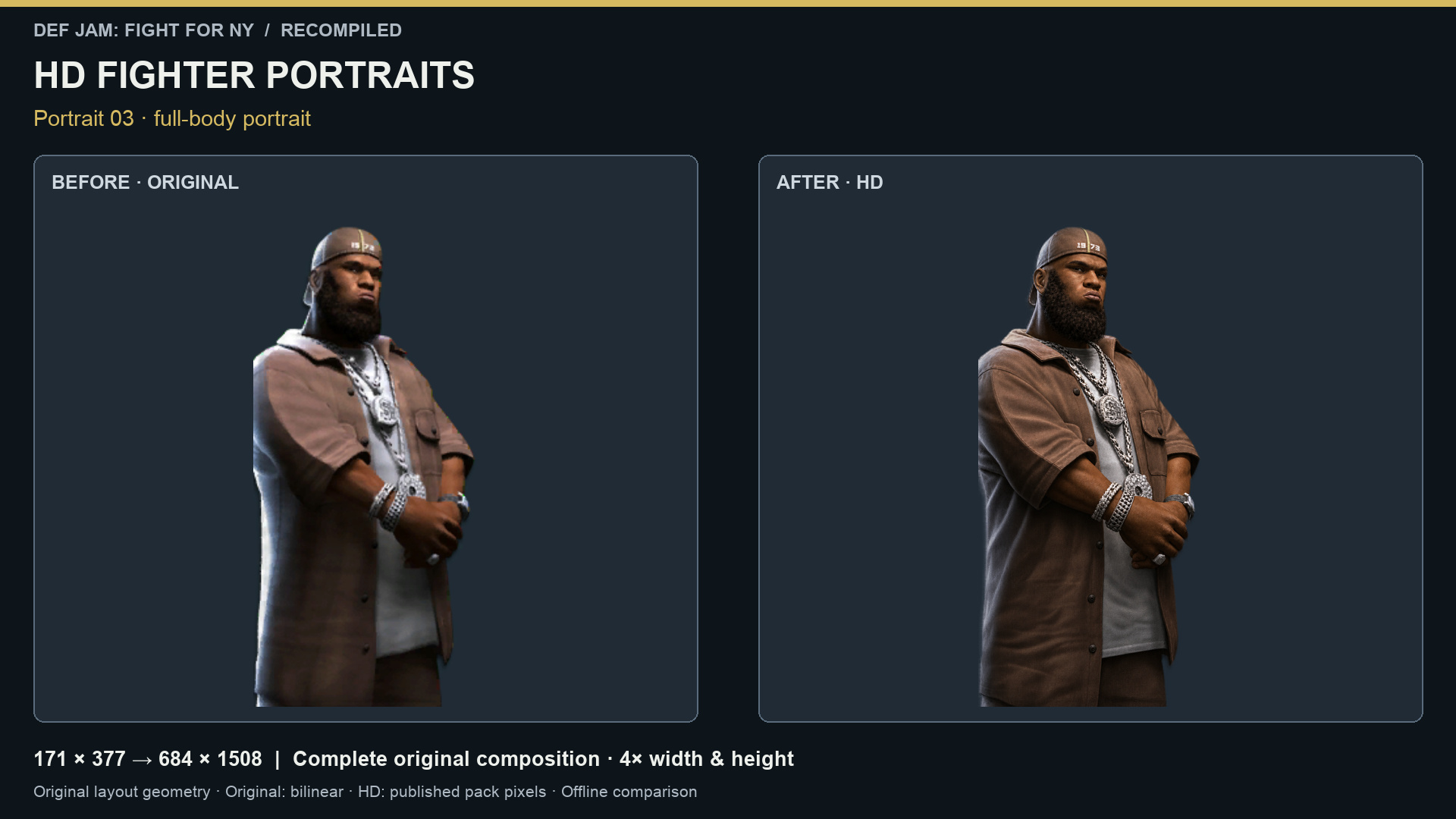
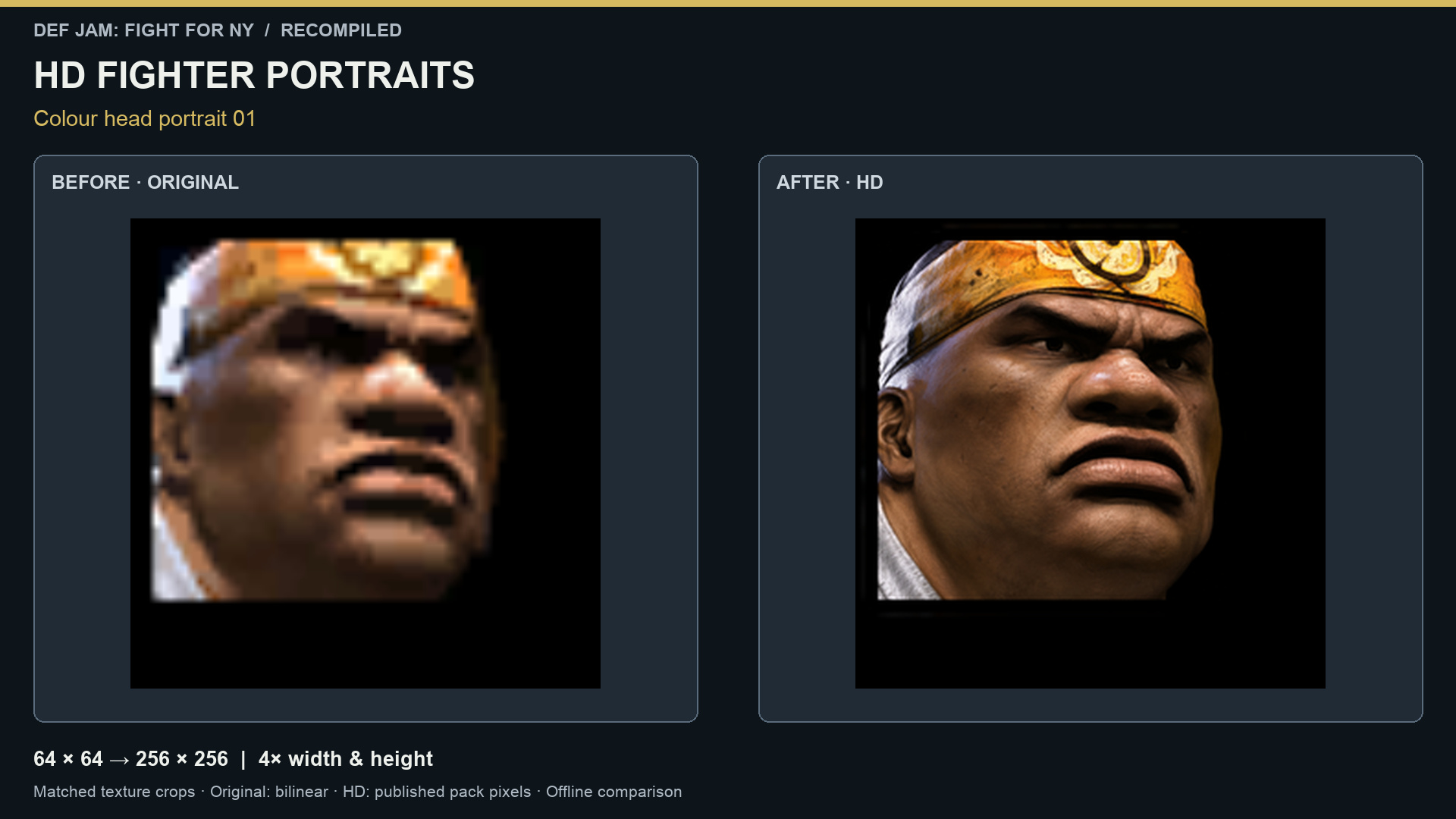
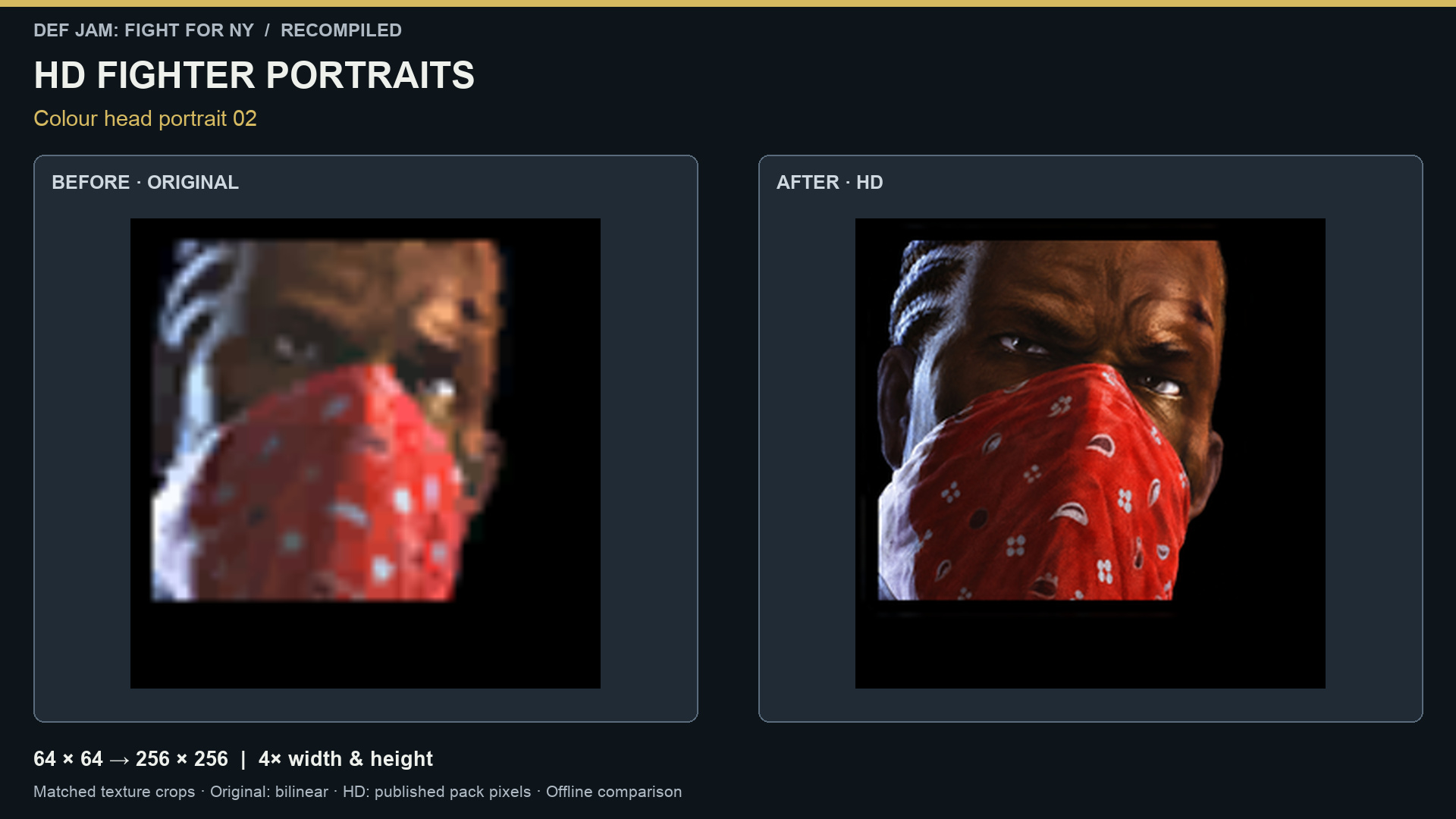
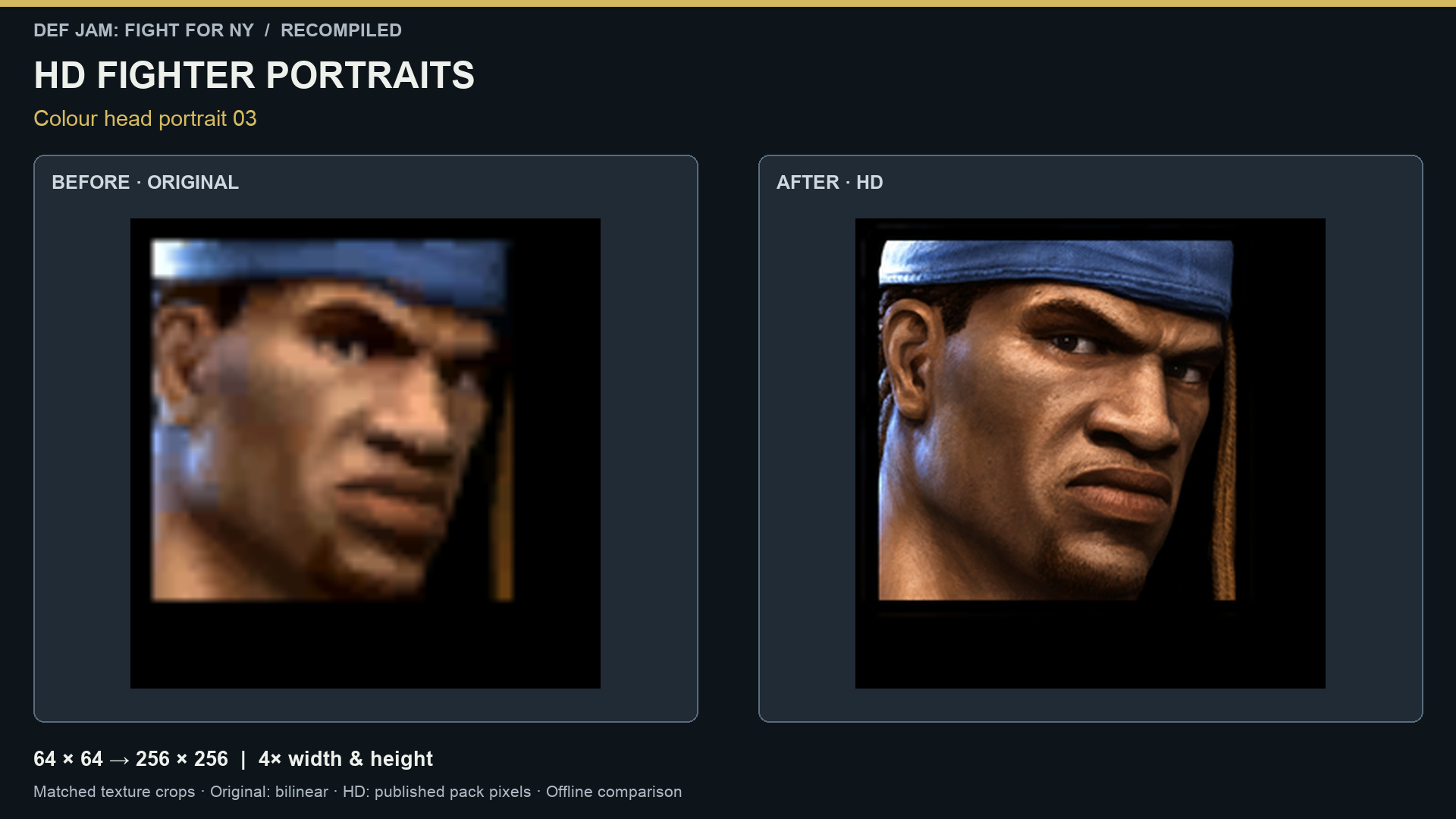
Full-body portraits, heads and roster thumbnails appear throughout Fighter Select, Story Mode, Teams, results and match-loading screens. Faces, hair, clothing, tattoos and jewellery were restored with AI assistance as well as reference to real-life photos of the artists from the early 2000's.
Before and after
Explore all 17 interactive comparison sliders
Full-body portraits
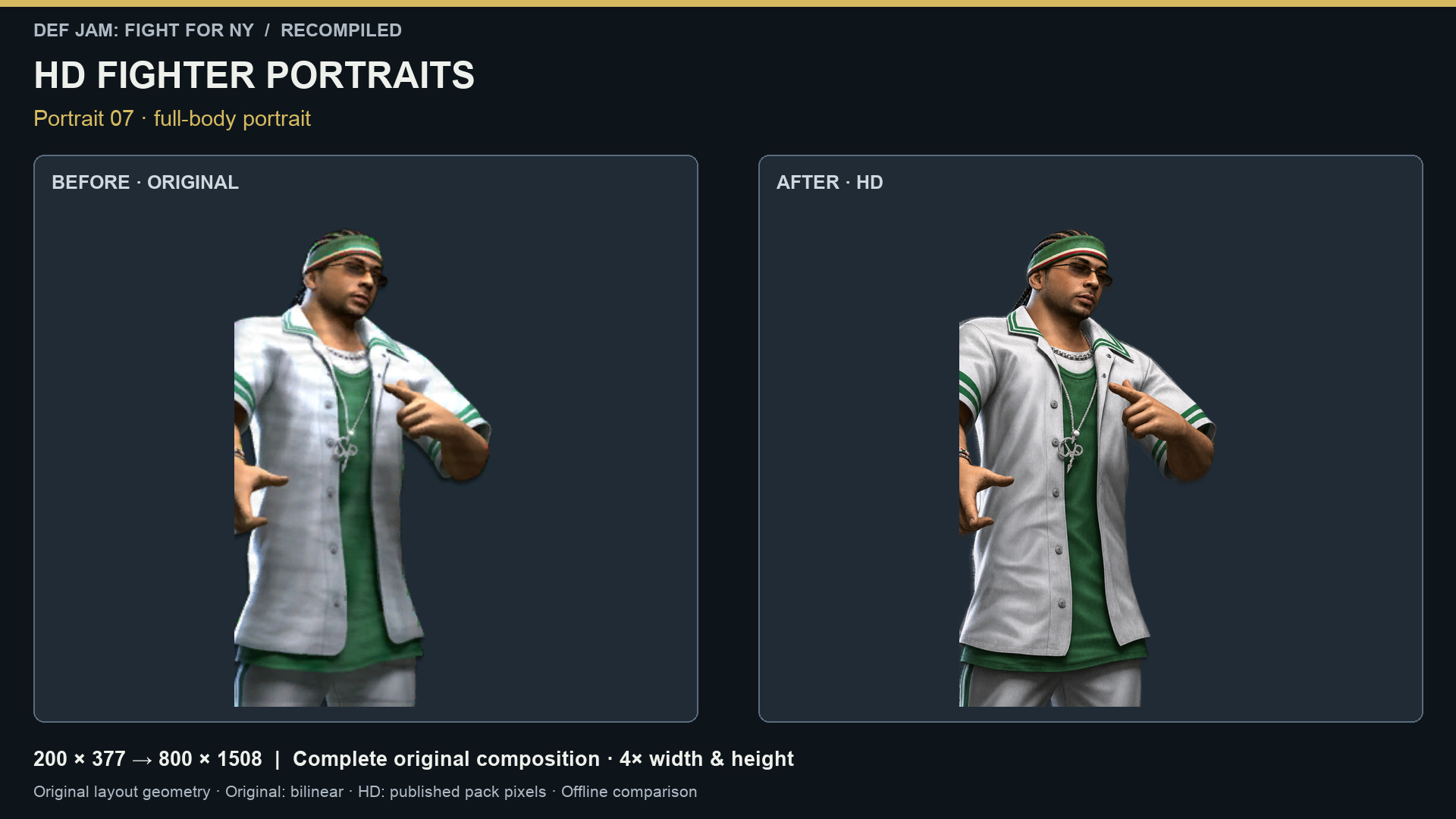
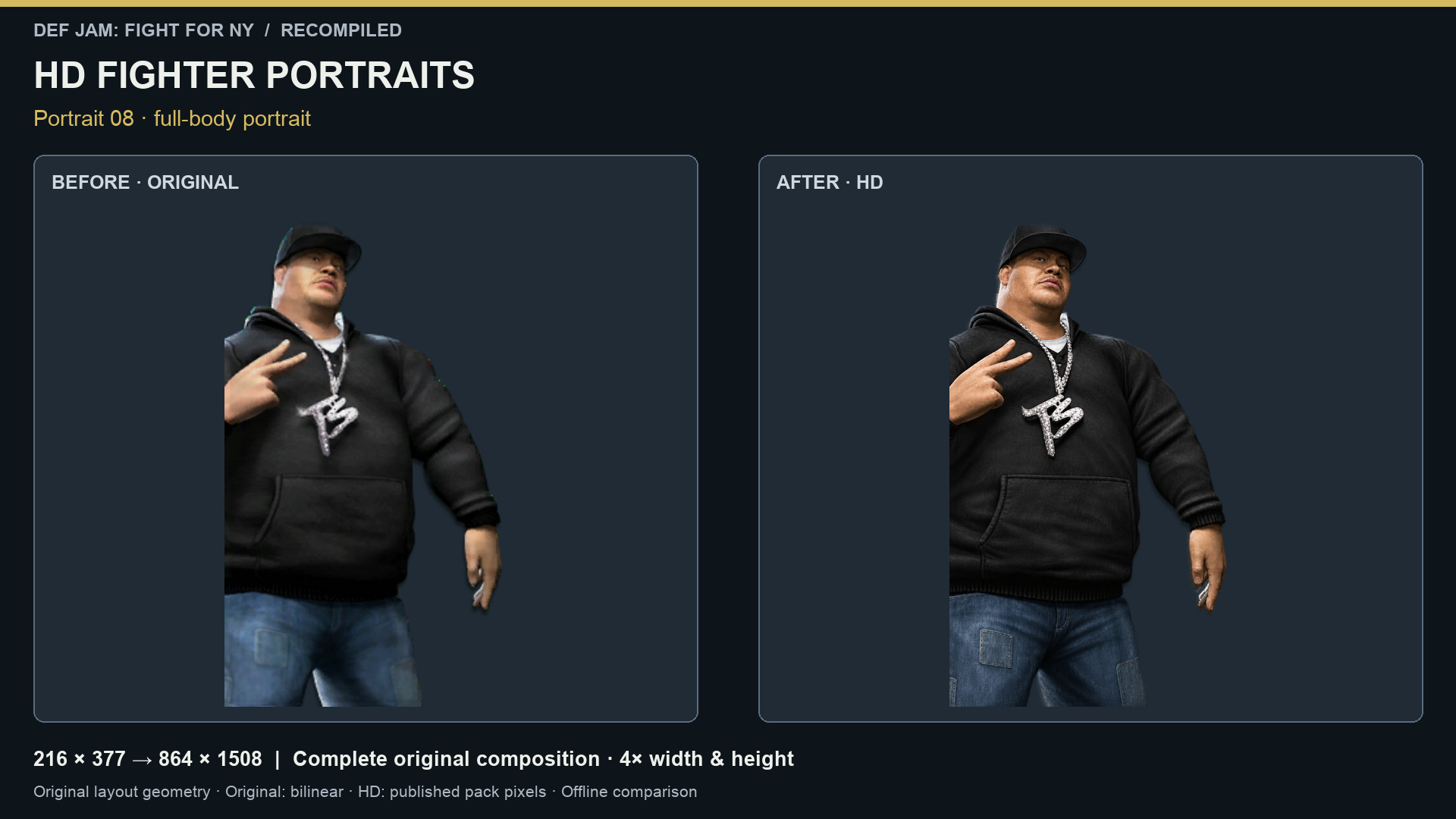
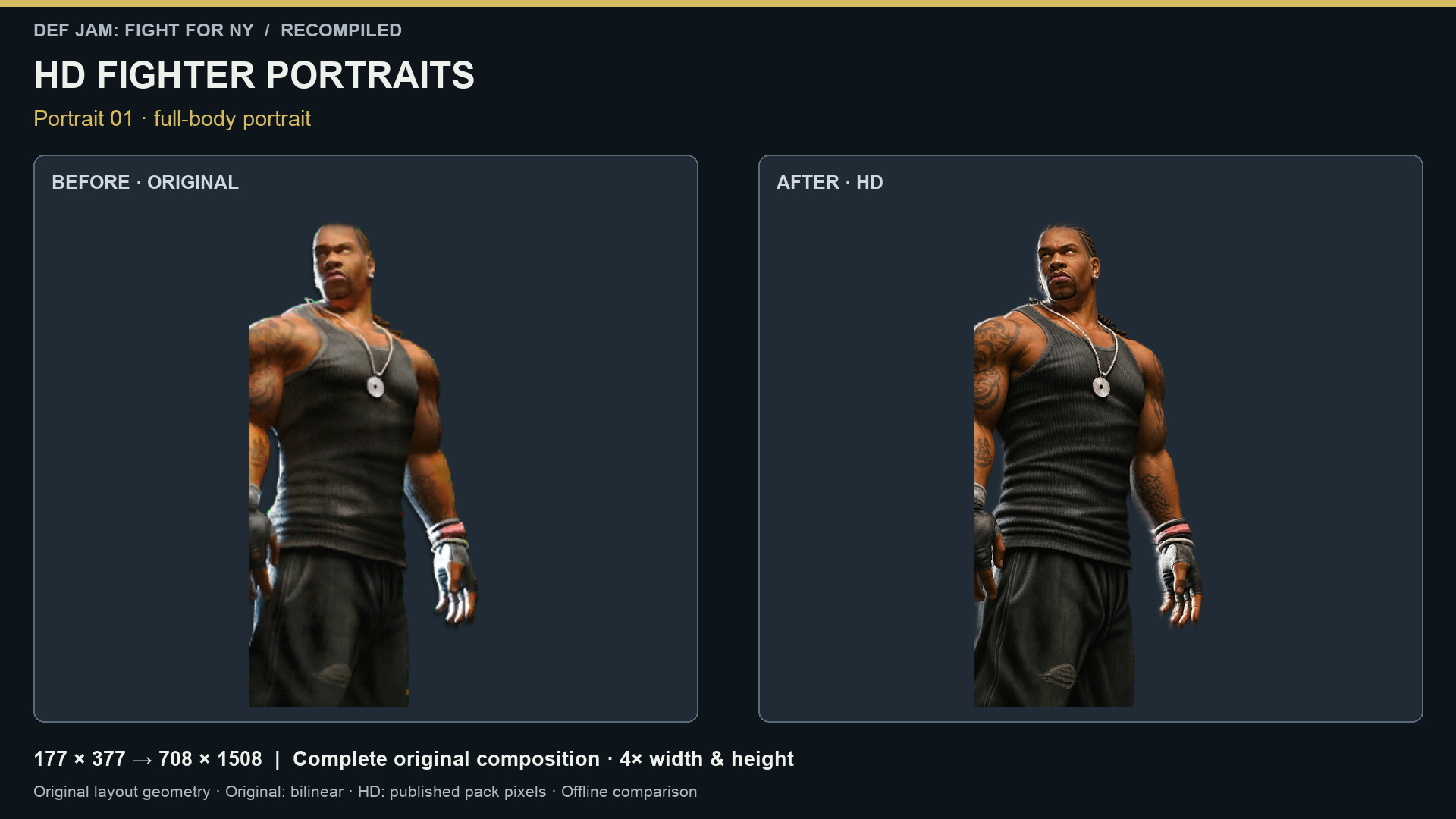
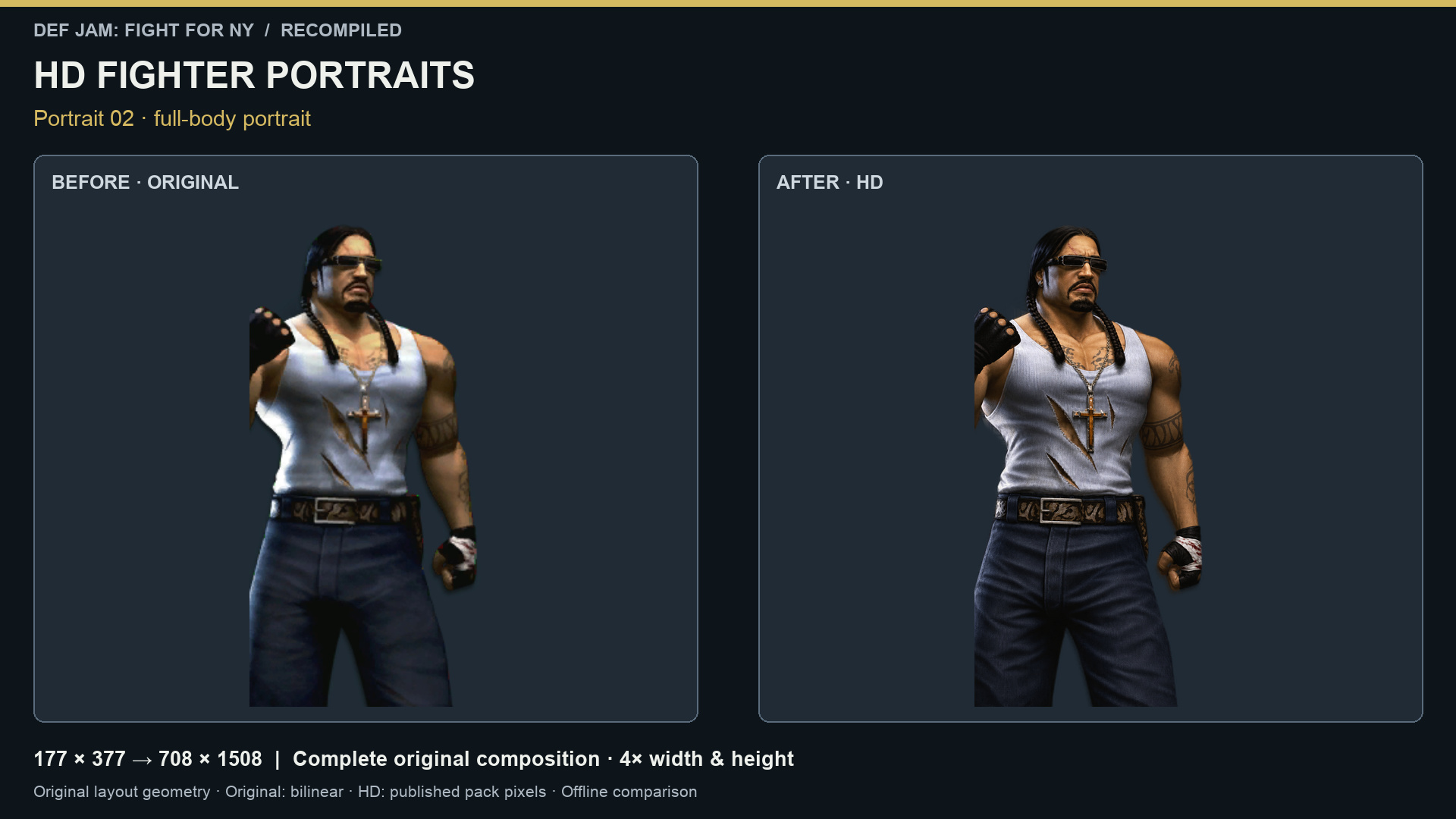
Heads and roster thumbnails
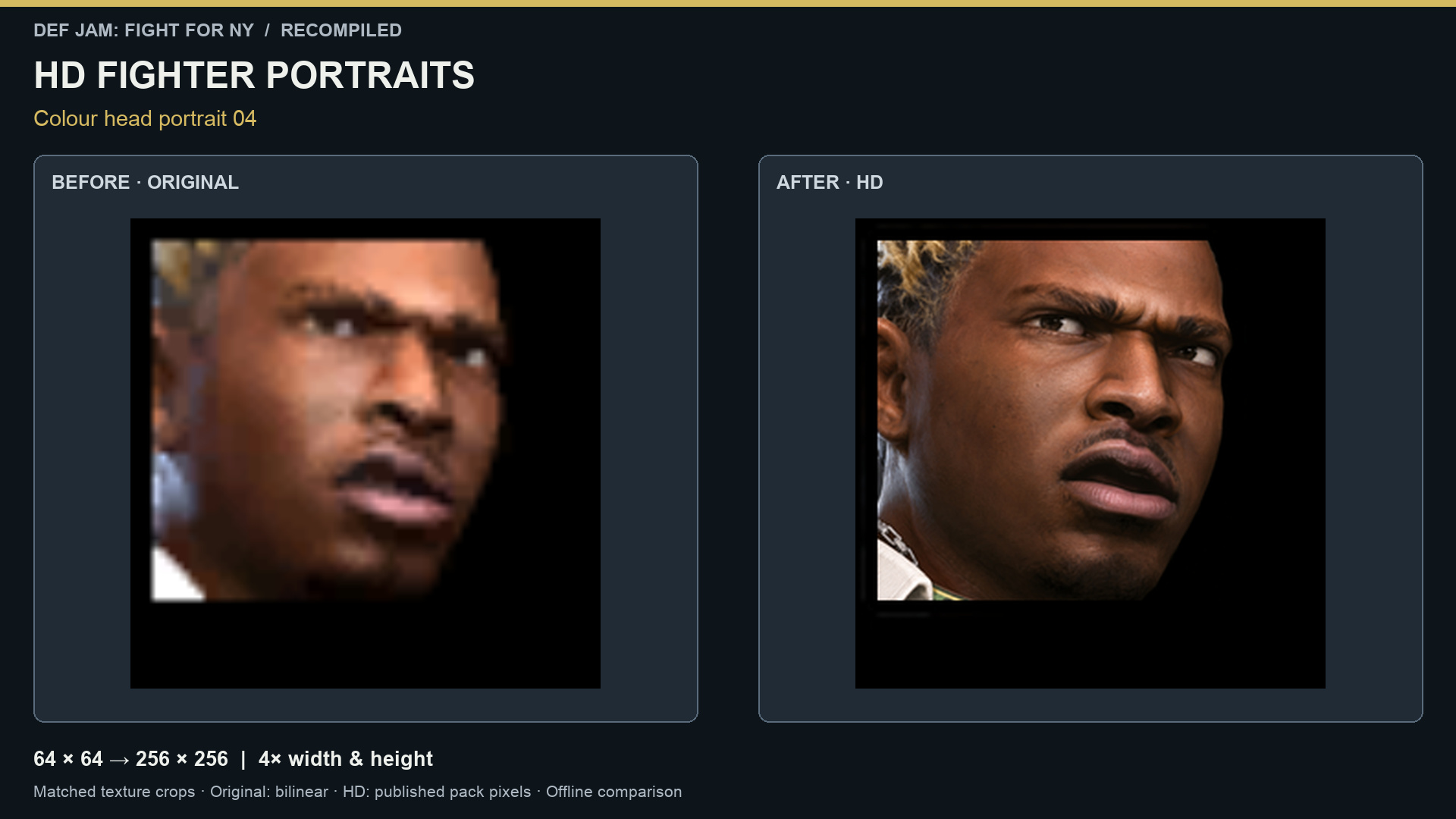
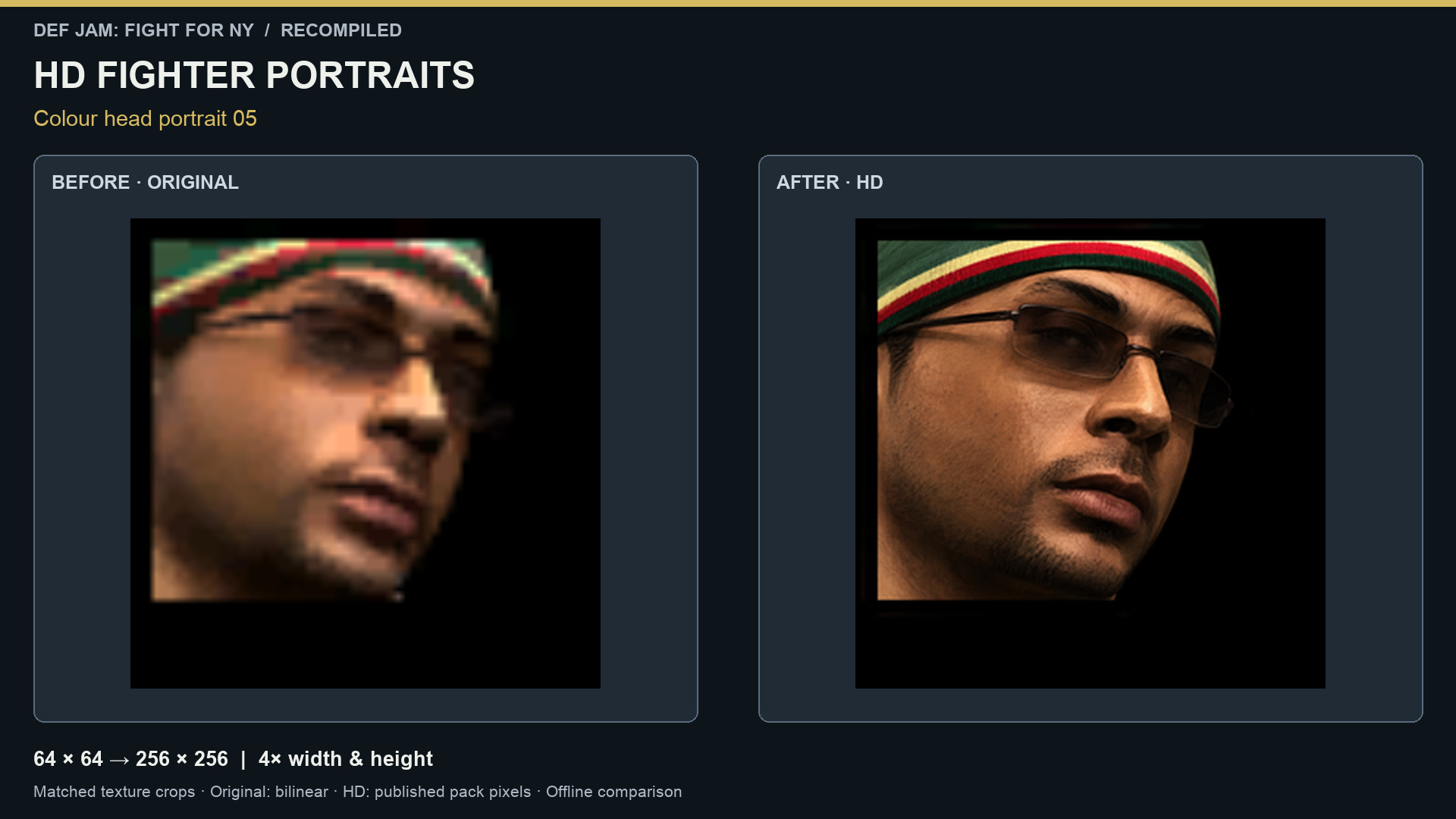
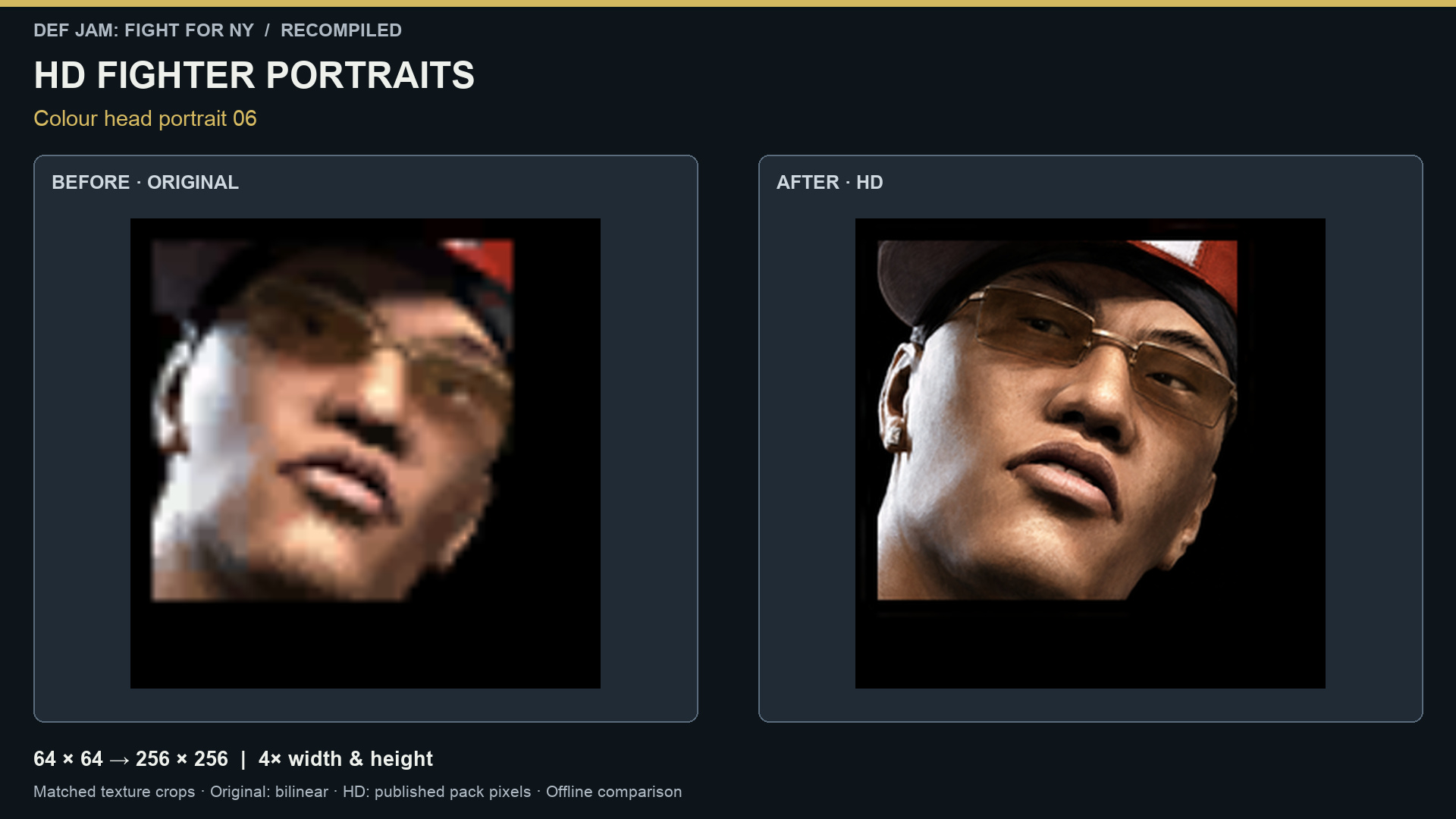
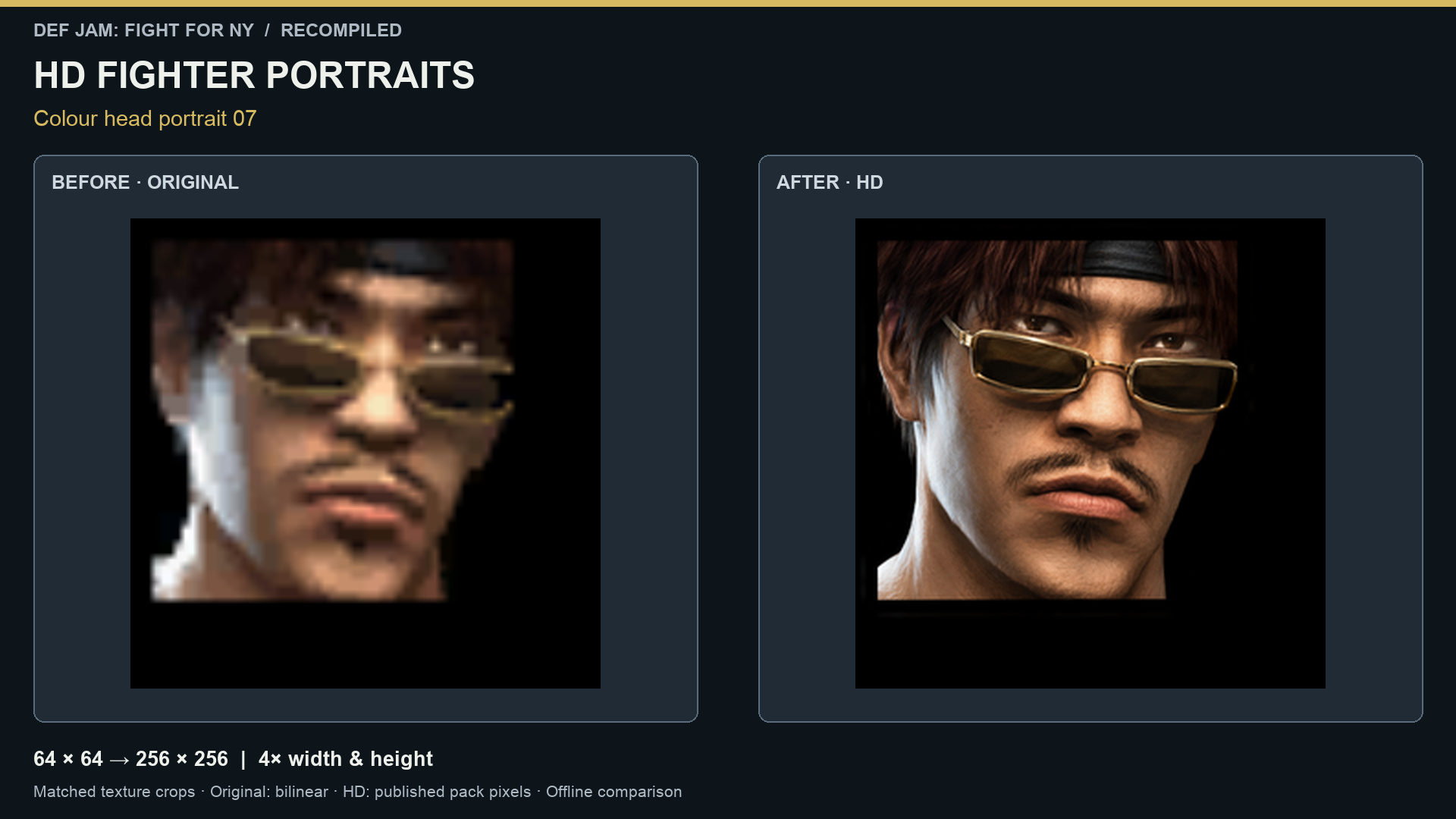
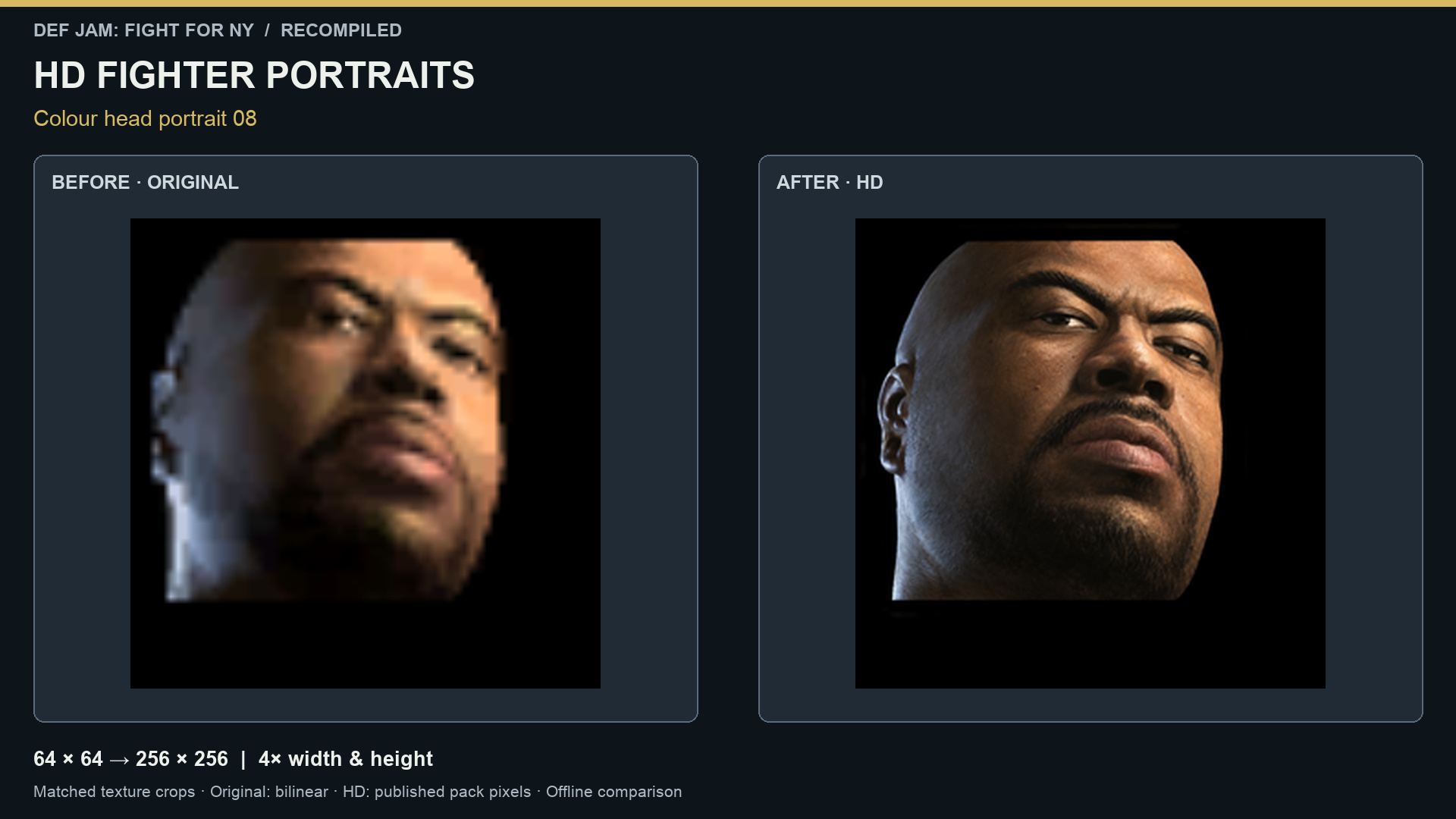
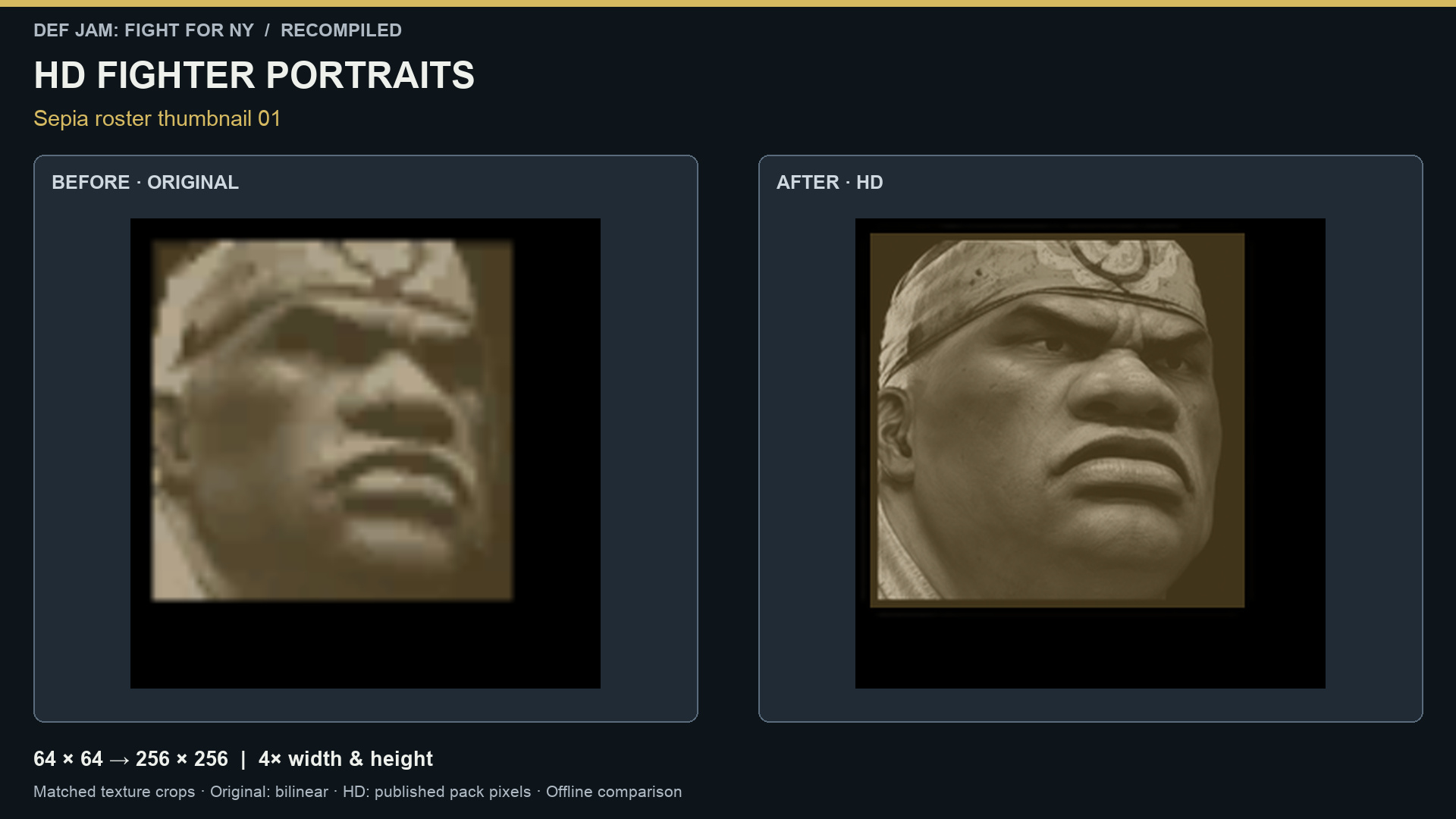
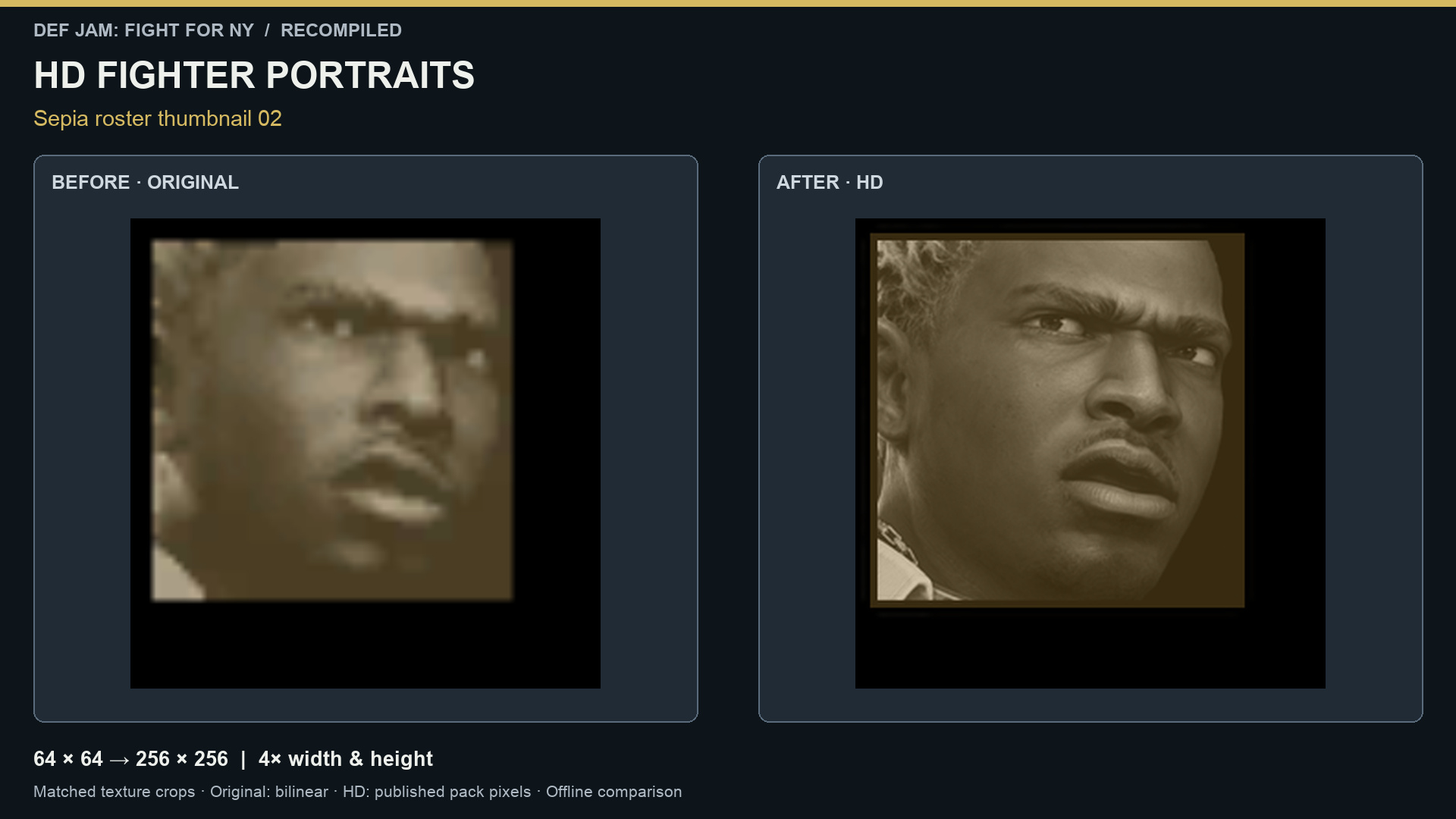
What's included
- 2,184 replacement PNGs / native texture mappings: 1,334 Select/Story/team/roster/result textures and 850 loading textures.
- Loading artwork covering 294 two-, three- and four-player layouts, including alternate poses and variants.
- 4× width and height for every replacement texture: for example, 64 × 64 → 256 × 256 heads, 128 × 256 → 512 × 1024 portrait atlases, and 256 × 512 → 1024 × 2048 larger atlases.
- Approximately 752.4 MB download and 752.4 MB unpacked. PNG optimization is lossless.
The PNG count includes native atlas fragments and variants; it does not mean 2,184 separate fighter portraits.
This is the 2D portrait pack. Menu backgrounds, text, fighter name banners, UI icons and loading scenery belong to HD Menus and UI. In-fight 3D character textures belong to HD Fighters. Each pack can be used independently or together; Faithful HD is optional.
Install through the game launcher
- Open the Def Jam Recompiled launcher → Mods.
- Refresh the catalogue, choose HD Fighter Portraits, then download and install it.
- Enable the pack and restart the game.
The launcher's signed catalogue controls the version it offers. The existing portrait release contains the same approved artwork as this Thunderstore edition.
Install this Thunderstore download manually
- Download the ZIP and extract it.
- Copy the inner
hd-fighter-portraits-v1-0-1folder, containingmanifest.ini, into your game data folder'smodsdirectory. - Enable it in the launcher and restart the game.
Use the game launcher's Mods controls to select the pack. The Thunderstore website's generic mod-manager button is not a substitute for these installation steps.
Requires Def Jam Recompiled 0.12.1 or later with texture-pack support. No game rebuild or reinstall is required. If you still use the old combined Menus 1.5 pack, update Menus to 1.6 or later when installing Portraits.
Version 1.0.2
Thunderstore packaging of the published 1.0.1 pack. All 2,184 PNGs, native mappings, alpha and licence notices are unchanged. The inner folder retains its original 1.0.1 name intentionally. This release adds the storefront manifest, before/after icon and documentation; it is not another artwork revision.
Credits and permissions
Texture restoration, mapping and pack assembly by Vlad Yanhursky / vyanhursky, using AI-assisted restoration, source-bound atlas reconstruction, manual corrections and owner review.
Original, legally protectable contributions by Vlad Yanhursky / vyanhursky are licensed under CC BY-NC 4.0. This licence does not claim ownership of original game artwork, other third-party material, factual texture IDs or AI-generated pixels. Original Def Jam: Fight for NY artwork remains subject to its respective rights holders. See the bundled LICENSE.txt and CC-BY-NC-4.0.txt for scope and the full legal text.
Project and installation information · Portrait pack details · HD pack permissions
CHANGELOG
1.0.2
Repackaged the published 1.0.1 HD Fighter Portraits pack for Thunderstore. All portrait PNGs, native mappings and licence notices are unchanged. Added storefront metadata, the before/after icon and installation documentation.
