
This package has been marked as deprecated, and it's suggested another
alternative is used.
You are viewing a potentially older version of this package.
View all versions.

EasyDeliveryCoUltrawide
Ultrawide support for Easy Delivery Co.
| Date uploaded | 7 months ago |
| Version | 1.0.6 |
| Download link | shiibe-EasyDeliveryCoUltrawide-1.0.6.zip |
| Downloads | 33 |
| Dependency string | shiibe-EasyDeliveryCoUltrawide-1.0.6 |
This mod requires the following mods to function

BepInEx-BepInExPack
BepInEx pack for Mono Unity games. Preconfigured and ready to use.
Preferred version: 5.4.2304README
Easy Delivery Co. - Ultrawide Support Mod
Ultrawide support via camera and UI overlay fixes for Easy Delivery Co. This mod unlocks viewport scaling for wide displays, keeps HUD elements readable, and ensures menus and transitions stretch cleanly across ultrawide aspect ratios.
Features
- Unlocks camera viewports for ultrawide displays
- Optional aspect ratio overrides for gameplay and menu cameras
- Scales menu, pause, and transition overlays to full width
- Keeps main UI elements at their intended ratio
Screenshots
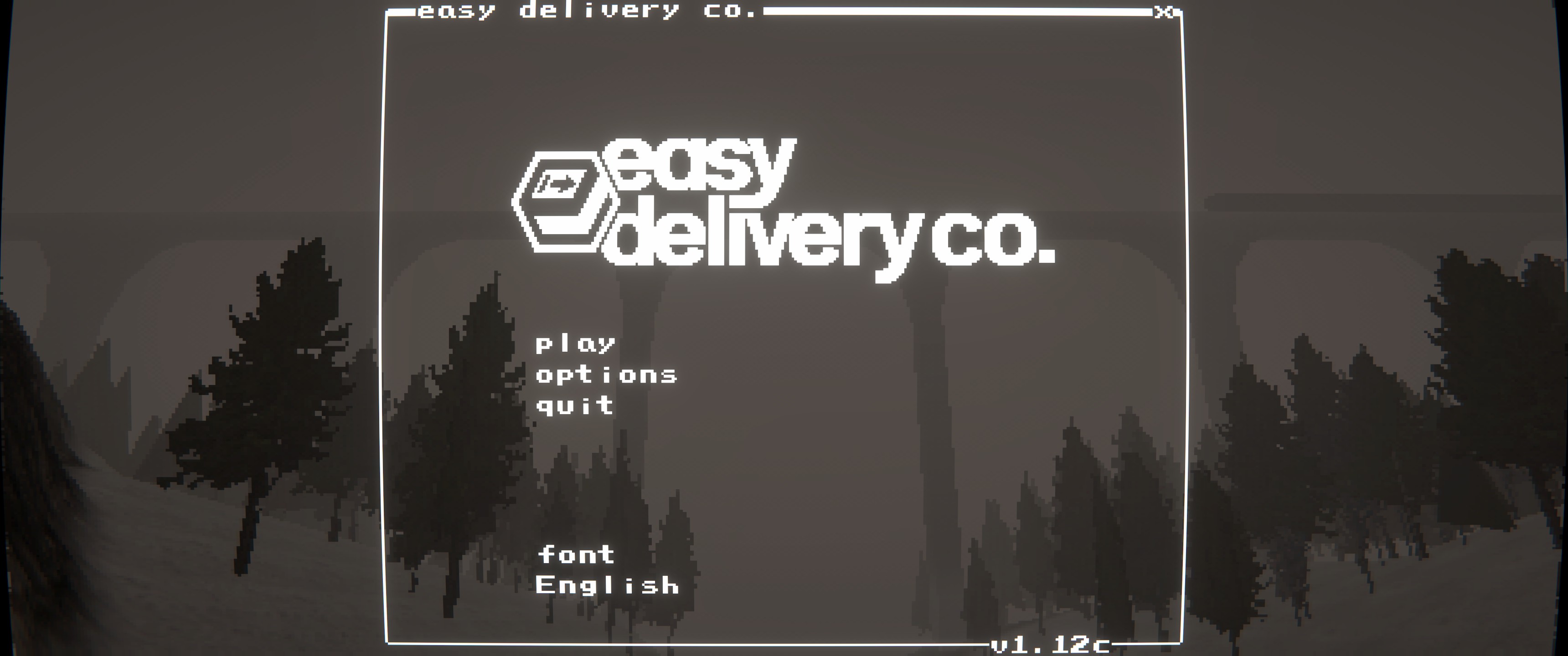
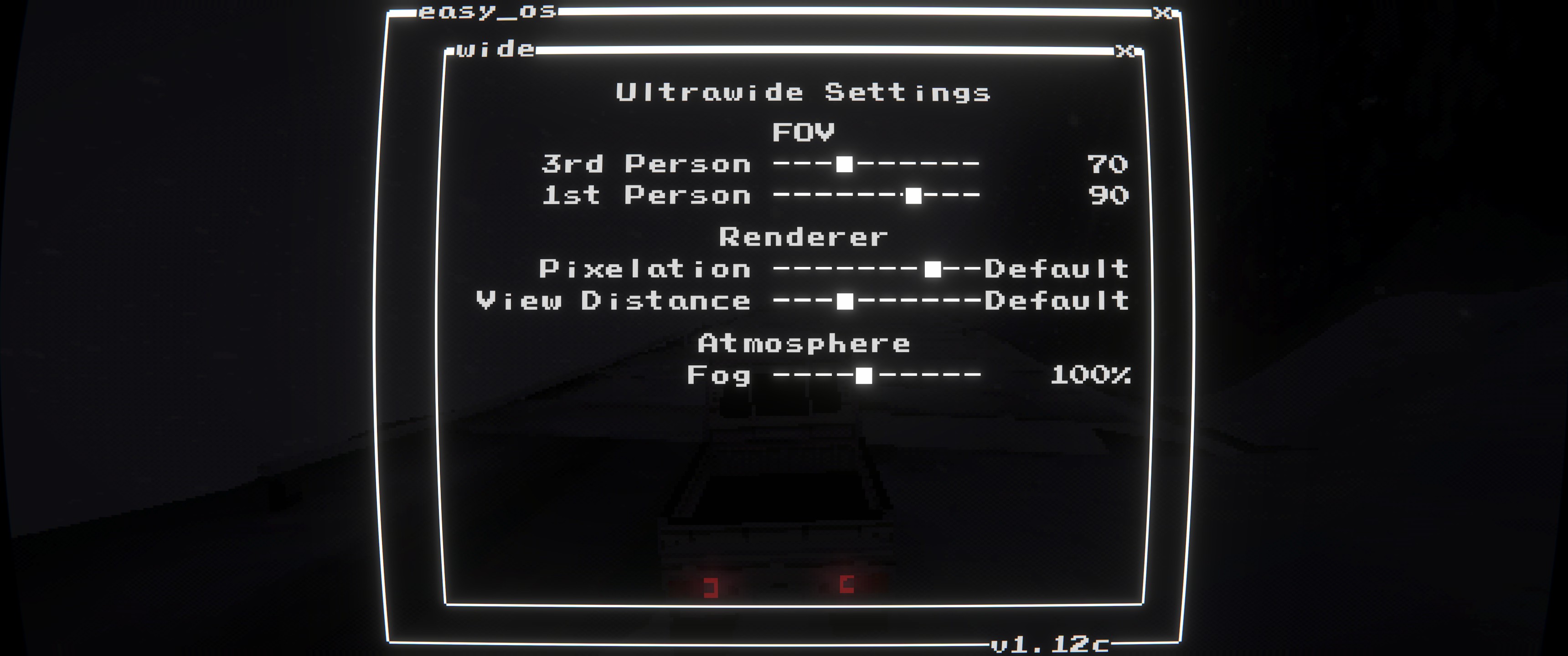
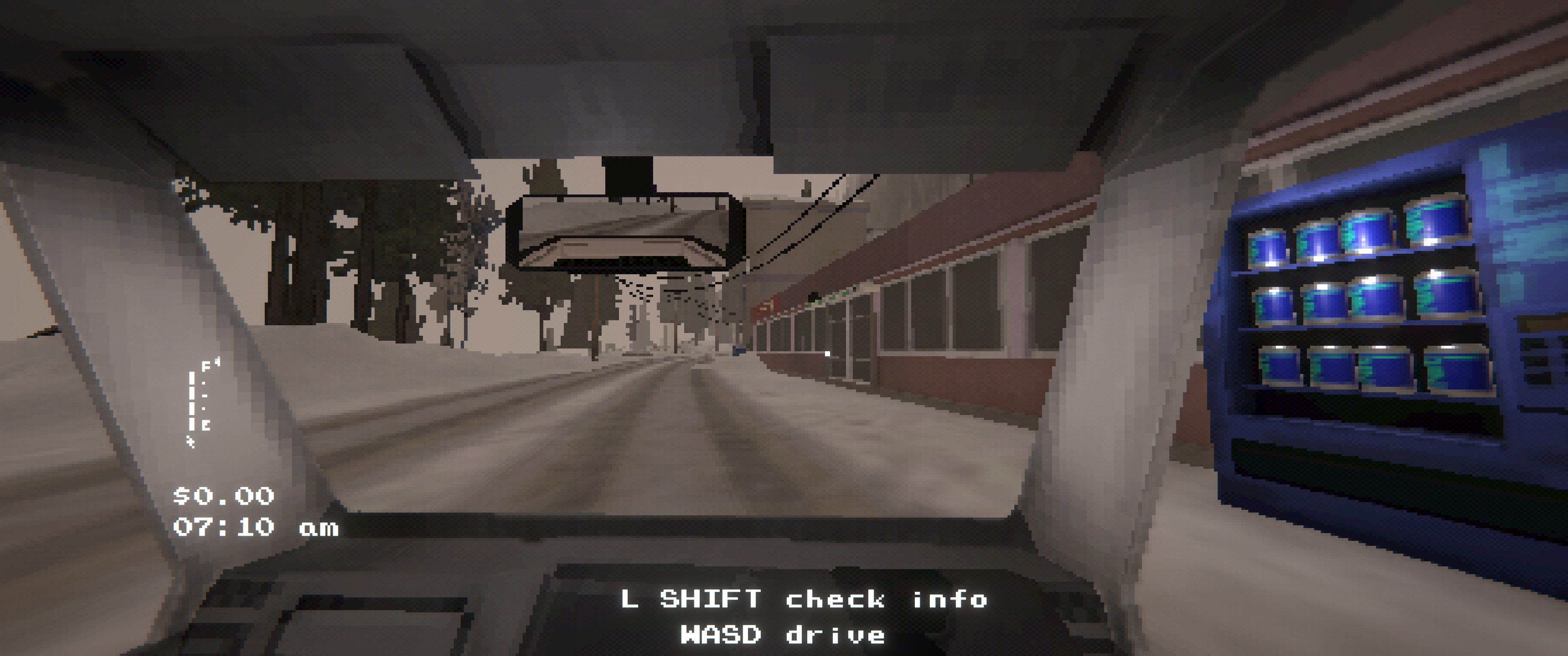
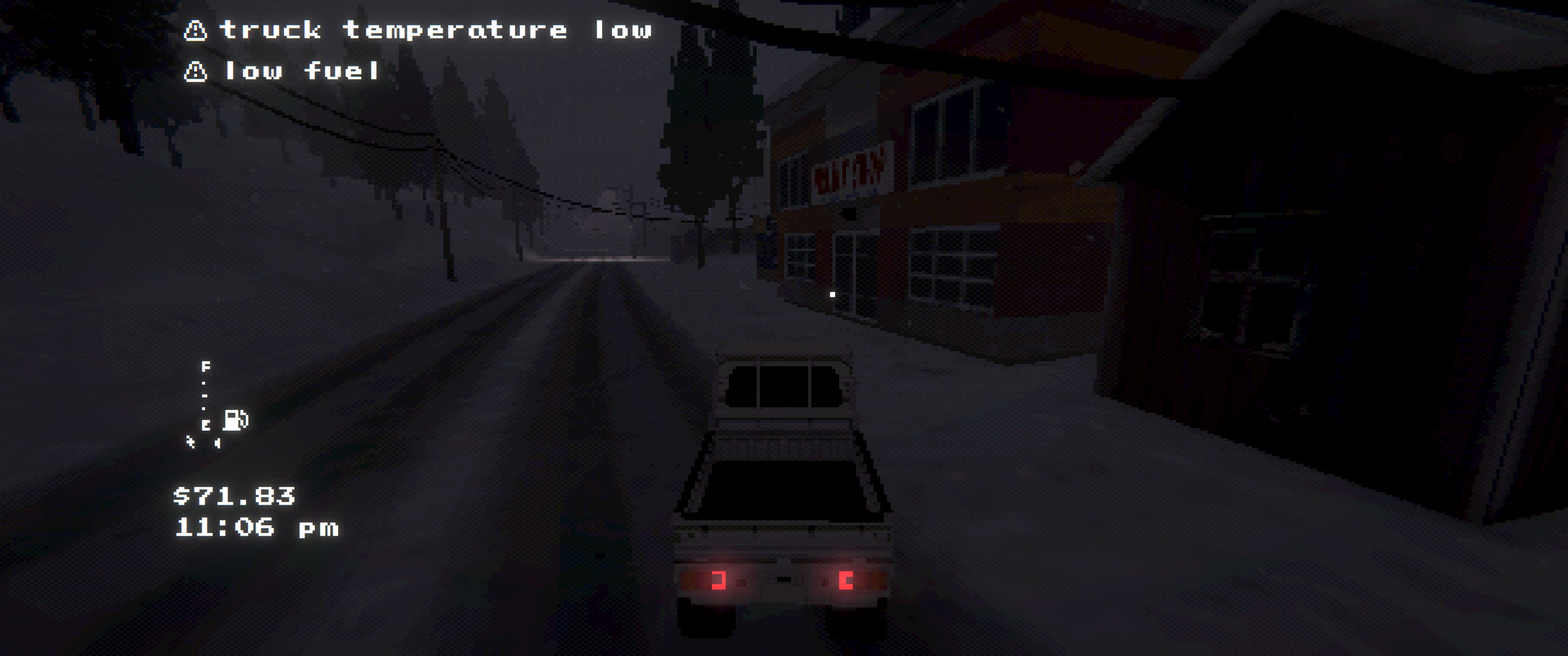
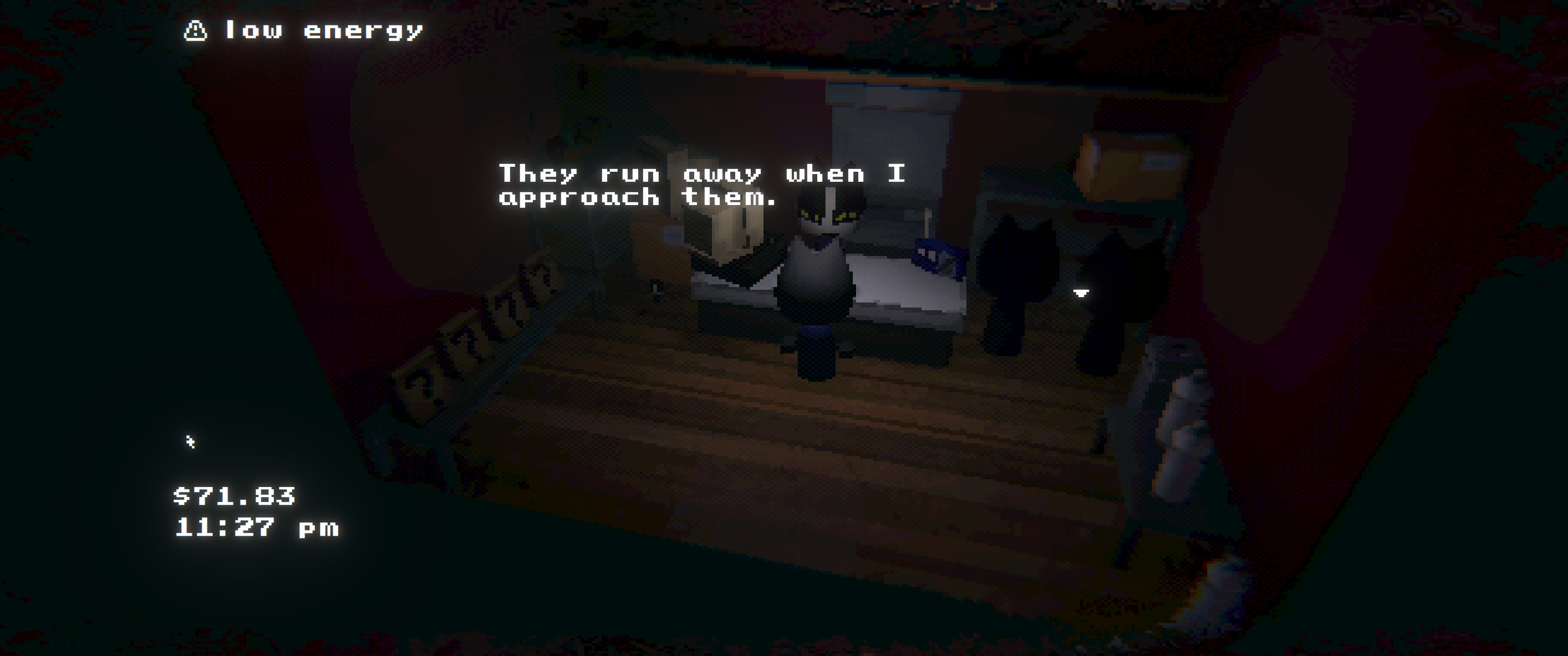
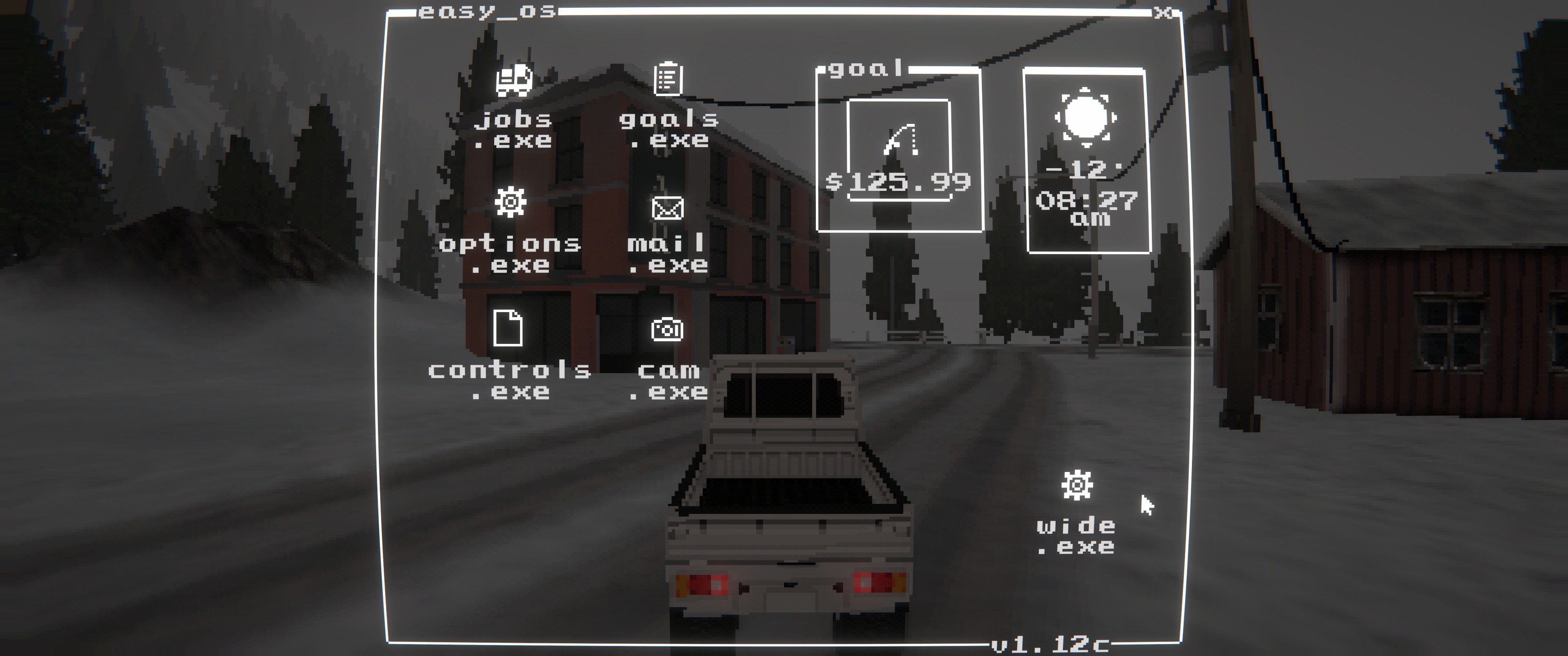

Installation
- r2modman/Thunderstore: install and launch the game
- Manual: copy
EasyDeliveryCoUltrawide.dlltoBepInEx/plugins/EasyDeliveryCoUltrawide/
Configuration
- Config file:
BepInEx/config/shibe.easydeliveryco.ultrawide.cfg enable_mod: enable/disable the modenable_hud_fix: enable/disable HUD scaling and positioning fixesaspect_ratio:auto(display),window,21:9,32:9,2.39
Planned Features
- Add menu in-game for FOV settings
Build
- Build:
dotnet build EasyDeliveryCoUltrawide/EasyDeliveryCoUltrawide.csproj -c Release - Package:
powershell -NoProfile -ExecutionPolicy Bypass -File scripts/package.ps1 -Version 1.0.6
CHANGELOG
1.2.1
- Deprecated; use SebUltrawide: https://thunderstore.io/c/easy-delivery-co/p/shiibe/SebUltrawide/
1.2.0
- Add
defaultaspect mode to disable ultrawide fixes (vanilla presentation) while keeping pixelation usable. - Improve
aspect_ratio=autoto use the current window aspect ratio (rounded) to avoid CRT edge smearing. - Fix world-space HUD labels (interaction + inventory label) drifting when pixelation changes the render texture size.
- Tune
PixelationLarge strength (less aggressive). - Increase
View DistanceMax (higher far clip / LOD / shadow distance). - Add
Fogmultiplier slider to the in-game menu. - Clean up/standardize in-game menu spacing and labels.
1.1.2
- Clean up in-game settings menu labels (rename
Pixelationheader toRenderer; putView Distancelabel on the slider).
1.1.1
- Add
Pixelationslider towide.exemenu (None/Finer/Fine/Default/Large). - Add
View Distanceslider towide.exemenu (Near/Default/Far/Max). - Apply view distance changes to gameplay camera far clip + quality LOD/shadow distance.
- Add config options to control
wide.exeicon visibility/position on the main menu desktop. - Split performance logging into a separate toggle (
perf_logging). - Re-categorize config options for easier navigation.
- Misc internal cleanup.
1.1.0
- Add in-game mod menu (
wide.exe) for configuring in-game options. - Add separate FOV sliders for
1st Per.and3rd Per.(max 110). - Skip FOV overrides while inside buildings.
- Fix camera stretch in
CamDotExe. - Internal refactor/split
Plugin.csinto partials.
1.0.6
- Refresh README screenshots.
1.0.5
- Rename
enable_ultrawide_modetoenable_mod. - Add
enable_hud_fixtoggle to control HUD scaling behavior.
1.0.4
- Remove the FOV override patching and related config entries.
- Simplify configuration docs to match current options.
1.0.3
- Force menu cameras to use the target aspect ratio on intro/choose screens.
- Apply aspect fixes to primary gameplay cameras on refresh.
- Rescale overlays after FOV overrides to keep transitions aligned.
- Refresh README icon and screenshots.
1.0.2
- Default
aspect_ratiotoautoand clarify config docs. - Add README screenshots and refresh packaging notes.
1.0.1
- Update manifest/README wording.
- Packaging metadata refresh.
1.0.0
- Initial public release.
- Ultrawide camera and UI overlay fixes for Easy Delivery Co.
