
This package has been marked as deprecated, and it's suggested another
alternative is used.
You are viewing a potentially older version of this package.
View all versions.

EasyDeliveryCoUltrawide
Ultrawide support for Easy Delivery Co.
| Date uploaded | 7 months ago |
| Version | 1.1.2 |
| Download link | shiibe-EasyDeliveryCoUltrawide-1.1.2.zip |
| Downloads | 25 |
| Dependency string | shiibe-EasyDeliveryCoUltrawide-1.1.2 |
This mod requires the following mods to function

BepInEx-BepInExPack
BepInEx pack for Mono Unity games. Preconfigured and ready to use.
Preferred version: 5.4.2304README

EasyDeliveryCoUltrawide
Ultrawide monitor support for Easy Delivery Co.
About
·
Screenshots
·
Features
·
Installation
·
Configuration
·
In-Game Menu
·
Build
About
This is a BepInEx + Harmony mod that patches Easy Delivery Co's camera and UI systems to behave better on ultrawide.
- Forces primary gameplay cameras to render full-width on ultrawide (and can override camera aspect to a target ratio)
- Rescales menu/pause/transition overlays so fades/backdrops cover the full screen
- Patches HUD rendering paths (
pixelPerfectView/MiniRenderer) so UI stays readable instead of stretched - Adds a
wide.exeentry in the main menu that opens an in-game settings window - Saves separate 1st/3rd person FOV overrides to PlayerPrefs and applies the correct one at runtime
Screenshots
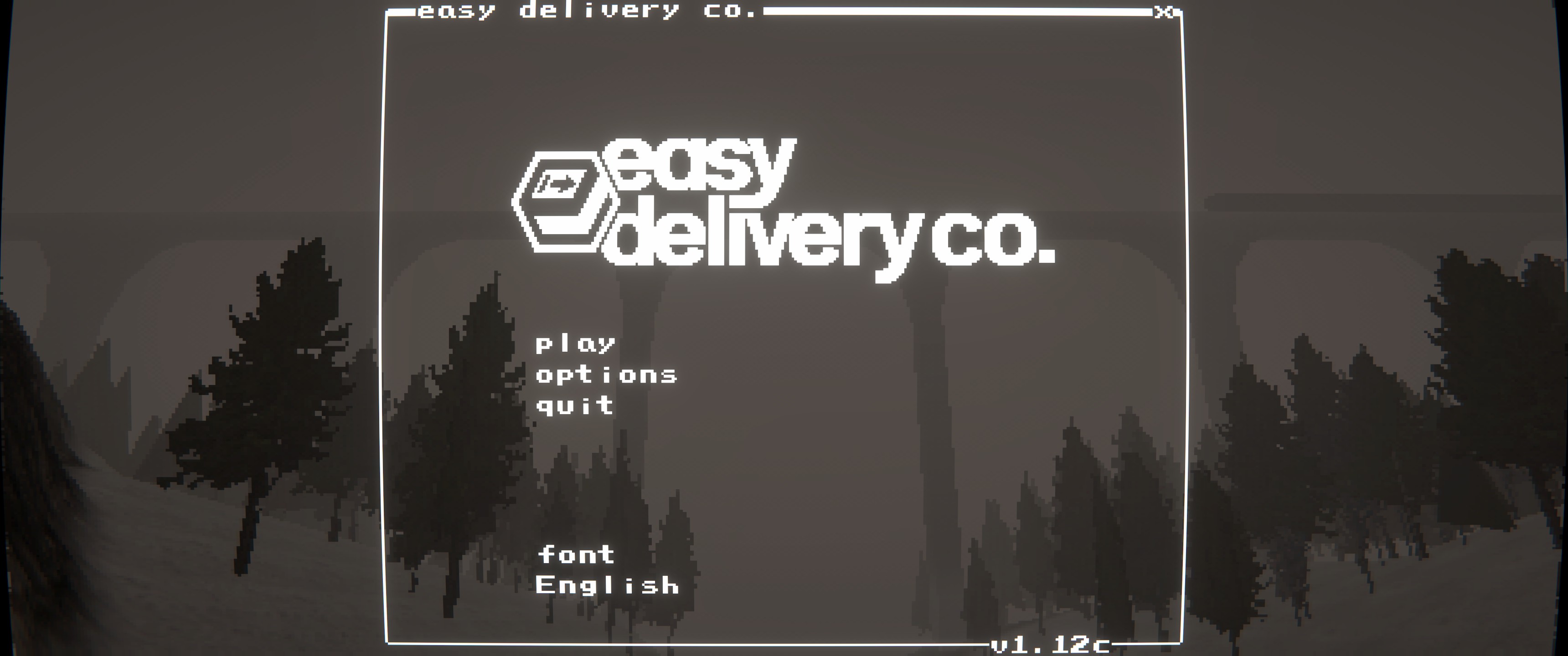
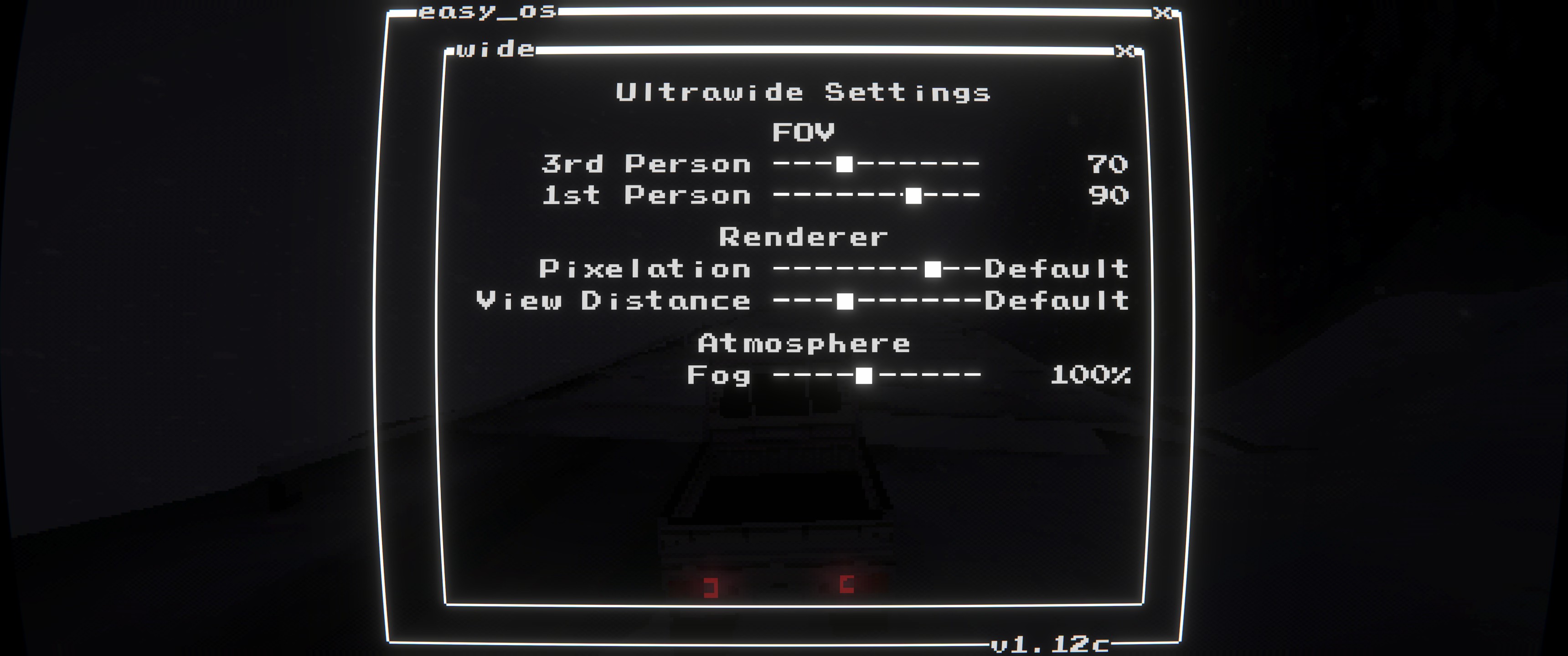
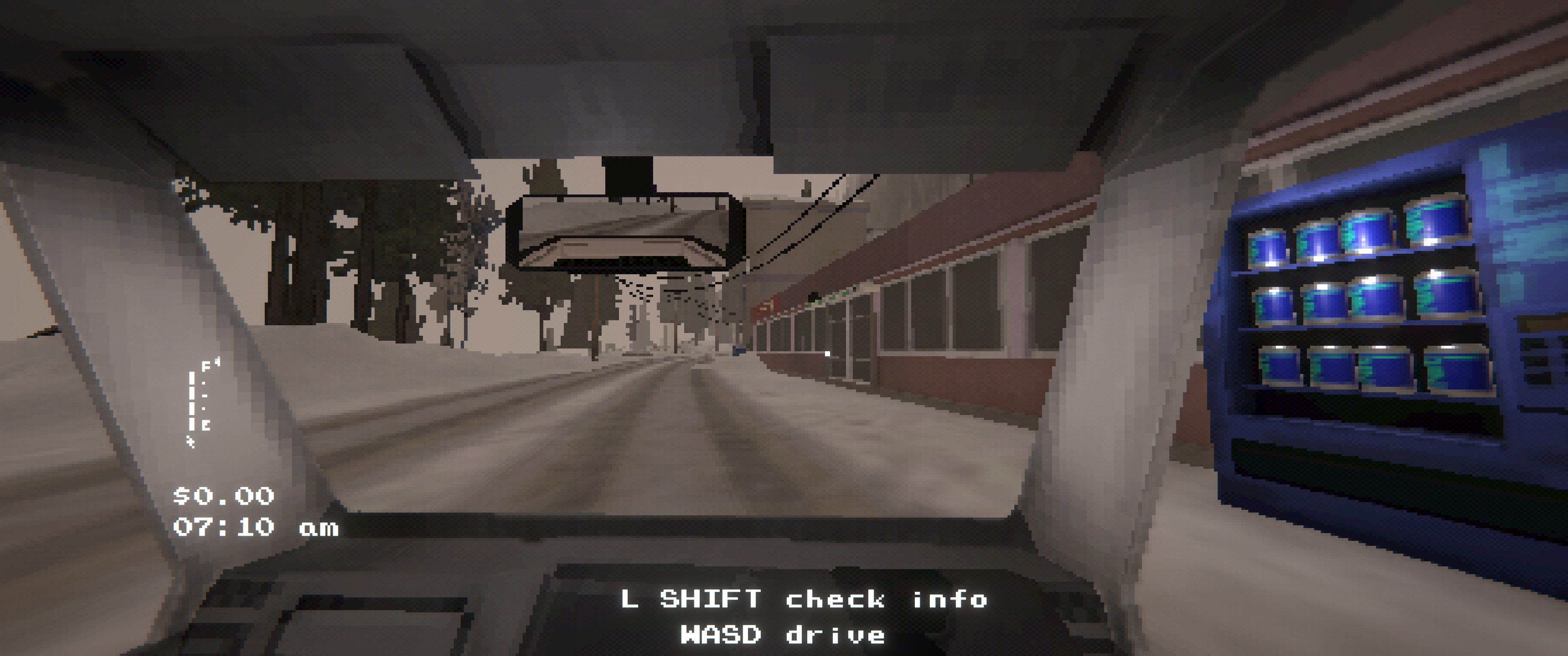
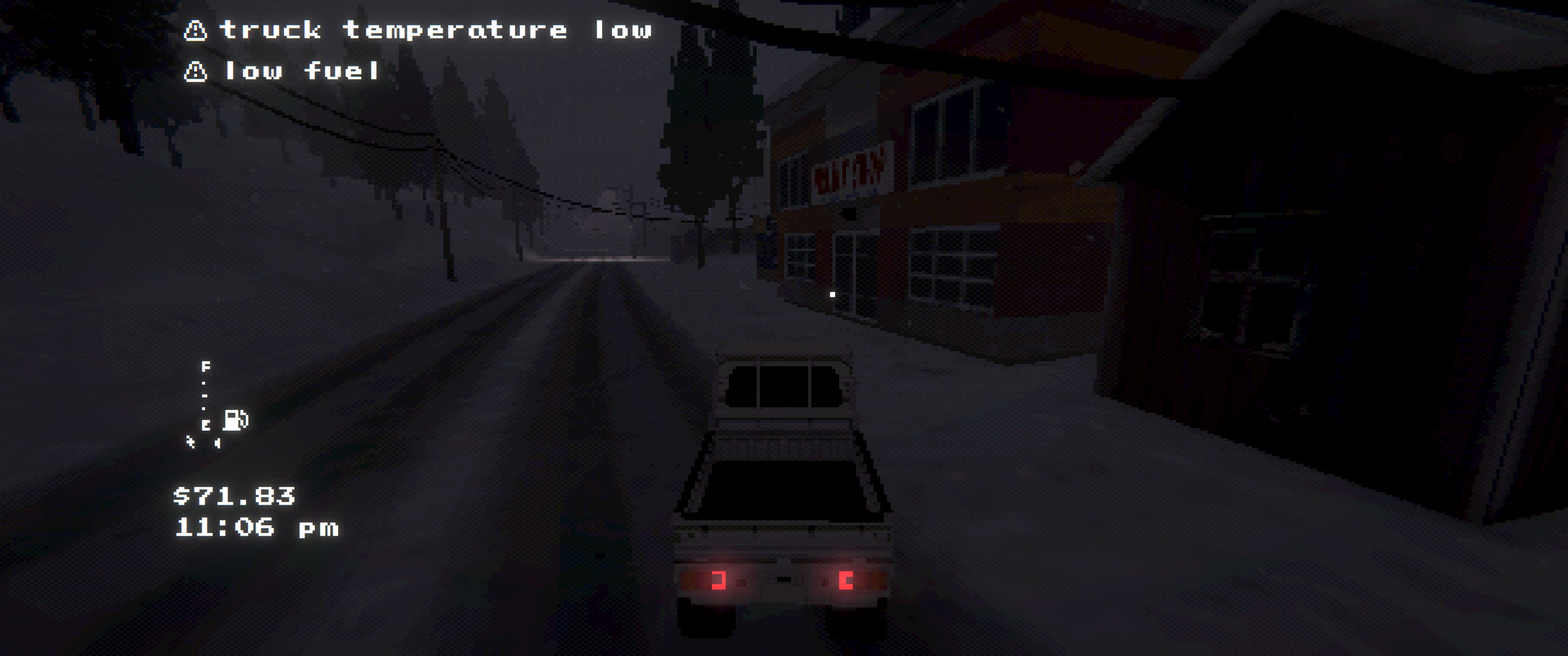
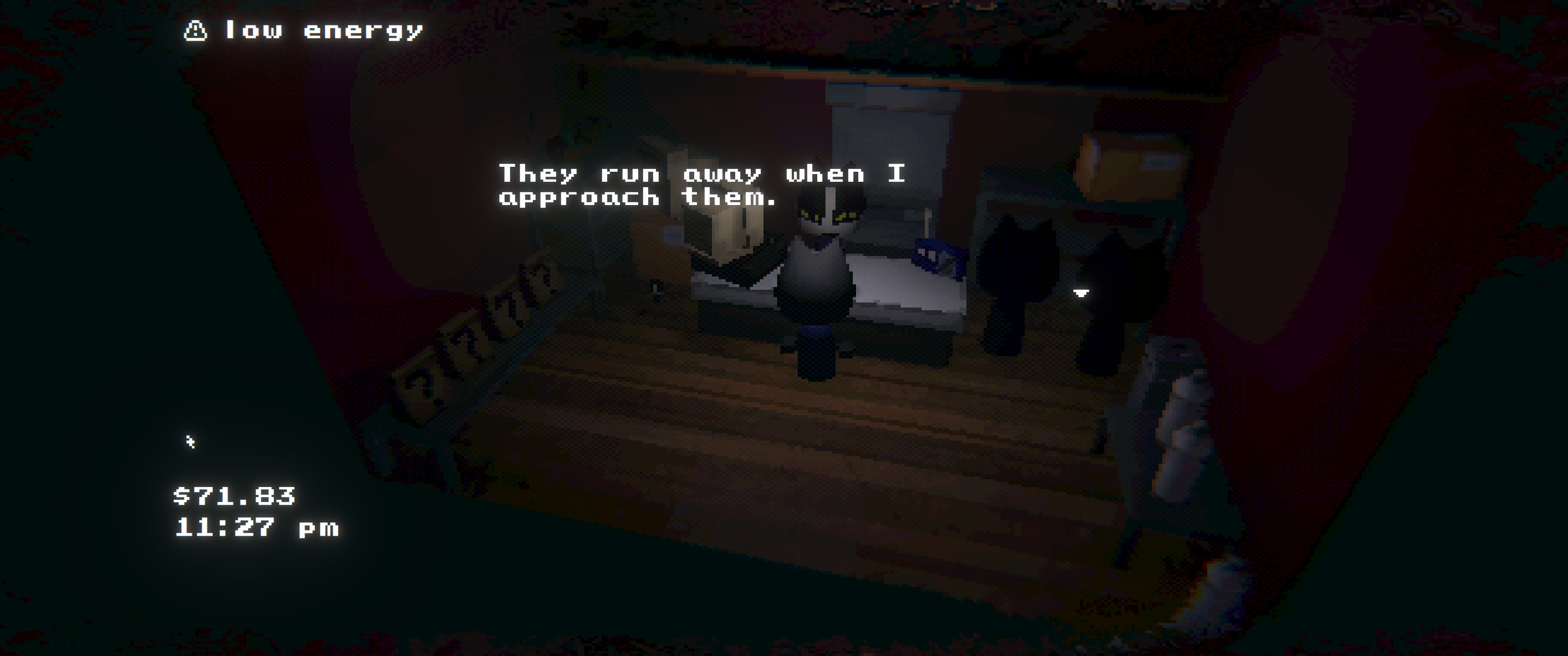
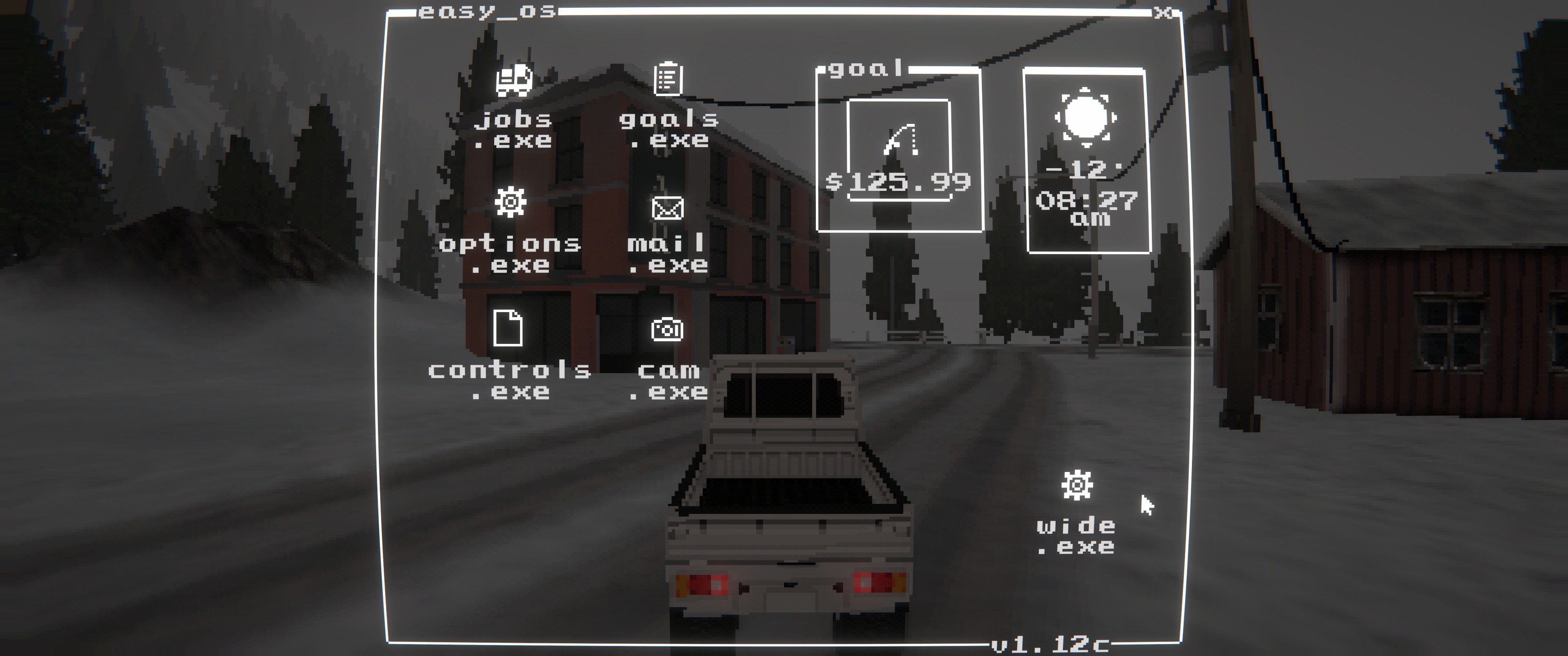

Features
- Full-width gameplay viewport on ultrawide
- Optional aspect ratio override for gameplay + menu cameras
- Overlay fixes (menus, pause, transitions) scaled to full width
- HUD scaling and positioning fixes (toggleable)
- In-game settings menu via
wide.exein the main menu- Separate
1st Per./3rd Per.FOV sliders (max 110) Pixelationslider for the 3D view (None/Finer/Fine/Default/Large)View Distanceslider (Near/Default/Far/Max)
- Separate
- Automatically skips FOV overrides while inside buildings
Installation
Dependencies
BepInEx-BepInExPack-5.4.2304
Install
- r2modman/Thunderstore: install and launch the game
- Manual: copy
EasyDeliveryCoUltrawide.dlltoBepInEx/plugins/EasyDeliveryCoUltrawide/
Configuration
- Config file:
BepInEx/config/shibe.easydeliveryco.ultrawide.cfg enable_mod: enable/disable the modenable_hud_fix: enable/disable HUD scaling and positioning fixesaspect_ratio:auto(display),window,21:9,32:9,2.39
In-Game Menu
- Click
wide.exein the main menu to access the settings - FOV: separate saved values for
1st Per.and3rd Per. - Pixelation: adjusts the 3D view render target (does not affect HUD/menu rendering)
- View Distance: adjusts gameplay camera draw distance + LOD/shadow distance
- Saved in PlayerPrefs (not the BepInEx config)
Build
- Build:
dotnet build EasyDeliveryCoUltrawide/EasyDeliveryCoUltrawide.csproj -c Release - Package:
powershell -NoProfile -ExecutionPolicy Bypass -File scripts/package.ps1 -Version 1.1.2
CHANGELOG
1.2.1
- Deprecated; use SebUltrawide: https://thunderstore.io/c/easy-delivery-co/p/shiibe/SebUltrawide/
1.2.0
- Add
defaultaspect mode to disable ultrawide fixes (vanilla presentation) while keeping pixelation usable. - Improve
aspect_ratio=autoto use the current window aspect ratio (rounded) to avoid CRT edge smearing. - Fix world-space HUD labels (interaction + inventory label) drifting when pixelation changes the render texture size.
- Tune
PixelationLarge strength (less aggressive). - Increase
View DistanceMax (higher far clip / LOD / shadow distance). - Add
Fogmultiplier slider to the in-game menu. - Clean up/standardize in-game menu spacing and labels.
1.1.2
- Clean up in-game settings menu labels (rename
Pixelationheader toRenderer; putView Distancelabel on the slider).
1.1.1
- Add
Pixelationslider towide.exemenu (None/Finer/Fine/Default/Large). - Add
View Distanceslider towide.exemenu (Near/Default/Far/Max). - Apply view distance changes to gameplay camera far clip + quality LOD/shadow distance.
- Add config options to control
wide.exeicon visibility/position on the main menu desktop. - Split performance logging into a separate toggle (
perf_logging). - Re-categorize config options for easier navigation.
- Misc internal cleanup.
1.1.0
- Add in-game mod menu (
wide.exe) for configuring in-game options. - Add separate FOV sliders for
1st Per.and3rd Per.(max 110). - Skip FOV overrides while inside buildings.
- Fix camera stretch in
CamDotExe. - Internal refactor/split
Plugin.csinto partials.
1.0.6
- Refresh README screenshots.
1.0.5
- Rename
enable_ultrawide_modetoenable_mod. - Add
enable_hud_fixtoggle to control HUD scaling behavior.
1.0.4
- Remove the FOV override patching and related config entries.
- Simplify configuration docs to match current options.
1.0.3
- Force menu cameras to use the target aspect ratio on intro/choose screens.
- Apply aspect fixes to primary gameplay cameras on refresh.
- Rescale overlays after FOV overrides to keep transitions aligned.
- Refresh README icon and screenshots.
1.0.2
- Default
aspect_ratiotoautoand clarify config docs. - Add README screenshots and refresh packaging notes.
1.0.1
- Update manifest/README wording.
- Packaging metadata refresh.
1.0.0
- Initial public release.
- Ultrawide camera and UI overlay fixes for Easy Delivery Co.
