
You are viewing a potentially older version of this package.
View all versions.

SebUltrawide
Ultrawide fixes + extra graphics settings for Easy Delivery Co.
| Date uploaded | 4 months ago |
| Version | 1.0.1 |
| Download link | shiibe-SebUltrawide-1.0.1.zip |
| Downloads | 255 |
| Dependency string | shiibe-SebUltrawide-1.0.1 |
This mod requires the following mods to function

BepInEx-BepInExPack
BepInEx pack for Mono Unity games. Preconfigured and ready to use.
Preferred version: 5.4.2304
shiibe-SebCore
Menu/launcher and shared utilities/APIs for Easy Delivery Co mods.
Preferred version: 1.0.2README

SebUltrawide
Ultrawide fixes + a few extra graphics knobs for Easy Delivery Co.
About
·
Features
·
Screenshots
·
Installation
·
Configuration
·
In-Game Menu
·
Build
About
This is a BepInEx + Harmony mod that fixes Easy Delivery Co's ultrawide presentation and adds an in-game settings panel (launched from SebCore).
Ultrawide behavior is optional: set aspect_ratio=default to keep the game's original presentation while still using the extra settings.
- Full-width gameplay viewport on ultrawide (with optional aspect override)
- Menu/pause/transition overlay scaling so fades/backdrops cover the screen
- HUD rendering fixes (
pixelPerfectView/MiniRenderer) so UI and world-space labels stay aligned (even with pixelation) - In-game settings: FOV (1st/3rd person), pixelation, view distance
Features
- Full-width gameplay viewport on ultrawide
- Optional aspect ratio override for gameplay + menu cameras
- Overlay fixes (menus, pause, transitions) scaled to full width
- HUD scaling and positioning fixes
- In-game settings menu launched from SebCore
- Separate
1st Person/3rd PersonFOV sliders (max 110) Pixelationslider for the 3D view (None/Finer/Fine/Default/Large)View Distanceslider (Near/Default/Far/Max)- Automatically skips FOV overrides while inside buildings
- Separate
Screenshots
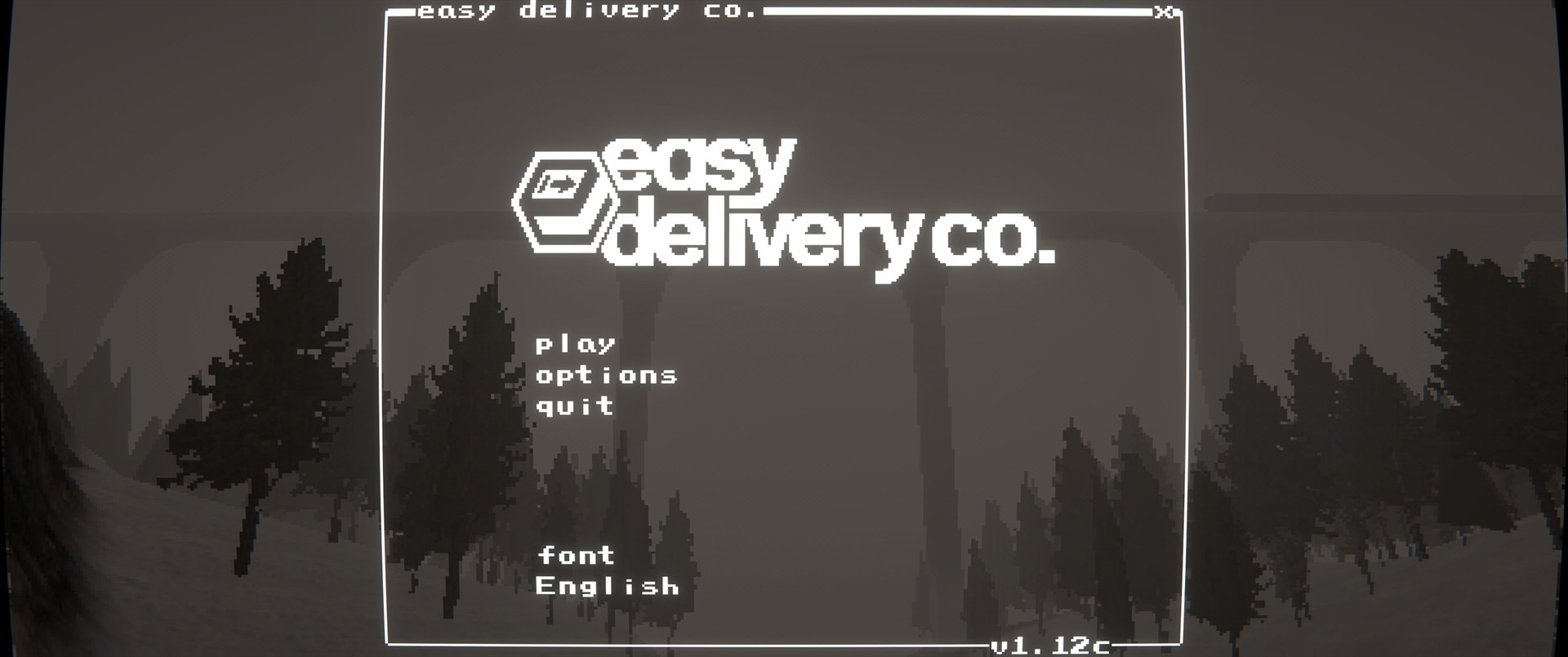 |
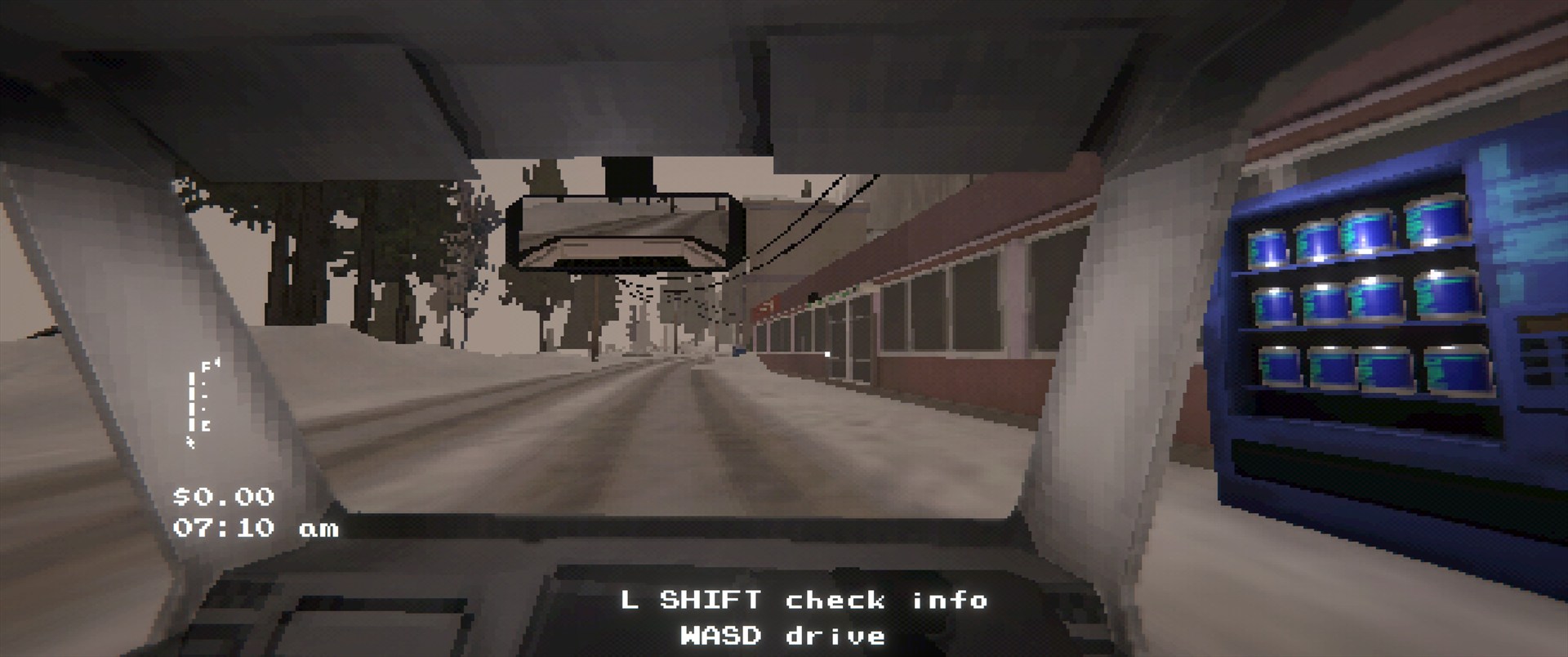 |
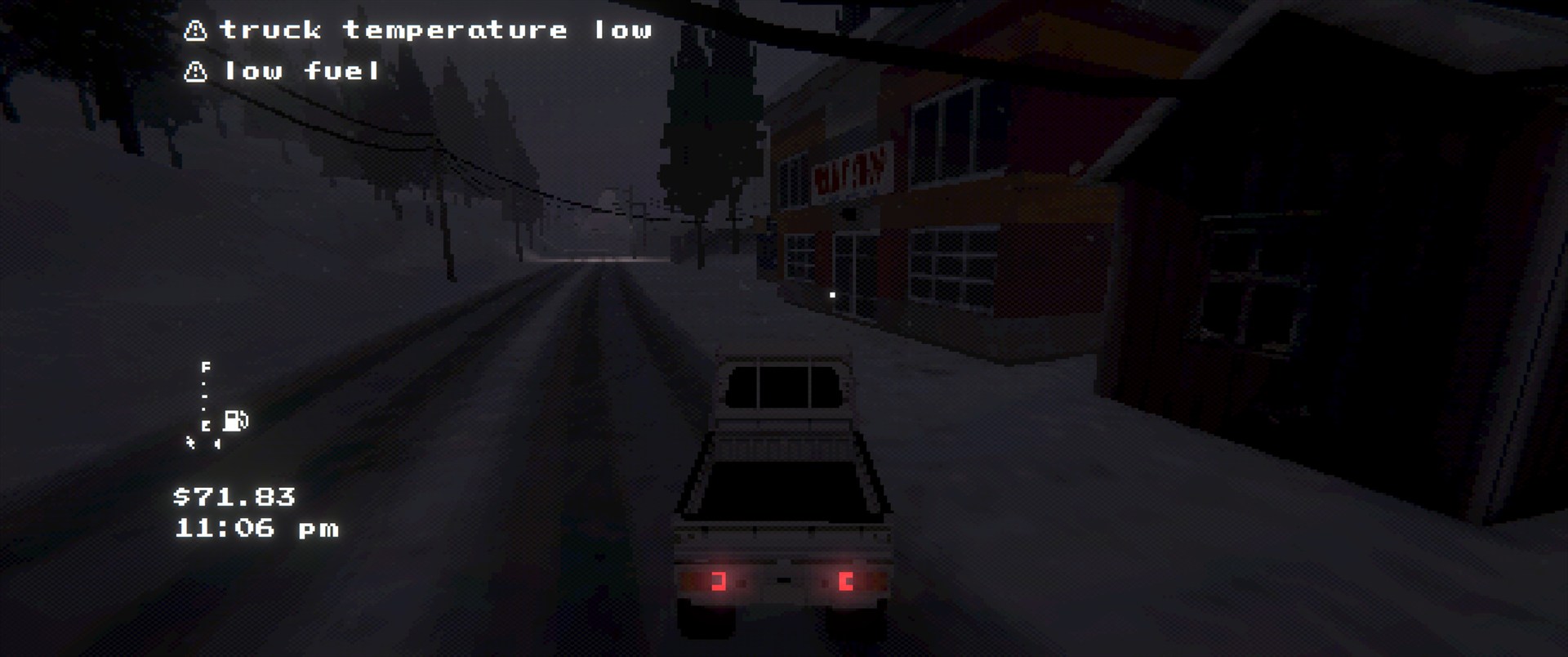 |
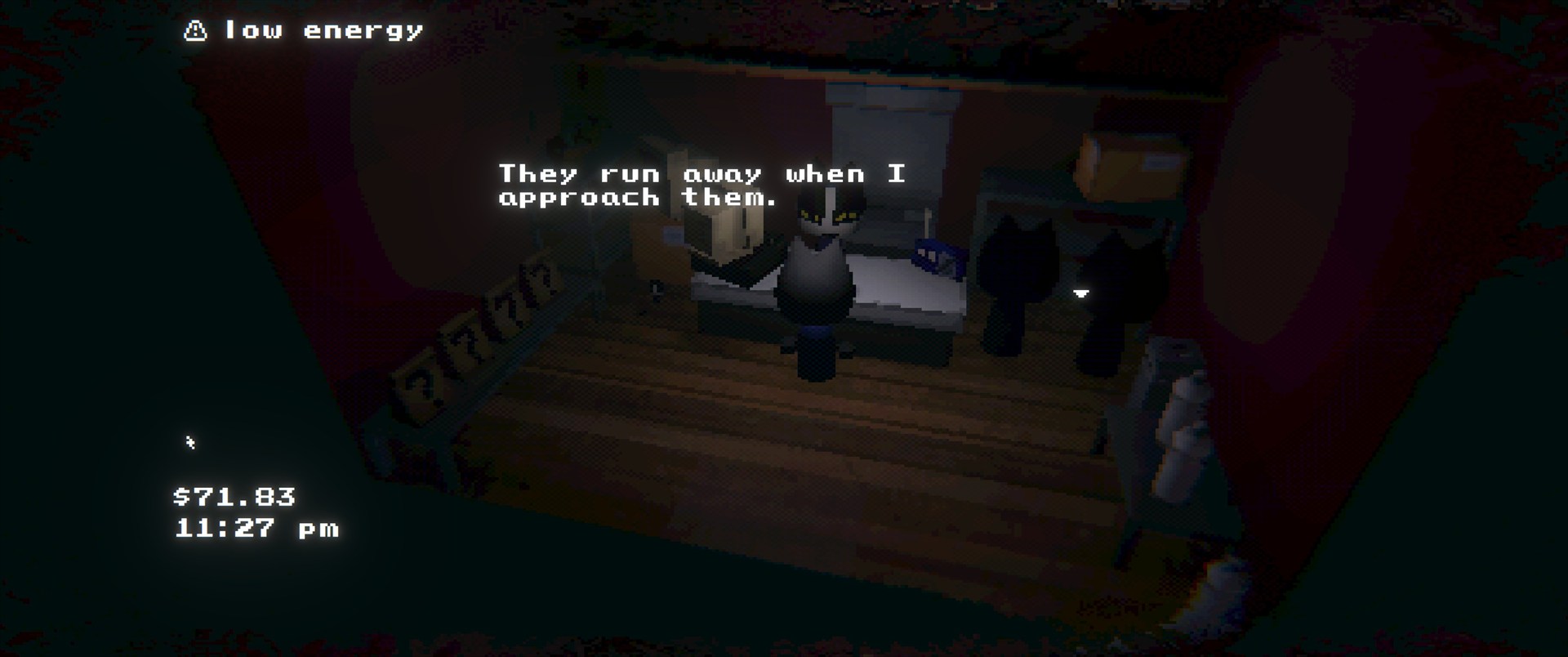 |
Installation
Dependencies
BepInEx-BepInExPack-5.4.2304shiibe-SebCore-1.0.2
Install
- r2modman/Thunderstore: https://thunderstore.io/c/easy-delivery-co/p/shiibe/SebUltrawide/
- Manual: copy
SebUltrawide.dlltoBepInEx/plugins/SebUltrawide/
Configuration
- Config file:
BepInEx/config/shibe.easydeliveryco.sebultrawide.cfg aspect_ratio:default,auto,w:h(e.g.21:9), or a decimal ratio (e.g.2.39)- Use
aspect_ratio=defaultto disable ultrawide fixes while keeping the in-game settings (FOV/pixelation/view distance).
- Use
Logging.debug_logging(bool): Debug info about applied adjustmentsLogging.perf_logging(bool): Periodic perf counters (noisy)Logging.perf_log_interval_seconds(float): How often to emit perf logs
In-Game Menu
- Open
mods.exe(SebCore) then launchGraphics - FOV: separate saved values for
1st Personand3rd Person - Pixelation: adjusts the 3D view render target (does not affect HUD/menu rendering)
- View Distance: adjusts gameplay camera draw distance + LOD/shadow distance
- Saved in PlayerPrefs (not the BepInEx config)
Build
- Build:
dotnet build EasyDeliveryCoMods/EasyDeliveryCoMods.sln -c Release - Package all:
powershell -NoProfile -ExecutionPolicy Bypass -File scripts/package-all.ps1 -Version 1.0.0
CHANGELOG
1.0.1
- Add Reset Defaults button to the in-game graphics menu.
- 1st-person FOV slider now defaults to 90.
1.0.0
- Rename to
SebUltrawide. - Launch from
SebCore(no standalone desktop icon).
1.2.0
- Add
defaultaspect mode to disable ultrawide fixes (vanilla presentation) while keeping pixelation usable. - Improve
aspect_ratio=autoto use the current window aspect ratio (rounded) to avoid CRT edge smearing. - Fix world-space HUD labels (interaction + inventory label) drifting when pixelation changes the render texture size.
- Tune
PixelationLarge strength (less aggressive). - Increase
View DistanceMax (higher far clip / LOD / shadow distance). - Add
Fogmultiplier slider to the in-game menu. - Clean up/standardize in-game menu spacing and labels.
1.1.2
- Clean up in-game settings menu labels (rename
Pixelationheader toRenderer; putView Distancelabel on the slider).
1.1.1
- Add
Pixelationslider towide.exemenu (None/Finer/Fine/Default/Large). - Add
View Distanceslider towide.exemenu (Near/Default/Far/Max). - Apply view distance changes to gameplay camera far clip + quality LOD/shadow distance.
- Add config options to control
wide.exeicon visibility/position on the main menu desktop. - Split performance logging into a separate toggle (
perf_logging). - Re-categorize config options for easier navigation.
- Misc internal cleanup.
1.1.0
- Add in-game mod menu (
wide.exe) for configuring in-game options. - Add separate FOV sliders for
1st Per.and3rd Per.(max 110). - Skip FOV overrides while inside buildings.
- Fix camera stretch in
CamDotExe. - Internal refactor/split
Plugin.csinto partials.
1.0.6
- Refresh README screenshots.
1.0.5
- Rename
enable_ultrawide_modetoenable_mod. - Add
enable_hud_fixtoggle to control HUD scaling behavior.
1.0.4
- Remove the FOV override patching and related config entries.
- Simplify configuration docs to match current options.
1.0.3
- Force menu cameras to use the target aspect ratio on intro/choose screens.
- Apply aspect fixes to primary gameplay cameras on refresh.
- Rescale overlays after FOV overrides to keep transitions aligned.
- Refresh README icon and screenshots.
1.0.2
- Default
aspect_ratiotoautoand clarify config docs. - Add README screenshots and refresh packaging notes.
1.0.1
- Update manifest/README wording.
- Packaging metadata refresh.
1.0.0
- Initial public release.
- Ultrawide camera and UI overlay fixes for Easy Delivery Co.
