Please disclose if any significant portion of your mod was created using AI tools by adding the 'AI Generated' category. Failing to do so may result in the mod being removed from Thunderstore.
You are viewing a potentially older version of this package.
View all versions.
PlayerAvatarLoader
Loads unique avatars for individual players. Makes use of ModelReplacementAPI
| Date uploaded | 2 years ago |
| Version | 1.0.1 |
| Download link | NotAustin-PlayerAvatarLoader-1.0.1.zip |
| Downloads | 1933 |
| Dependency string | NotAustin-PlayerAvatarLoader-1.0.1 |
This mod requires the following mods to function

BepInEx-BepInExPack
BepInEx pack for Mono Unity games. Preconfigured and ready to use.
Preferred version: 5.4.2100
README
PlayerAvatarLoader v1.0.0
Uses ModelReplacementAPI to load a number of unique models for each player
Features
- Allows each player to have up to 4 unique models (1 for each vanilla suit).
- 4 default avatars are for anyone who does not have a unique asset bundle or for any suits someone's bundle does not have.
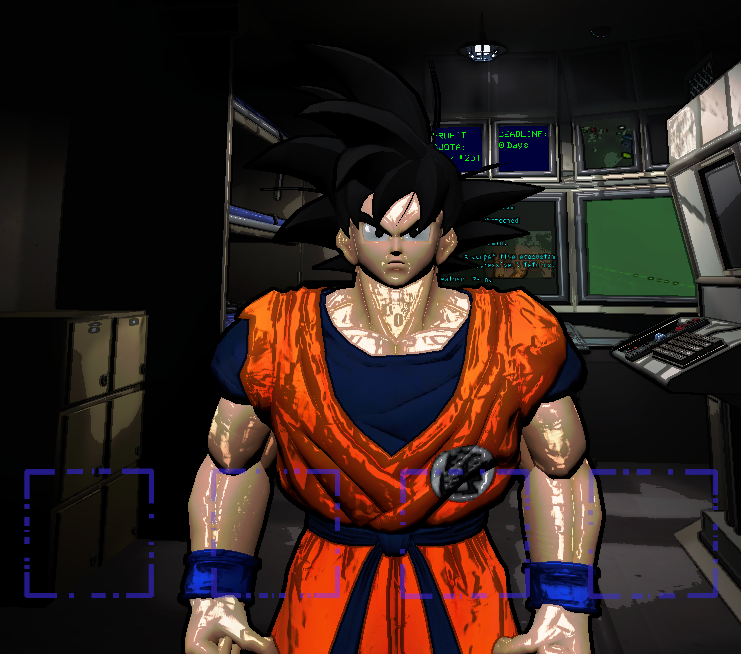
- Orange suit: Goku (Xenoverse 2)
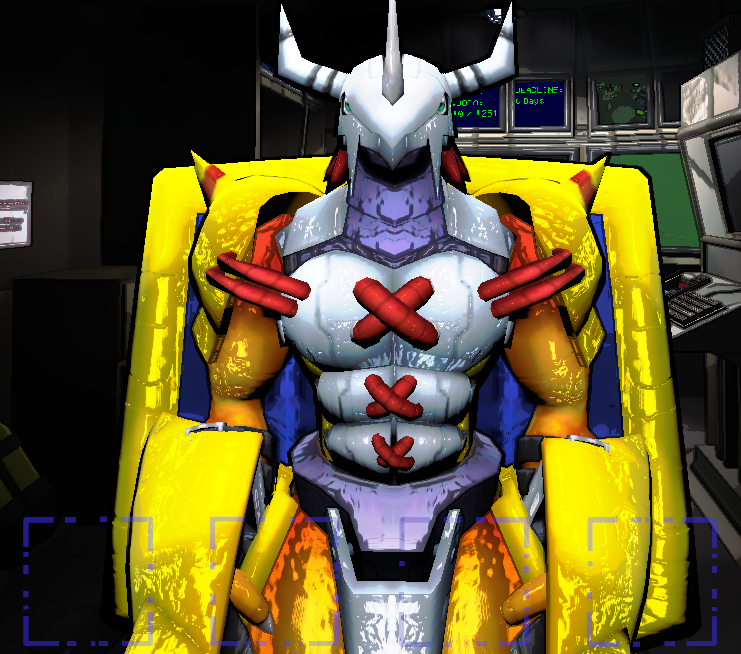
- Green suit: WarGreymon (Digimon Story: Cyber Sleuth)
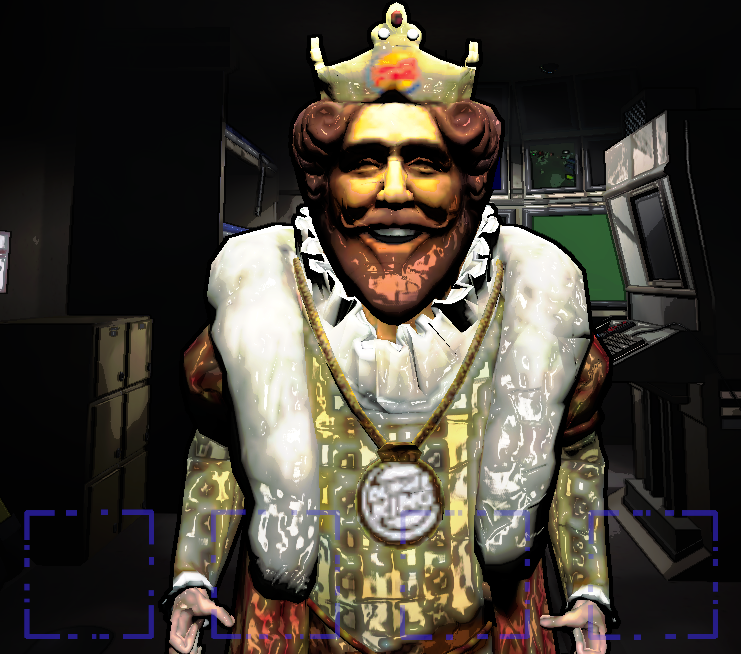
- Hazard suit: Burger King (Sneak King)
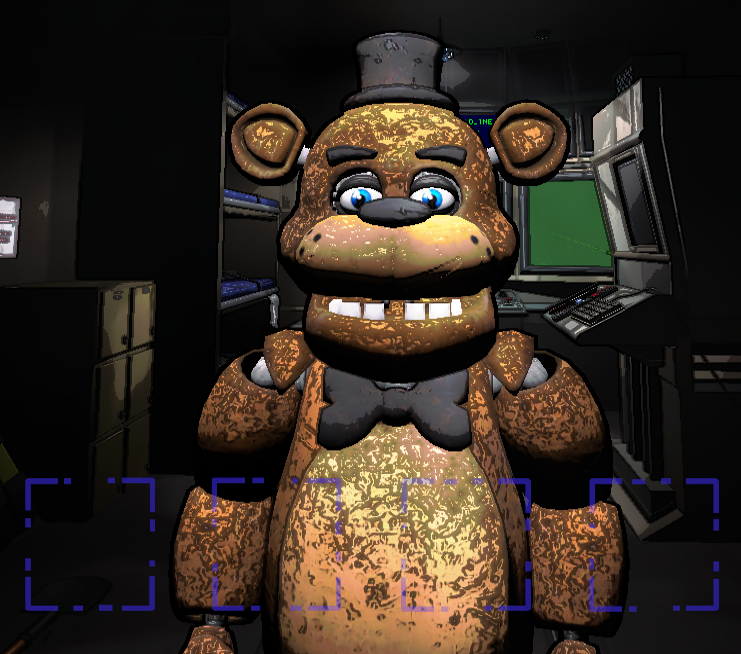
- Pajama suit: Freddy (Five Nights at Freddy's: Help Wanted)
- Works with More_Suits to remove the limit of 4 models. To use, edit this mod's config file to include ALL of the additional suit names you have loaded.
Instructions
- Create your asset bundle by following the ModelReplacementAPI Unity workflow HERE: https://github.com/BunyaPineTree/LethalCompany_ModelReplacementAPI/wiki/Using-the-Unity-Workflow
- Add every model you wish to have into one scene.
- Set every model's "Asset Bundle Name" to YOUR Steam64 ID.
- Set each model's "Asset Name" to the suit name you want to replace. (Ex: To replace the default orange suit you should name it "Orange suit", but to replace the hazard suit you should name it "Hazard suit".)
- Build the asset bundle and check the bundle's .Manifest to be sure all of your assets are present.
- Share your asset bundle with all players using the mod.
- Copy everyone's bundle into the "Avatars" folder inside the mod installation directory.
Known Issues
- Wearing any suit not added to the mod config will leave the player invisible.
- Dynamic bones or any similar feature is not supported (yet?).
Screenshots