

Fov
Field of view slider (50-120). Tap or hold [ and ] in game to change it on the fly.
| Date uploaded | 6 days ago |
| Version | 1.5.3 |
| Download link | medovanx-Fov-1.5.3.zip |
| Downloads | 61 |
| Dependency string | medovanx-Fov-1.5.3 |
This mod requires the following mods to function

LavaGang-MelonLoader
The World's First Universal Mod Loader for Unity Games compatible with both Il2Cpp and Mono
Preferred version: 0.7.3README
Fov

Version 1.5.3
Adds a field of view setting for your first-person view.
Pressing [ or ] in game:
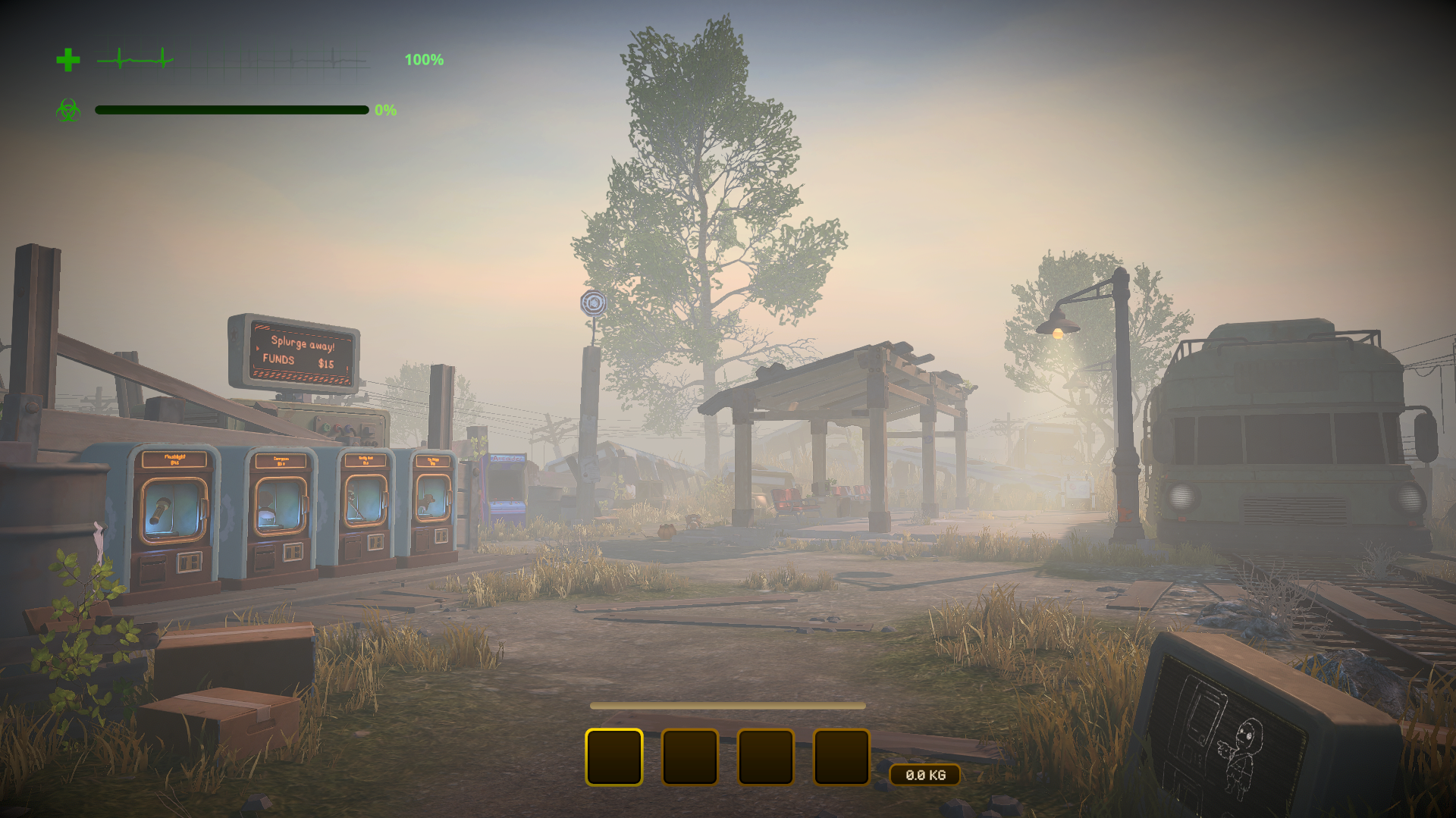
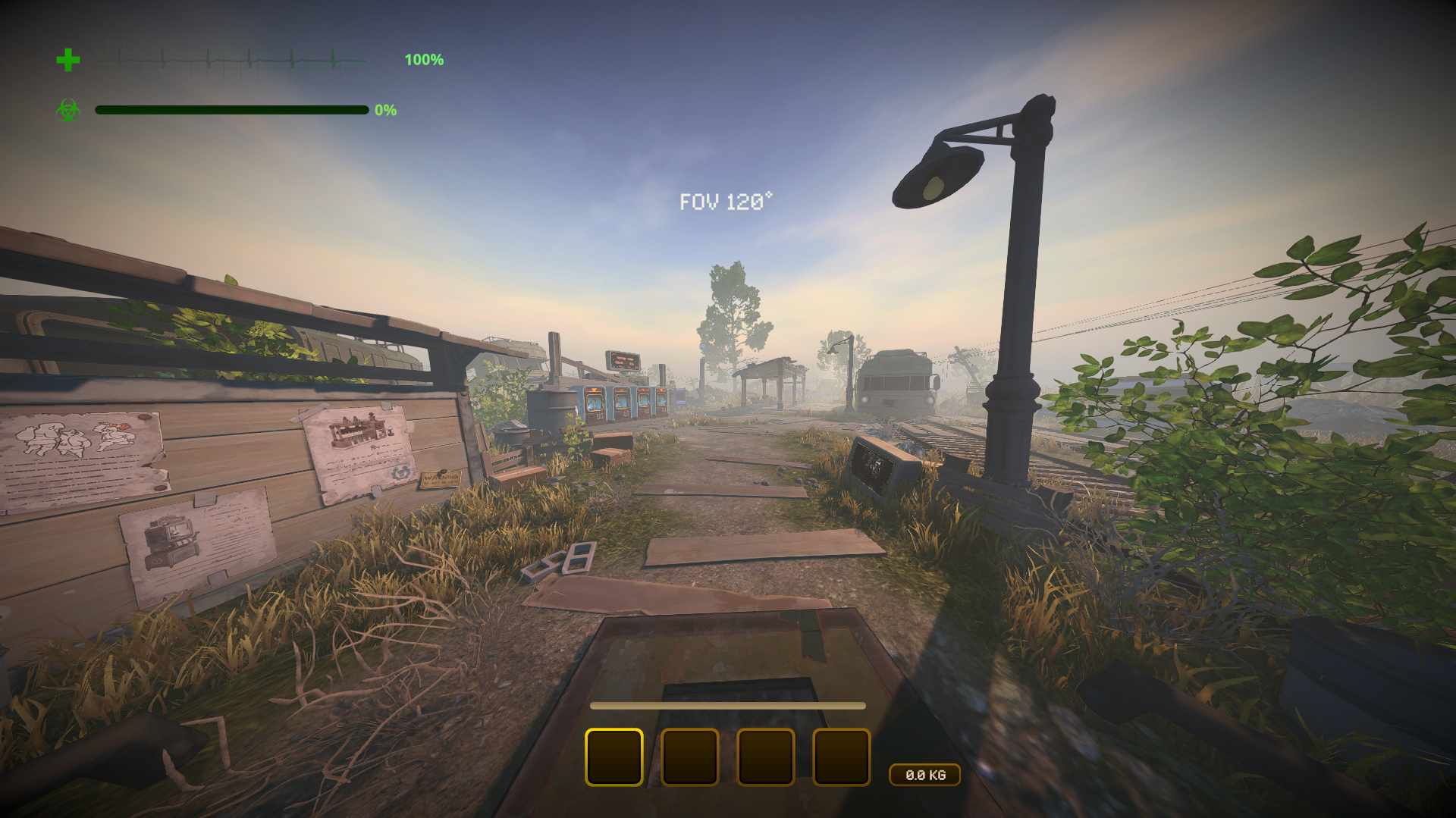
Only you need it.
Install
Use the installer, or install MelonLoader (x64, 0.7.x) into the game folder, run the game once, then copy FovRuntime.dll from this patch's release into the game's Mods folder.
Use
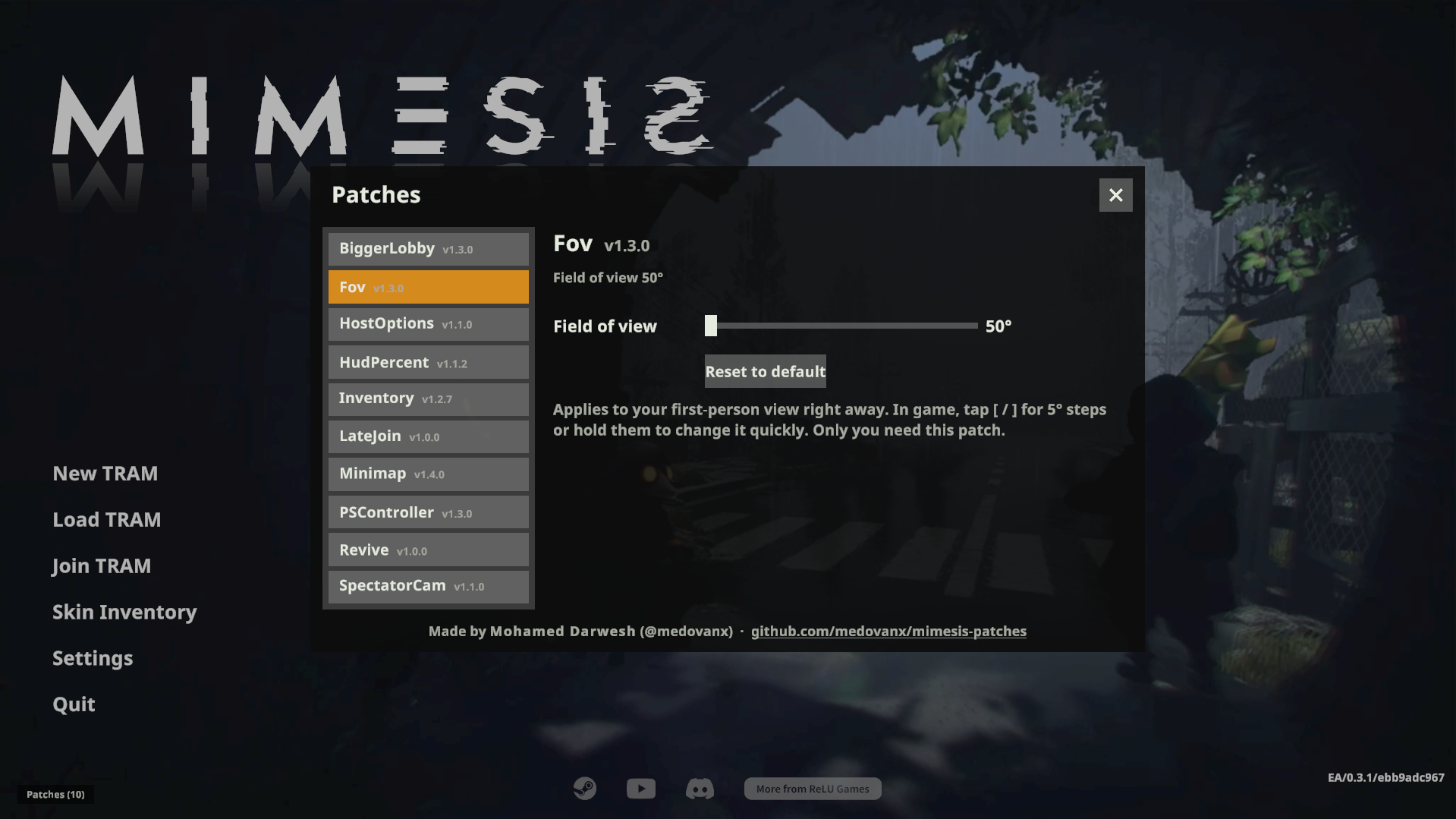
- Patches > Fov on the main menu: slider (50°-120°) or Reset to default.
- In game: tap [ / ] for 5° steps, or hold them to change it smoothly.
Changes apply right away and are saved.
Uninstall
Use the installer's Uninstall selected, or delete FovRuntime.dll from the game's Mods folder. Installed with Gale or r2modman? Remove or disable it there instead.
AI disclosure
This mod was made with the help of an AI coding assistant (Claude, by Anthropic): code, documentation and icons.
CHANGELOG
Fov changelog
1.5.3
- Thunderstore version: no updater code at all (mod managers handle updates). The GitHub / installer version keeps the in-game Update button
1.5.2
- AI disclosure in the README and the DLL
- Installed from a mod manager (Gale, r2modman): updates come from the mod manager; no self-updating
- README: uninstalling from a mod manager
1.5.1
- Installed from a mod manager (r2modman, Gale): updates come from the mod manager; the Patches window no longer checks GitHub or updates itself.
- AI disclosure added to the README and the DLL.
1.5.0
- Now a MelonLoader mod, the loader MIMESIS mods on Thunderstore use. Installer 5.0 sets up MelonLoader and moves existing installs over.
1.4.0
- Now a BepInEx 5 plugin: the game files are no longer modified. Installer 4.0 sets up BepInEx and moves existing installs over.
1.3.4
- Patches window: move it by the title bar and resize it from any edge or corner (remembered). Download progress stays on one line.
1.3.3
- Test release for the in-game updater (no changes).
1.3.2
- Patches window: Update all in the title bar; updates ask in a popup and show download progress, speed and time left.
1.3.1
- Patches window: update patches from inside the game, scrollable options, section headings, roomier layout, resizable from the bottom-right corner.
1.3.0
- Field of view slider (50-120°) in Patches → Fov; [ and ] change it in game: tap for 5° steps, hold to change smoothly.
