

PeakStickers
Generate PNG stickers of your PEAK character in every pose: transparent background, white die-cut border and auto-crop. One click from the customization passport!
| Date uploaded | 9 hours ago |
| Version | 0.1.0 |
| Download link | CoolShitREN-PeakStickers-0.1.0.zip |
| Downloads | 27 |
| Dependency string | CoolShitREN-PeakStickers-0.1.0 |
This mod requires the following mods to function

BepInEx-BepInExPack_PEAK
BepInEx pack for PEAK. Preconfigured and ready to use.
Preferred version: 5.4.75301README
Peak Stickers
English · Español

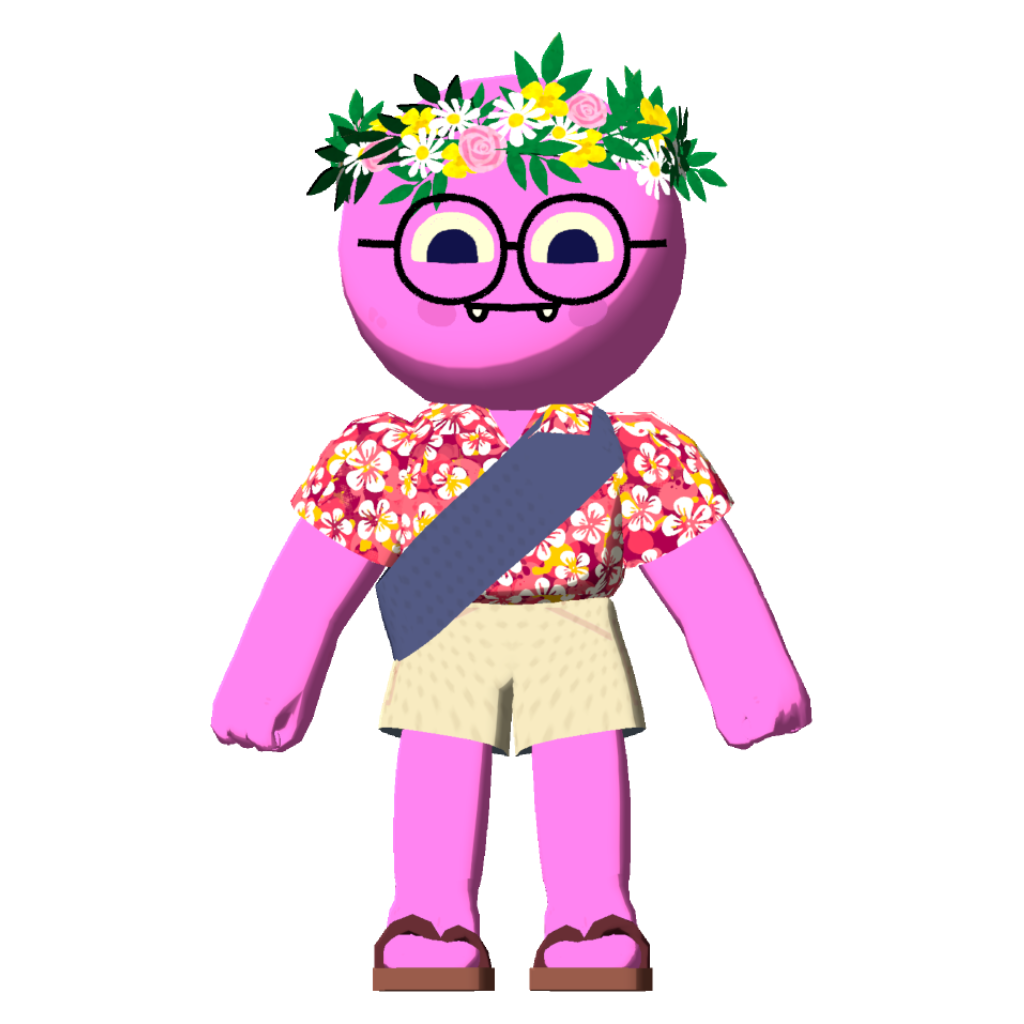
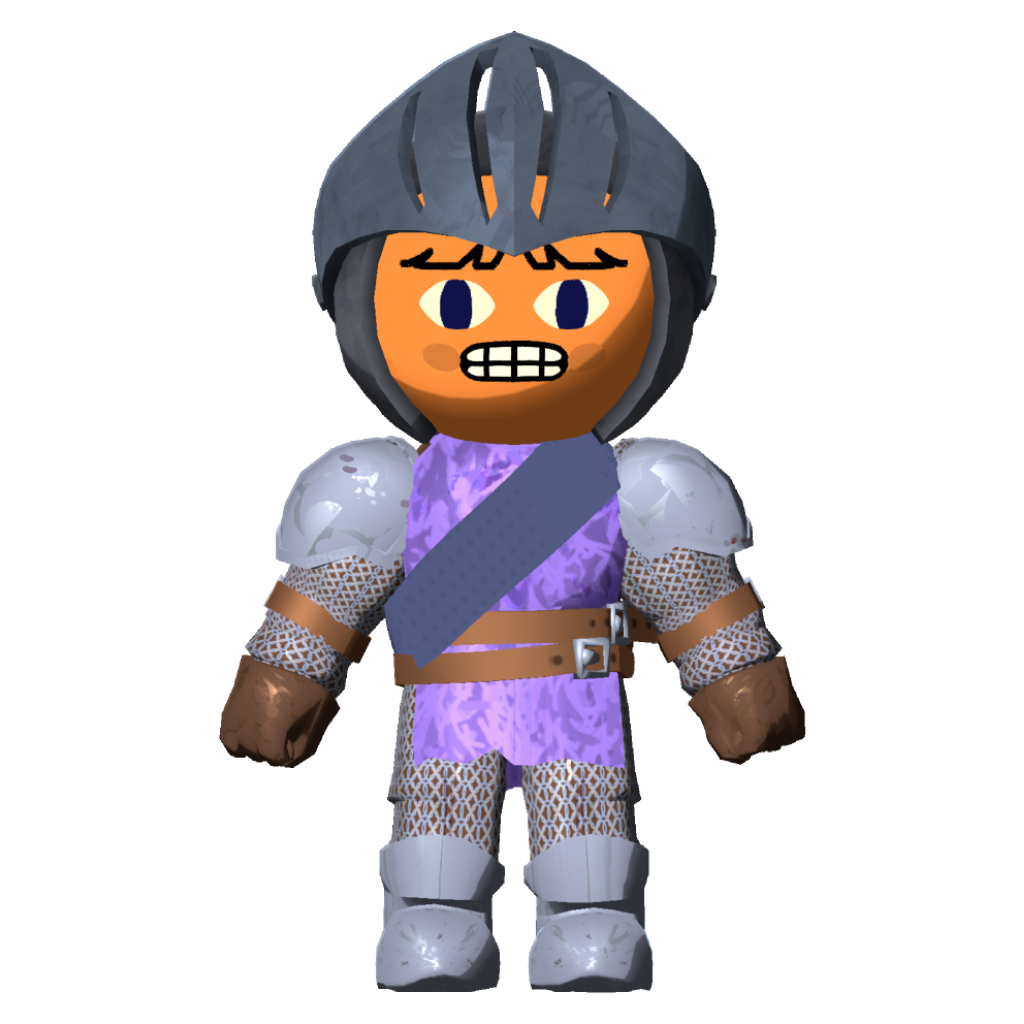
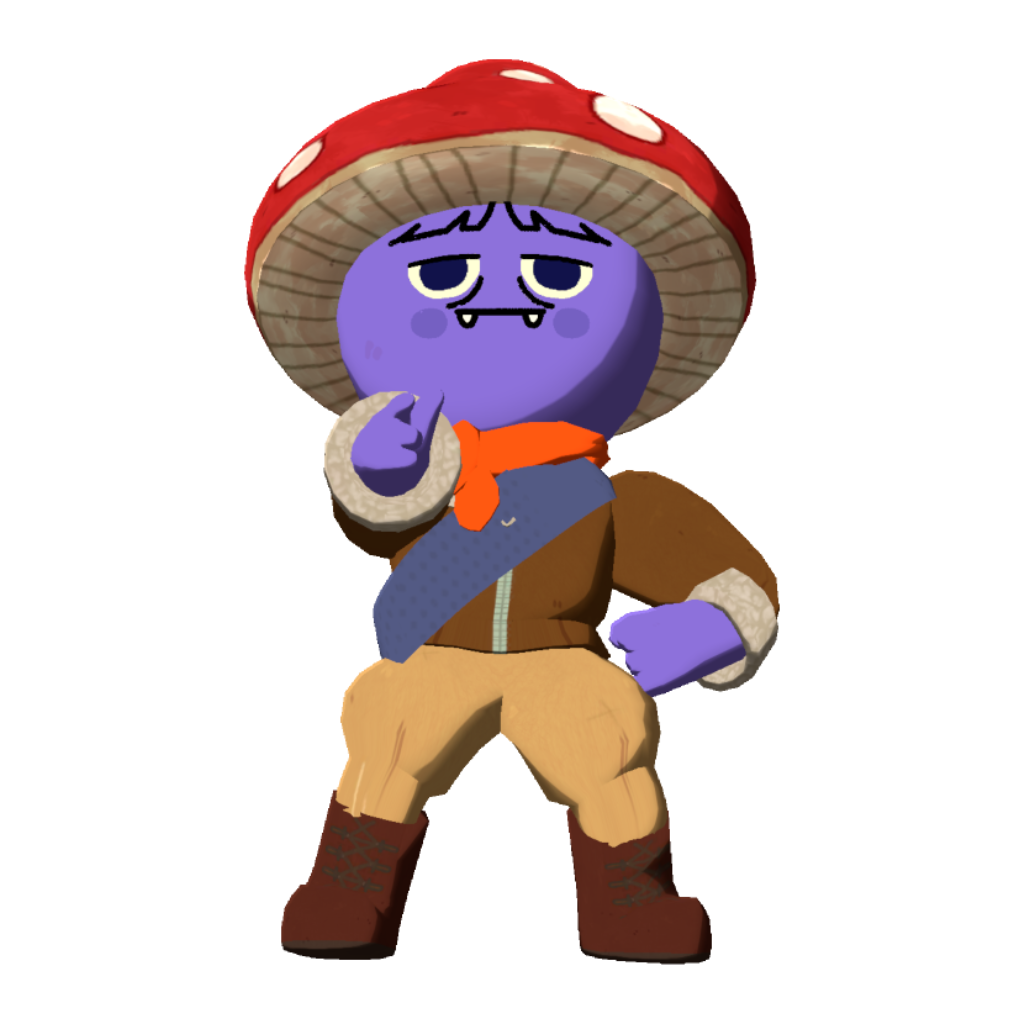
| I'm Here | Shrug | Idle 2 | BackFlip |
|---|---|---|---|
 |
 |
 |
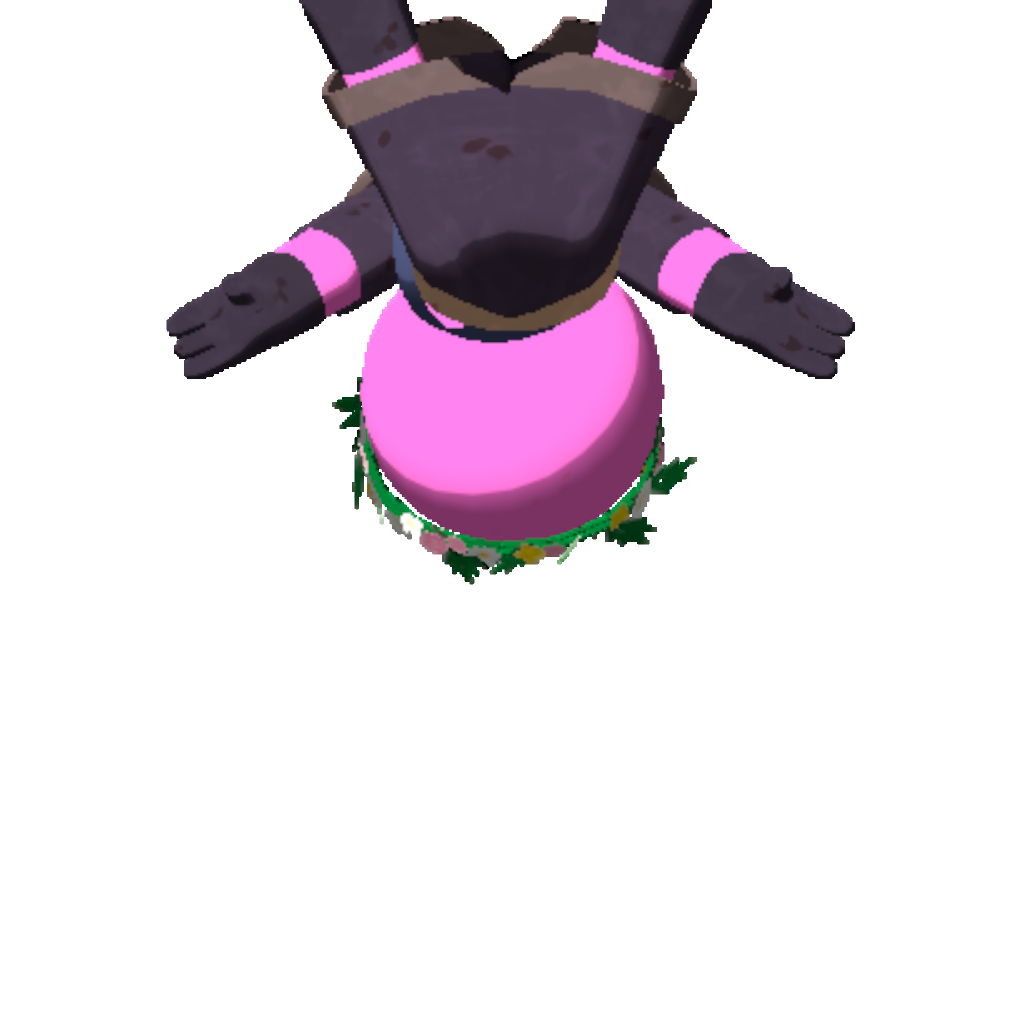 |
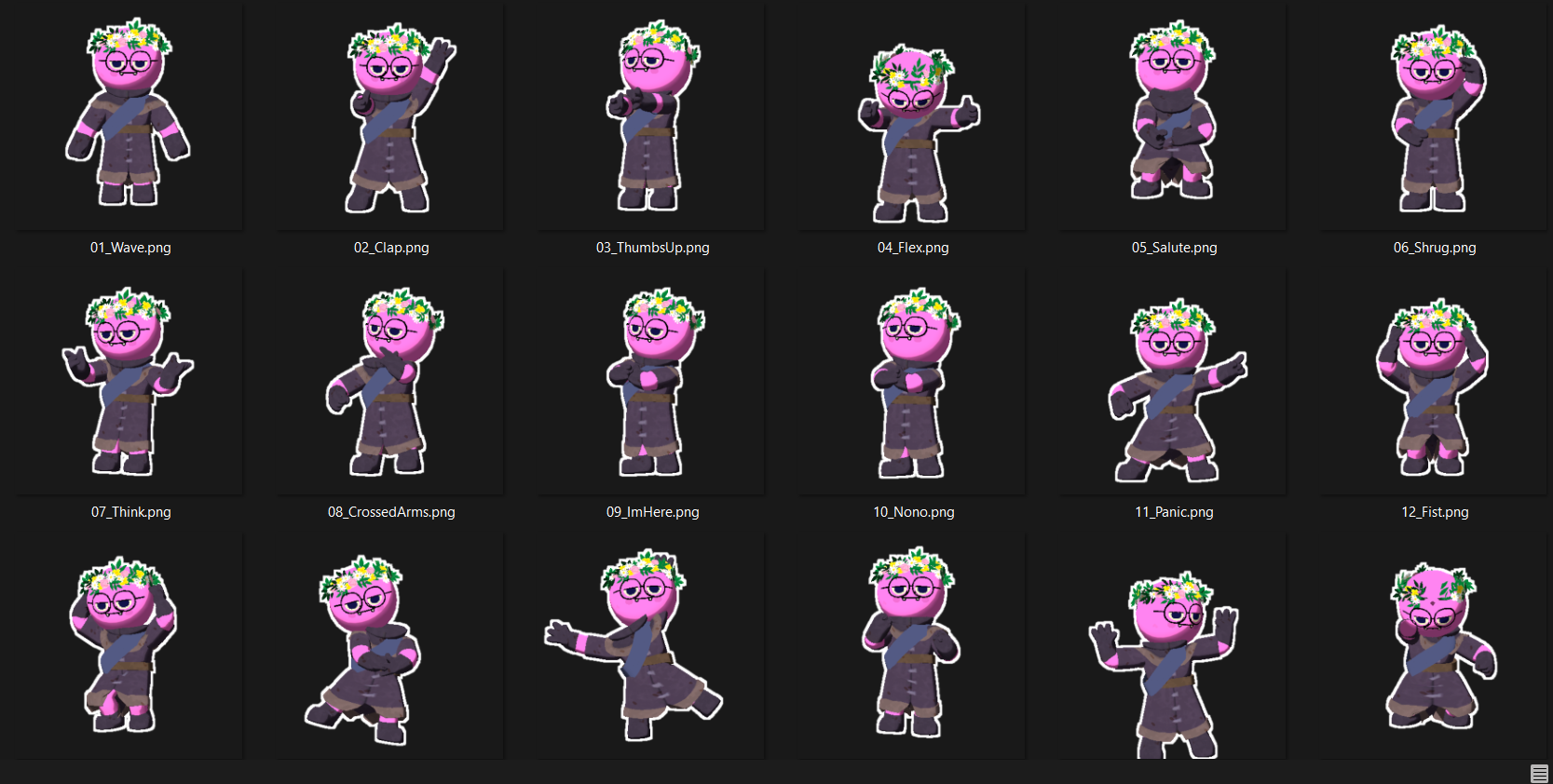
Generate PNG stickers of your PEAK character with their outfit, in every pose, with a transparent background and the classic white sticker border.
You can see all available poses in the img/examples folder.
How does it work?
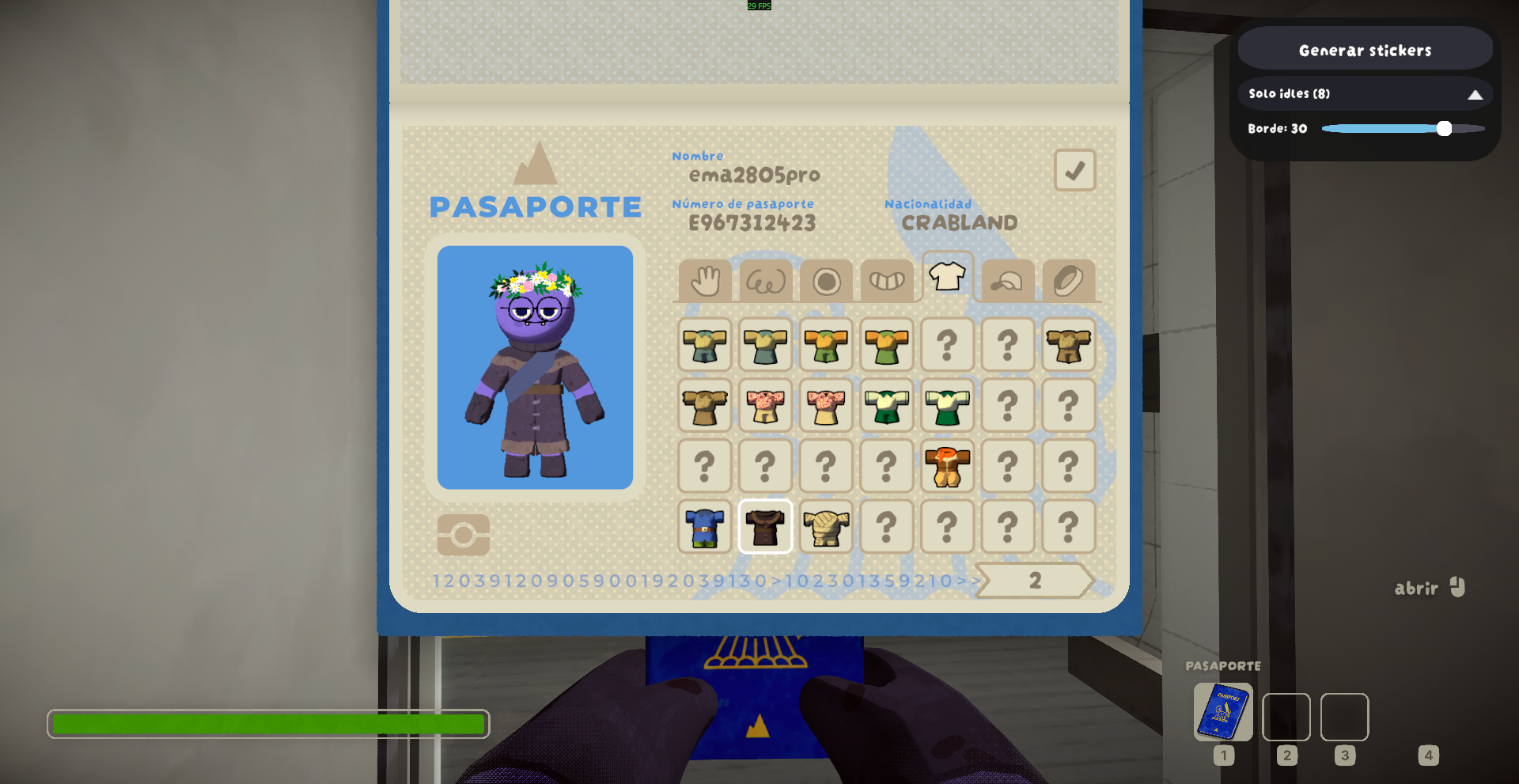
- Open your customization notebook (the passport) in-game.
- You'll see a new "Generar stickers" button in the top-right corner.
- Click it: the mod captures your character's 3D model in every pose (all 22 emote wheel emotes + 8 idle pose variants) and saves one PNG per pose.
- The stickers are saved to
Pictures\PEAK Stickers\<date>.
Each sticker is exported in high quality (rendered at 2× and downscaled), with no background and a smooth white border around the character.
Requirements
- BepInExPack PEAK (automatic dependency on Thunderstore).
Configuration
Optional: edit BepInEx/config/ema28pro.PeakStickers.cfg
| Option | Default | Description |
|---|---|---|
OutputDirectory |
(empty) | Output folder. Empty = Pictures/PEAK Stickers. |
OpenFolderWhenDone |
false |
Open the output folder when finished. |
Resolution |
1024 |
Size of each sticker in pixels (512/1024/2048). |
BorderWidth |
12 |
Width of the white border in pixels. |
IncludeIdlePoses |
true |
Include the 8 idle pose variants. |
SampleTimes |
(table) | Sample frame (0..1) per pose. E.g.: BackFlip=0.45;PlayDead=0.95. |
Fine-tuning poses
Each animation has a "sample frame": poses that end in a held position (collapsing, sitting, etc.) are captured at the end of the animation, while acrobatic ones (backflip) are captured at an intermediate frame. If a pose doesn't look the way you want, adjust its value in SampleTimes and generate again.
Building (optional)
dotnet build -c Release
The Thunderstore package is output to ./artifacts/thunderstore/. Requires .NET SDK 10 and the game installed (to reference its assemblies).
Credits
- Built with the official PEAK mod template.
CHANGELOG
Changelog
All notable changes to this project will be documented in this file.
The format is based on Keep a Changelog.
[0.1.0] - 2026-11-23
Added
- "Generar stickers" button inside the customization passport (customization notebook).
- PNG stickers with a transparent background and white sticker border, generated from the character's 3D model with its current outfit.
- All poses captured: 22 emote wheel emotes + 8 idle pose variants.
- Pose dropdown in-game: all poses, emotes only, idles only, or a single pose.
- Border thickness slider (0-40 px) directly in the passport UI.
- Sticker-style rounded border (small gaps and details are smoothed out).
- Automatic per-pose camera framing (nothing gets cut off) and auto-crop to fill the image.
- Per-pose sample frame configuration (
SampleTimes), tuned per animation by default. - Options: output folder, resolution, border width, include idles, open folder when done.
- README images use absolute URLs so they render on Thunderstore; English store description.
