

PeakWorkshop
Custom maps and game modes for PEAK, made to play with friends. Lobbies, teams, PvP, King of the Hill, NPC quests and bosses, plus an in-game Workshop and map editor. Vanilla PEAK stays untouched.
| Date uploaded | a day ago |
| Version | 0.2.0 |
| Download link | PeakCode-PeakWorkshop-0.2.0.zip |
| Downloads | 161 |
| Dependency string | PeakCode-PeakWorkshop-0.2.0 |
This mod requires the following mods to function

BepInEx-BepInExPack_PEAK
BepInEx pack for PEAK. Preconfigured and ready to use.
Preferred version: 5.4.75301README
Peak Workshop
Custom maps and game modes for PEAK - made to play with friends.
Host a lobby, pick a map from the in-game Workshop and climb, fight and quest together. King of the Hill on a 600 m mountain, free-for-all PvP with suitcase loot, story adventures with talking NPCs and boss fights. And when you have seen it all: build your own map right inside the game and share it with one click.
Normal PEAK stays exactly as it is. Peak Workshop lives behind its own sign in the main menu.
▶ Watch the trailer on YouTube
Play together
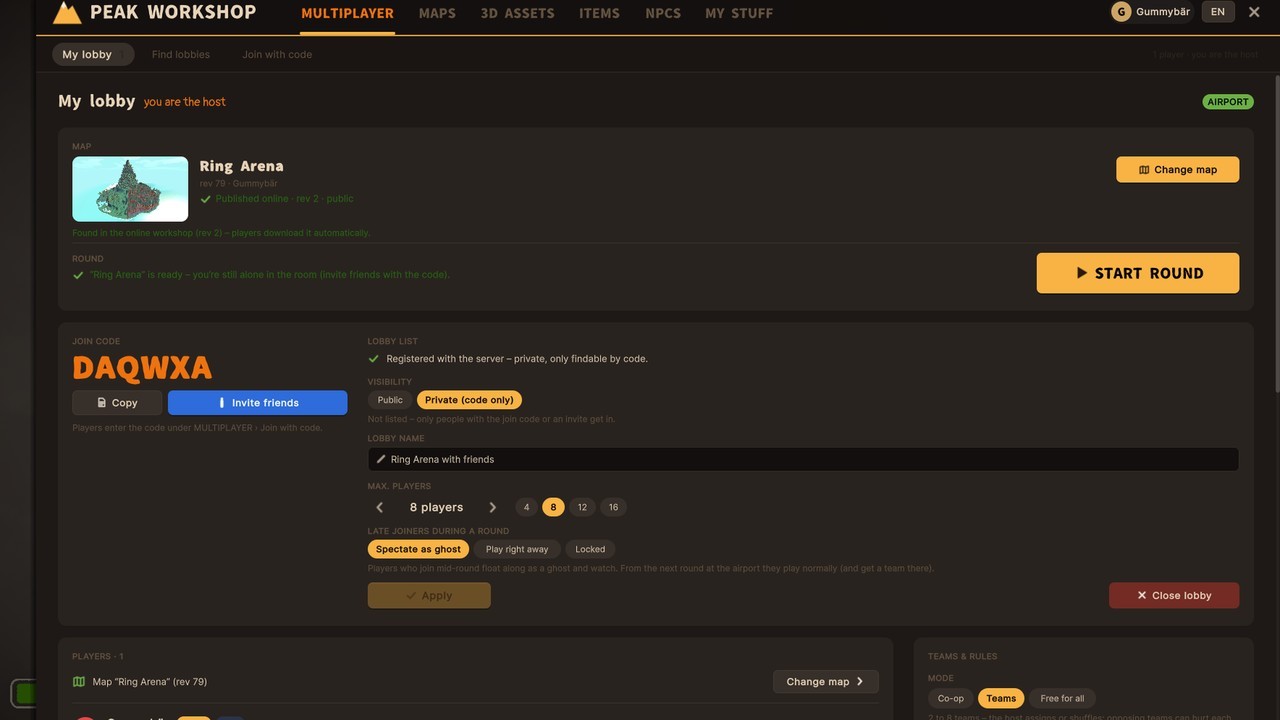

Lobby browser (example)
- Real lobbies for up to 16 players: browse open lobbies with map preview, mode and player count, or join a private one with its join code.
- Teams - the host sorts players by hand or shuffles them randomly. Friendly fire on or off.
- Shared start - everyone loads the map, then a countdown starts the round for all at once.
- Late joiners can watch as a ghost or jump right in - the host decides.
- Friends get the map automatically when they join. No hunting for files.
- Host tools: kick and ban, change lobby settings mid-round with F6.
- Text chat in the lobby and during the round - press Enter,
/tfor your team only.
Game modes built into the maps
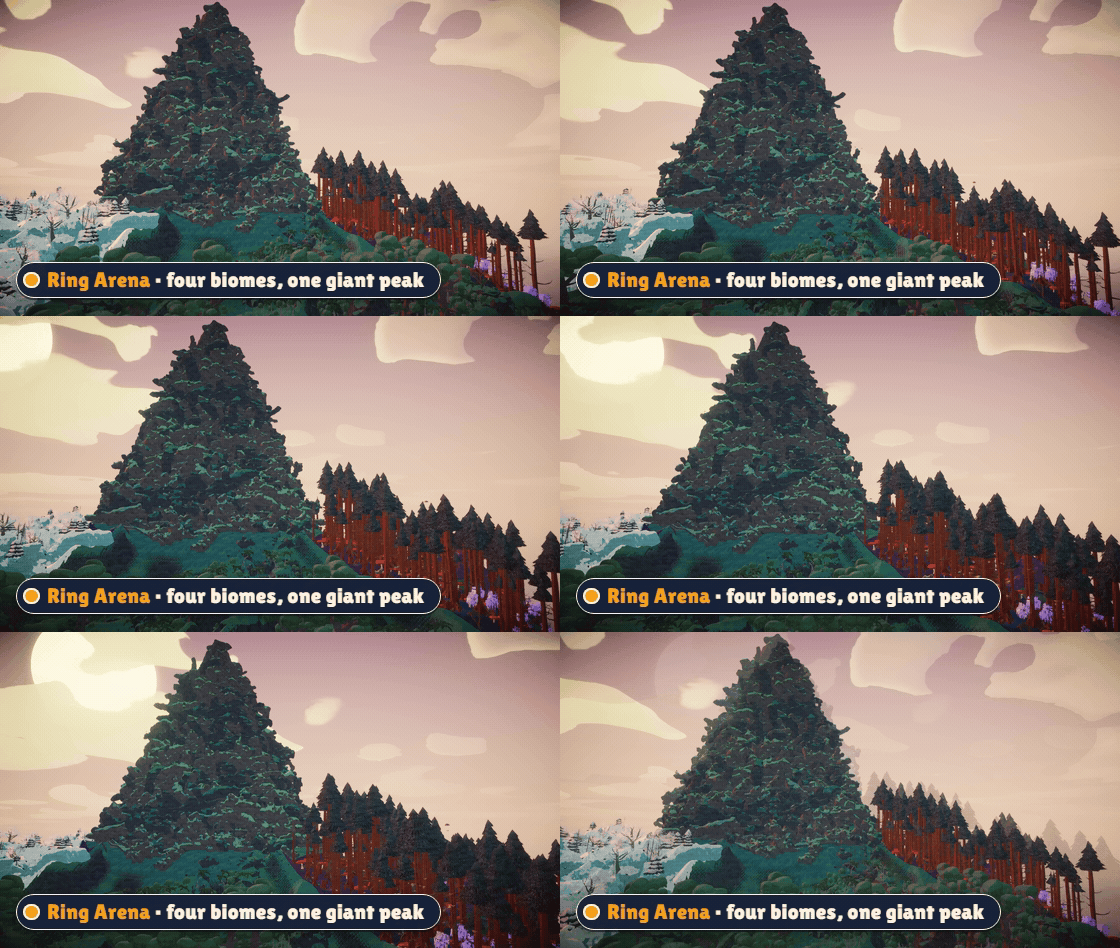
Every map brings its own rules - the host just presses start.
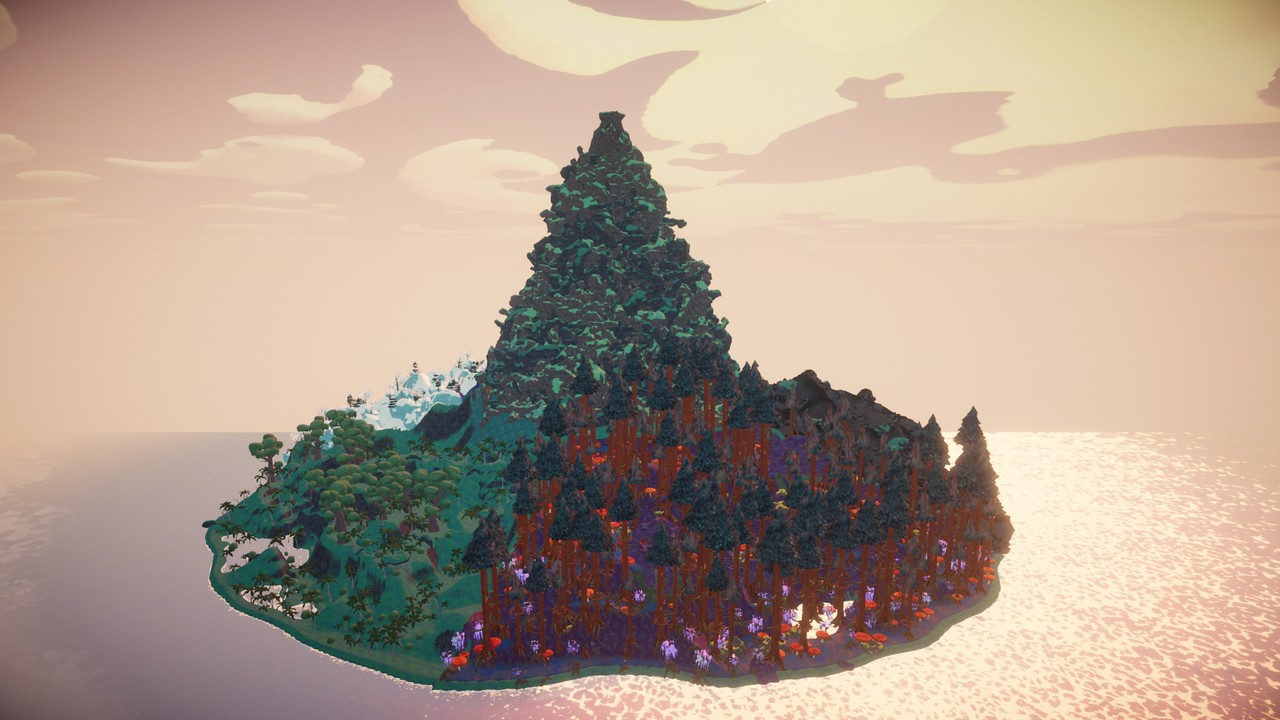
- King of the Hill - Ring Arena: a giant island with four biomes around one 600 m mountain. Hold the summit to win.
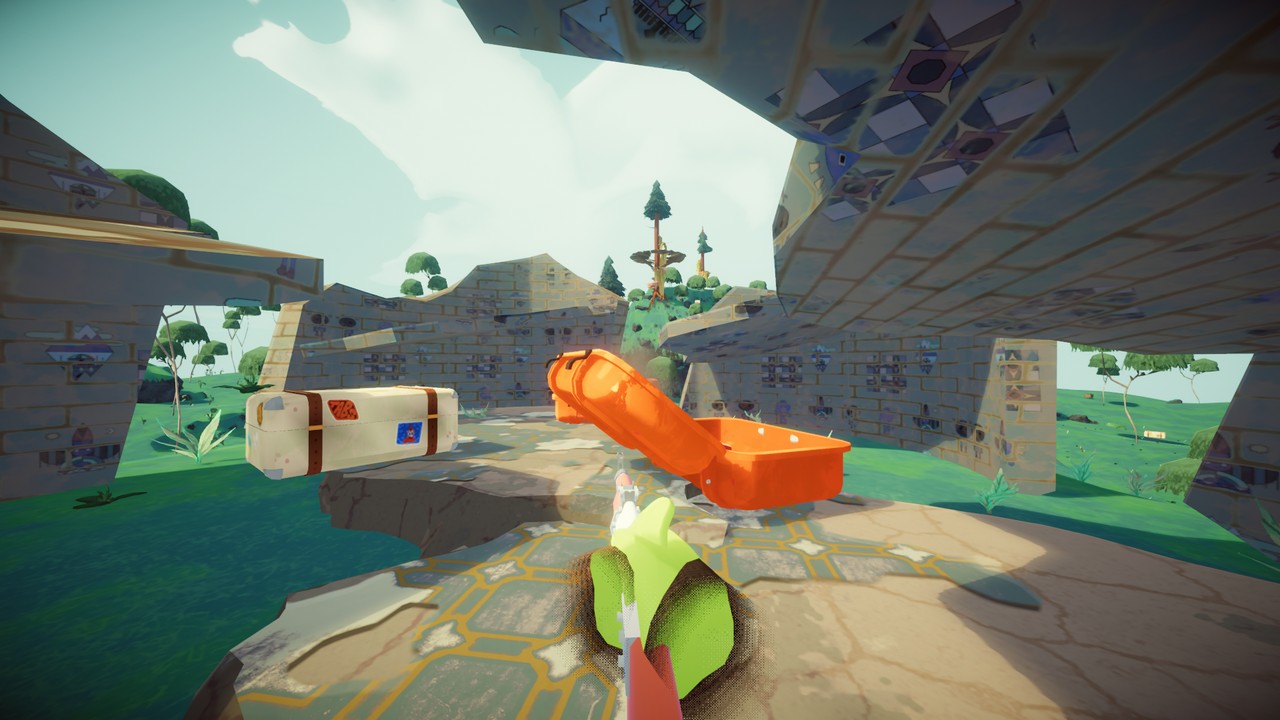
- Free-for-all PvP - loot weapons from suitcases and fight it out.
- Team matches with time limits and win conditions set by the map.
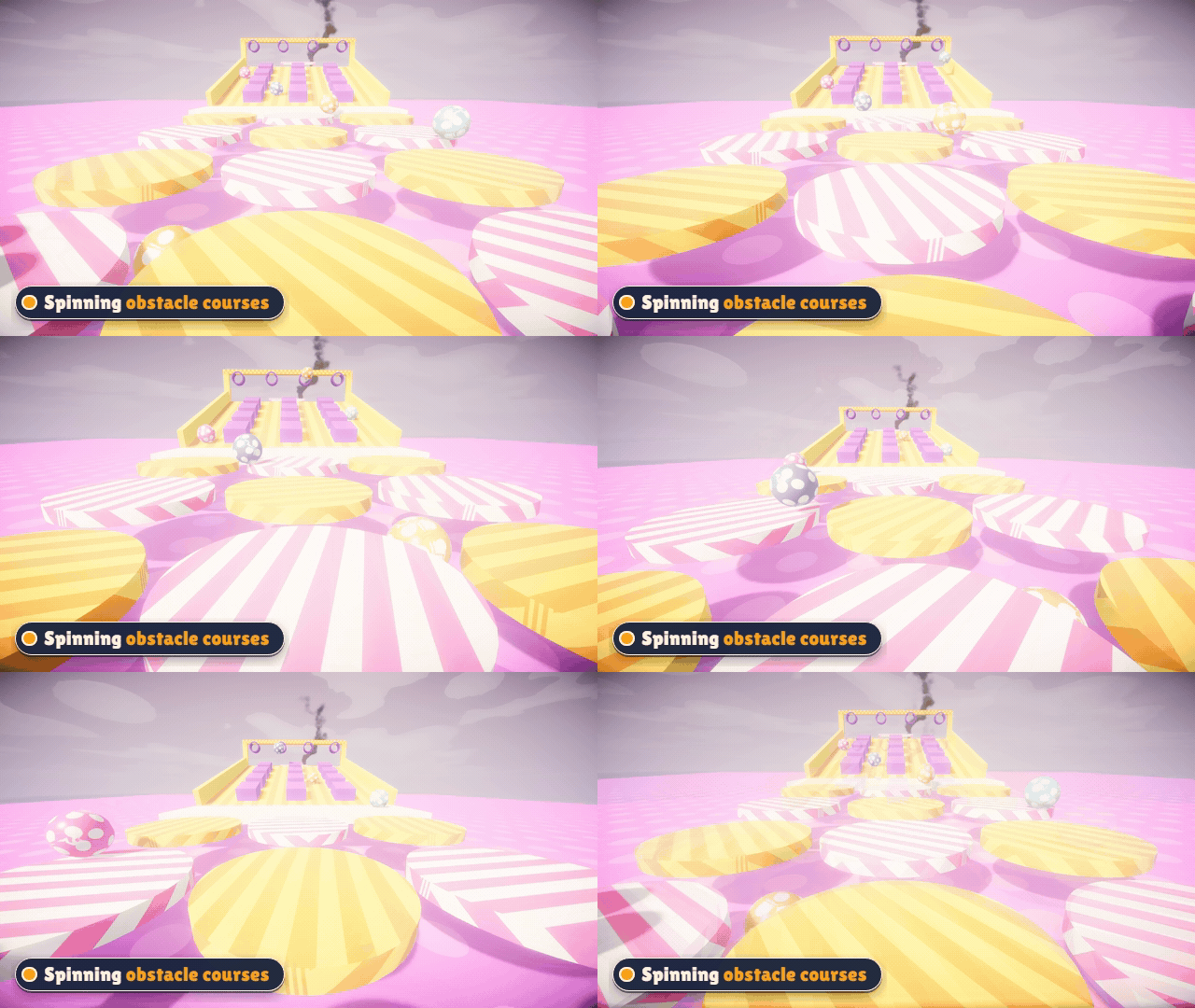
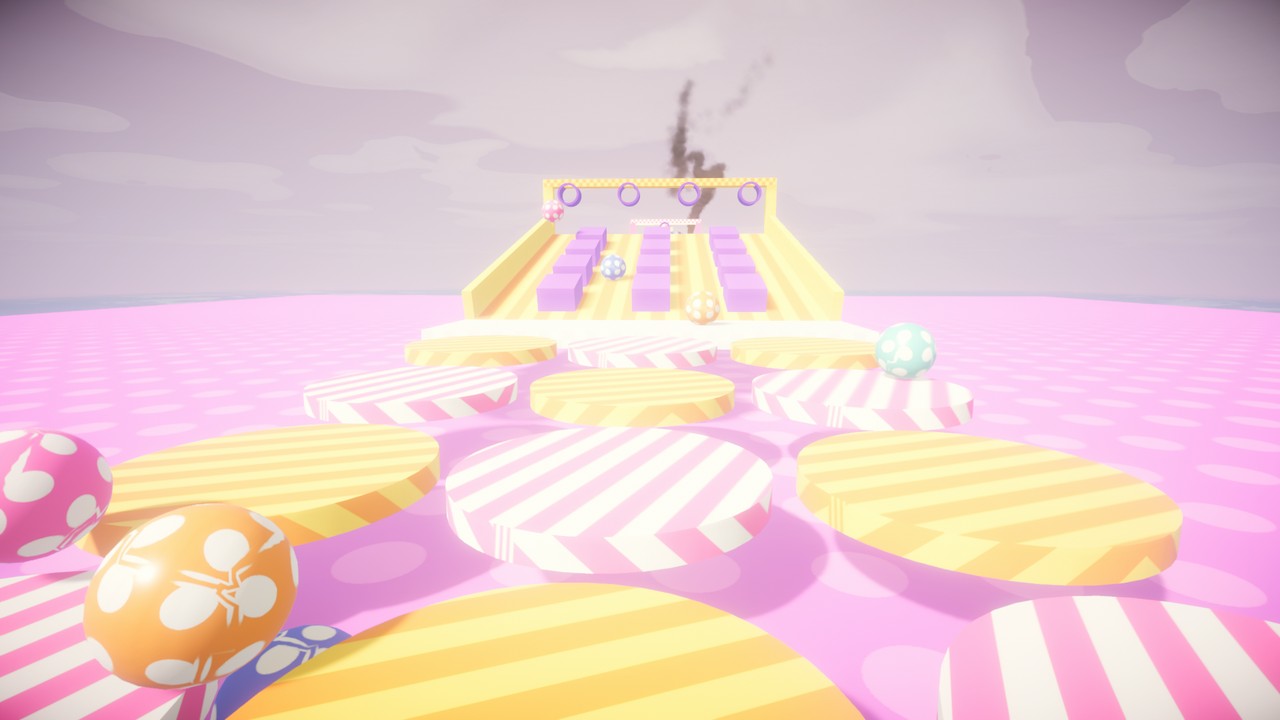
- Zombie waves, obstacle courses with spinning and swinging platforms, sky islands - and classic co-op climbing.
Adventures with NPCs, quests and bosses
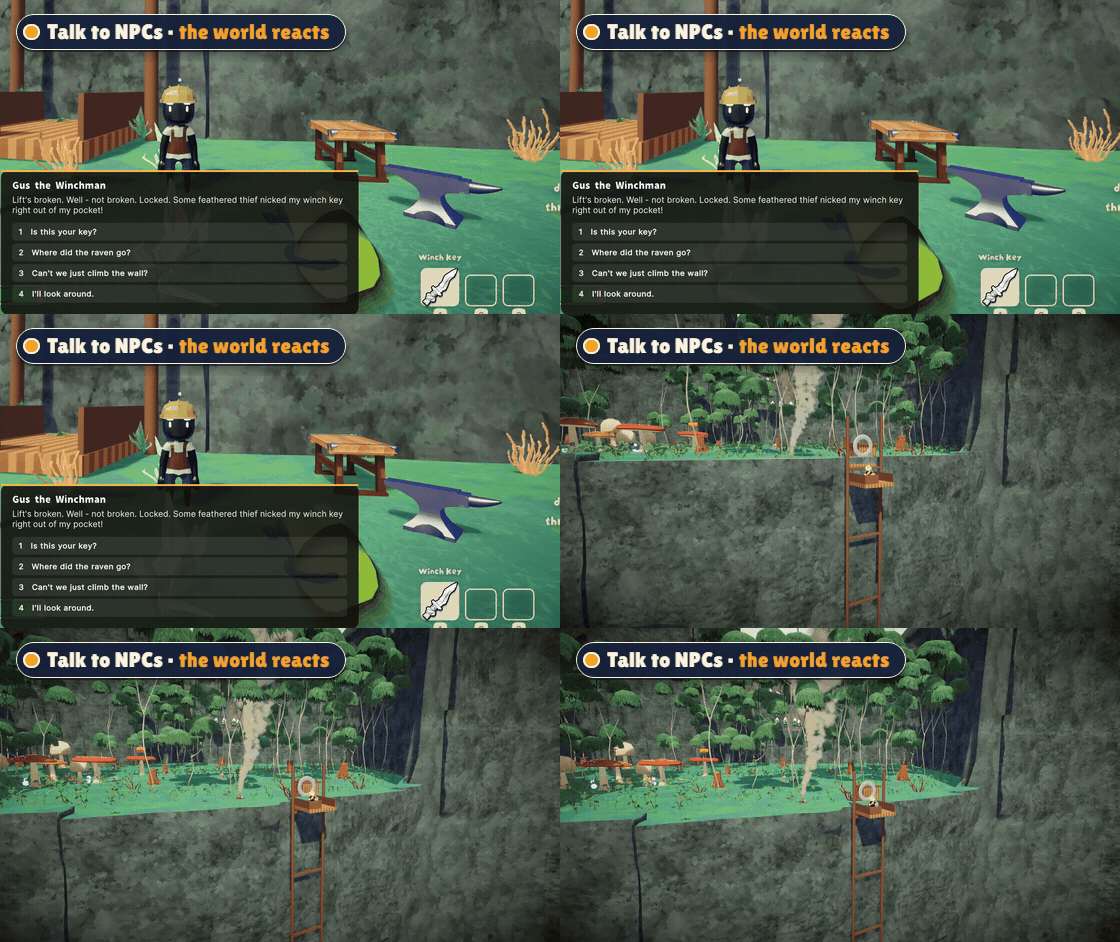
- Talk to NPCs and pick your answers - trade items, take on quests, get gifts.
- Your choices change the world: a lift starts running, a ladder drops down, a bridge appears.
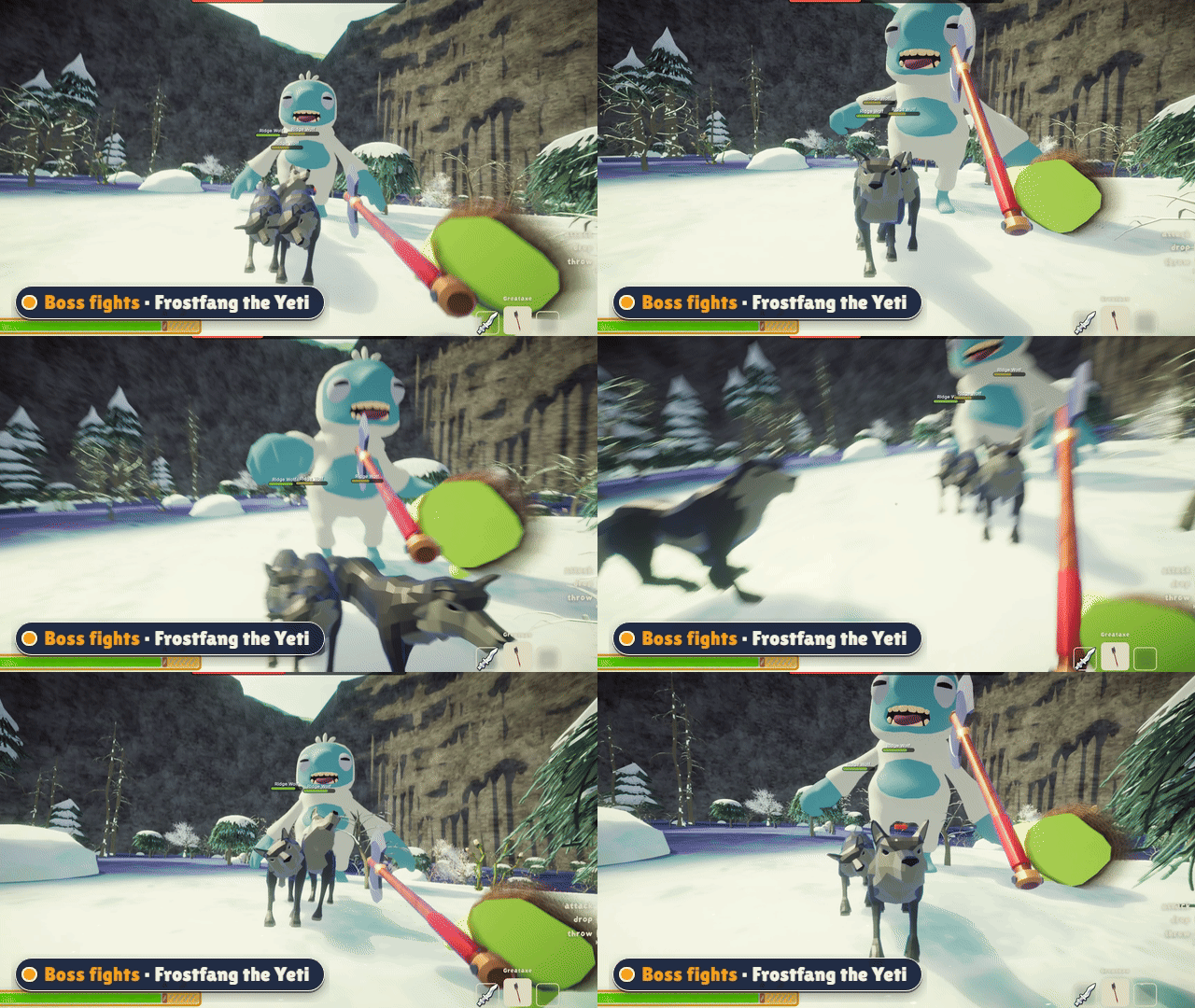
- Boss fights with a health bar, rage phases and helpers that join the fight.
- Pets that follow you around, enemies that guard their turf, loot drops.
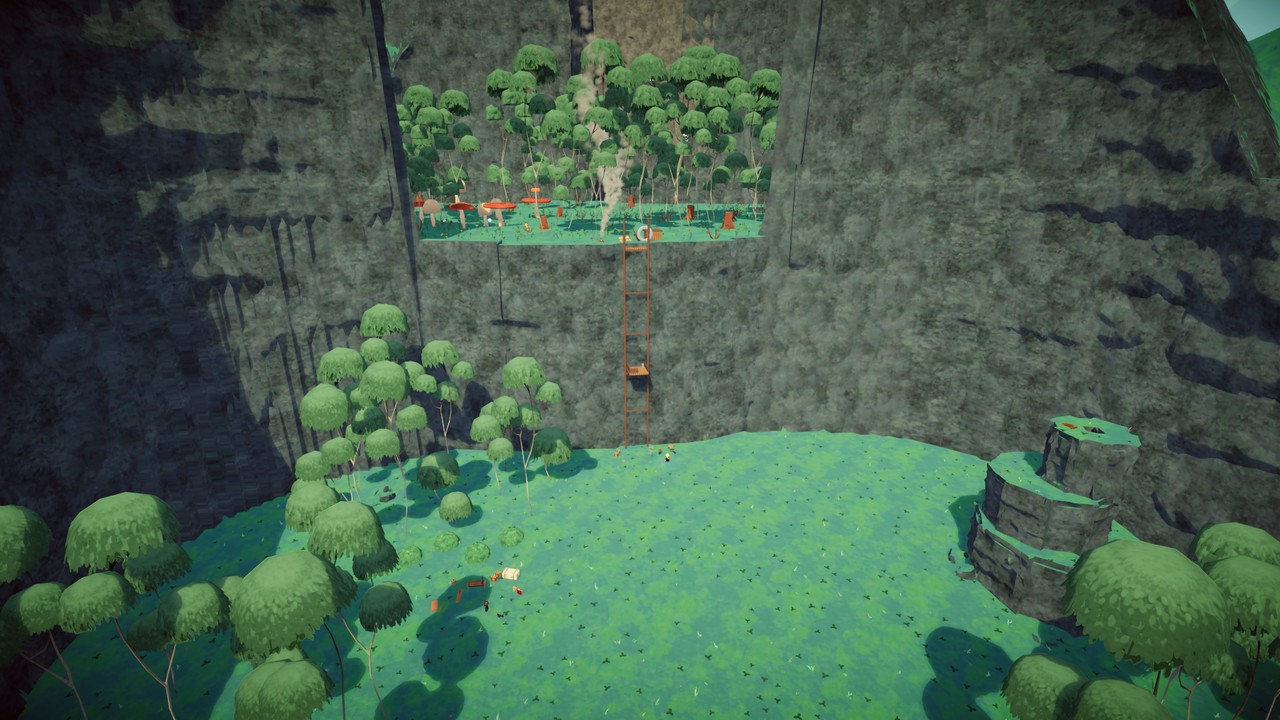
- Try Crashfall Valley, a story adventure for 1-4 scouts.
The in-game Workshop
Like the Steam Workshop - but inside PEAK.
- Maps, 3D assets, items and NPC packs in one place, sorted into categories.
- Rate, subscribe, download with one click. Update badges tell you when a creator improved something.
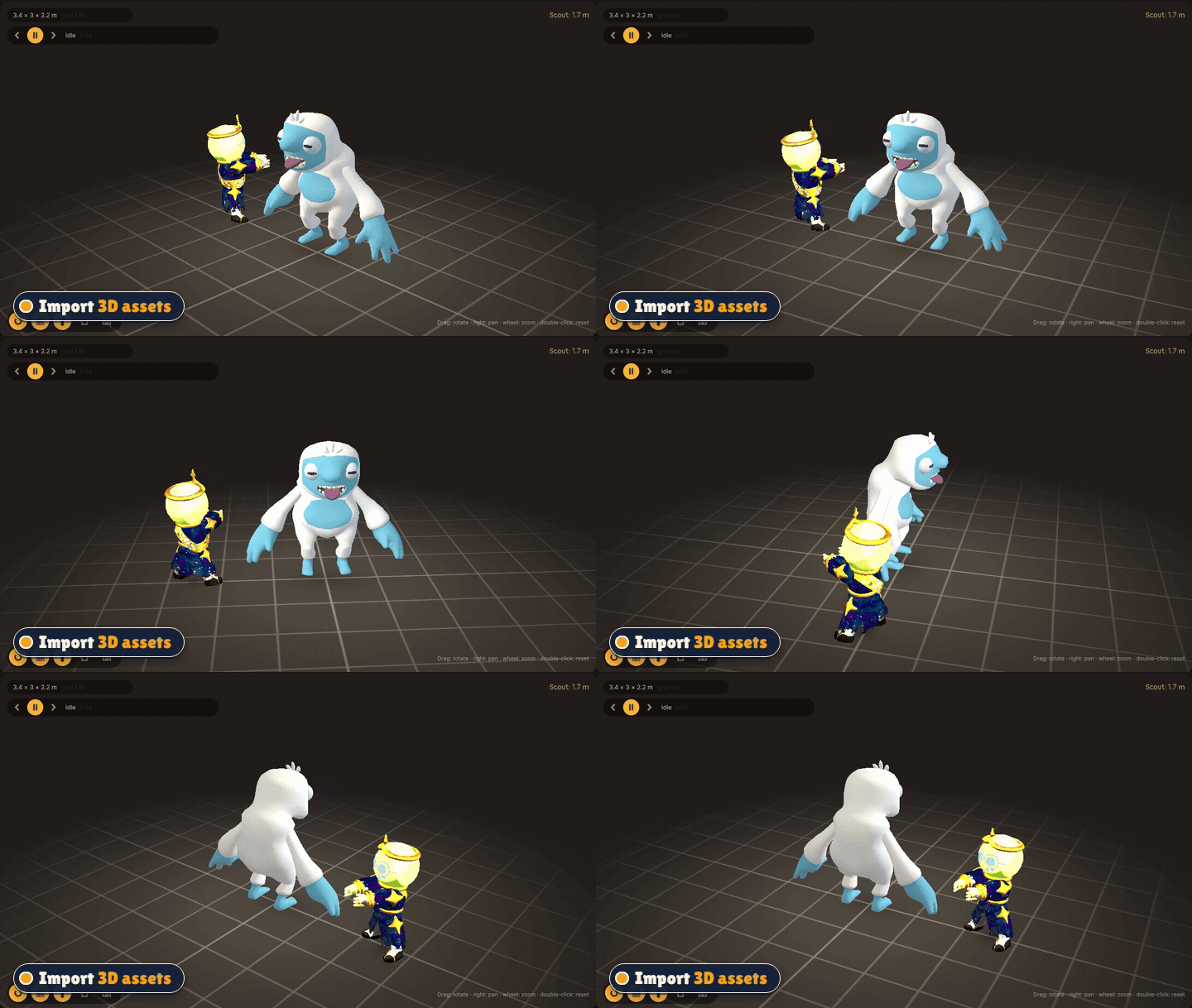
- 3D viewer - spin and zoom any model before you use it.
- Publish your own creations public or private. Private content stays out of every list, but your lobby can still play it.
Build it yourself
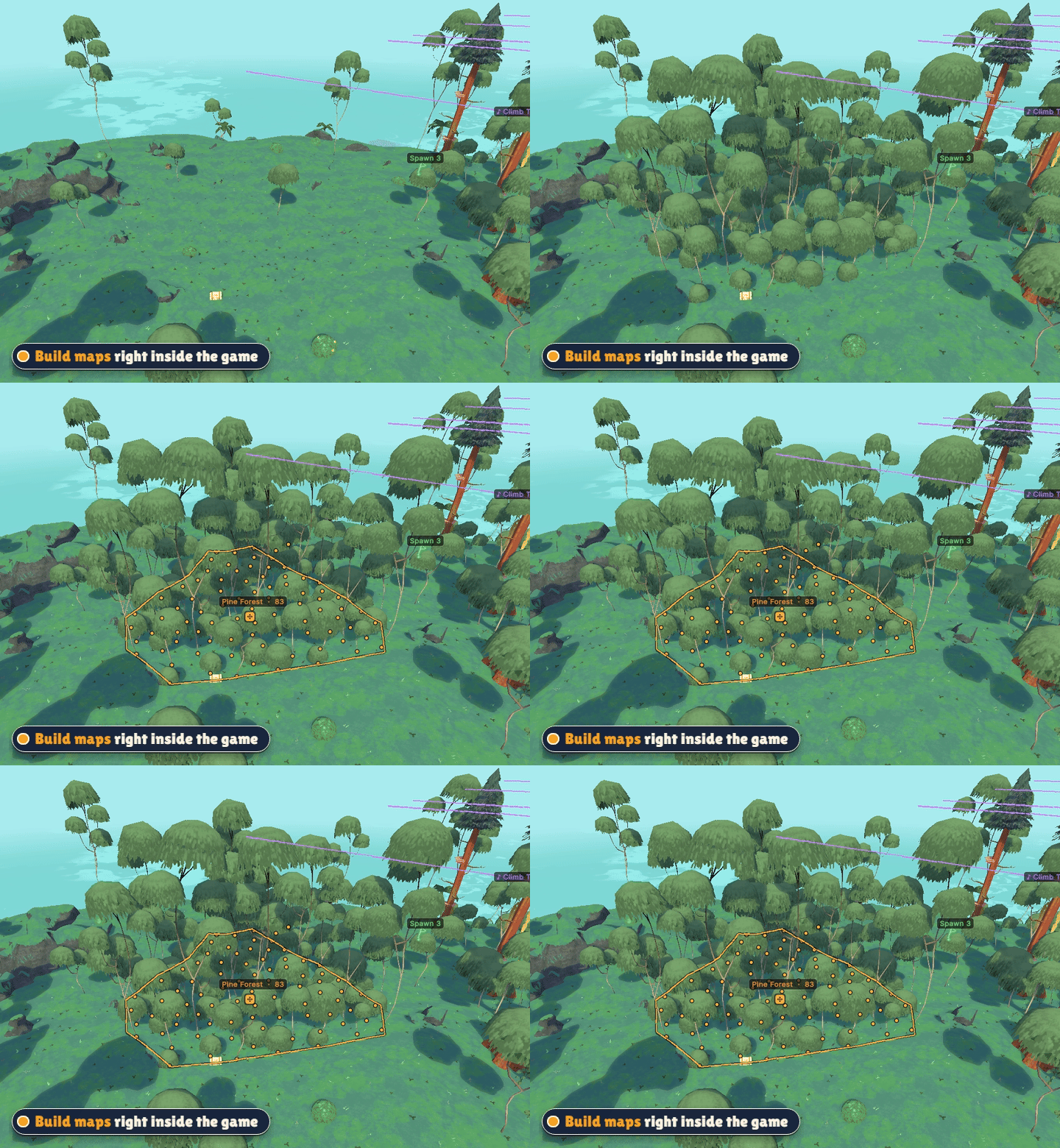
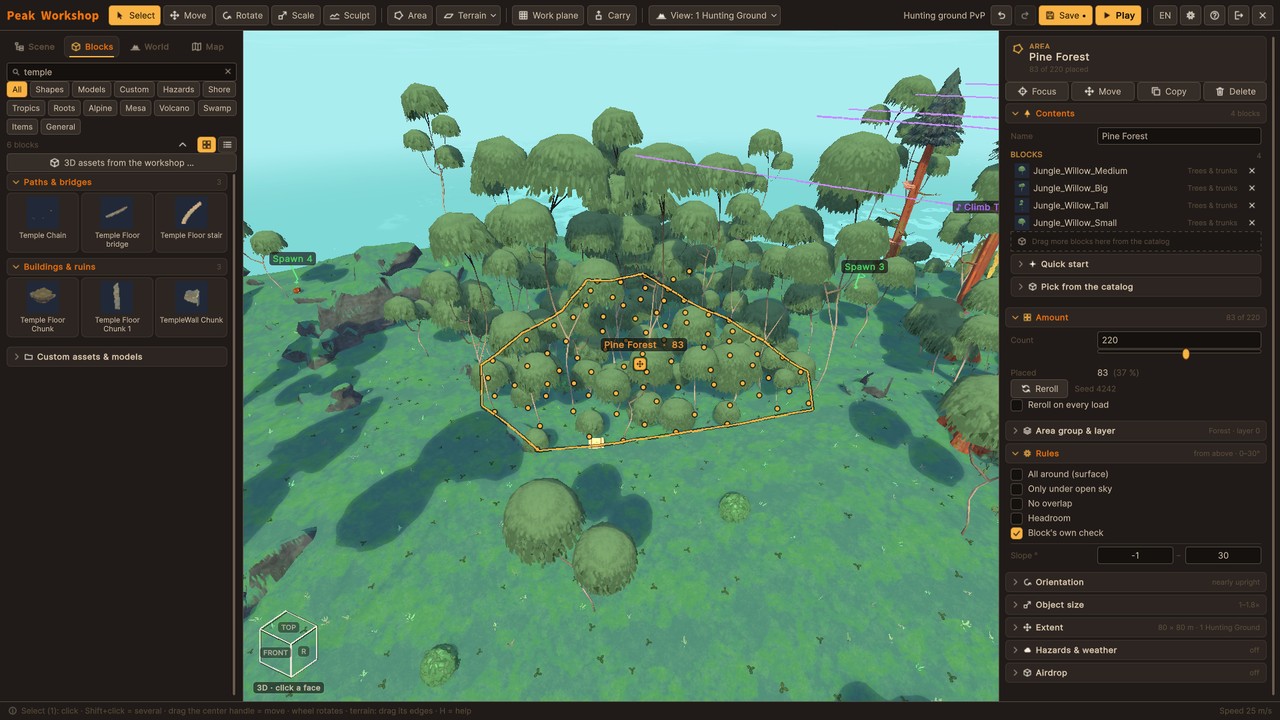
- A full map editor inside the game - no Unity, no extra tools.
- Draw an area, fill it with a forest (or palms, ruins, flowers ...) in one step.
- Sculpt terrain, place hundreds of original PEAK blocks or your own 3D models.
- Moving platforms, traps and hazards, ball throwers, custom skies and music zones.
- Water and lava: lakes to swim and dive in, rising floods, rivers and lava streams that find their own way downhill, burning rocks and shaky rocks that tumble down.
- Spawn points, goals and loot - then press P to test your map on the spot.
Create your own items and NPCs
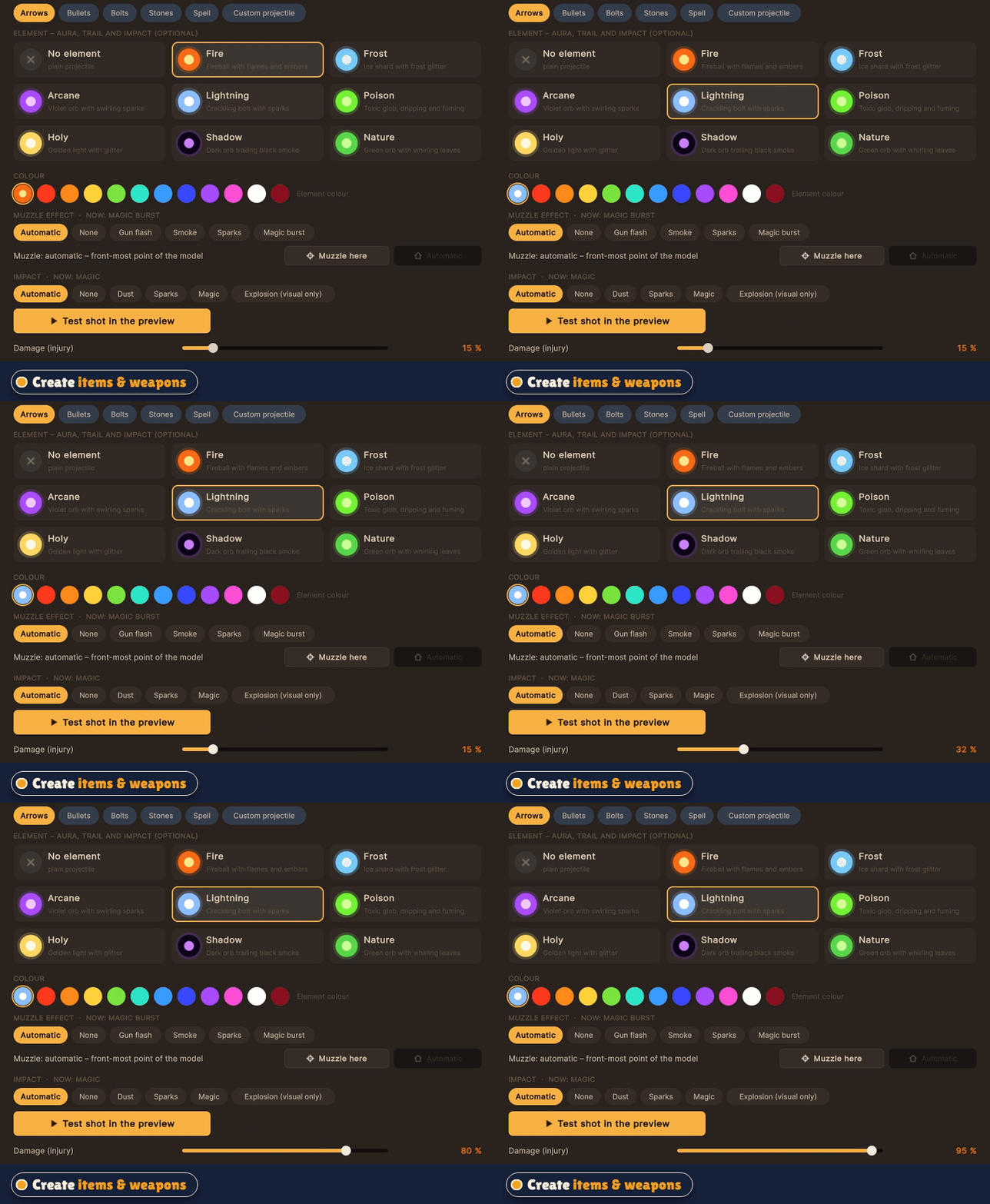
- Turn any 3D model into a real PEAK item: food, heals, melee weapons, guns with projectiles and recoil, throwables, spells.
- Tune damage, knockback, ammo and effects, set where it sits in the hand and test-fire in the preview.
- Build NPCs: pick an animated figure, choose a role (talker, guard, fighter, shooter, boss, pet), write their dialogue.
Vanilla stays untouched
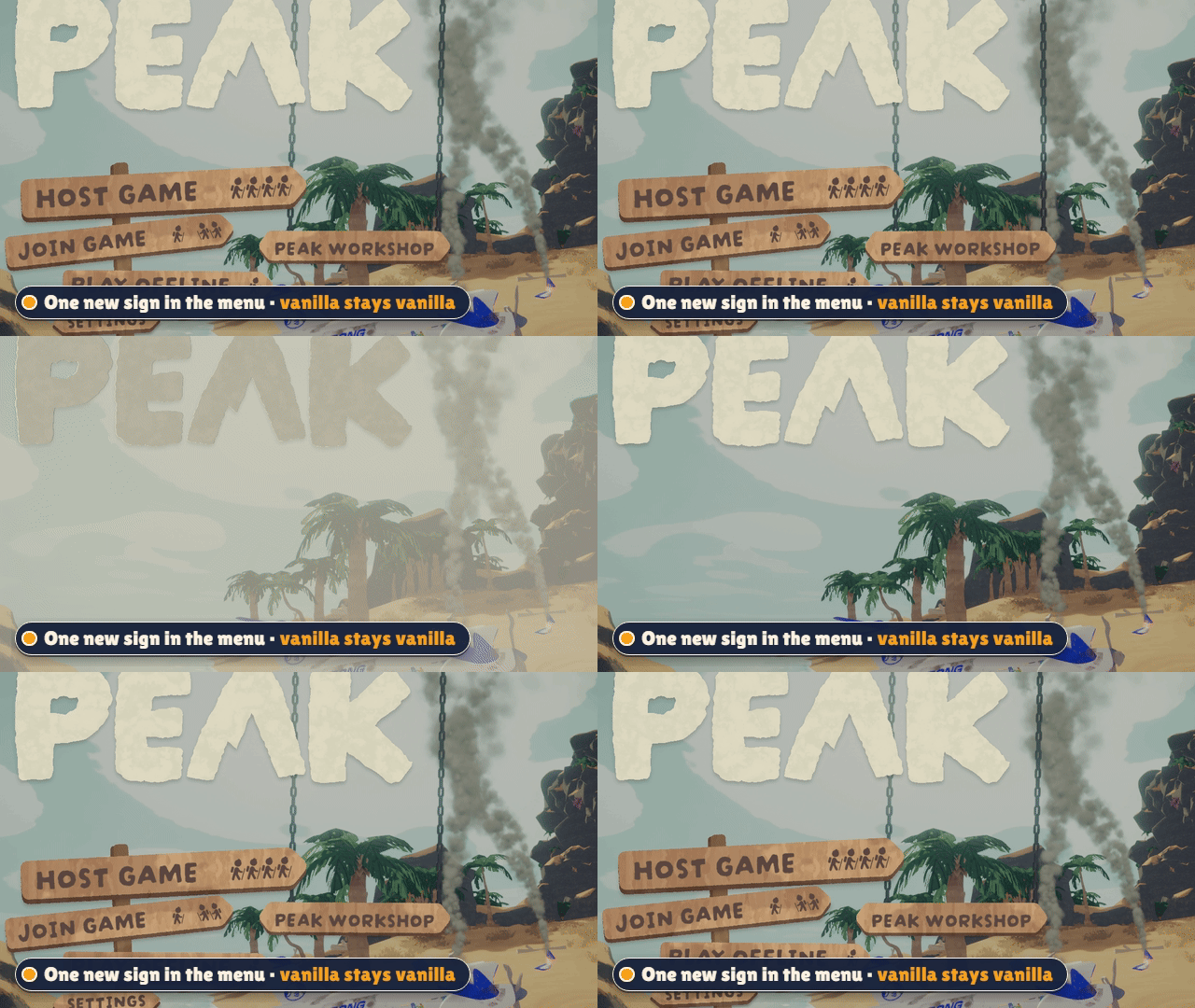
Host Game and Play Offline work exactly like before. Peak Workshop only starts when you use its own sign that hangs on chains in the main menu. Mod lobbies run in their own rooms, so vanilla players never land in a modded game by accident.
Is the sign in the way of another mod's menu? Hold Ctrl and drag it wherever you like - the chains follow. Ctrl + right click puts it back.
Screenshots
 |
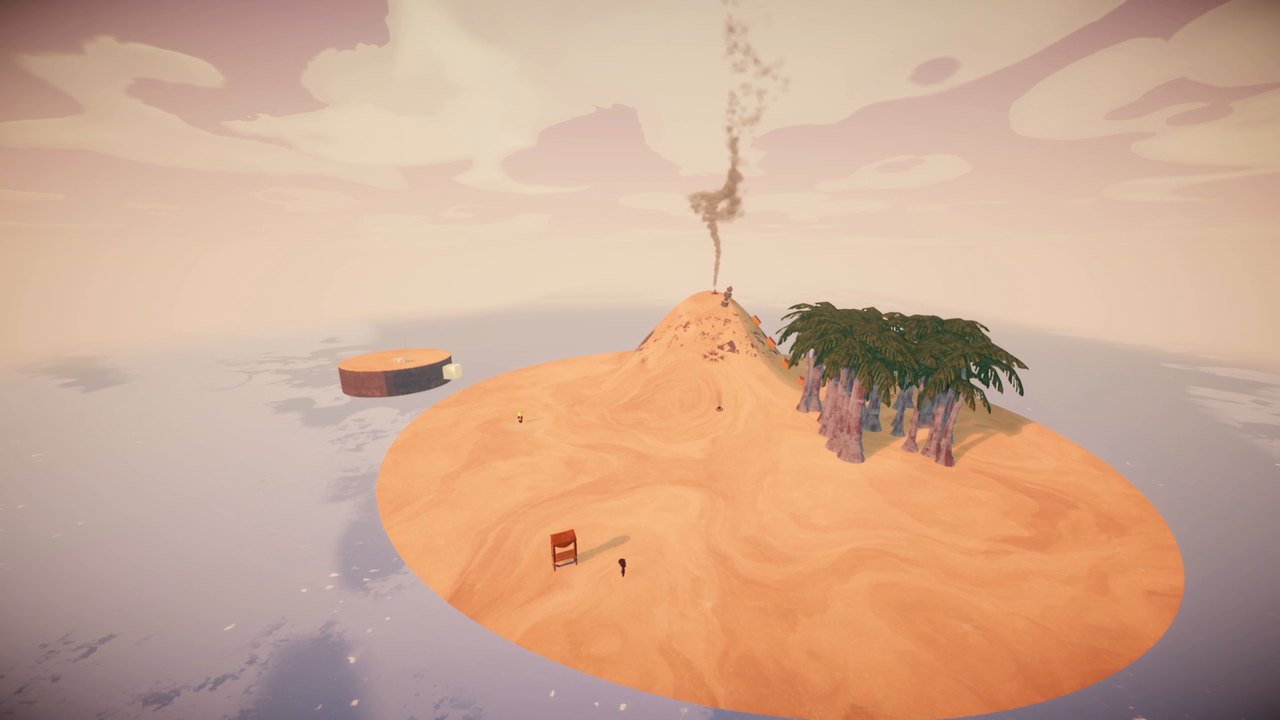 |
| Ring Arena - four biomes, one giant mountain | A small island built from scratch in the editor |
|
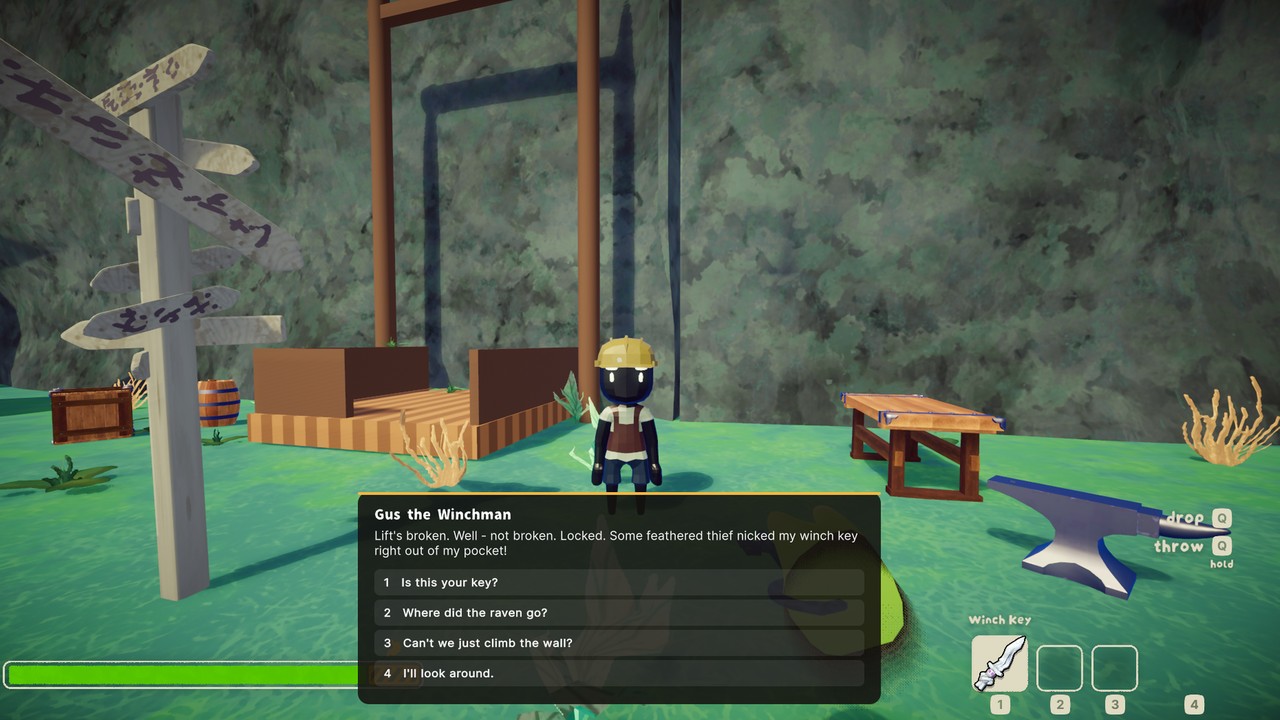 |
| Host a lobby, share the join code, start the round | Talk to NPCs - your answers change the world |
 |
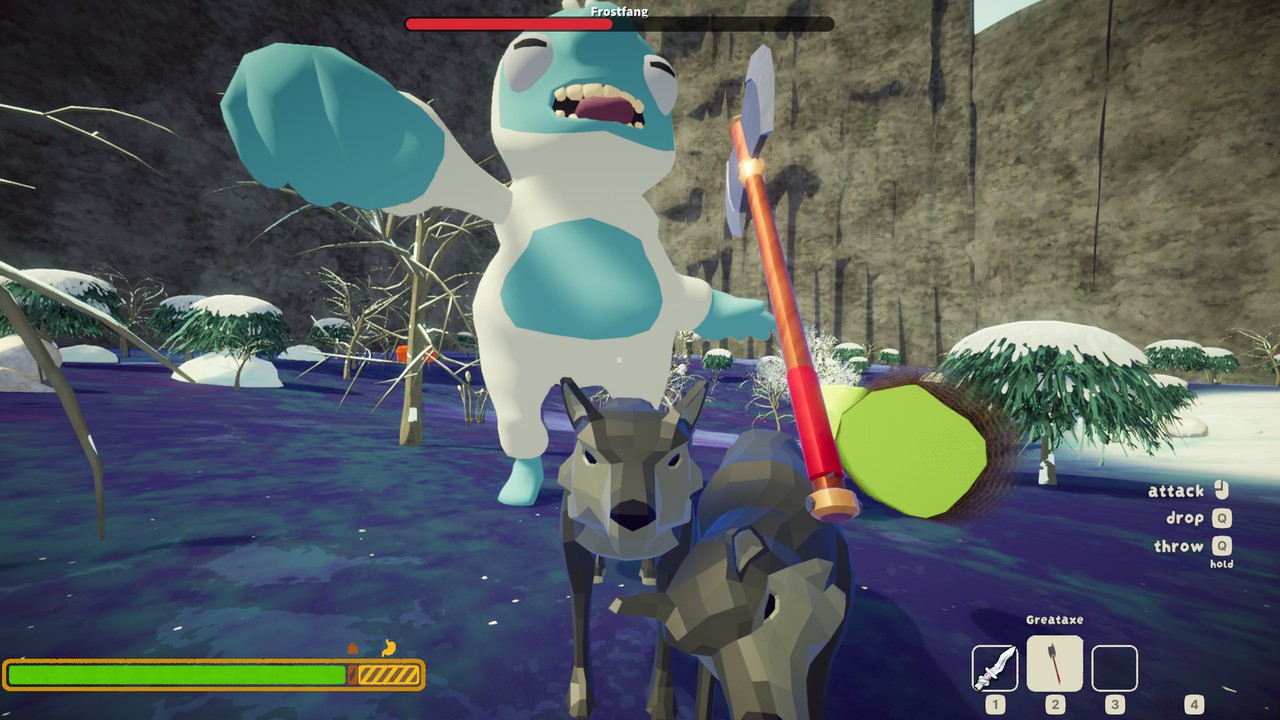 |
| Crashfall Valley - a story adventure | Boss fights like Frostfang the Yeti |
 |
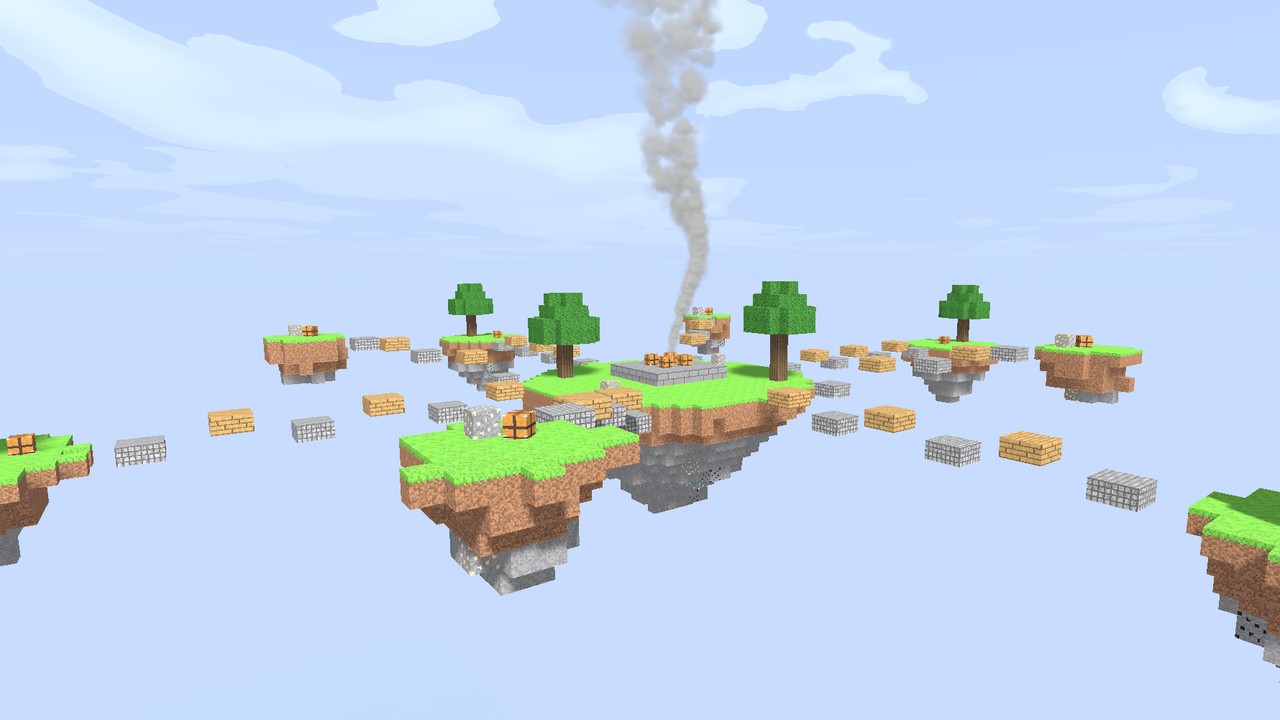 |
| Spinning, rolling obstacle courses | Sky islands - don't look down |
 |
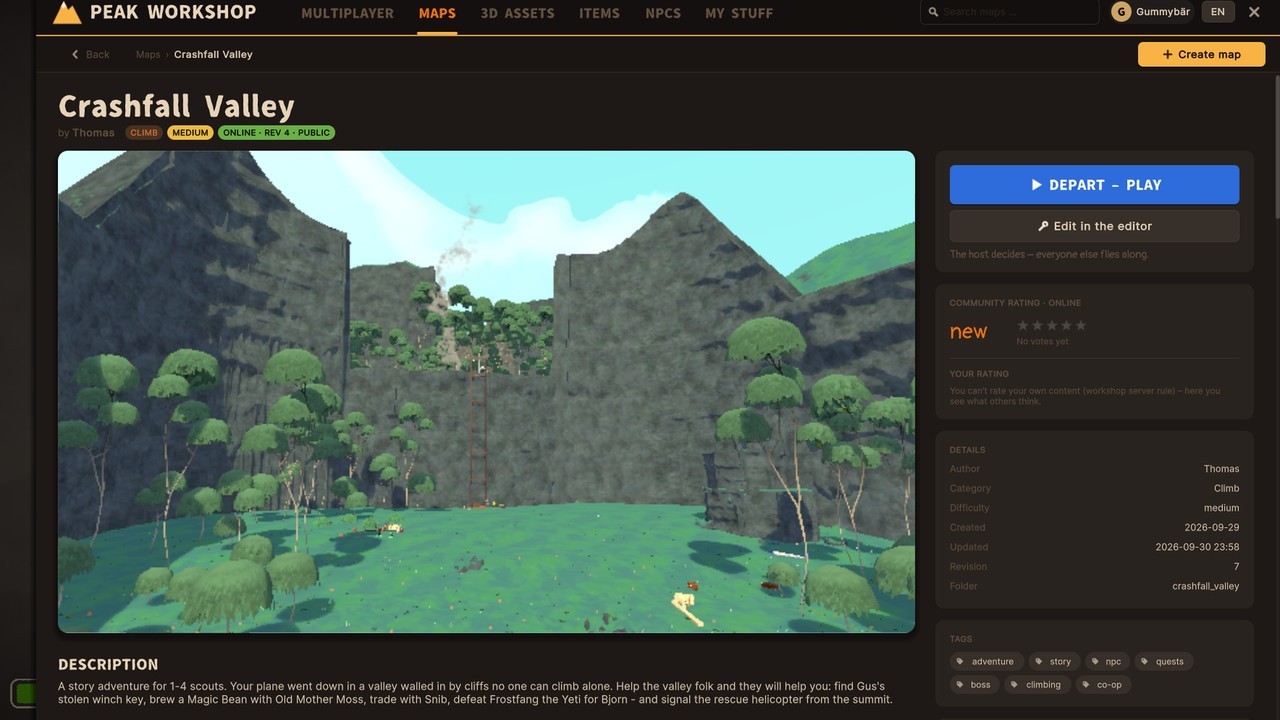 |
| Loot the suitcases - free-for-all PvP | Browse and download maps in-game |
 |
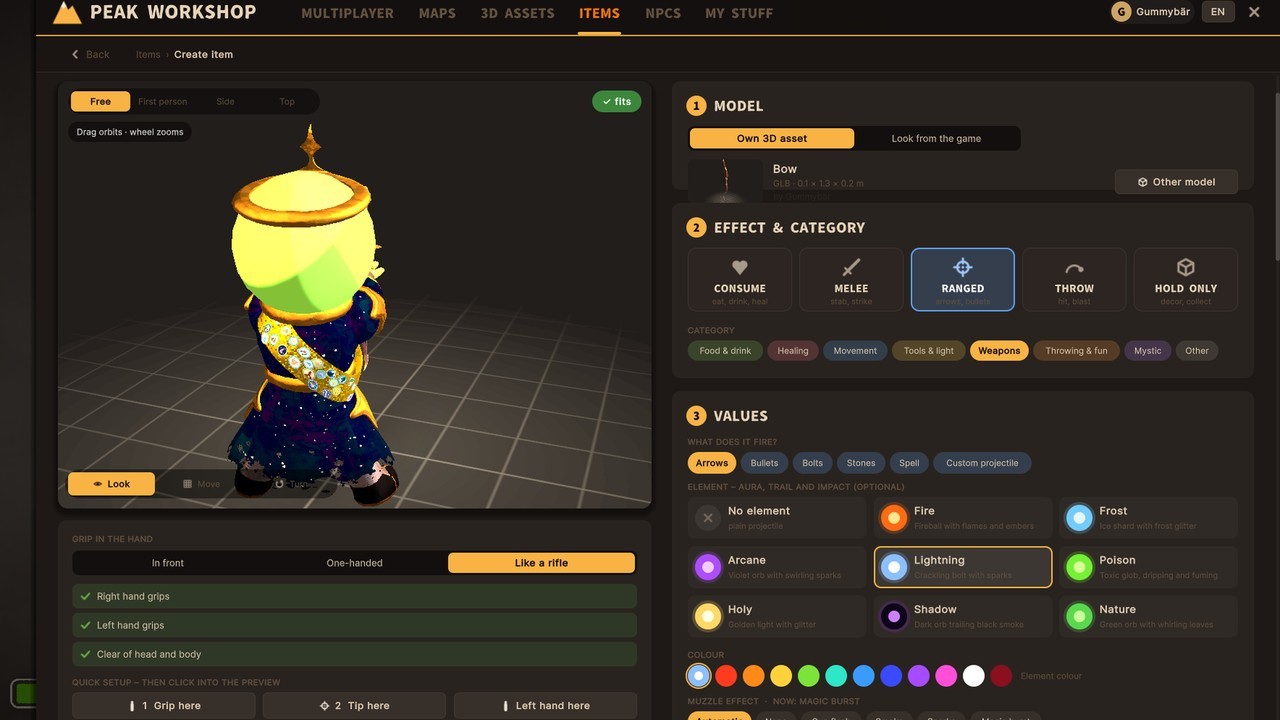 |
| Build your own maps inside the game | Create your own items and weapons |
Video tutorials
New to building? These step-by-step videos take you from your first imported 3D model to a finished map.
 |
 |
| #1 Import 3D Assets - GLB, OBJ, FBX or a ZIP - fix scale and textures, credit it, place it. | #2 Create Custom Items - Turn a 3D model into a flare gun with recoil, knockback and loot spawns. |
 |
 |
| #3 Create NPCs - Talking characters, quests that change the world, and a boss fight. | #4 Build a Map from the Bare Preset - From the Bare preset to a playable map - terrain, scatter areas, platforms, spawns, and the asset, item and NPC from #1-#3 put together. |
Installation
Recommended: install with r2modman or the Thunderstore Mod Manager - click Install, done. BepInEx comes along automatically.
Manual install:
- Install BepInExPack for PEAK.
- Copy
PeakWorkshop.dlltoPEAK/BepInEx/plugins/PeakWorkshop/. - Start PEAK. The Peak Workshop sign drops into the main menu.
Requirements & compatibility
- Everyone in a lobby needs Peak Workshop. Mod lobbies are separate rooms, so friends without the mod won't see or join them.
- Maps, assets and items your lobby needs download automatically when you join.
- Peak Workshop needs an internet connection for the online Workshop and the lobby browser. Solo play and the editor work with your local content.
- Not compatible with TerrainRandomiser. It breaks the map build (maps look half-finished). Disable it while you play Peak Workshop maps.
- Other mods that change map generation may conflict as well. If a map looks broken, try without them first.
- English and German interface (switch in the Workshop panel).
Online features & privacy
The online Workshop and the lobby browser run on the Peak Workshop server. To use them, the mod sends:
- your Steam ID and Steam name - to sign you in, show who uploaded content and who hosts a lobby,
- the content you publish (maps, 3D assets, items, NPC packs, thumbnails) and your ratings, subscriptions and reports,
- lobby details while you host (name, map, mode, region, player count).
The server keeps your IP address with sign-in sessions and reports to stop spam and abuse. No passwords, no payment data, no tracking.
Content rules: only upload what you made yourself or are allowed to share. Every 3D asset needs its origin and license. No hateful, sexual or illegal content. Use the Report button on any Workshop page - creators see why their content was reported (never who reported it), and reported content can be hidden or removed.
FAQ
Does it change normal PEAK? No. Host Game and Play Offline stay 100 % vanilla. The mod only kicks in when you start through the Peak Workshop sign.
Do my friends need it? Yes, everyone in the lobby needs the mod. The maps themselves download automatically.
Is it free? Yes. Peak Workshop and everything in the Workshop are free.
Where are my maps stored?
In PEAK/BepInEx/PeakWorkshop/ (in your mod manager profile folder when you use one). Mod updates don't touch it.
How do I report a bug or content? Content: open it in the Workshop and press Report. Bugs, feedback and questions: post them in the PEAK Modding Discord (Peak Workshop thread).
Why does a map take a moment to load? Custom maps are built while you load in. Big maps can take a few seconds longer than a vanilla run - grab a snack.
Known problems
- Very small 3D models (some packs are 30 cm tall) are not scaled up automatically. The upload screen points it out - use the scale slider or Fit to height.
Found something else? Tell us in the PEAK Modding Discord (Peak Workshop thread).
Credits
- Peak Workshop by Gummybär
- 3D models in the featured maps and Workshop: Quaternius (CC0) - thank you!
- Every Workshop asset lists its creator and license on its page.
- PEAK by Aggro Crab & Landfall. Peak Workshop is a fan-made mod, not affiliated with or endorsed by Aggro Crab or Landfall.
Links
- Feedback, bug reports and help: PEAK Modding Discord (Peak Workshop thread)
- GitHub - media and docs
CHANGELOG
Changelog
0.2.0 - Water, lava, text chat, fog and interactions
Fixes
- Fixed a crash when starting large maps for the first time (before the placement cache exists): the GPU resident drawer was paused while scattering and Unity freed its buffers.
- Lighting a campfire on custom maps no longer throws an error while the game quicksaves.
- Undo on a stage campfire no longer rebuilds the whole map when a stage was moved.
- The biome title at the start of a round is no longer lost behind the loading screen - it now appears once everyone has loaded (with the map's own segment name if it has one).
- "Play here" (P) in the editor now starts where the screen centre points, not the mouse cursor, and a hard landing is cushioned.
- If a fly mod (e.g. So Fly on F) throws your character "into the void" during a test run, it is reset to a safe spot, and the editor warns once when such a mod uses an editor key without a modifier.
- Empty ("naked") stages are really empty now: the Alpine segment and its snow piles no longer stay behind on some maps, and the island catalog no longer lists game objects that "naked" already removed.
Text chat
- Chat in Peak Workshop lobbies: Enter opens it, Enter sends, Esc closes.
/twrites to your team only. - Runs over the game's own Photon connection, no extra server. Lines fade out after a few seconds; can be turned off in the config.
Water and lava
- Lakes and lava pools as a box or free outline. Swim in water (jump = up, crouch = dive), with an oxygen bar while your head is under water and air bubbles for flooded caves. Lava warms you nearby and throws you up on contact, with bubbling crust and sparks.
- Rising levels: water or lava can rise over time, after a flag, or go up and down as a tide - the same for everyone.
- Rivers and lava streams: place a source and the stream finds its own way downhill, around rocks, over cliffs as a waterfall, ending in a pool. Uses the game's own stream materials by default. Water pushes you along and cools you down; lava burns.
Burning and shaky objects
- Any object can burn like the hot rocks of the Caldera: flames on its surface, glowing cracks, light and heat, with an optional condition to light or put it out.
- Any object can wobble and fall like the game's shaky rocks when someone stands on or climbs it - it tumbles down the slope and stays there (or comes back after a set time). The host calculates the fall so everyone sees it land in the same place.
Workshop
- Maps, assets, items and NPC packs now show how often they were downloaded.
- The NPC tab has its own start page: popular and new NPC packs, categories (bosses, shooters, hordes, creatures, pets, traders, attackers) and a short "build your own NPCs" guide.
- Uploading a 3D model: materials without UVs get a colour picker, textured materials can be tinted.
Main menu
- The Peak Workshop sign can be moved if it is in the way of another mod's menu: hold Ctrl and drag it, the chains
follow. Ctrl + right click puts it back. The position is saved; the key can be changed (or the sign locked) in the
config under
[Menu] SignMoveKey.
Fog
- New visible fog volume for effect zones: a real fog body exactly inside the marked area (box or free outline), visible from outside, limited view inside. Two styles: fog bank, or sight fog that stays clear around you and only reveals what is far away as you get closer. Visibility, soft edges, cloudiness, colour and day/night brightness.
- The existing zone fog now fades in and out (adjustable seconds) instead of switching on and off.
Interactions and quests
- Any object can get an E interaction (set flags, count, give or take items, heal, teleport) - with its own name and text, shown with the game's own prompt. Objects that are already interactive (bell tower, luggage …) can be bound to a condition, and you choose whether the game's own action runs too.
- Picking up an item and entering a zone can trigger actions as well.
- Counters (e.g. ring three bells, then a gate disappears) and AND/OR conditions everywhere - in conversations, interactions and "only visible when".
- Locked interactions can show what is missing ("needs rope", "bells 1/3") or stay hidden as a secret.
- Messages appear in the game's own event log.
- Flags now work on maps without NPCs.
Editor
- Stage campfires rotate on all axes and scale like any block (mouse wheel with Ctrl/Alt/Shift); flames and light scale with them. The revive statue is no longer tied to the campfire - place a RespawnChest from the catalog instead.
- Campfires, fog walls and segments now show a Rotate button right next to Move.
- Scene outline: "+" adds an empty area group or layer, and entries can be dragged onto them.
0.1.0 - First release
Peak Workshop is here: custom maps and game modes for PEAK, made to play with friends.
Play together
- Lobby browser with map preview, mode and player count; private lobbies with join codes.
- Lobbies for up to 16 players, shared start countdown, teams (by hand or random) and a friendly fire switch.
- Late joiners watch as a ghost or join in - the host decides. Kick and ban, lobby settings mid-round with F6.
- Maps, assets and items download automatically when you join.
Game modes and maps
- King of the Hill, free-for-all PvP, team matches with time limits, zombie waves, obstacle courses, co-op climbing.
- Featured maps: Ring Arena (King of the Hill), Crashfall Valley (adventure), a free-for-all PvP map and more in the online Workshop.
Adventures
- NPCs with dialogue choices, trades, gifts and quests whose flags change the world (lifts, ladders, bridges).
- Boss fights with health bar, rage and helpers; pets; loot drops.
In-game Workshop
- Maps, 3D assets, items and NPC packs: rate, subscribe, download, update badges, 3D viewer.
- Publish public or private, report button and moderation.
Create
- In-game map editor: polygon scatter areas, terrain sculpting, original PEAK blocks and your own 3D models, moving platforms, traps and hazards, skies, music zones, spawn points, test with P.
- Item creator (food, heals, melee, ranged with projectiles and recoil, throwables, spells) and NPC builder.
Vanilla stays untouched
- Host Game and Play Offline are unchanged; the mod starts only from its own sign in the main menu.
- Mod lobbies use their own Photon rooms.
