
Please disclose if any significant portion of your mod was created using AI tools by adding the 'AI Generated' category. Failing to do so may result in the mod being removed from Thunderstore.

Better First Person
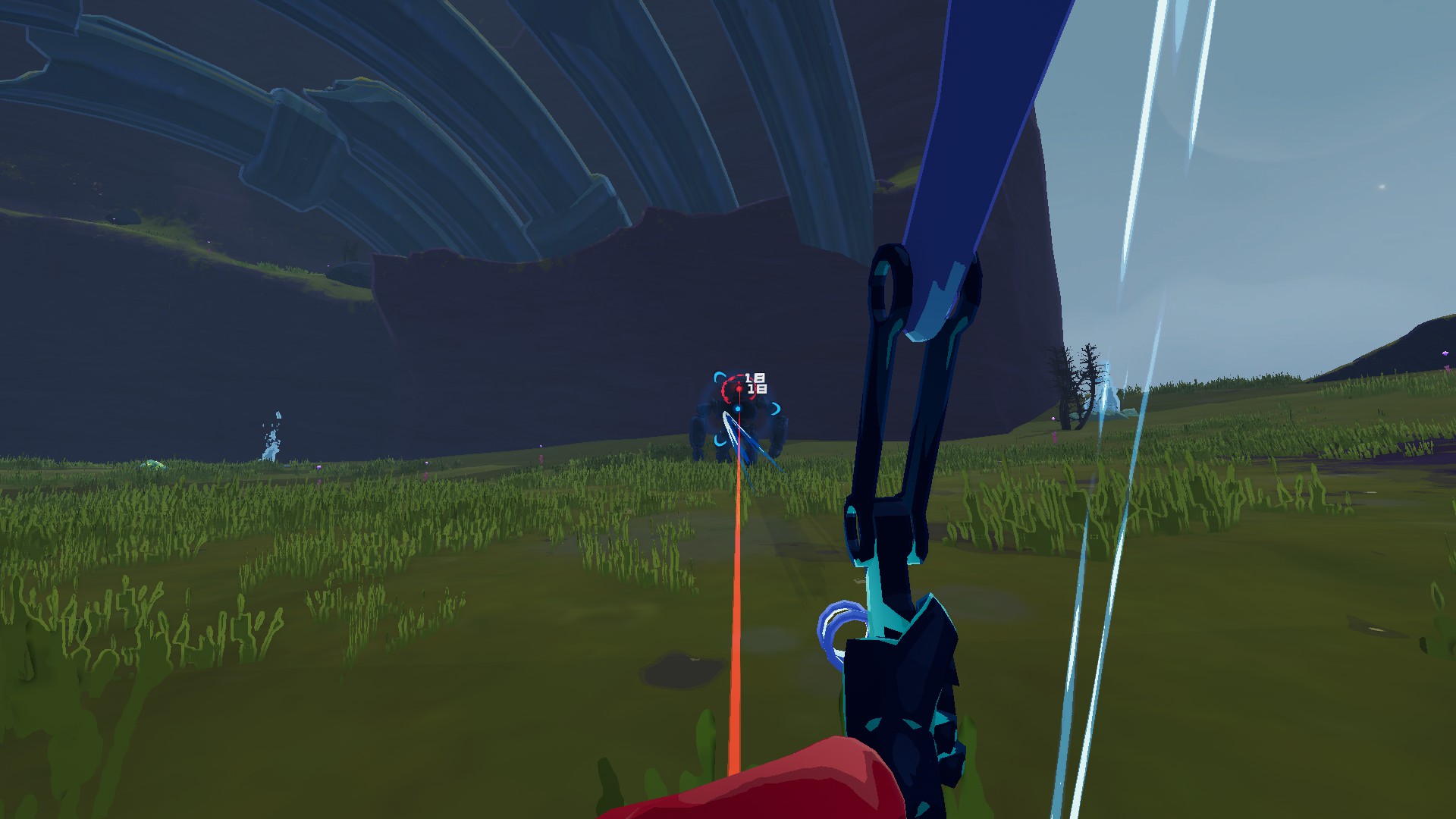
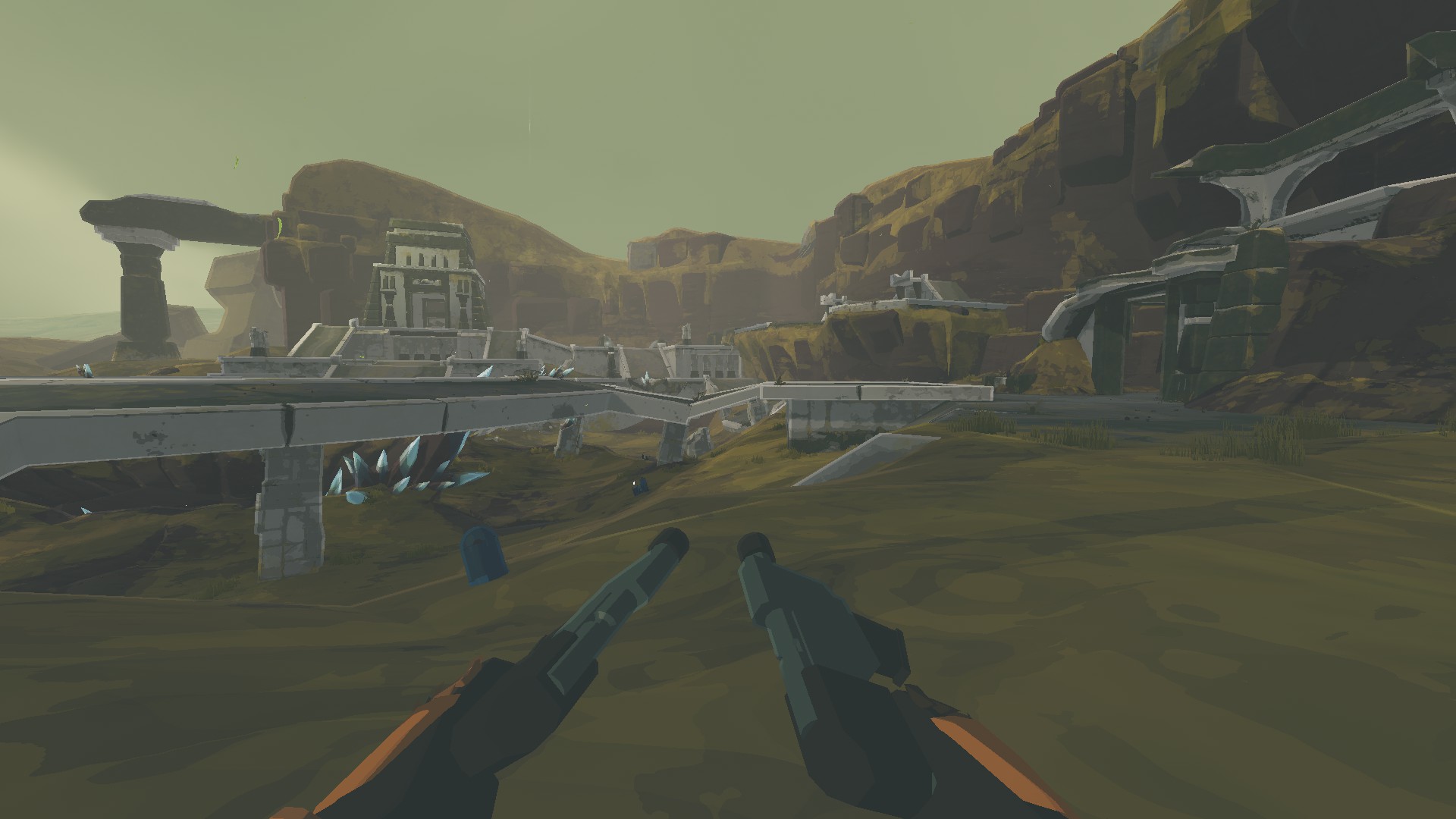
First person from your survivor's eyes: your body in view, a steady camera, proper FOV, and weapons that lower and fade when they would block the screen.
| Date uploaded | a day ago |
| Version | 1.1.2 |
| Download link | Gfdmt-Better_First_Person-1.1.2.zip |
| Downloads | 242 |
| Dependency string | Gfdmt-Better_First_Person-1.1.2 |
This mod requires the following mods to function

bbepis-BepInExPack
Unified BepInEx all-in-one modding pack - plugin framework, detour library
Preferred version: 5.4.2121

Rune580-Risk_Of_Options
A convenient API for adding BepInEx ConfigEntry's to a option menu
Preferred version: 2.8.6README
Better First Person
Play Risk of Rain 2 from your survivor's eyes. You see your own body, arms, weapon and items, the camera stays steady, and your weapon gets out of the way when it would block the view.
Features
- Eyes camera. The camera sits at the front of the head, so you never look through your own face, and it never goes into walls. Looking down moves it a little forward, so the neck and collar stay out of view.
- Weapon out of the way. Railgunner holds her rifle lower, and any survivor's arms and weapon can be lowered the same way. Weapon parts and item displays that still cover a big part of the screen (sprint jumps, falling) fade out smoothly and come back when the view is clear.
- Proper field of view. Set the horizontal FOV you want. Sprinting and scopes still widen and narrow it like in vanilla, and mouse sensitivity stays the same.
- The body follows your view. Your survivor always faces where you look. Walking backwards plays the backpedal animation instead of turning around.
- Weapon sway. On fast turns the arms and the weapon trail behind a little and settle back smoothly.
- No body through the camera. Skills that throw the whole body around (Huntress' Arrow Rain and glaive throw, Mercenary's dashes, Loader's charged punches) hide your body and weapon while they play. Primary attacks stay visible.
- Steady camera. Running bob, melee swings and Acrid's gallop are taken out of the view. Moving, jumping and turning are never delayed.
- Shots go to the crosshair. You aim from the eyes, in single player and in multiplayer.
- Small muzzle flashes for your own weapons, so firing doesn't flash half the screen. Effects that go off in the middle of your body, like Huntress' blink, and flashes over your own model are hidden instead of lighting up inside the camera.
- No hat brims in your eyes. Headgear and eye glows (Captain's cap, Bandit's hat, Operator's eyes, head items) are hidden in first person.
- Hands off. First person comes back by itself after respawning and on the next stage, and the game's own camera takes over for the drop pod, cutscenes, death and spectating.
How to use
Press O during a run to switch between first and third person. The key can be changed in the settings.
Screenshots
Settings
Everything is in the game's Mod Options (Risk Of Options) and can be changed while playing.
| Setting | Default | What it does |
|---|---|---|
| Field Of View | 100 | Horizontal FOV in first person |
| Sprint FOV Effect | 0.5 | How much of the sprint widening to keep |
| Body Rotation | FollowCamera | Body always faces the view; Smart = vanilla turning as if always shooting; Vanilla = unchanged |
| Remember First Person | on | Go back to first person after respawning and on the next stage |
| Camera Forward Offset | 1 | How far in front of the head's center the camera sits, in head sizes |
| Look Down Push | 1.5 | Extra forward movement while looking down |
| Camera Stabilization | 0.6 | 0 = the camera follows the head exactly, 1 = steadiest |
| Fade Weapon Covering Screen | on | Fade parts that cover more than Weapon Fade Start of the screen, fully gone at Weapon Fade Full |
| Own Muzzle Flash Size | 0.35 | 1 = vanilla, 0 = hidden |
| Hide Bursts At Your Body | on | Hide effects that go off in the middle of your own body and flashes over your own model |
| Hide Body During Skills | on | Hide your body and weapon while a skill moves the whole body |
| Weapon Sway | 1 | How much the arms and the weapon trail behind fast turns, 0 = fixed to the view |
For every survivor, including modded ones:
- Weapon Lowering turns the arms and the weapon in them down around the shoulders, in degrees. Railgunner starts at 20.
- Camera Height raises the camera above the eyes, in centimeters.
- Head Path is only for modded survivors whose head isn't found: the path inside the model to look out of.
Compatibility
- Client side: only you need it, other players can play without it.
- With CustomEmotesAPI the view switches to third person while an emote plays, so you can see it (can be turned off).
Feedback
The game log (BepInEx/LogOutput.log) has a line for every survivor you play in first person: where the eyes were found and which parts are lowered and faded.
CHANGELOG
Changelog
1.1.2
- Weapon sway: on fast turns the arms and the weapon trail behind a little and settle back smoothly, instead of being locked to the screen. Weapon Sway sets how much, 0 turns it off.
- The body is turned once per frame, from that frame's view, and the arms aim from the same frame: no more jitter of the arms while turning fast.
- Effects that go off in the middle of your own body, like the flash of Huntress' blink and of the teleport on her special, are hidden in first person (Hide Bursts At Your Body). So are the flashes the game draws over your own model, like Huntress reappearing after her blink, which lit up her eyes right at the camera.
- Glowing weapon parts made of several pieces, like Huntress' arrow cluster on her special, fade as one piece and get out of the way sooner. When a skill switches them on, they stay hidden until measured, so they don't flash up in front of the eyes.
- While a skill moves the whole body (Huntress' Arrow Rain and glaive throw, Mercenary's dashes, Loader's charged punches), your body and weapon are hidden instead of passing through the camera. Primary attacks keep them visible, so melee swings stay on screen. Hide Body During Skills turns it off.
- The first person key reacts while other keys are held (running, sprinting). During the drop pod or a cutscene it switches whether first person comes back afterwards.
1.1.1
- Captain's coat and body (his model has the head separate) count as the body now: his gun stays visible and only fades when it covers a big part of the screen.
- The check that the screen coverage measurement works no longer gives up by mistake when big meshes are around the camera.
- Skills and rides that widen the game's field of view (Enforcer's dash and shield) widen first person only as much as sprinting does, scaled by Sprint FOV Effect. Scopes still zoom in fully.
1.1.0
- First public release.
- Uses the game's own camera: cutscenes, the drop pod, death and spectating show the vanilla view, and first person comes back afterwards.
- Weapon lowering for every survivor, on by default for Railgunner.
- Headgear is hidden in first person: hats, caps, glasses and eye glows that would sit in front of the camera.
- The camera never sits behind the eyes, also for faces that stick out of the head's shape (Operator).
- Rides that keep the body in view (Enforcer's dash, ziplines) stay in first person; the drop pod and rides that hide the body show the vanilla camera.
- The first person key always reacts; it is only ignored while typing in the chat or the console.
- Aiming from the eyes in multiplayer as well.
- Faded weapon parts are hidden on the game's no-draw layer, so they stay hidden reliably.
- Camera height per survivor in centimeters.
- Old settings are carried over and settings that no longer exist are removed from the config file.
