
Please disclose if any significant portion of your mod was created using AI tools by adding the 'AI Generated' category. Failing to do so may result in the mod being removed from Thunderstore.

WizshBoneTwitchIntegration
Let your Twitch chat turn your Valheim world into chaos! WizshBone Twitch Integration connects your channel to the game: viewers can spend channel points on redeems that trigger effects around you!
By DeathWizsh
| Date uploaded | a week ago |
| Version | 1.0.2 |
| Download link | DeathWizsh-WizshBoneTwitchIntegration-1.0.2.zip |
| Downloads | 20 |
| Dependency string | DeathWizsh-WizshBoneTwitchIntegration-1.0.2 |
This mod requires the following mods to function

ValheimModding-Jotunn
Jötunn (/ˈjɔːtʊn/, 'giant'), the Valheim Library was created with the goal of making the lives of mod developers easier. It enables you to create mods for Valheim using an abstracted API so you can focus on the actual content creation.
Preferred version: 2.30.2
ValheimModding-YamlDotNet
Shared version 16.3.0 of YamlDotNet from Antoine Aubry and contributors, net47 package for use in Valheim mods. Maintained by the ValheimModding team.
Preferred version: 16.3.1README
WizshBone Twitch Integration
Let your Twitch chat turn your Valheim world into chaos! WizshBone Twitch Integration connects your channel to the game: viewers can spend channel points on redeems that trigger effects around you, and chatters can even take control of the creatures in your world!
Getting started
- Install the mod and its dependencies.
- Start Valheim, load into a world and open the mod's window (default F3).
- Click Twitch Login in the top bar. Your main browser opens, where you log in to Twitch and authorize the mod.
- Turn on redeems from the Home tab. Your redeems are created as custom channel point rewards on your channel.
Twitch only offers channel points (and custom rewards) to Affiliates and Partners, and allows at most 50 custom rewards per channel, including any you already have.
Features
Channel point redeems
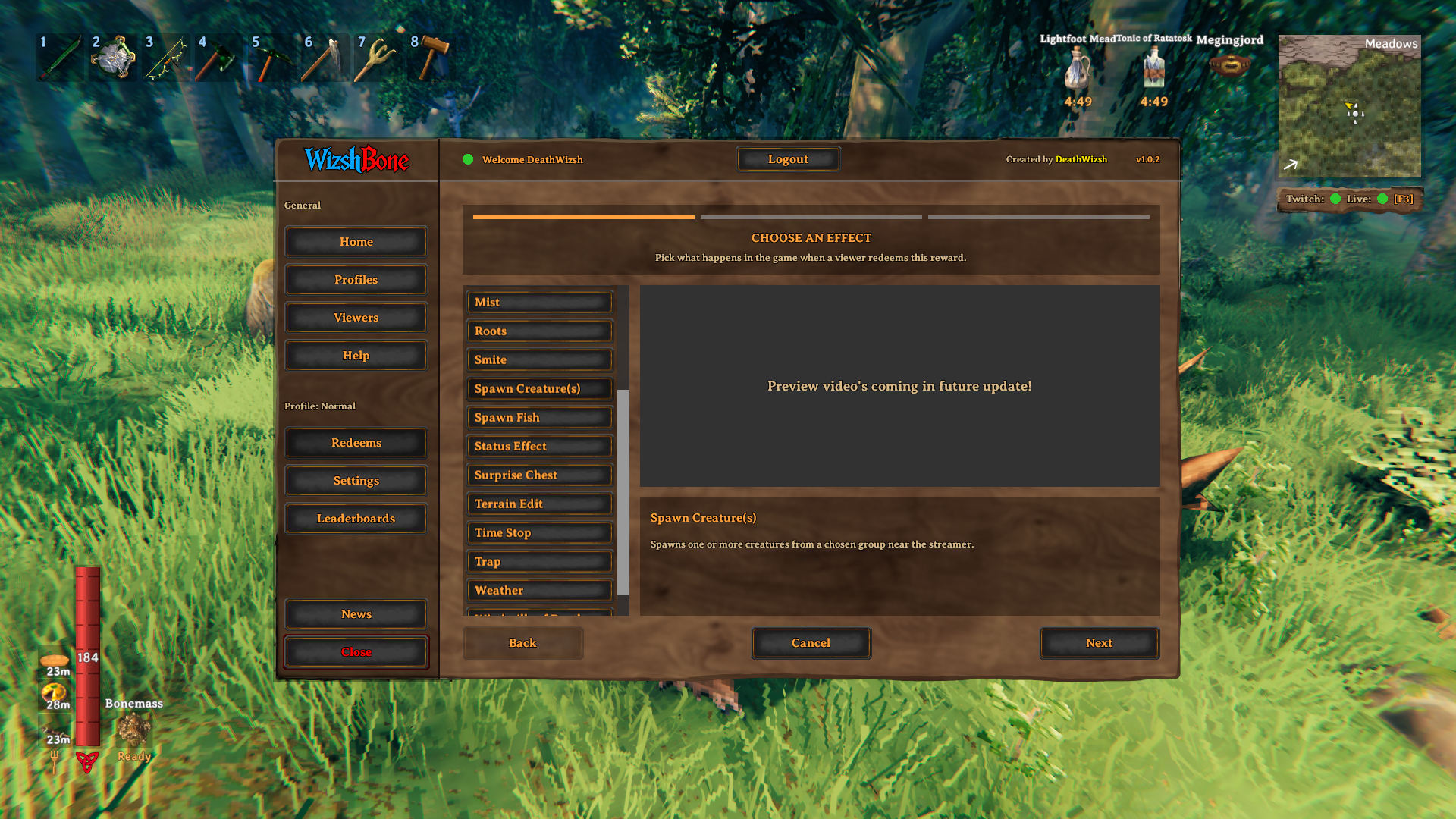
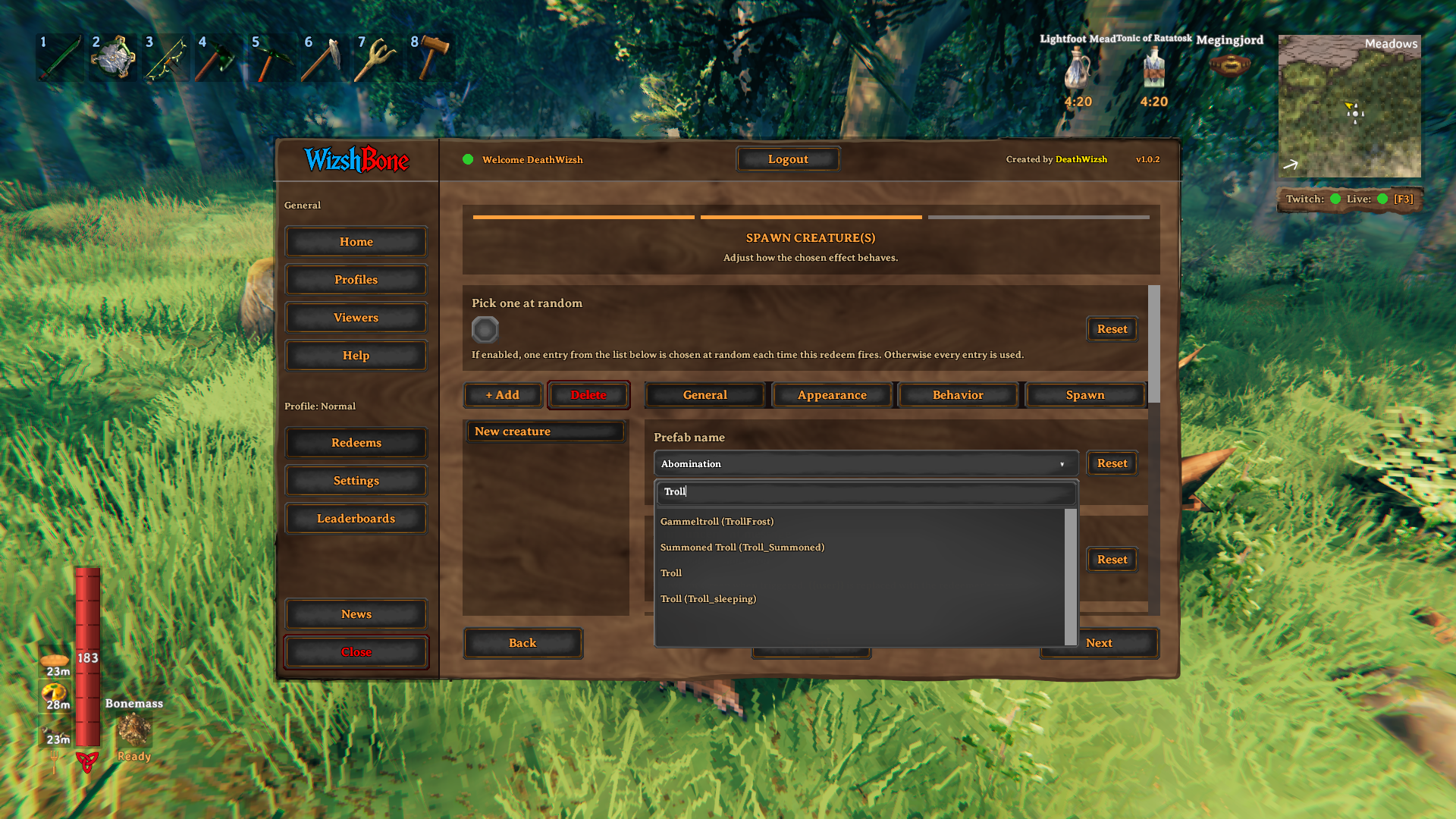
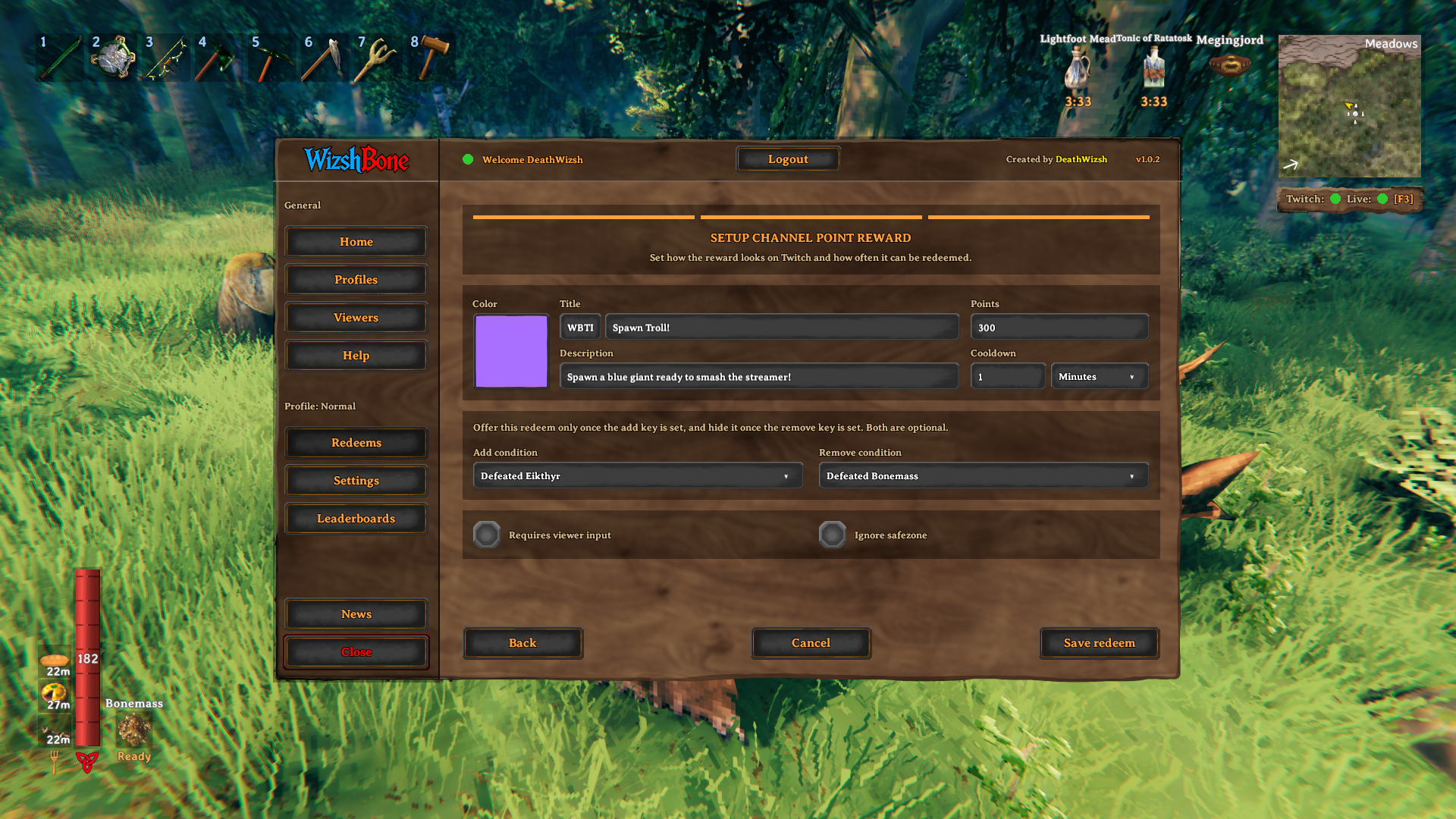
Every redeem triggers an in-game effect around the streamer. The redeem wizard walks you through choosing an effect, configuring it and setting up the channel point reward. Available effects:
- Spawn creature(s) from a creature group you define
- Surprise chest with random loot or unpleasant surprises!
- Status effect applied to you, positive or negative
- Weather changes for the vibes!
- Time stop, freezing creatures and objects around you
- Terrain edit, spawning sinkholes to trap the unsuspecting streamer
- Smite (lightning), Meteors, Roots, Traps
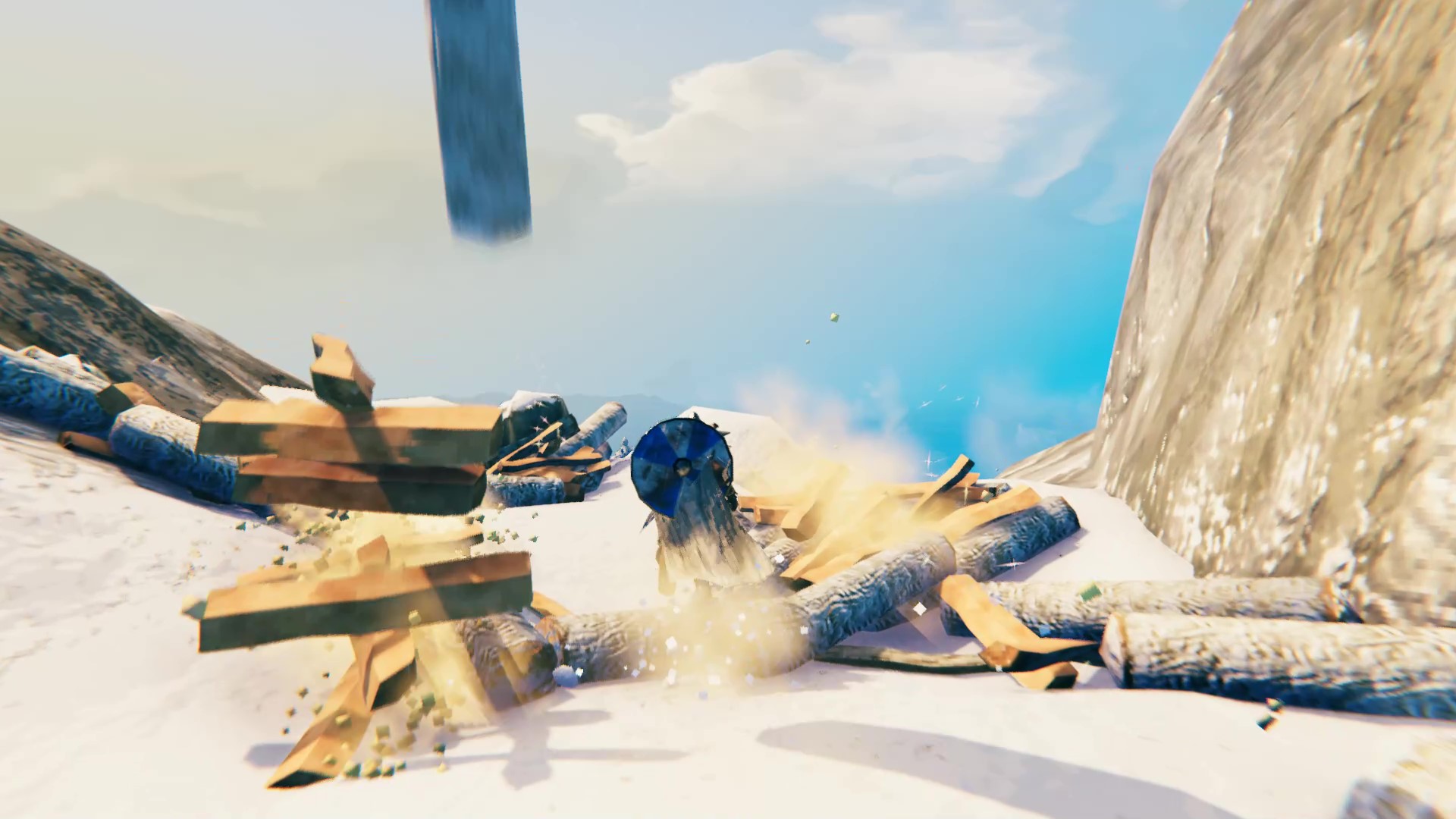
- Fish rain, Log rain and Boat rain
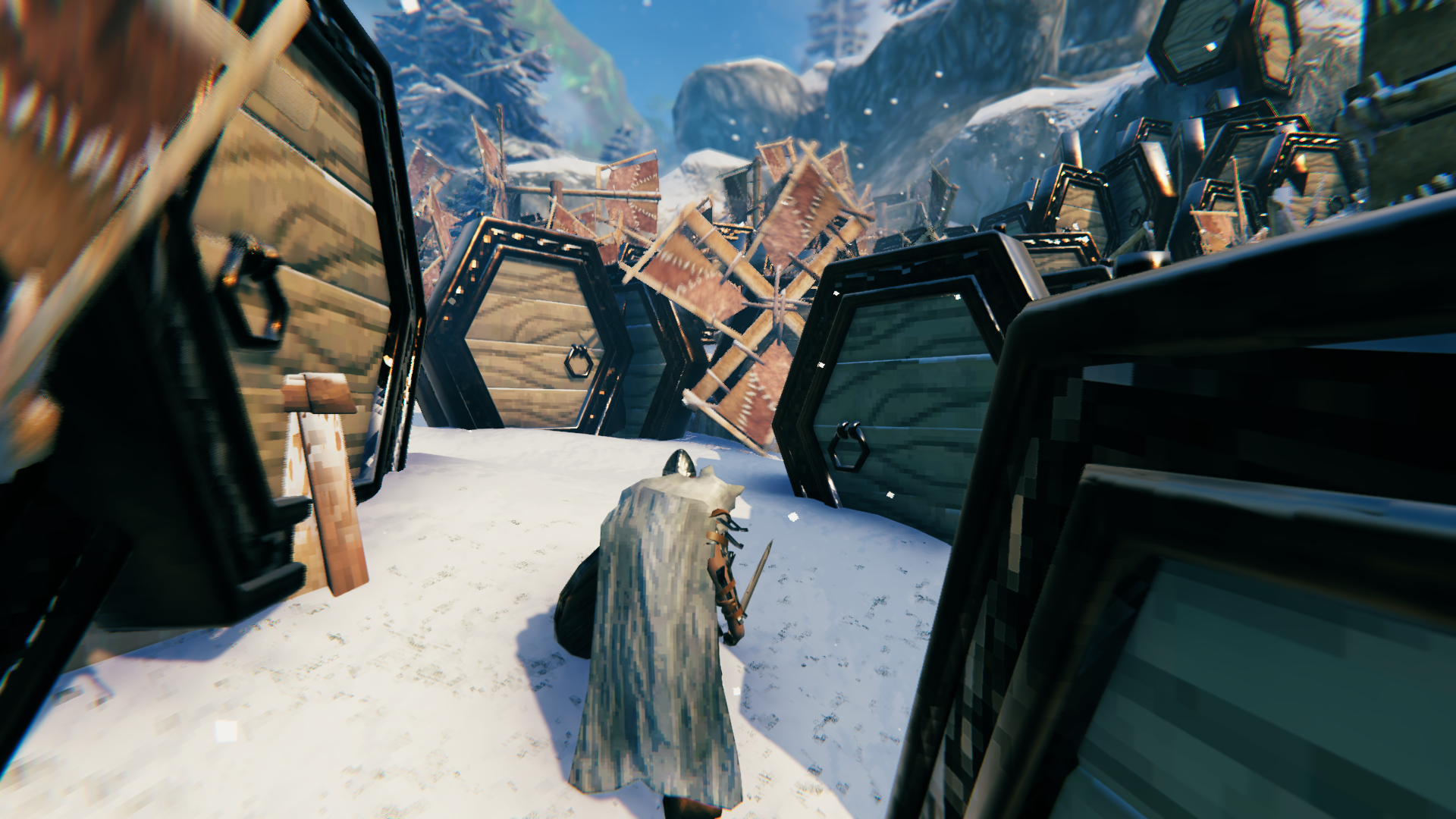
- Doors of Doom and Windmills of Death
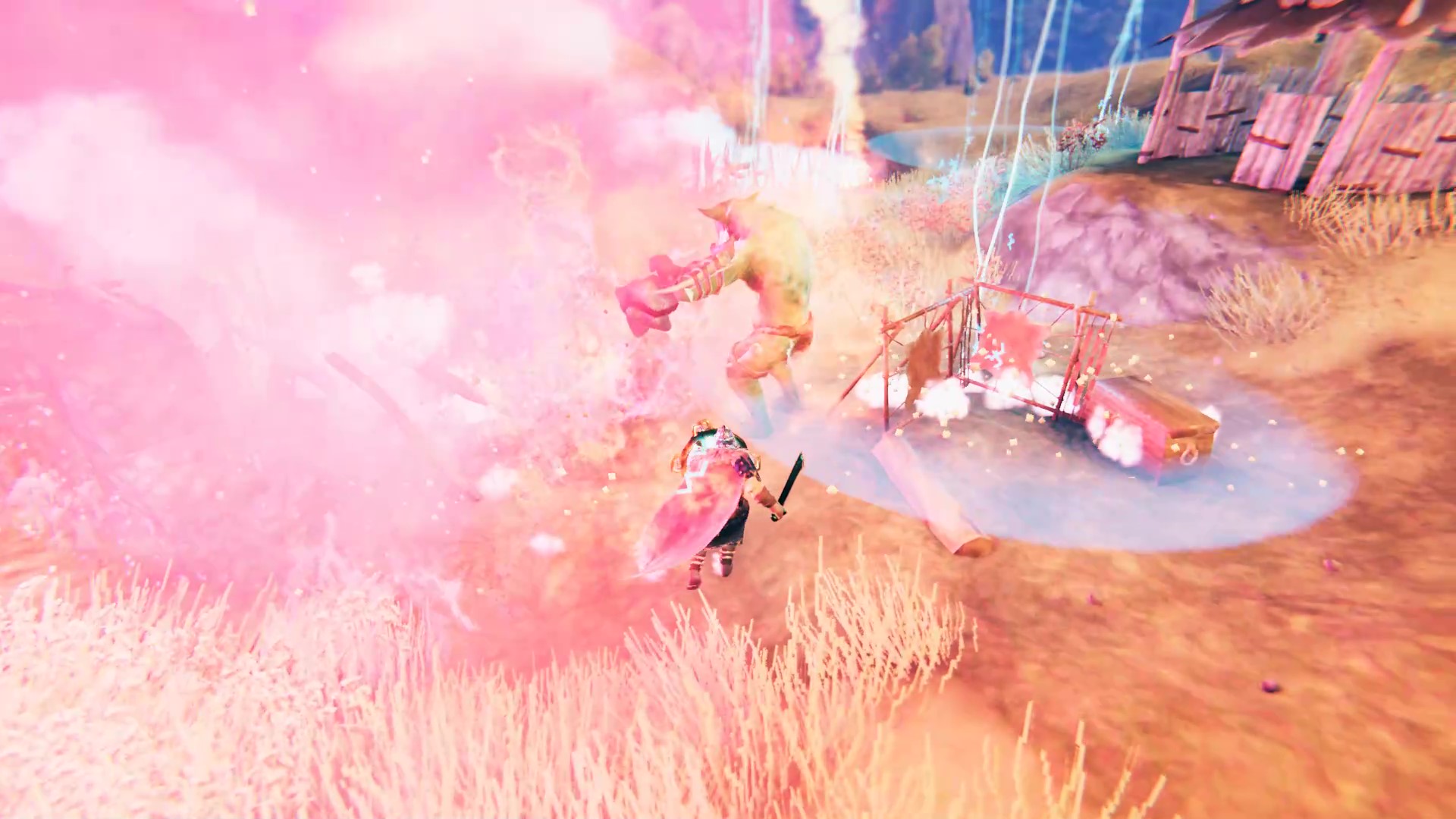
- Mist, Flashbang and Detonate fish
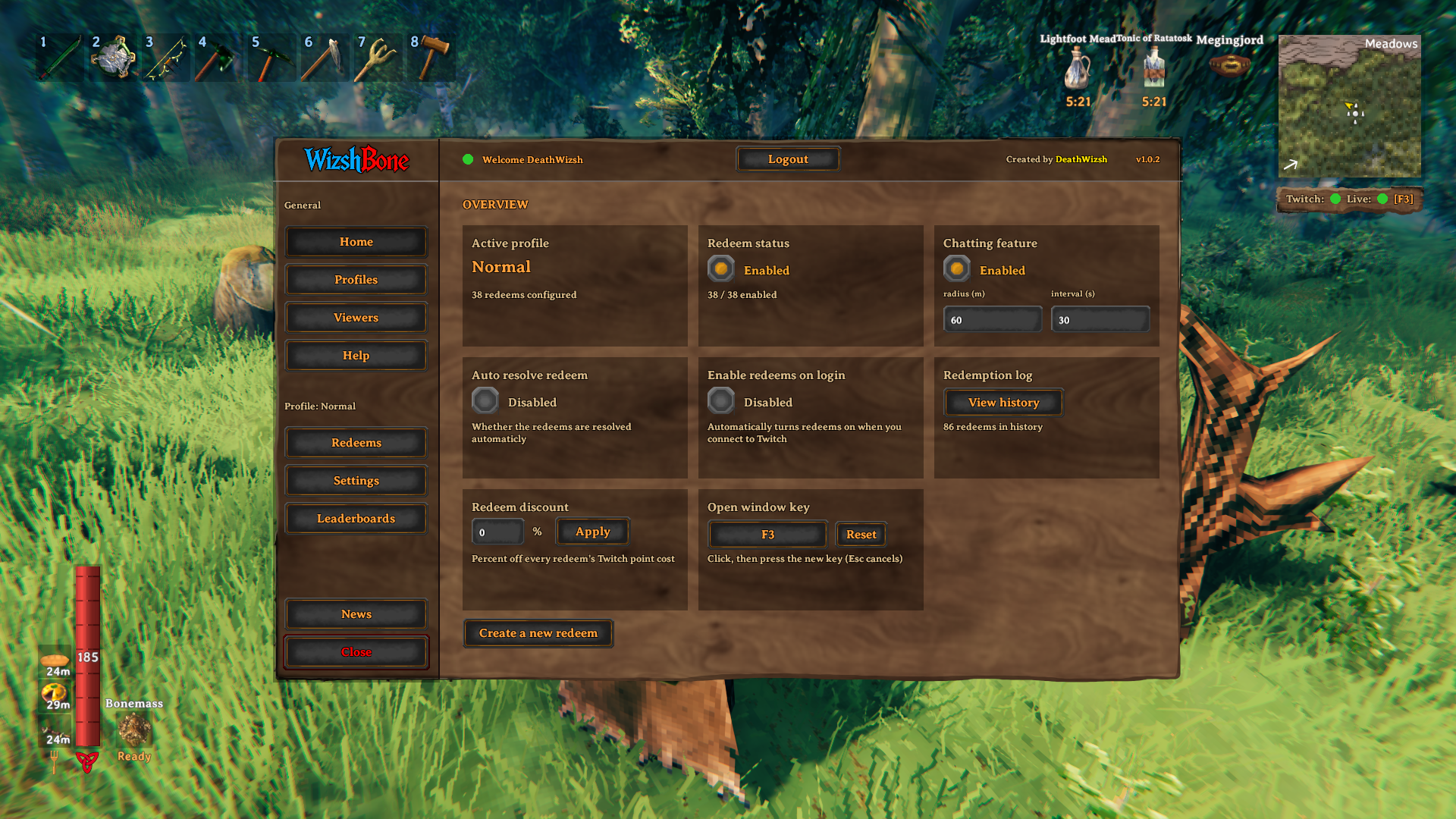
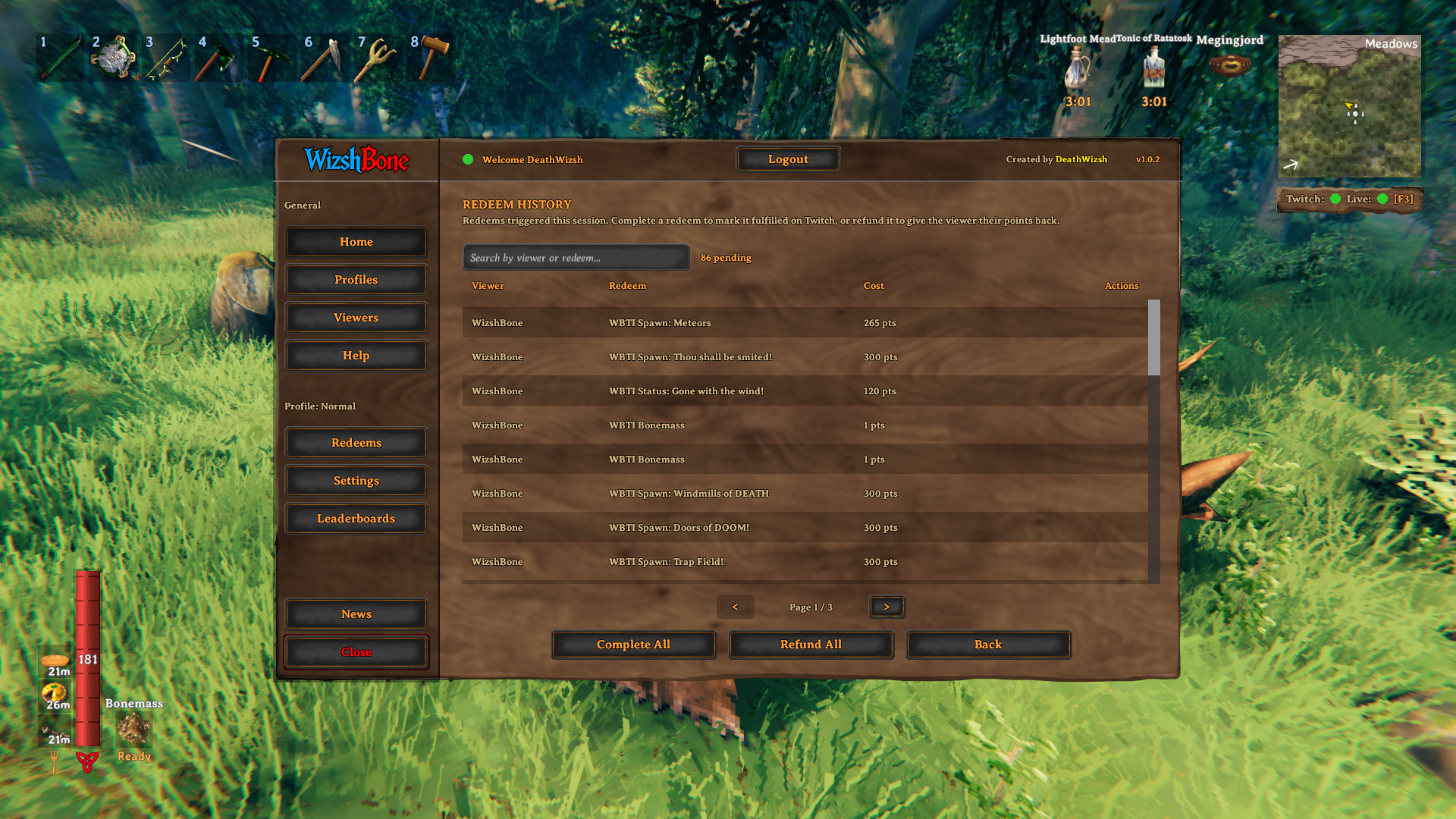
A redeem requires at least a point cost and a title. You can also add cooldowns, and make redeems appear or disappear as you progress and defeat bosses. You can apply a percentage discount to all redeem costs, and choose whether redeems are resolved automatically or by hand from the redeem history.
Chatting and claiming creatures
- Chat messages can show up above nearby creatures.
- Viewers are offered nearby creatures to claim with
!claim, either to a randomly chosen chatter or as a free-for-all where the first to type it wins. - Claimed creatures carry the viewer's name and can be released with
!unclaim.
Viewers
Register the chatters and redeemers you care about to give them perks, like a creature color.
Leaderboards
Tracks your viewers: points spent, redeem count, favorite redeems, previous names and the deaths they caused.
Profiles
A profile holds all your redeems and settings. Switch, copy, rename, import and export profiles to share a setup, or sync a profile so you and your friends run the exact same configuration. Synced profiles are read-only for everyone except the owner. The built-in profiles (Normal and Chatting only) can't be renamed, deleted or synced, but can be reset to their original content.
Settings
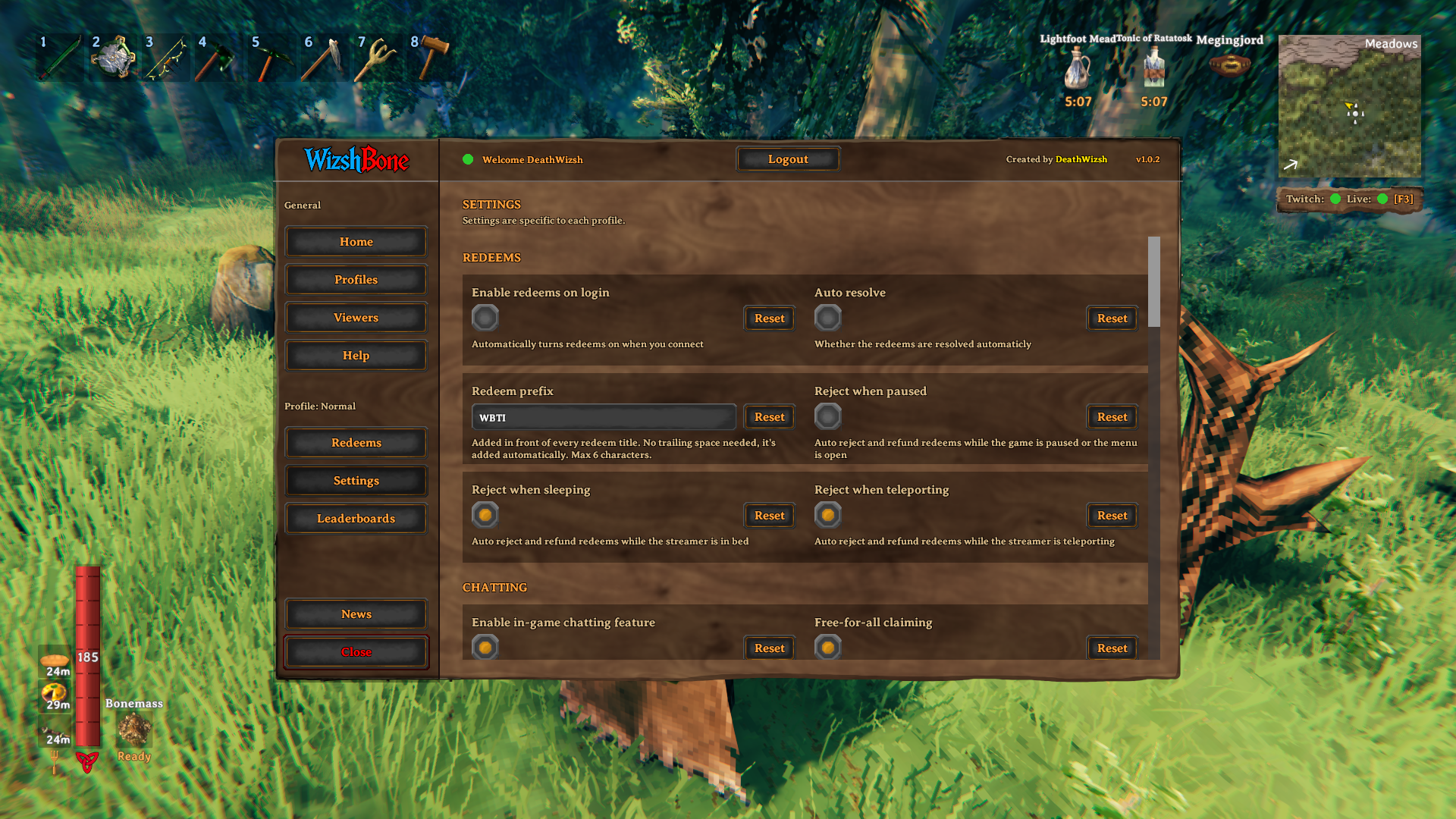
Everything below is configured per profile and saves automatically:
- Chatting: claim duration, scan interval and radius, blacklist, free-for-all claiming
- Creatures: same faction, scaling by biome tier, spawn limits, follow radius
- Indestructible boats, chests, portals and crops
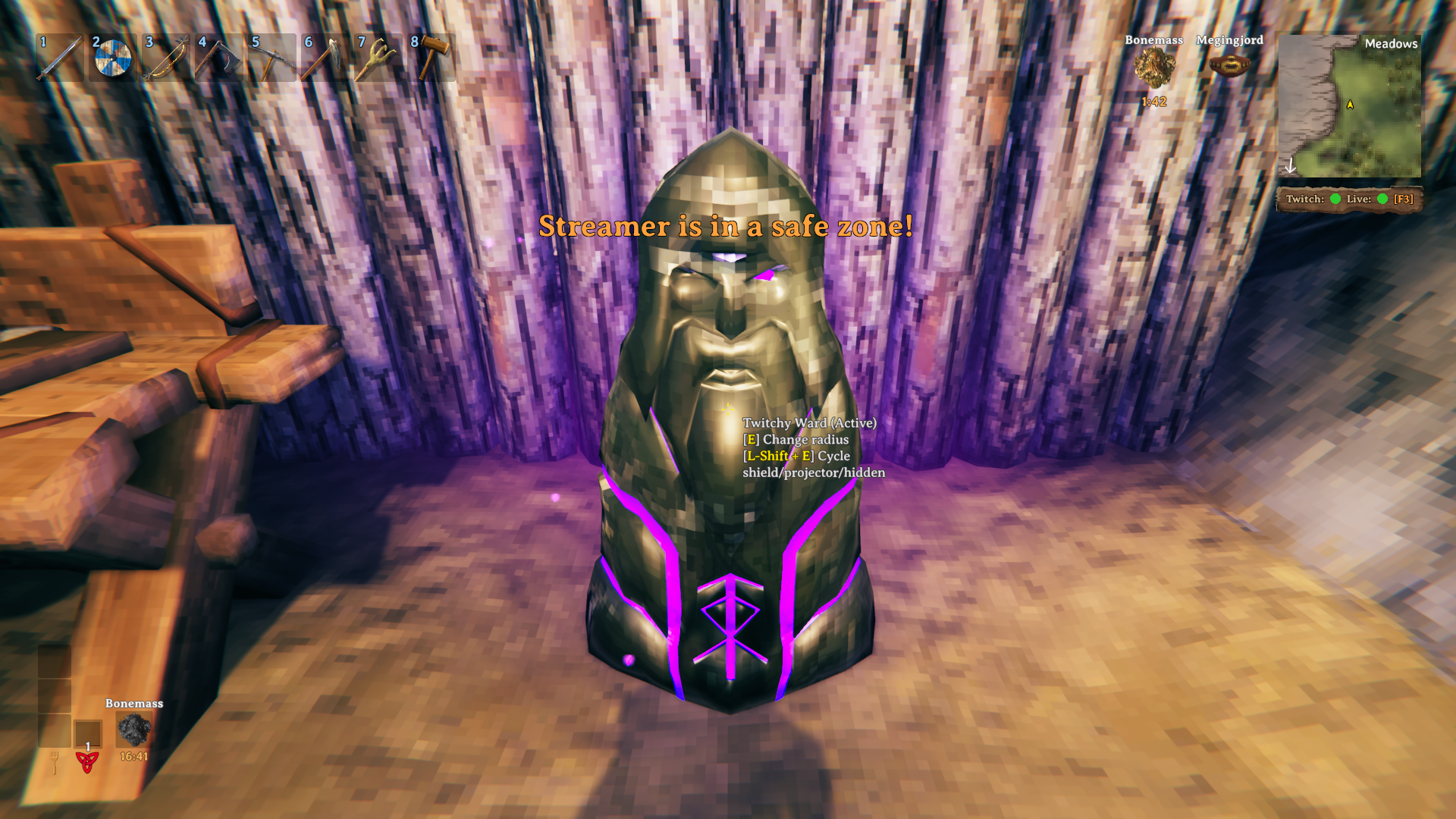
- Twitch Ward recipe and behavior
- Safezones on traders and boats
Safezones
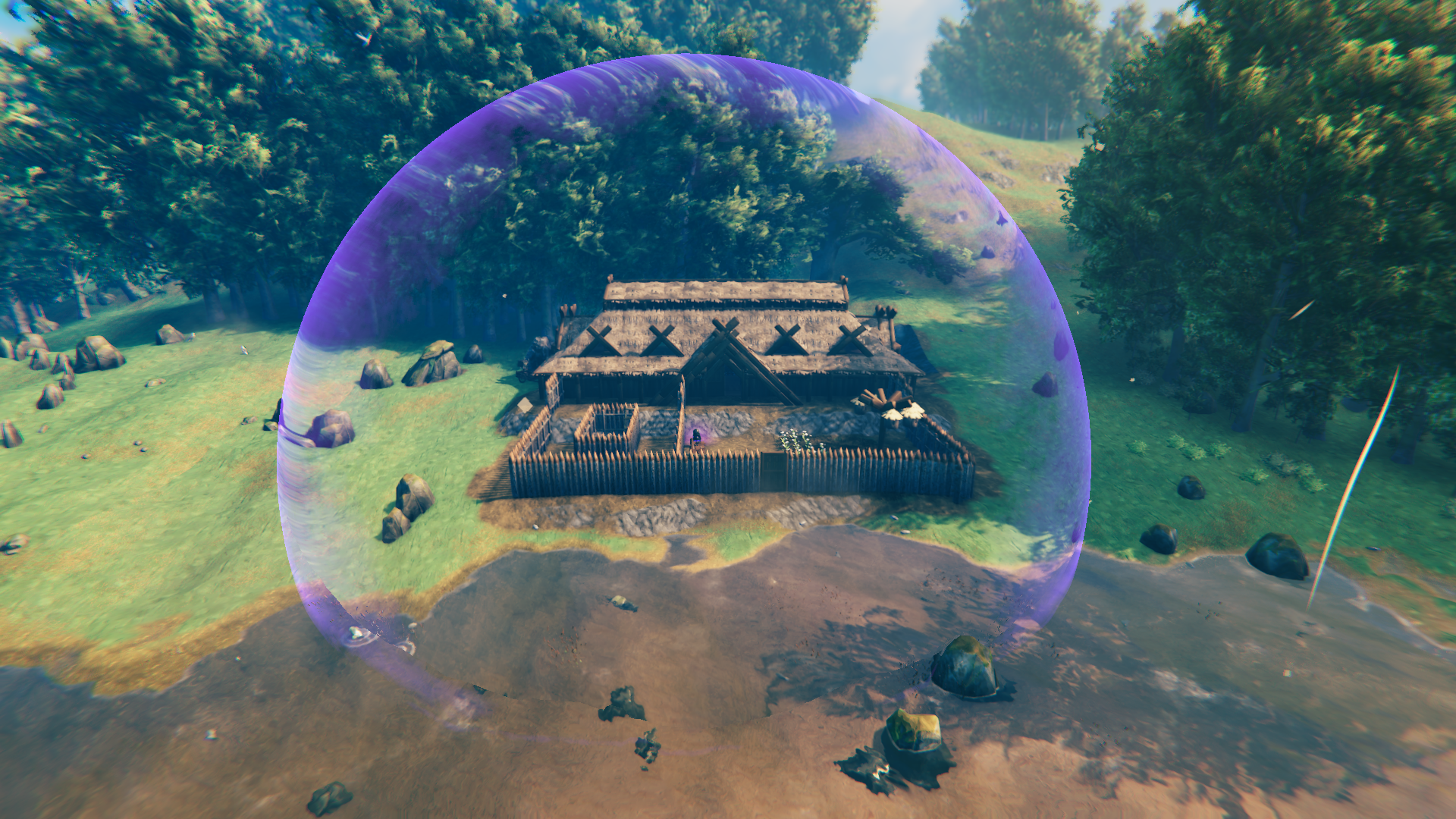
Safezones (Twitch Wards, ships and traders) block redeem effects while you are inside them, unless a redeem is set to ignore safezones. In the Settings you can stop spawned monsters from entering a zone, or burn them if they do. Monsters that are pushed away can't shoot or hit anyone inside a zone either; if you allow them inside, their attacks aren't blocked.
Multiplayer
The mod is designed with multiplayer in mind, so redeem effects should work for everyone in the world, not just the streamer. It has NOT been thoroughly tested in multiplayer yet, so issues may occur. Please report any problems you run into.
Known issues
- Creature recoloring is not finished: not every creature can be recolored yet.
- Multiplayer has not been tested thoroughly (see above).
Bugs & Suggestions
Found a bug or have a suggestion? Join my Discord: https://discord.gg/M3BrRskQEd
Select the modding role and post your feedback or bug report there!
Planned
- More default profiles with different levels of chaos and difficulty
- More redeem types, like dropping your inventory, inverted movement and rearranging your hotbar
- A periodic vote that lets viewers decide your fate with a random redeem
- Surprise chests that can turn out to be a mimic or spawn other redeems
- A new cooldown system with shared cooldowns
- More commands for viewers to control the creatures they claimed or spawned
Screenshots
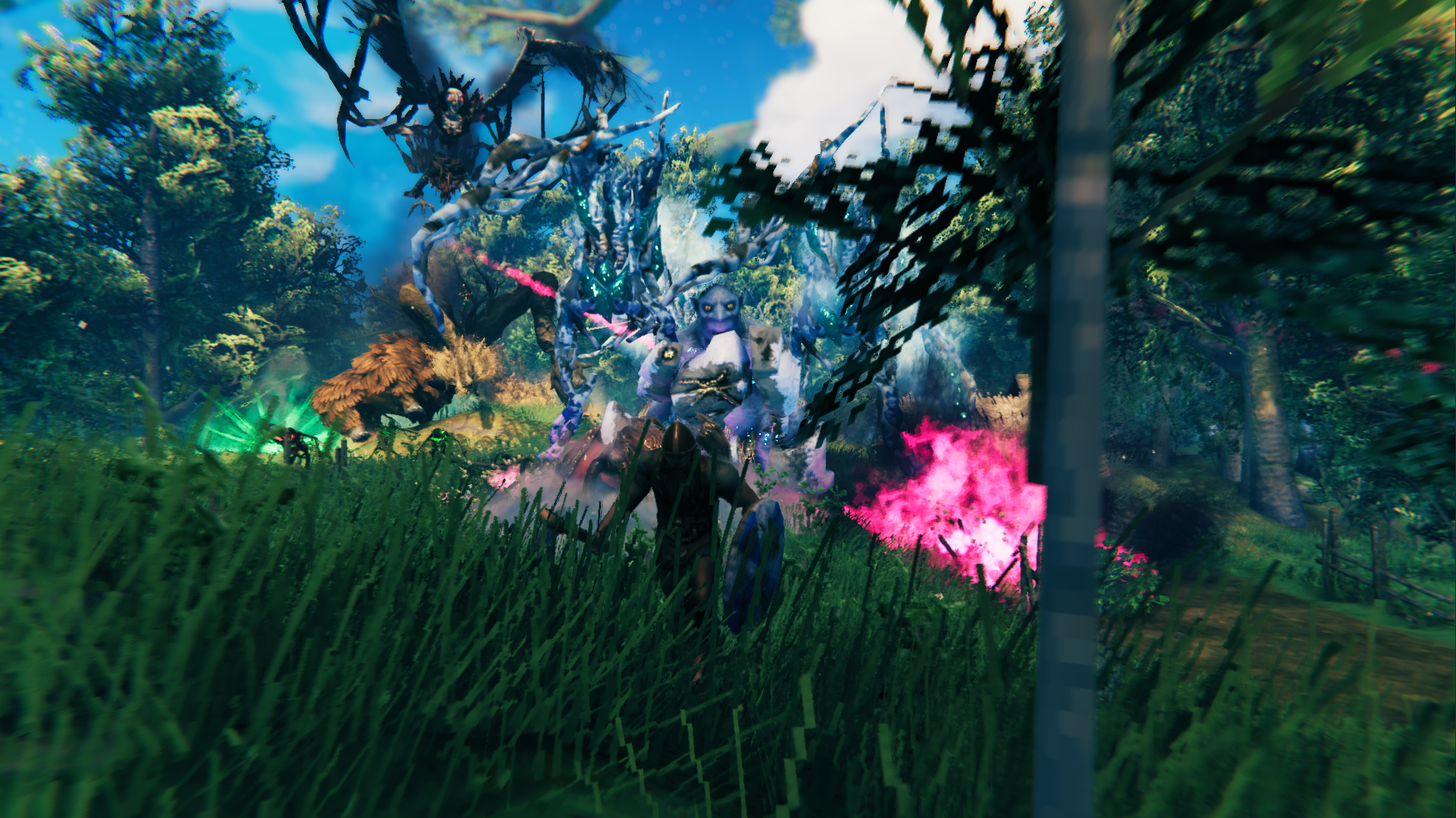
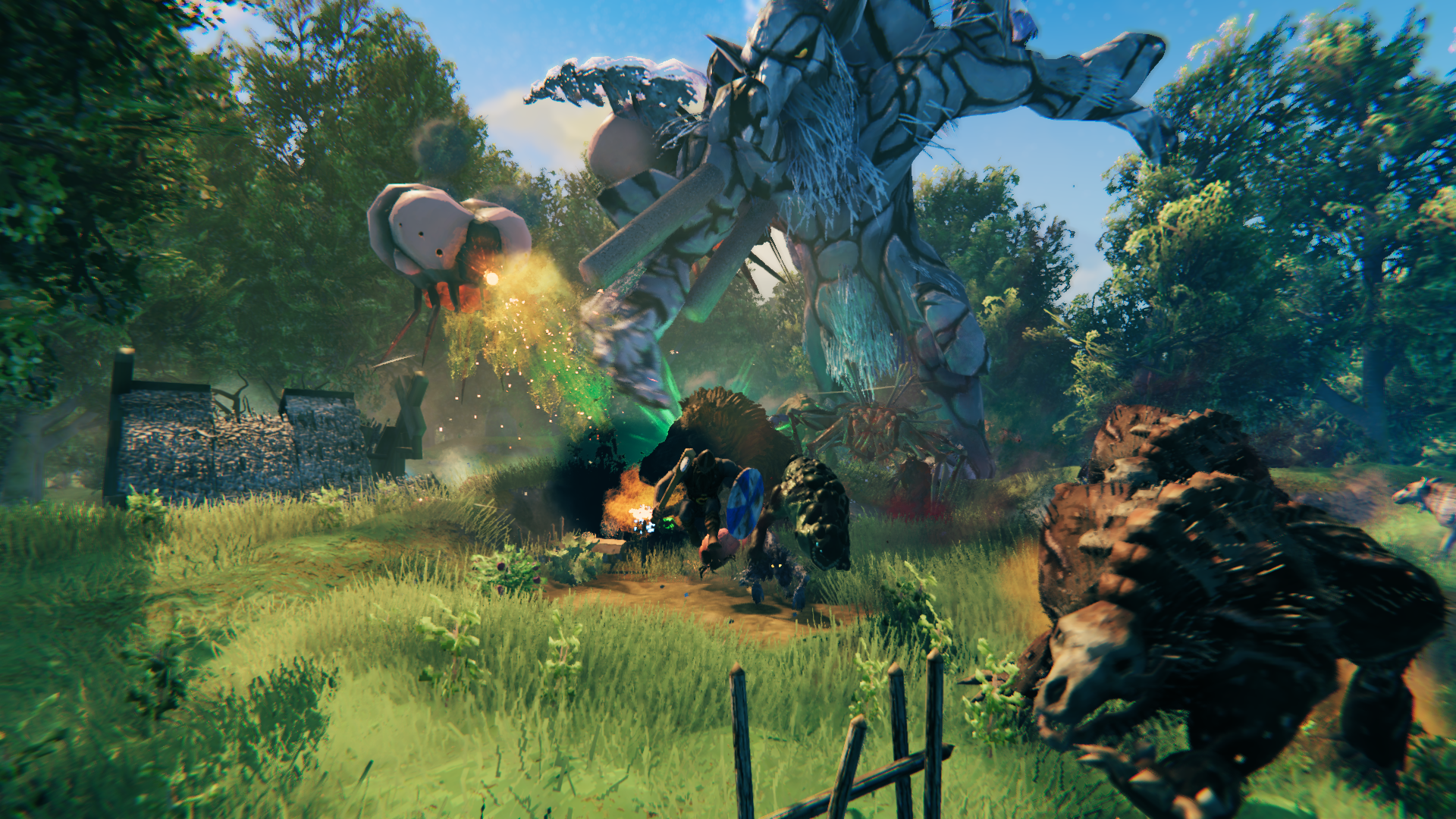
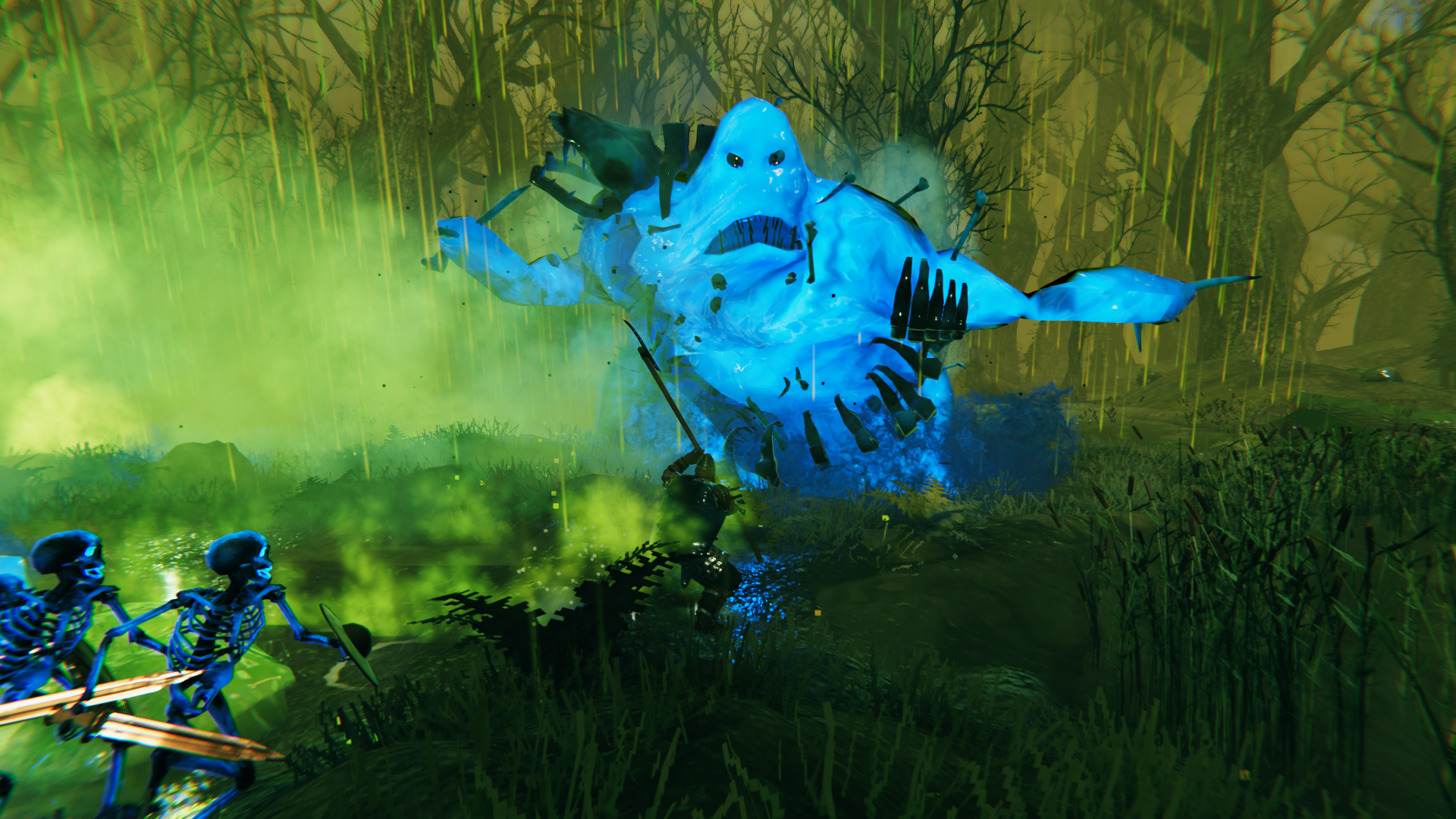
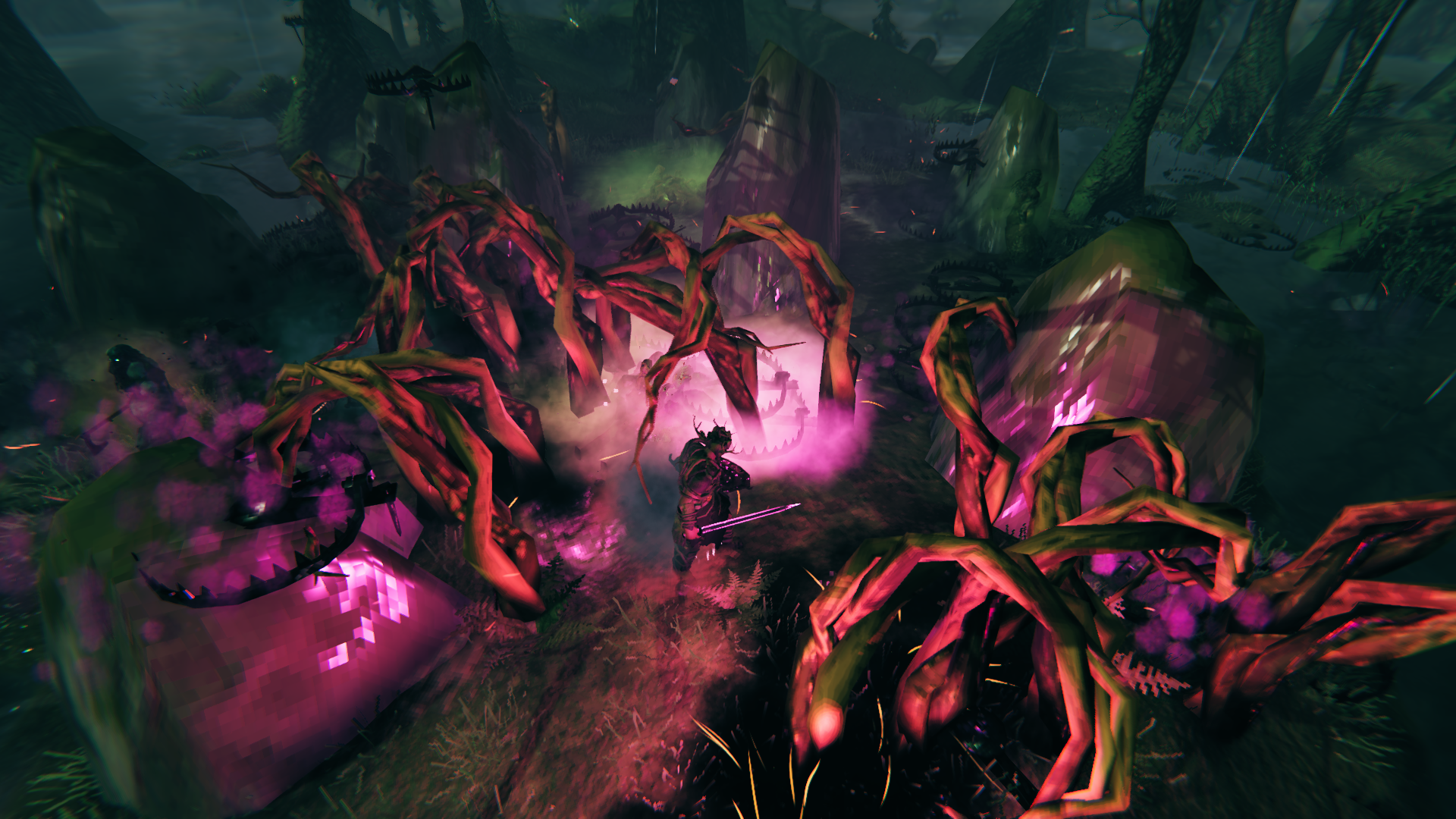
CHANGELOG
1.0.2
General
- Fixed the login flow (single authorize).
- Fixed the session-expiry warning at the 15, 10, 5 and 1 minute login checks. Once expired, you are logged out and the redeems are removed from Twitch.
- Added a first version of leaderboards: tracks viewers, points, redeem count, favorite redeems, previous names and caused deaths.
- Added a card on the Home tab to rebind the key that opens the main window, with a Reset button.
- Creating a profile can now start empty or based on another profile.
- Fixed a bug where scrolling zoomed the camera while the UI was open.
- Fixed a bug that could leave toasts stuck forever, and added a Clear Toasts button in the Help tab.
- Added built-in profiles "Normal" and "Chatting only". They always exist (they are re-created if missing) and can't be deleted, renamed or synced, but a Reset button puts one back to its original redeems and settings. An existing profile of one of these names is renamed to "name (old)" instead of being overwritten. "Normal" replaces the old "Default" profile, which is kept as a regular profile if you already have it.
Redeems
- Fixed the "Enable redeems" and "Chatting" cards on the Home tab not updating live (when redeems are enabled on login).
- New toggleable settings to enable/disable auto reject and refund redeems while the game is paused or a menu is open, while the streamer is sleeping, or while teleporting (all on by default).
- A redeem that arrives while the streamer isn't in the world (dead, respawning or loading) is now refunded instead of being lost.
- Redeems that are not in the active profile are no longer discarded: they stay unresolved in the Redeem history, shown in red as "Unknown: title", and bulk Complete/Refund skips them.
- The Redeem history now holds 1000 entries (was 500), warns when 750 unresolved redeems are pending, and drops the oldest resolved entry first so pending redeems are kept.
- Disabled redeems are no longer sent to Twitch, so they don't use up one of its 50 channel point reward slots.
- The Redeems tab now shows how many Twitch reward slots you use, including rewards on Twitch at that moment. Redeems are not pushed (and an error is shown) when they would go over Twitch's limit of 50, and Twitch rejections are now reported.
- The Redeems tab's "Test" button is now called "Trigger", with a clearer tooltip.
Monsters
- Fixed recolors deviating from the entered HEX value.
- Rockies can now be claimed with
claim:, can talk and can be recolored. - Added a second (emission) color for recolors! Now you can recolor the skin and glowing parts separately!
- Added recolors for the new Skeletons, Bat, Writhan and up to Ashlands. Also the bosses from Eikthyr up to The Queen can now be recolored!
- Fixed starred creatures (e.g. one-star deer, starred wolves) not showing their recolor on the skin.
- The color picker applies on change, accepts paste and strips a leading
#. Click a color in the Viewer list to copy its hex code. - Resized creatures now scale their attack reach, hitbox and AI attack range with their size. Covers melee swings, area attacks (stomps and slams) and where projectiles spawn.
- Death effects of resized creatures (ragdolls etc.) now spawn at the creature's size, and recolored creatures leave a recolored ragdoll.
- Gear held or worn by resized creatures now scales with them.
- MANY new creature form fields! Some are experimental and might not work as intended, like setting equipment, but I do encourage you to experiment and report any feedback!
Surprise chest redeem
- "Stack size" is now "Amount" (existing profiles are migrated automatically), limited to the item's max stack size.
- Quality is limited to 1-10 and can go above the item's normal max quality, like extra Refinement Forge levels.
- Items now spawn with full durability for their quality.
- A redeem is now refunded if the dungeon filter and the Max spawned limits leave nothing the chest can spawn.
Weather redeem
- Added the
WBTIRemoveWeatherconsole command to remove Twitch weather zones and restore normal weather. - New "Cycle weathers" option steps through the chosen weathers in order, with a "Time per weather" setting, instead of picking one at random.
- New "Follow player" option makes the weather zone follow the redeemer.
- New "Frost resistance" option protects anyone standing in the zone from cold weather damage (e.g. while cycling through snow).
- Weather zones now sync to other players in multiplayer (weather, force flag and size are replicated).
Flashbang redeem
- Flashbang: nearby players are flashed too when the streamer throws one, using their own Flashbang redeem settings.
Status effect redeem
- Grow/shrink player resizes are now visible to other players in multiplayer. Fixed swim/wade speed and interact distances for resized players.
Safezones
- New "Twitch Ward buildable" setting: turn it off to hide the ward from the Hammer build menu.
- Safezones: spawned creatures are pushed out harder, no longer pick destinations inside a zone, and, while monsters are pushed away, their projectiles and hits can no longer enter or hit players inside a zone.
- Fixed the ward's burn leaving spawned creatures with a little health left.
- Safezone radius changes now sync to all players, and the radius is limited to 3-1000.
HUD
- Restored the missing HUD section in Settings.
- Status HUD now defaults to below the minimap.
- Status HUD now shows the configured key for opening the main UI.
- Status HUD now shows "Twitch:" and "Live:" labels, each with a green/red status dot.
1.0.1
- Clamped number settings.
- Removed leftover debug log messages, including chat message logging.
1.0.0
- Initial release.
