

QuickSpraySelector
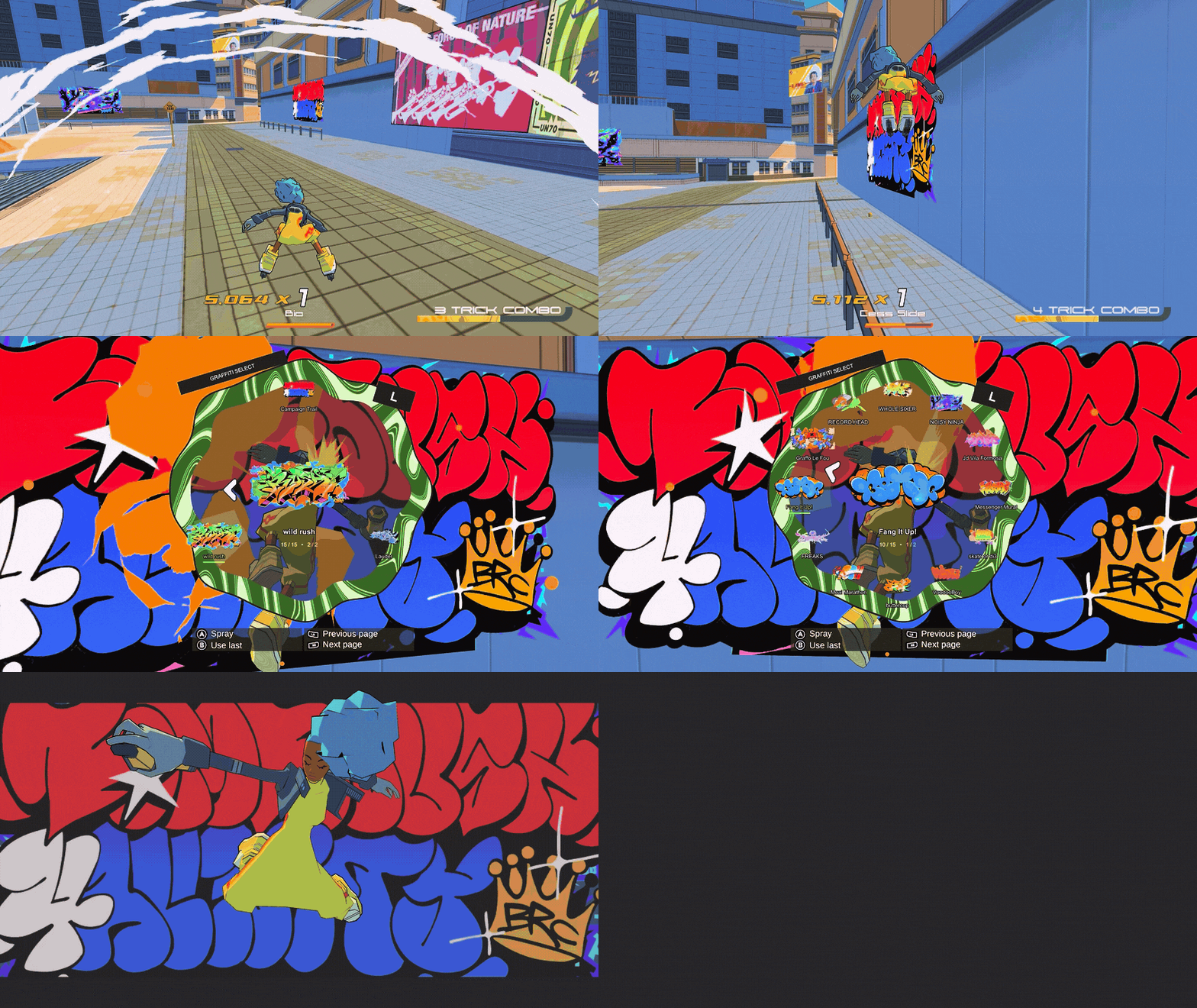
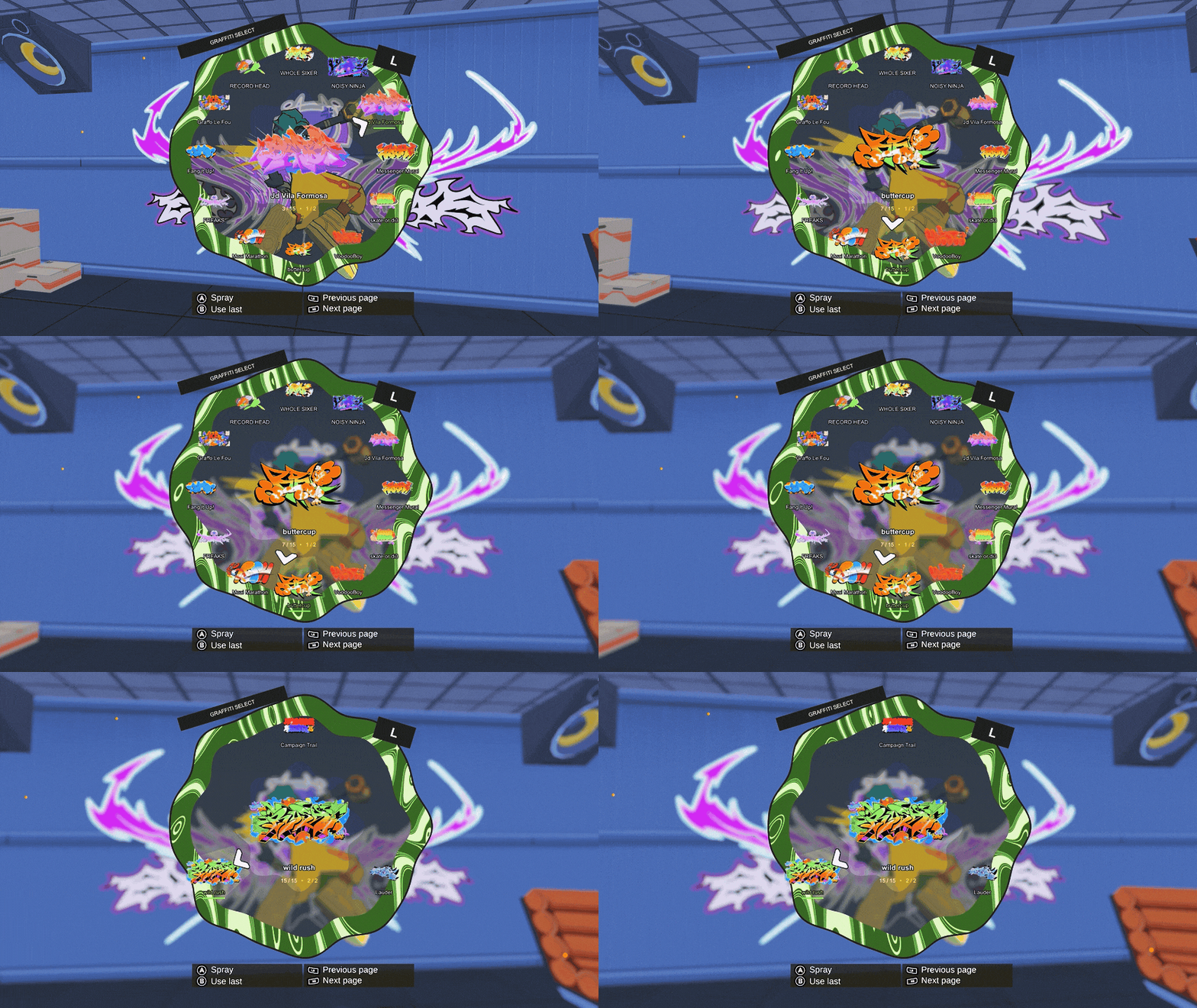
Replaces the Graffiti Minigame with a weapon wheel style selector. Press cancel to spray last used piece.
| Last updated | 6 hours ago |
| Total downloads | 14 |
| Total rating | 0 |
| Categories | Mods |
| Dependency string | Stooo-QuickSpraySelector-1.0.2 |
| Dependants | 0 other packages depend on this package |
This mod requires the following mods to function

BepInEx-BepInExPack
BepInEx pack for Mono Unity games. Preconfigured and ready to use.
Preferred version: 5.4.2100README
QuickSpraySelector
Replaces the Graffiti Minigame with a weapon wheel style selector. Press cancel to spray last used piece.
- Supports controller and Keyboard+mouse
- Uses the original minigame animations
- Blur quality is configurable
The screen may hang for a second on the first spray after launching the game.
Installation
Install through Thunderstore Mod Manager or r2modman with BepInEx, then launch modded. Disable other mods that replace the graffiti minigame.
Blur settings
In BepInEx/config/codex.quickpickgraffiti.cfg, under Graphics, use NativeBlurQuality = Small for less GPU work, or NativeBlurEnabled = false to turn blur off.
Created by Stooo. Icon: Graffo Le Fou by Greunouylle. The pointer comes from the game’s dance selector. Game artwork belongs to its creators; mod code is MIT licensed.
