

CustomBoombox
A portable custom boombox for Gamble With Your Friends with custom music and multiplayer support.
By Evanss
| Last updated | a day ago |
| Total downloads | 49 |
| Total rating | 1 |
| Categories | Mods Tools Audio |
| Dependency string | Evanss-CustomBoombox-1.0.3 |
| Dependants | 0 other packages depend on this package |
This mod requires the following mods to function

BepInEx-BepInExPack
BepInEx pack for Mono Unity games. Preconfigured and ready to use.
Preferred version: 5.4.2305
Try_46-TryConnect
API and runtime support for registering custom items and prefab-based content in Gamble With Your Friends
Preferred version: 0.1.2README
Custom Boombox
Add a portable custom boombox to Gamble With Your Friends and play your own music in multiplayer.
The mod lets you add your own music files to the Music folder and listen to them while playing. The boombox can be picked up, carried, dropped, and used during a multiplayer session.
Features
- 🎵 Custom Music — Add your own music files to the
Musicfolder. - 🎮 Portable Boombox — Pick it up, carry it around, and drop it wherever you want.
- 👥 Multiplayer Support — Use the boombox while playing with your friends.
- 🔀 Track Controls — Switch between songs and control the volume directly in-game.
- 🔄 Easy Respawn — Create or recreate the boombox whenever you need it.
Controls
| Key | Action |
|---|---|
| P | Play / Pause |
| E | Pick up / Drop |
| N | Next Song |
| B | Previous Song |
| - | Decrease Volume |
| + | Increase Volume |
| F8 | Create / Recreate Boombox |
How to Add Your Own Music
- Open the mod's
Musicfolder. - Put your music files inside it.
- Launch the game.
- Create the boombox with F8.
- Use N and B to switch between your songs.
Each player can have their own music library.
Multiplayer
The boombox works in multiplayer, but there is one important thing to keep in mind:
If you want you and your friend to hear the same song at the same time, your music files must be in the same order in the Music folder.
For example, if your friend has:
01 - Song A
02 - Song B
03 - Song C
you should have the same songs in the same order:
01 - Song A
02 - Song B
03 - Song C
This allows the same track number to correspond to the same song for both players.
The mod does not automatically send music files between players. Each player needs to have their own local copies of the music.
Required Mods
This mod requires TryConnect and BepInEx.
Thunderstore should automatically install the required dependencies when installing the mod.
Installation
Install Custom Boombox using a Thunderstore-compatible mod manager.
For manual installation, place everything from folder customboombox in:
BepInEx/plugins/CustomBoombox/
Showcase
| Creation | Pick up |
|---|---|
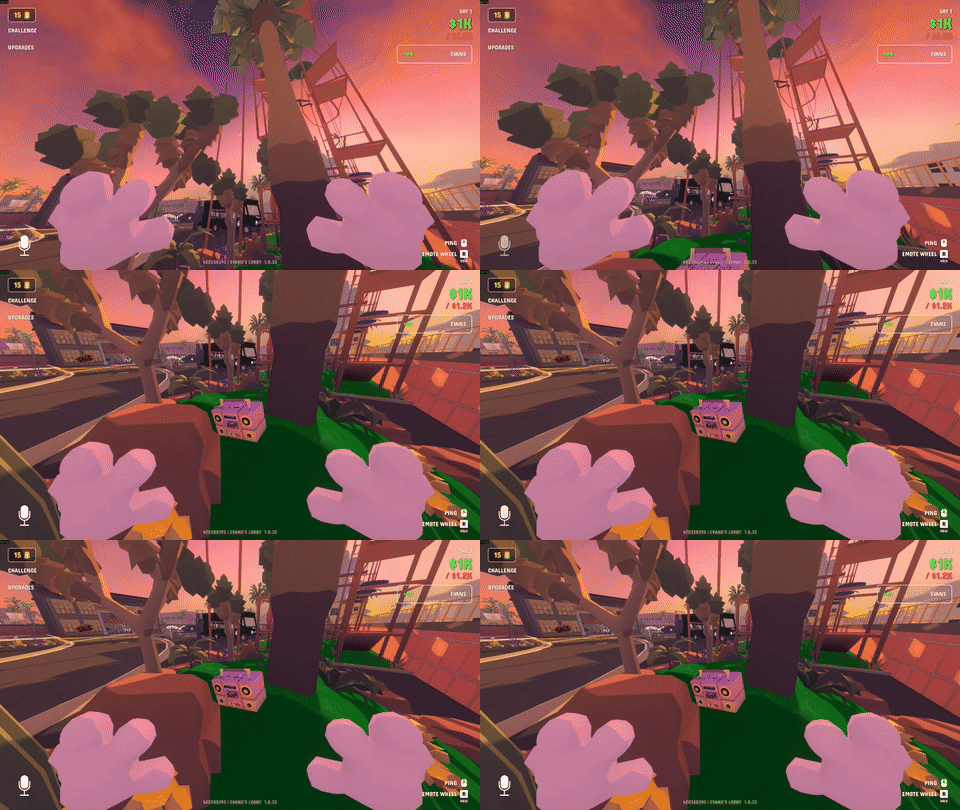 |
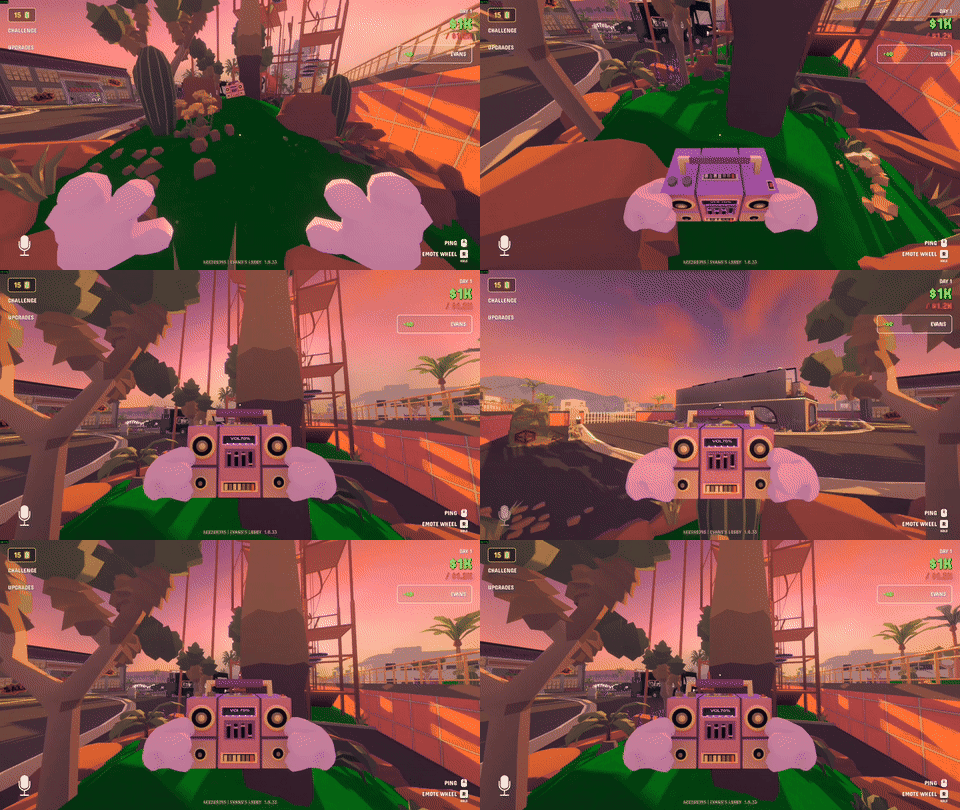 |
| Animation |
|---|
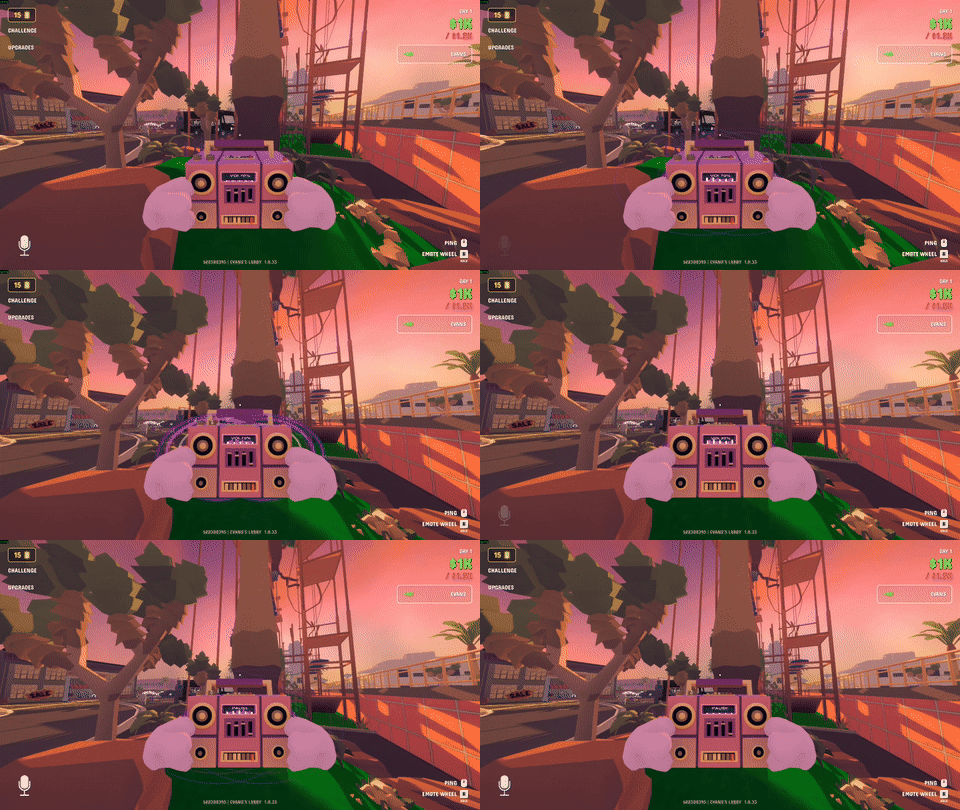 |
Made for Gamble With Your Friends.
Personal
This version of mod is in early access therefore bugs are inevitable It's my first experience at creating mods so I'm open to your critique and feedback:) Thanks for playing
