

ForgeSkin
Applies ForgeSkin packs (textures, attachments, live ammo screens, animated layers) to your own weapons.
| Last updated | an hour ago |
| Total downloads | 16 |
| Total rating | 0 |
| Categories | Client Mods Rundown Tools AI Generated Quality of Life |
| Dependency string | NAinfini-ForgeSkin-1.0.1 |
| Dependants | 2 other packages depend on this package |
This mod requires the following mods to function

BepInEx-BepInExPack_GTFO
BepInEx pack for GTFO. Preconfigured and includes Unity Base DLLs.
Preferred version: 3.2.4
NAinfini-ForgeCore
Public GTFO mod foundation: asset bundles, logging, settings, pools, networking, input leases, local saves and calls into the game's own systems.
Preferred version: 1.0.2README
ForgeSkin
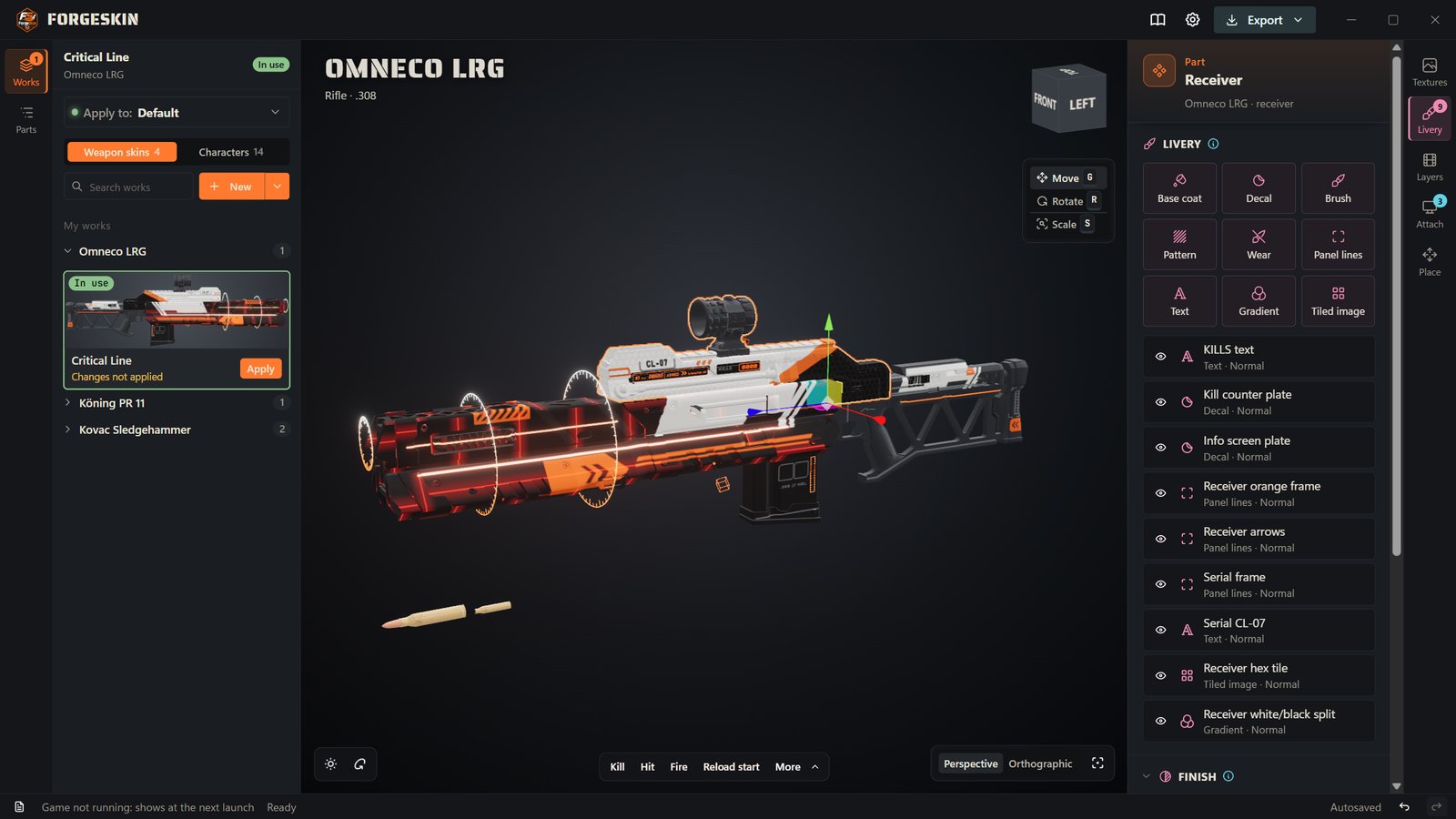
- Skin editor (Windows): download the installer (
Setup.exe) from https://github.com/NAinfini/GTFO-Forge-Mods/releases/latest - Source code: https://github.com/NAinfini/GTFO-Forge-Mods
- Skins: each skin is its own mod. Install skin mods from Thunderstore, or make your own with the editor.
皮肤编辑器(Windows)下载:https://github.com/NAinfini/GTFO-Forge-Mods/releases/latest 里的安装包 Setup.exe。源码:https://github.com/NAinfini/GTFO-Forge-Mods。
皮肤是单独的模组:在 Thunderstore 上装,或用编辑器自己做。
Applies ForgeSkin weapon skins to your own gear in GTFO: replaced textures and materials, models mounted on the gun, live screens (ammo, kills, damage dealt and taken, accuracy, health, infection — as digits or a bar), animated layers, flashes and sounds played on game events (kill, hit, miss, fire, reload, aim, low ammo, empty, going down, revived, ...; several sounds on one event play one at random, and kills can have their own sounds per enemy), and a custom part layout. Skins can also hang charms on a cord or chain that sway with gravity and swing as you move (on the gun in your own hands), and replace the reticle in a holographic sight (up to three layers, seen when you aim down it).
Inspect your weapon: press the inspect key (I by default, under Forge mods on the game's key settings page) with any gun in your hands to turn it over and look at it. Each kind of gun has its own motion: pistols, revolvers and compact guns turn in the hand (a revolver spins twice), rifles, shotguns, machine guns and snipers turn in both hands. Firing, aiming, reloading, sprinting, a menu or a hit ends it. Known issue: rifles, shotguns, machine guns and snipers are held badly while their right side is shown; a later version fixes it.
Character skins replace your whole character with an imported humanoid model. It moves with the game's own animations (walking, running, crouching, jumping, holding the gun, going down, being revived), its hair, skirt and ribbons swing as you move, and in first person you see the model's own arms; where you can be hit stays the original character's. The lobby figure wears it too. The model need not be a whole human: a creature without fingers, with one arm or with unlike sides works too. Only its hips need a bone; a part without one keeps its shape and moves with the part above it.
You normally don't install this by hand: skin mods made with the ForgeSkin editor list it as a dependency, so your mod manager installs it with them.
Please also update ForgeCore to 1.0.2 (请同时更新 ForgeCore 到 1.0.2). In multiplayer the host and every client need it: a client's kill counts, kill sounds and damage screens come from the host's ForgeCore. 联机时房主和每个客机都要更新:客机的击杀数、击杀音效和伤害屏来自房主的 ForgeCore。
Get skins, make skins
Forge provides the editor and this base mod; the skins themselves are mods their authors publish on Thunderstore.
- Get skins: find skin mods on Thunderstore and install them with your mod manager, like any other mod (they list ForgeSkin as a dependency), then pick them in the lobby with the SKINS button.
- Make or change skins: the ForgeSkin editor, for Windows. Download the installer (
Setup.exe, updates itself) or the portable zip from the latest release: https://github.com/NAinfini/GTFO-Forge-Mods/releases/latest. Its built-in tutorial (the book button) walks through a first gun skin and a character. - Share skins: in the editor, Export → Export as Thunderstore skin mod… makes a zip ready for Thunderstore; upload it there yourself. Teammates see your skin once they install that mod.
- A single skin file: a
.forgeskinsomeone sent you goes intoBepInEx/ForgeSkin/skins/of your profile. - Source: https://github.com/NAinfini/GTFO-Forge-Mods.
下载编辑器:https://github.com/NAinfini/GTFO-Forge-Mods/releases/latest (安装版 Setup.exe 会自动更新,也有免安装 zip)。
皮肤由作者各自发布在 Thunderstore,用模组管理器安装;自己做的皮肤在编辑器里点 导出 → 导出为 Thunderstore 皮肤模组…,
再自己上传到 Thunderstore。单个 .forgeskin 皮肤文件放进档案的 BepInEx/ForgeSkin/skins/。装好后在大厅点 SKINS 选用。
Screenshots
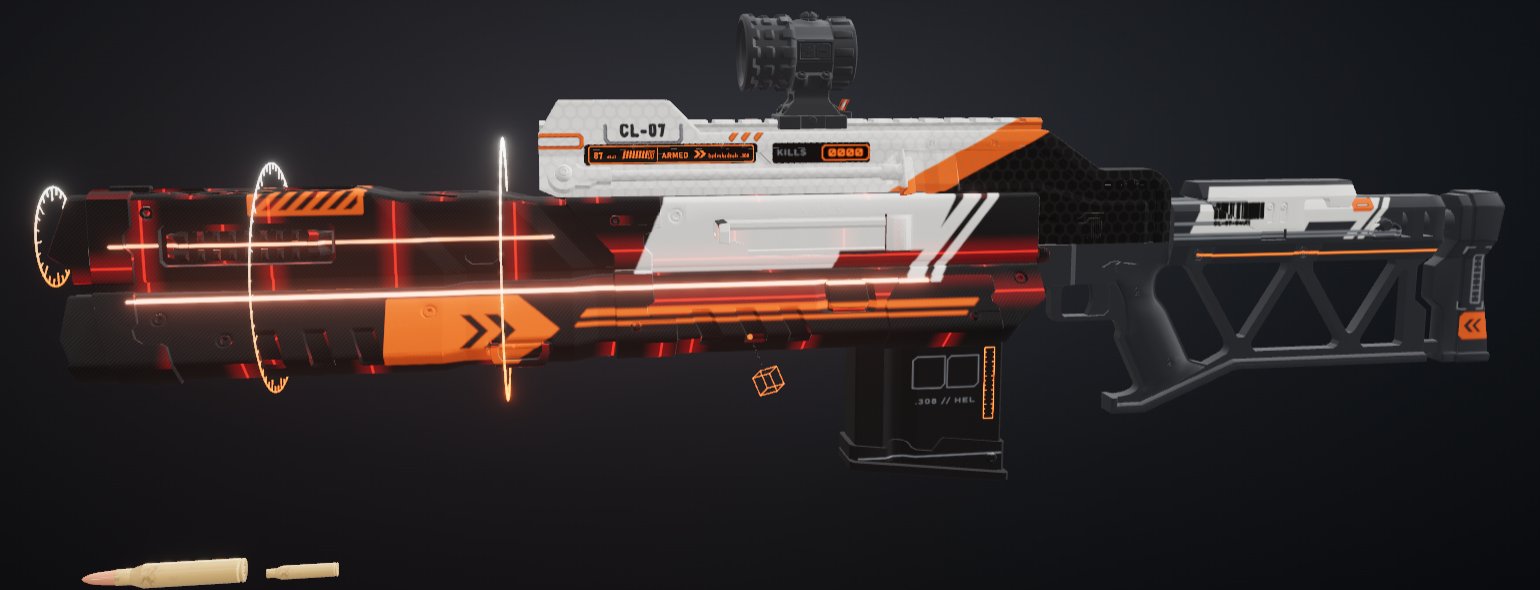
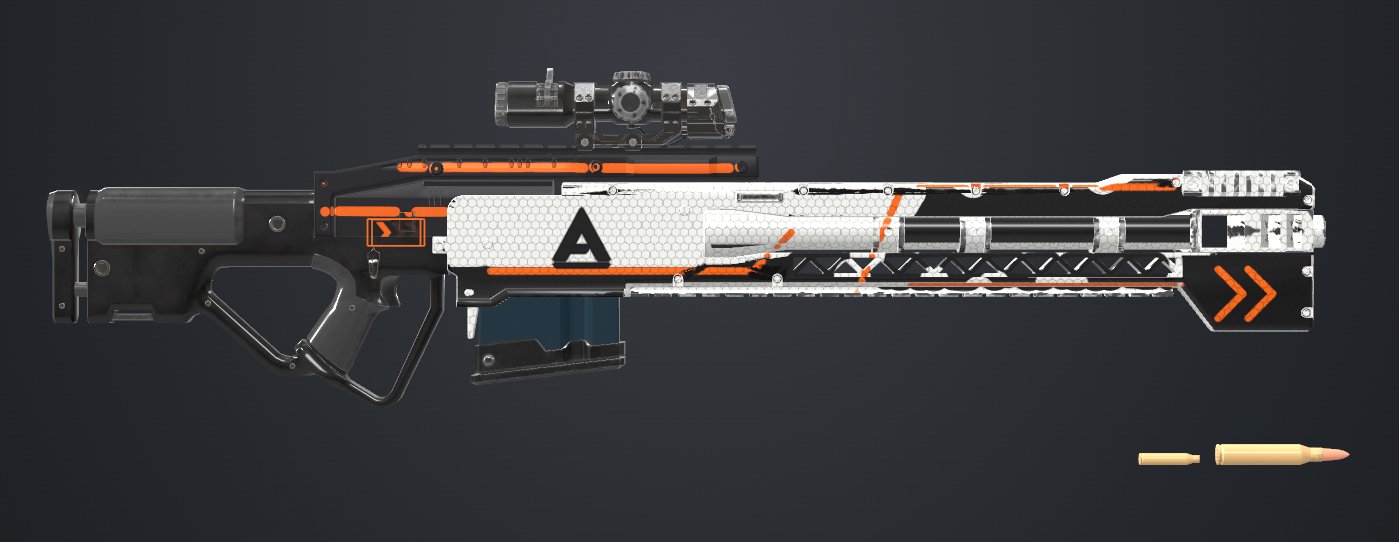
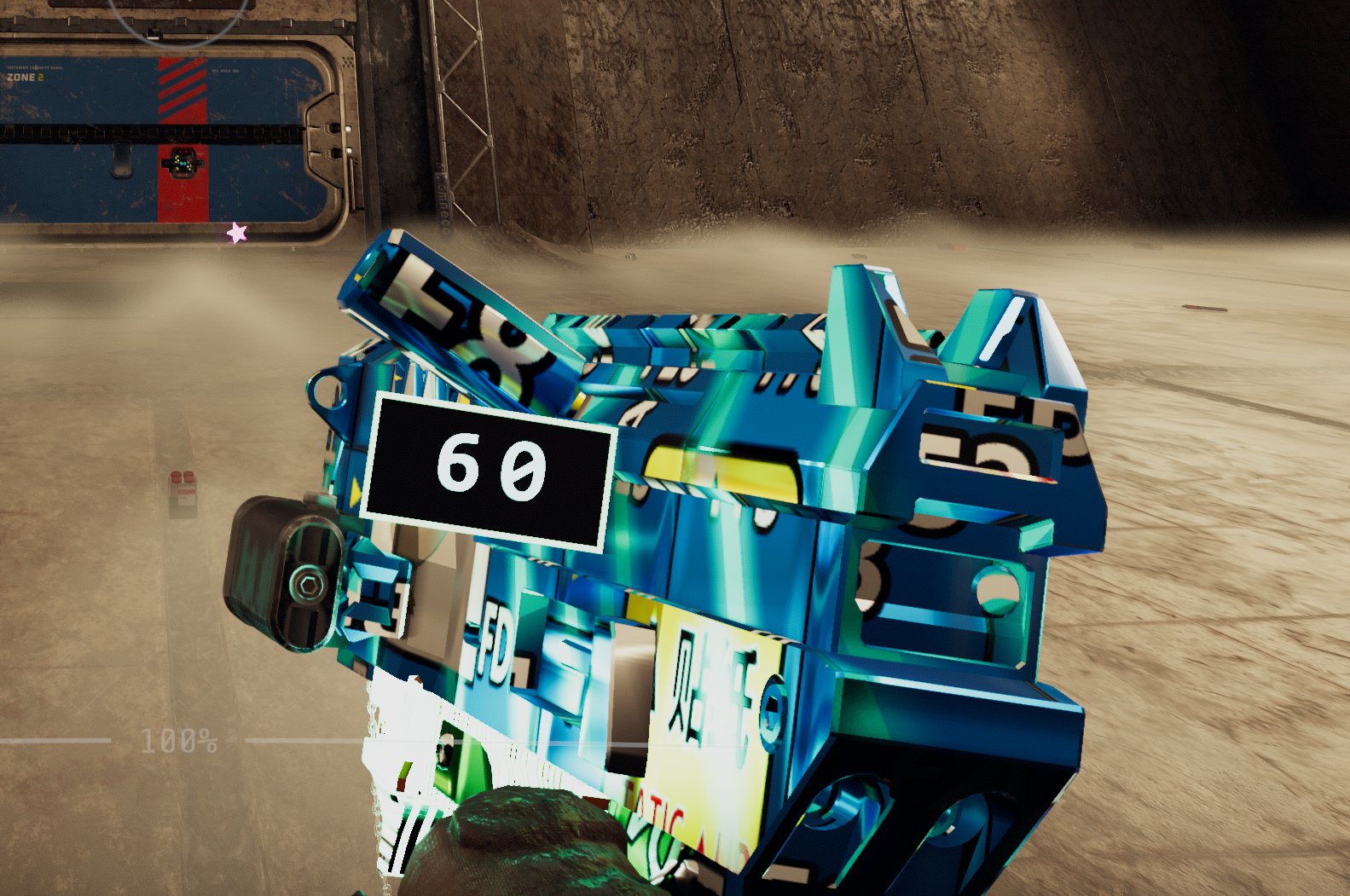
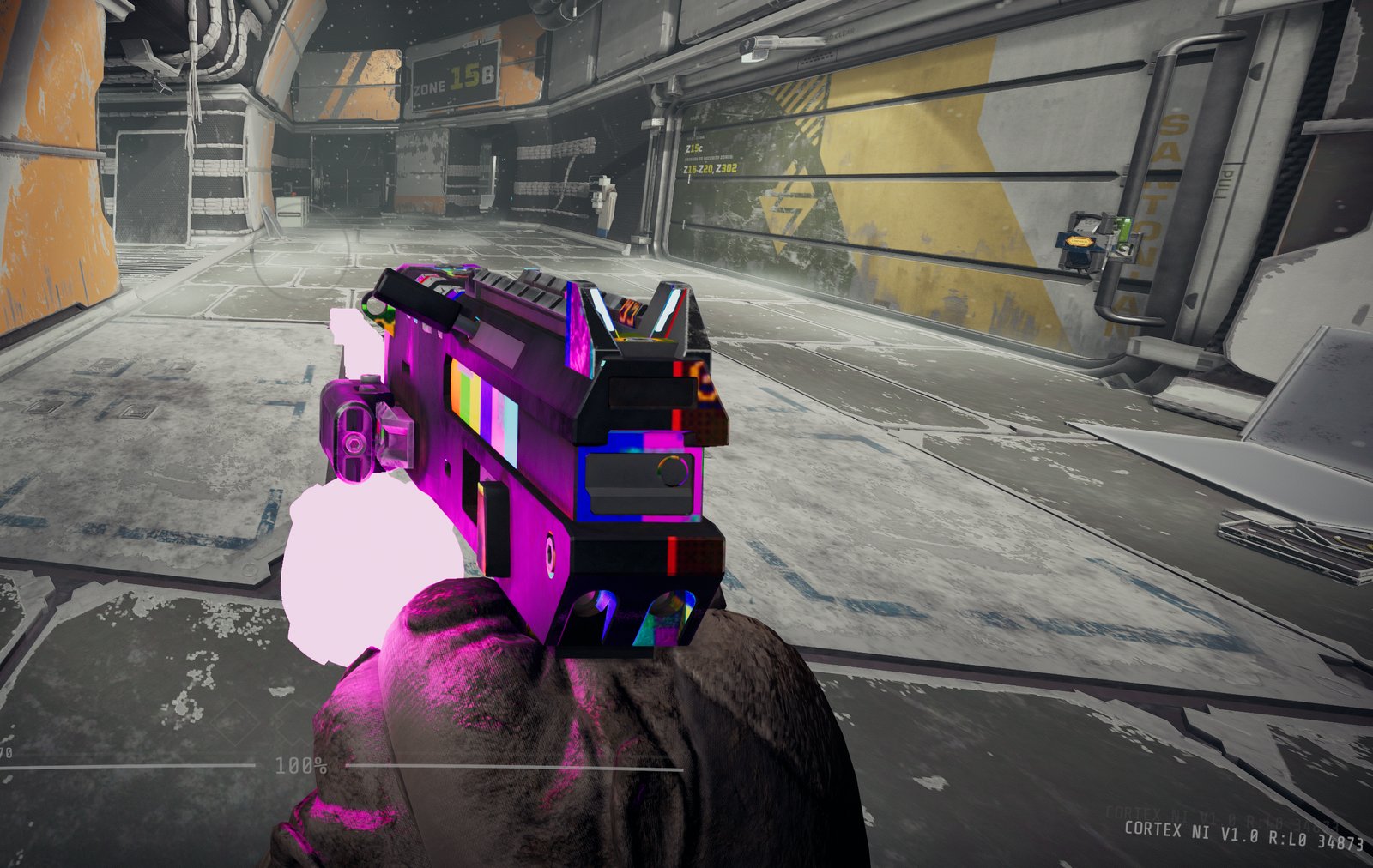
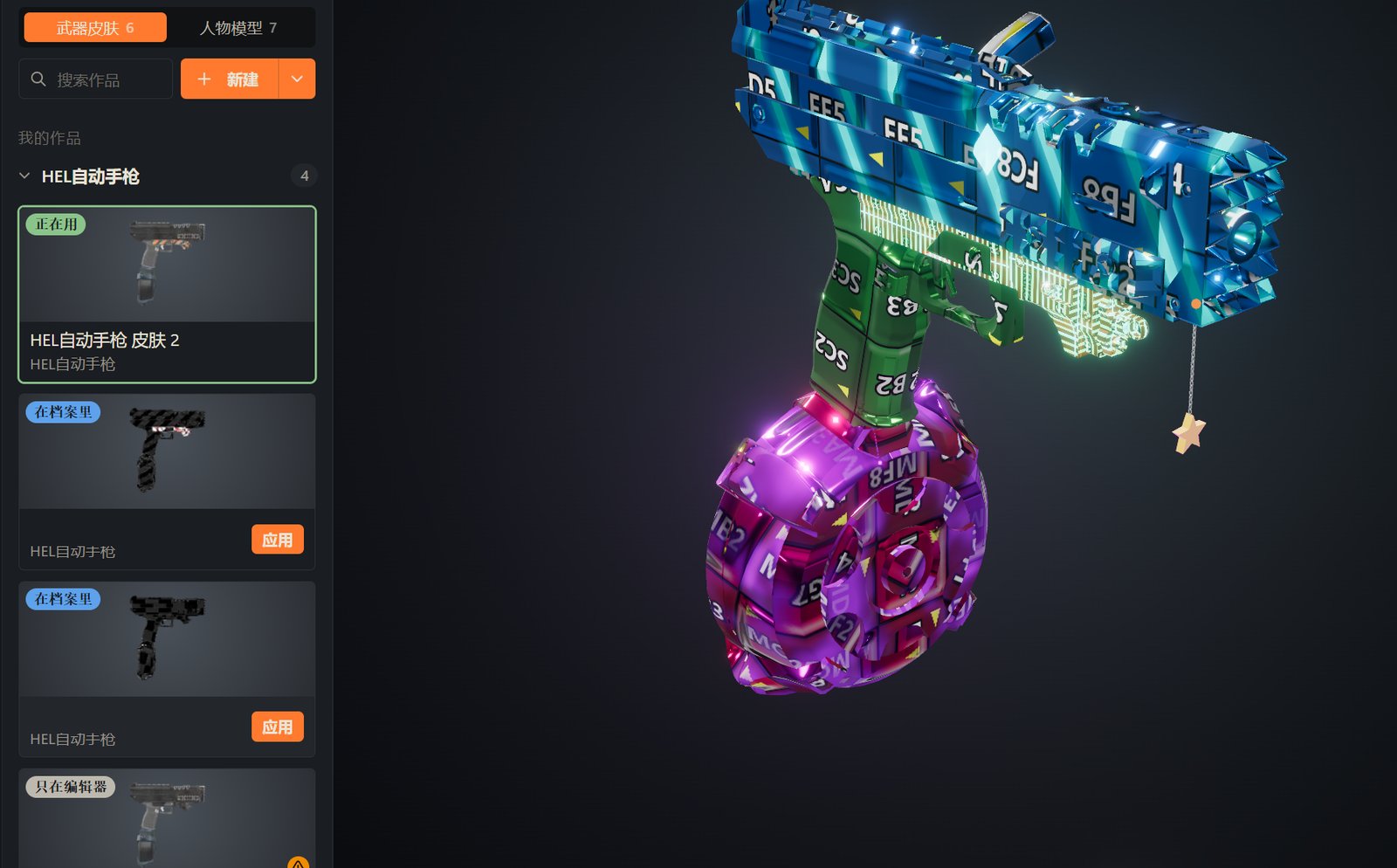
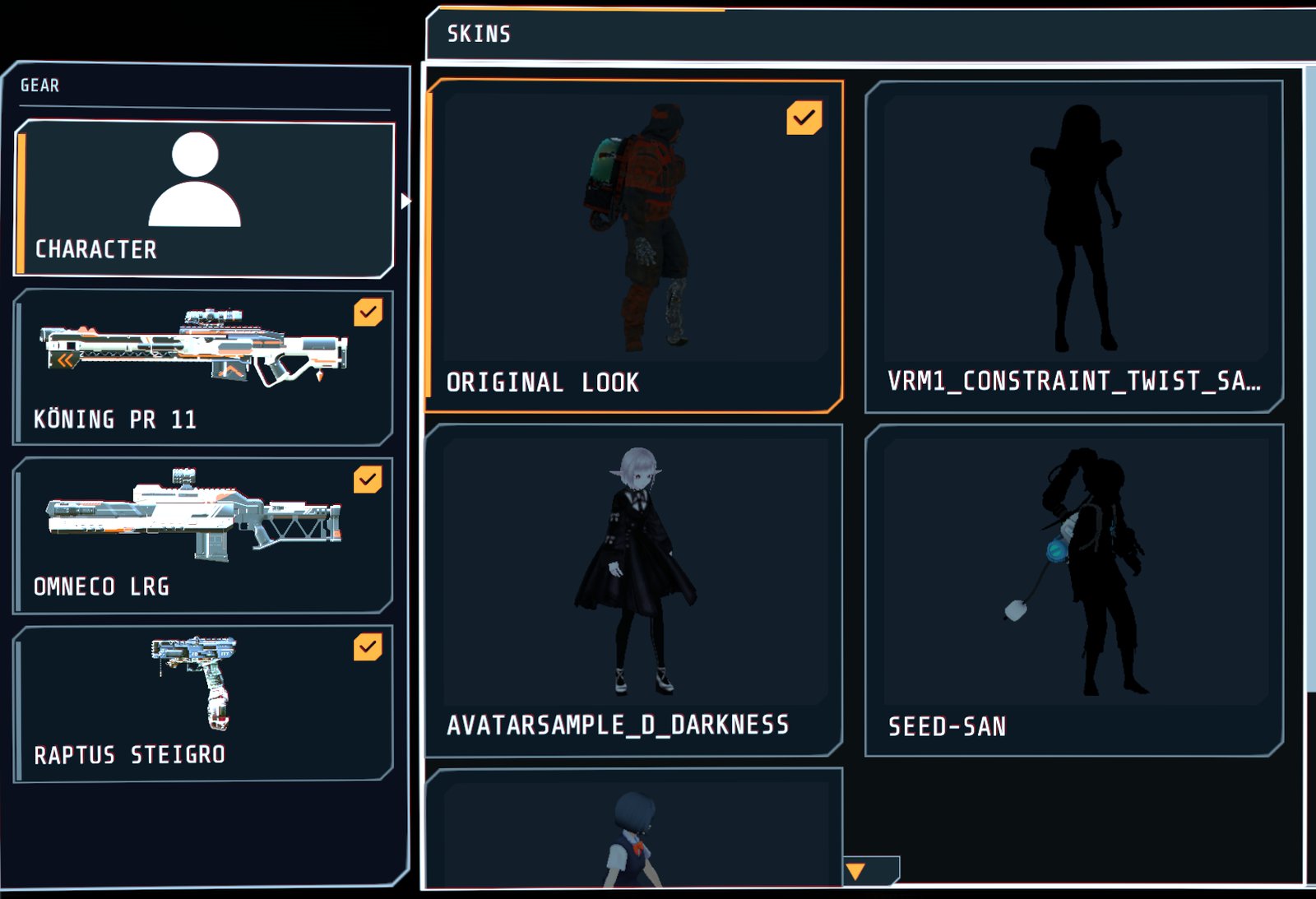
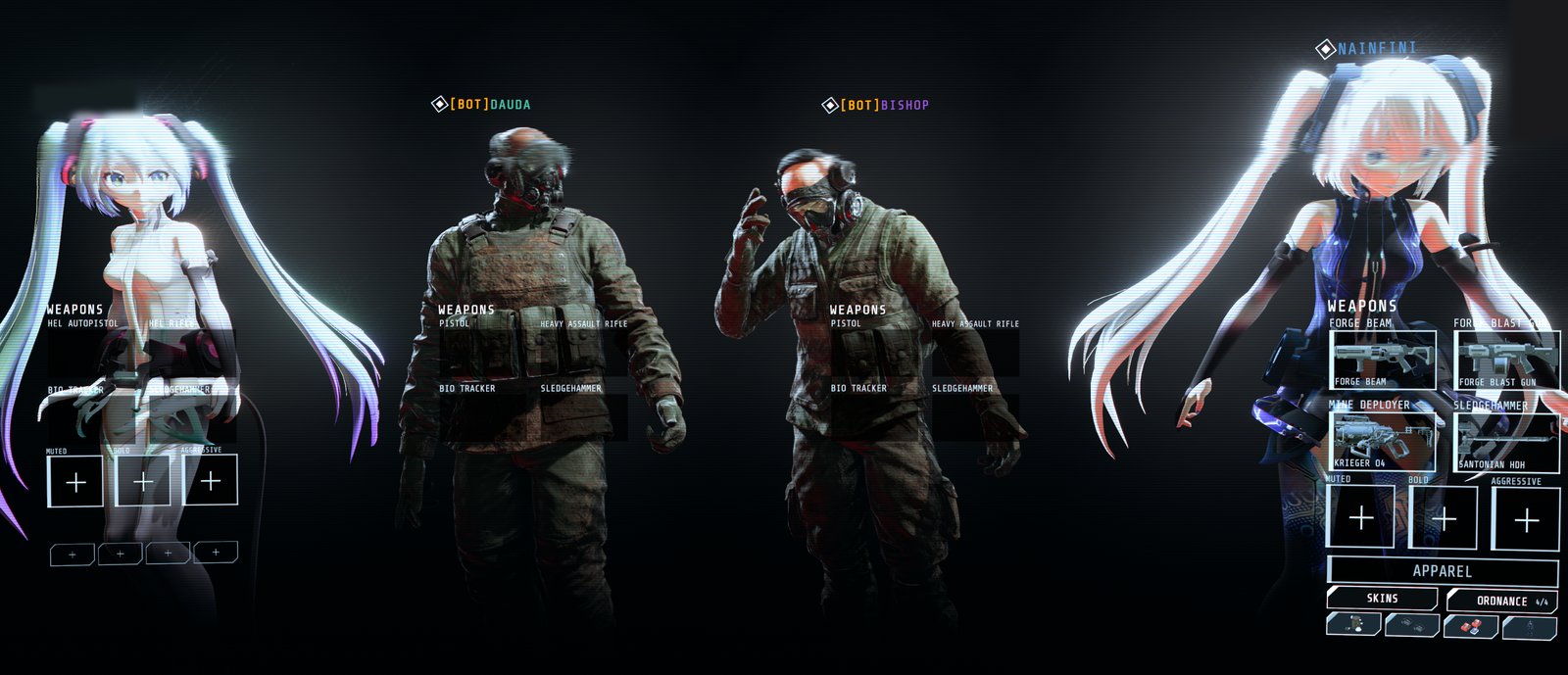
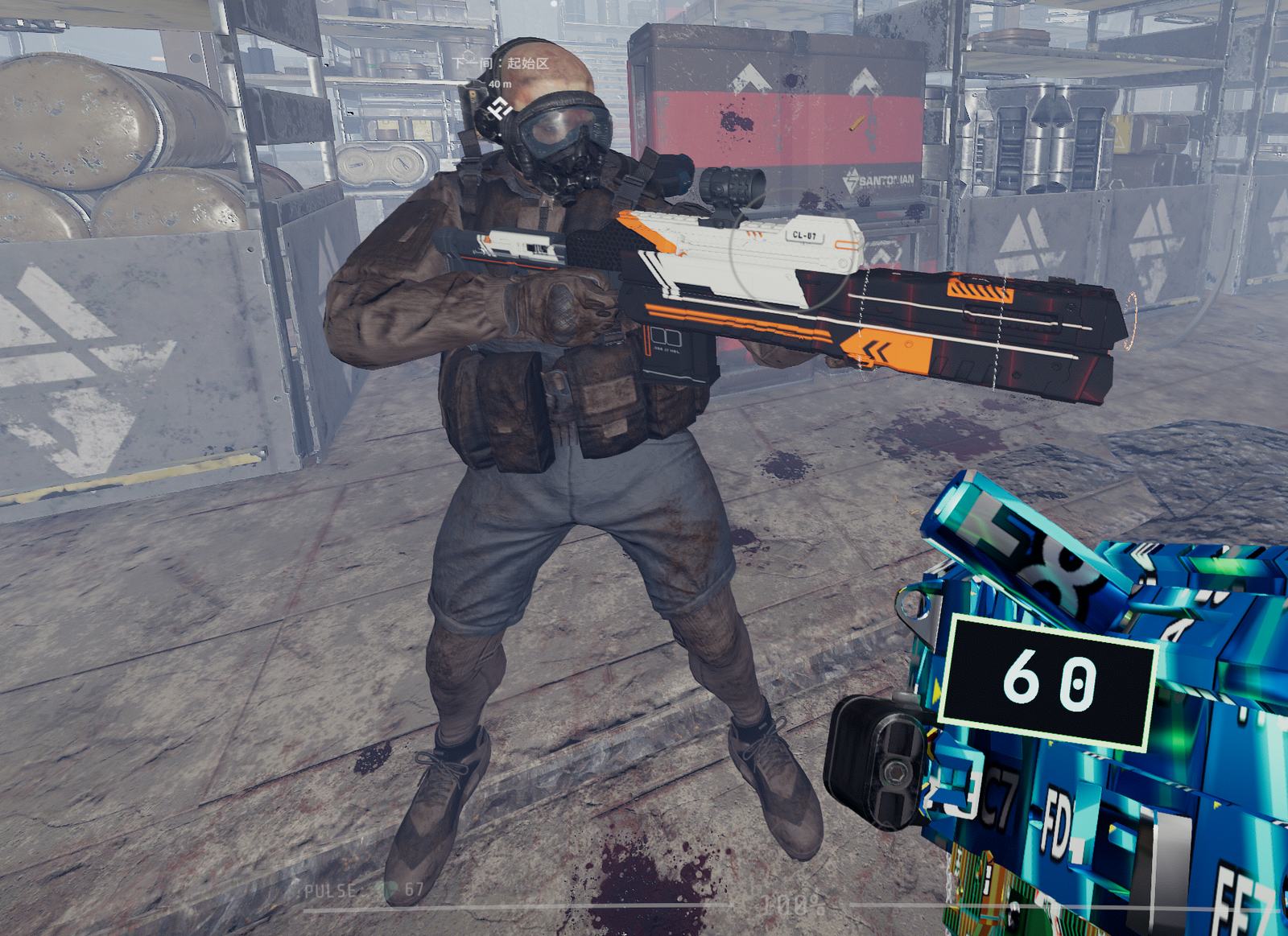
Your skins show on your gear: in your hands, on a sentry or mine you placed, on the magazines your gun drops, and on pickups lying in the level whose item has a skin (they keep it when you pick them up). Teammates who have the same skin mod installed see the character, skins, colours and adjustments you picked, and you see theirs; their skin's shot, wield and down/revive sounds play at their gun. A teammate's gear whose skin you don't have (or have in another version) keeps its original look, and the skin picker says which mod to install. Bots' guns and teammates' mines keep their original look.
In the lobby, the SKINS button opens the skin picker: choose a character and a
skin for each gear, or the original look (a gear with several skins installed lists them all, each with the preview picture
its author exported with it; a pack from an older editor shows none until it is exported again), and recolour the skin's
player colours with one of the author's colour schemes or a row of hues. Your choices are kept in BepInEx/config/ForgeSkin.choices.json and ForgeSkin.colours.json. Skin packs go in
BepInEx/ForgeSkin/skins. Skins installed by the editor of ForgeSkin 1.1.0 or earlier are still in
BepInEx/plugins/ForgeSkin/skins, which the game no longer reads: open the editor once and it moves them over (the game's log
says so while skins are left there).
Settings
BepInEx/config/ForgeSkin.cfg. Enabled, HologramShader and Toon are also behind the gear in the skin picker's title bar
(Show skins, Game hologram effect, toon rendering); a change there applies at once and is saved to this file.
| Setting | Default | Meaning |
|---|---|---|
Enabled |
true | Turn off to apply no skins (your picks and colours are kept) |
Development |
false | For skin mod authors: also reload skins whenever a skin mod in the plugins folder changes, and write every detail to BepInEx/ForgeSkin/forgeskin.log (the skins folder is always followed) |
Readback |
false | Write each gear's vanilla part poses to BepInEx/ForgeSkin/readback/ for troubleshooting |
HologramShader |
true | Draw holograms with the game's hologram shader; off uses a plain glow |
Toon |
Deferred | How a character's toon materials are drawn on your screen only: Deferred lit by the game and seen by the thermal sight, Forward a cleaner toon look the thermal sight does not see, Off like every other material |
Errors go to BepInEx/LogOutput.log, each with a code.
