

SpookyUnits
Port of the SpookyStewards Mod from MT1 with more pumpkins!
| Last updated | 18 hours ago |
| Total downloads | 8 |
| Total rating | 0 |
| Categories | |
| Dependency string | Conductor-SpookyUnits-1.0.0 |
| Dependants | 0 other packages depend on this package |
This mod requires the following mods to function

BepInEx-BepInExPack
BepInEx pack for Mono Unity games. Preconfigured and ready to use.
Preferred version: 5.4.2100
MT2-Trainworks_Reloaded
A Data Loader and Injection Engine for Monster Train 2
Preferred version: 0.7.32
Conductor-Conductor
Central library of reusable custom effects, status effects, and keywords to make modding Monster Train 2 safer and easier, used as a dependency for other mods.
Preferred version: 0.5.14README
SpookyUnits





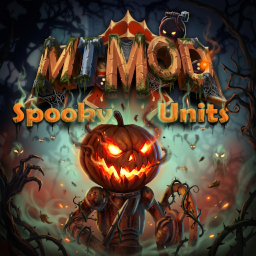
A port (with improvements) of the SpookyStewards Mod from MT1 originally by Shiny Shoe
Screenshots
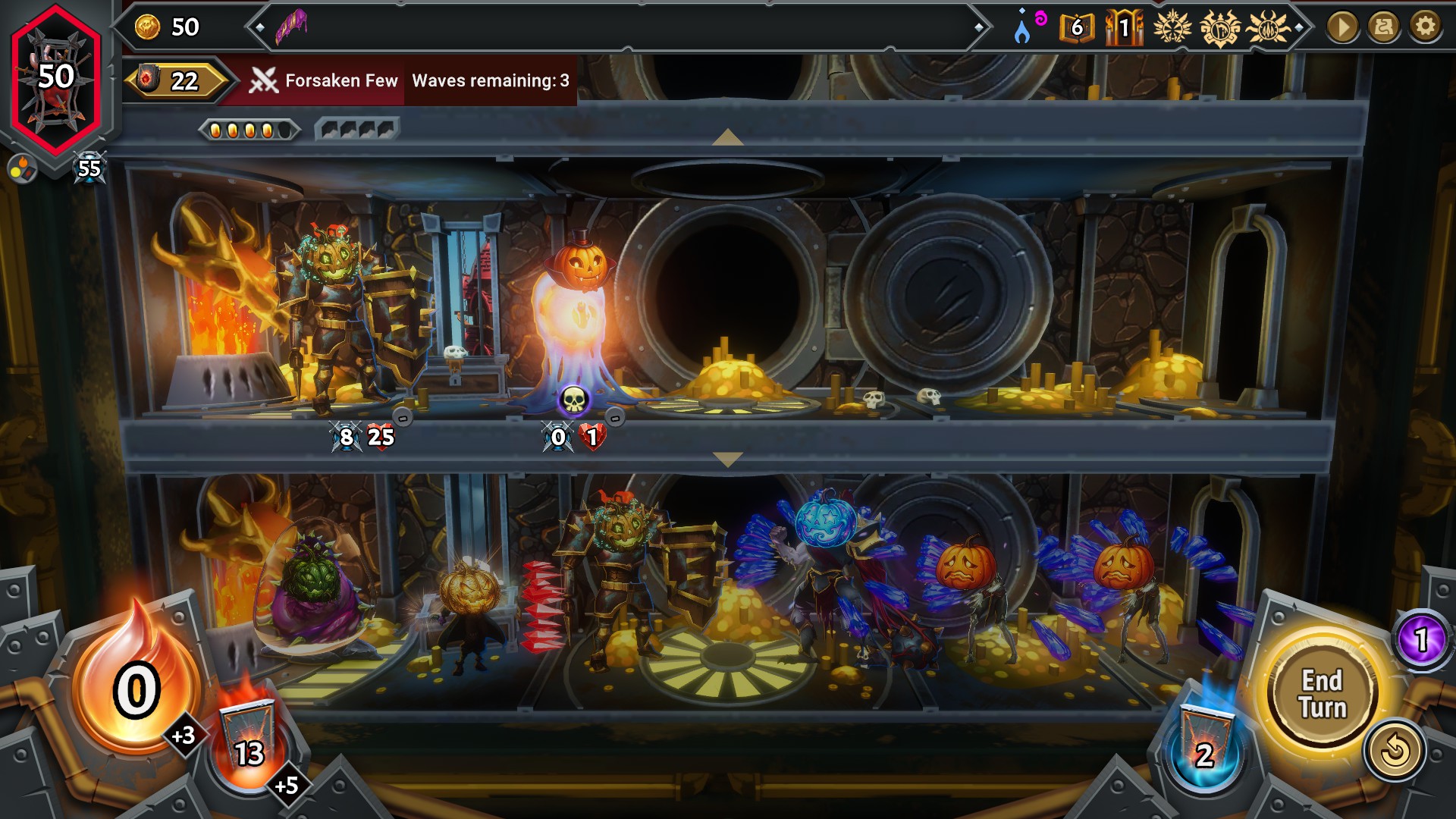
They move with the character!
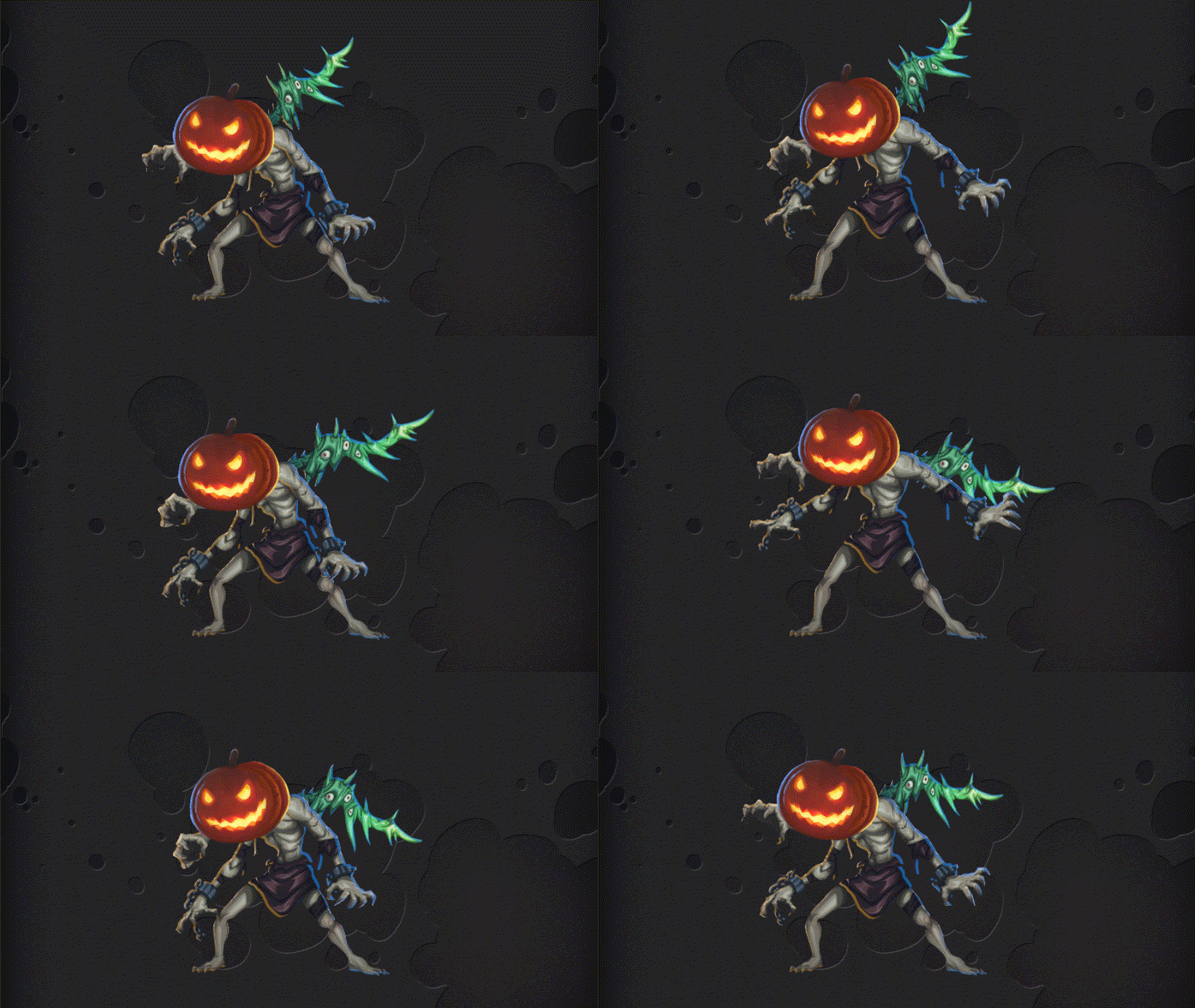
Features
- 70 pumpkins!
- Each unit spawns in with their own pumpkin. Which pumpkin they get? Nobody really knows!
- When a pumpkin is chosen that unit will spawn with that pumpkin for the entire run.
- Pumpkins have rarity! Will you see every one? There's 7 super secret rare pumpkins that exist never before seen.
- Pumpkin usages are recorded (and progess towards seeing them all will soon appear in the logbook).
Note only pumpkins seen during a run counts towards discovery. Pumpkins are not recorded from logbook viewing.
Known Issues
- Some characters will not spawn with a pumpkin. This is usually characters/units from other mods which don't use spine animations (pumpkins will not move with non-spine animations).
- Some in game characters also won't get a pumpkin (example: Daedalus). The technical reason for this is that they aren't set up as a in battle character so a pumpkin can't be attached to them.
- Pumpkins will not appear on the run setup screen (this is due to some issues with MT1 champions)
Installation
It is highly recommended to use a mod manager (Thunderstore Mod Manager, Gale Mod Manager, or r2modman) to install this mod. If installing manually, then Trainworks Reloaded must be installed as well.
If you don't know which mod manager to choose, then Gale Mod Manager or r2modman are preferred. Gale gives a more modern interface while r2modman UI's is similar to Thunderstore Mod Manager without the advertisements. For more information on how to install mods visit the wiki tutorial page
Once installed via mod manager or manually. Run the game once to populate the victory combinations you have previously won with.
Lastly
Use responsibly. Be sure to share your favorite unit + pumpkin combinations in the community :D
