

ScoutsMap
Find discovered roads, shops and world events. Click an available arrow to center the camera on it.
| Last updated | 14 minutes ago |
| Total downloads | 1 |
| Total rating | 0 |
| Categories | Mods |
| Dependency string | GKJ-ScoutsMap-0.4.2 |
| Dependants | 0 other packages depend on this package |
This mod requires the following mods to function

BepInEx-HideManagerGameObject_Config
BepInEx config that sets HideManagerGameObject to true.
Preferred version: 5.4.2304
BepInEx-BepInExPack
BepInEx pack for Mono Unity games. Preconfigured and ready to use.
Preferred version: 5.4.2305README
Scout’s Map
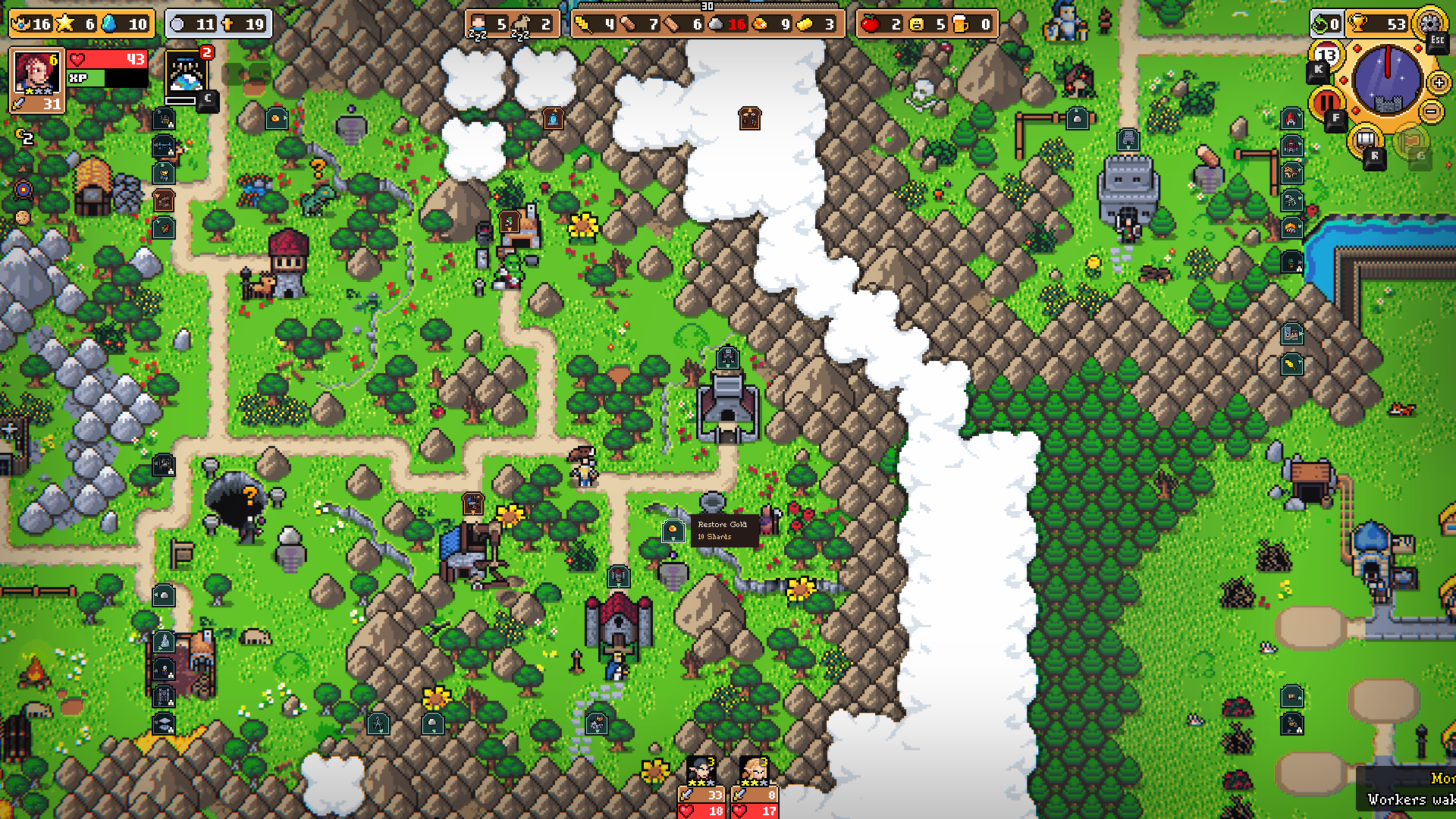
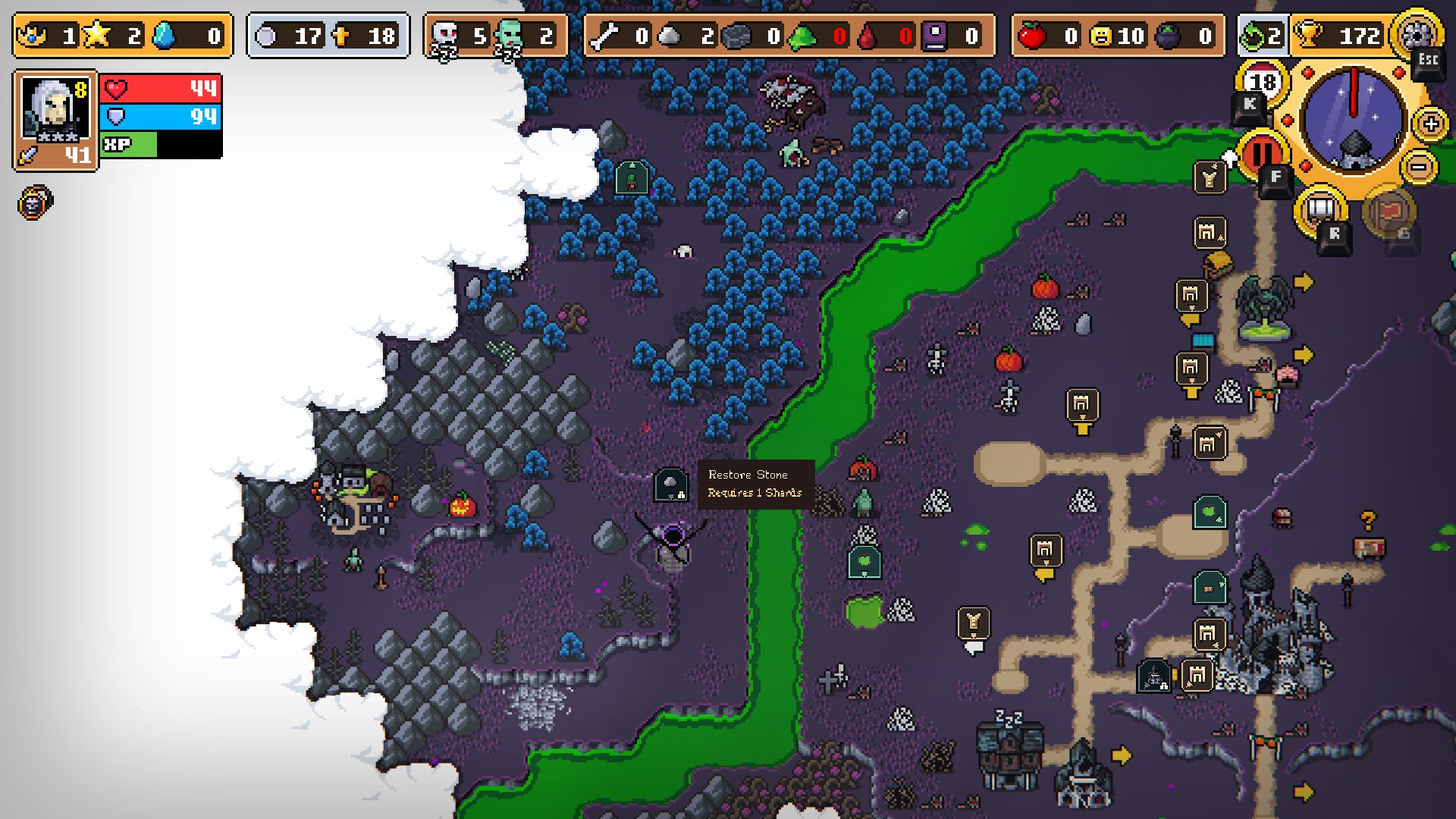
Find discovered destinations and events without losing your place on the map. Hover a marker to see the destination and any requirement. Click an available marker to center the camera.
Features
- Find routes and services. See markers for roads, city expansion, water access, shops, the Black Market, the Trading Post, and other discovered services.
- Follow objectives. Find open quests, turn-ins, restorable sites, encounters, rewards, recruits, and monsters to provoke.
- Read availability at a glance. Dimmed markers show a lock. Hover for a known cost, setup timer, or other requirement. Available markers get a white edge when you hover or press.
- See where to go. A marker sits above its visible target when there’s room. Directional arrows point to destinations beyond the visible map or behind the HUD.
How to Use
- Hover a marker to read its name and any cost or requirement.
- Left-click an available marker to center the camera, then use the game’s normal interaction at the destination.
- To hide a category, set it to
falseunder[Markers]inBepInEx/config/gkj.scoutsmap.cfg. Apply the change in a BepInEx configuration UI or restart the game after editing the file by hand.
Gamepad players can see the markers while using the game’s usual controls. Marker selection uses the mouse. RareFinds and UnitCages are off by default.
Screenshots
Human · 1× UI scale
Undead · 1.5× UI scale
Compatibility
Scout’s Map supports Human and Undead kingdoms on Super Fantasy Kingdom 0.8.070. It uses the game’s discovery and availability rules and stores no save data.
Use Visitor Calendar for arrival dates and Production Bottlenecks for blocked building production. Both can be used alongside Scout’s Map.
Installation
Open Thunderstore Mod Manager or r2modman, select Super Fantasy Kingdom, and install ScoutsMap by GKJ. Install both required dependencies when prompted, BepInExPack and HideManagerGameObject Config. Launch the selected profile in modded mode.
