
Please disclose if any significant portion of your mod was created using AI tools by adding the 'AI Generated' category. Failing to do so may result in the mod being removed from Thunderstore.

FlipIt
Free placement rotation on any axis and any surface while building in Valheim.
| Date uploaded | a day ago |
| Version | 0.3.3 |
| Download link | Hardwire99-FlipIt-0.3.3.zip |
| Downloads | 12 |
| Dependency string | Hardwire99-FlipIt-0.3.3 |
This mod requires the following mods to function

denikson-BepInExPack_Valheim
BepInEx pack for Valheim. Preconfigured and includes unstripped Unity DLLs.
Preferred version: 5.4.2202README
Flip It
Free placement rotation for Valheim building. Tilt, roll, and mount pieces on walls, ceilings, slopes, dirt, and roofs.
Flip It is an independent, lightweight placement mod. It uses the same standard Valheim Harmony patch pattern as other rotation mods, but is not affiliated with ValheimPlus or PerfectPlacement.
Screenshots
Wall mounting
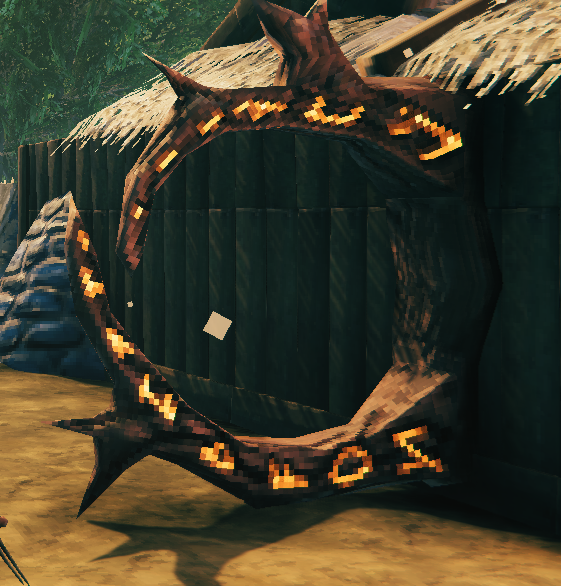
Angled surface placement
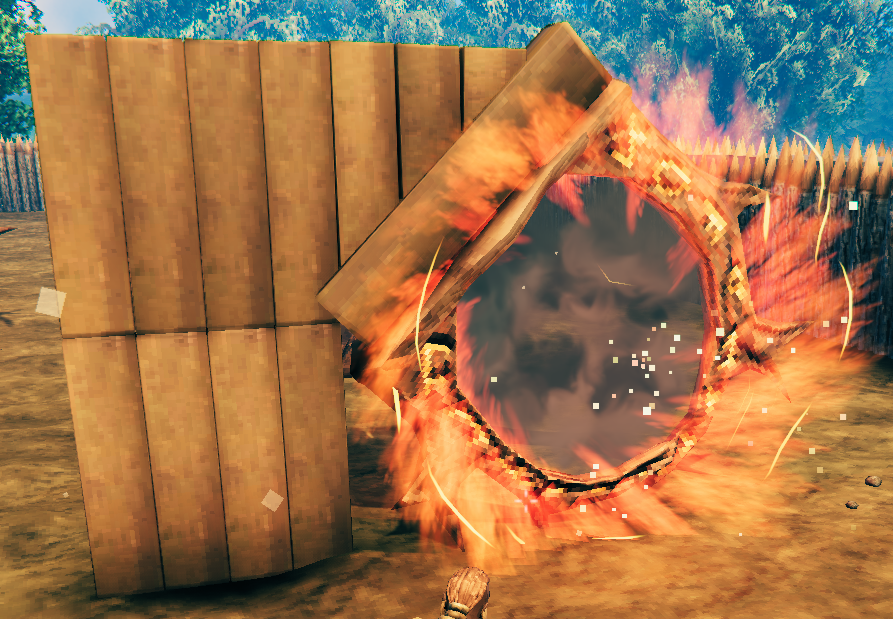
Vanilla behavior preserved
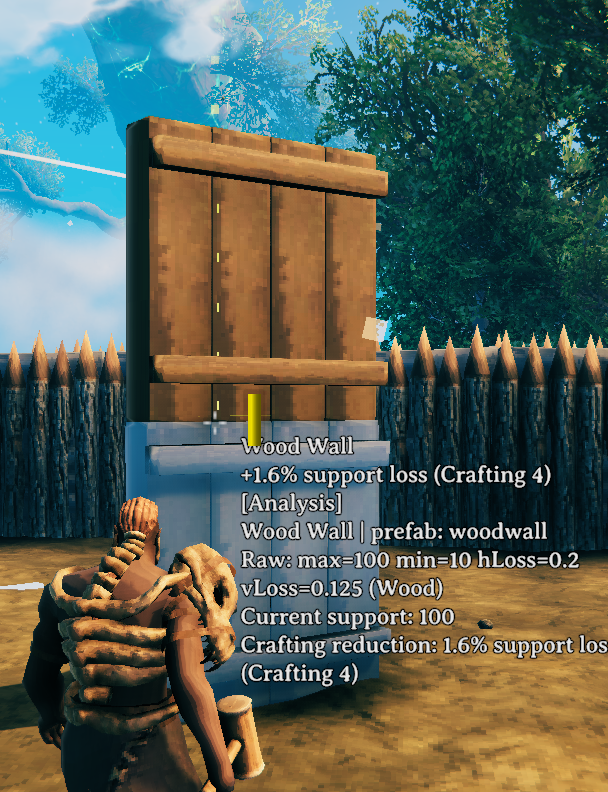
Ground placement
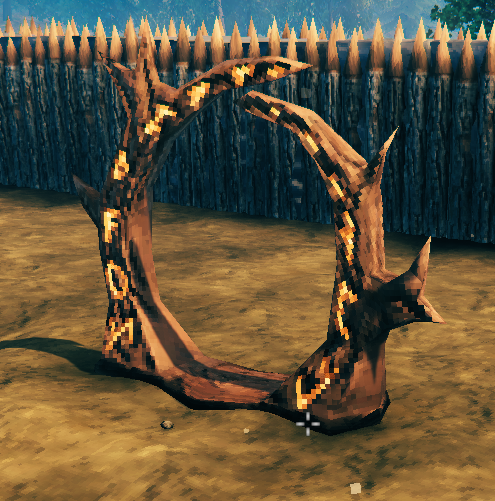
Tilt any direction
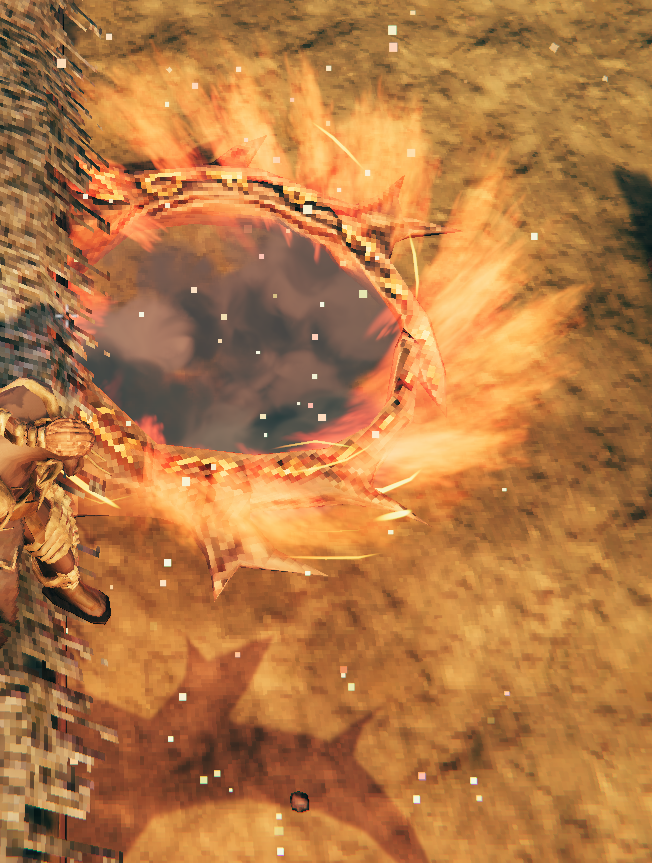
Controls
- Scroll wheel — rotate on Y (vanilla, 22.5° per step)
- Shift + scroll — pitch (X axis, 22.5° per step by default)
- Ctrl + scroll — roll (Z axis, 22.5° per step by default)
Vanilla placement stays normal until you intentionally tilt with Shift or Ctrl.
Features
- Full 3-axis ghost rotation while placing hammer pieces
- Optional surface alignment for walls, ceilings, and slopes (after tilting)
- Relaxed placement rules for surfaces vanilla would normally reject (after tilting)
Config
BepInEx/config/hardwire99.flipit.cfg
RotationStepDegrees— pitch/roll step when not matching vanilla (default22.5)MatchVanillaYawStep— use vanilla 22.5° steps for Shift/Ctrl (defaulttrue)AllowAnySurface— place on walls/ceilings/slopes after tilting (defaulttrue)AlignToSurface— align ghost to the aimed surface after tilting (defaulttrue)DebugLogging— log rotation changes to BepInEx
Notes
- Client-side only
- Still respects no-build zones, private areas, and biome restrictions
- Works best on rotatable hammer pieces
CHANGELOG
Changelog
0.3.7
- Change default reset key from
RtoJ(Rstows the hammer in vanilla).
0.3.6
- Skip Flip It rotation on prefab/blueprint placement ghosts (PrefabHammer, PlanBuild, etc.) so leftover tilt does not rotate entire saved builds.
- Clear stored pitch/roll when a prefab ghost is active.
0.3.5
- Add configurable reset key (default
J) to return the current piece to vanilla orientation. - Clarify rotation step config: set
MatchVanillaYawStep = falseandRotationStepDegrees = 90for 90-degree steps.
0.3.4
- Reset pitch, roll, and vanilla yaw when switching to a different build piece.
- Skip surface snap and snappoint search while Shift or Ctrl is held so rotation does not jump mid-adjustment.
- Add
SuppressSnapWhileRotatingconfig option (default on).
0.3.3
- Keep vanilla placement until Shift/Ctrl tilt is used (fixes automatic rotation when stacking walls).
- Surface alignment and any-surface placement only apply after intentional pitch/roll input.
0.3.2
- Fix floating placement on ground and gap from walls by using vanilla collider snap instead of bounds offset.
- Only reposition the ghost when bypassing vanilla surface restrictions.
0.3.1
- Fix wall attachment validation and green ghost highlight.
- Temporarily relax restrictive piece flags during ghost update.
- Default rotation step matches vanilla (22.5 degrees).
0.3.0
- Add Ctrl+scroll roll (Z axis) and Shift+scroll pitch (X axis).
- Add surface alignment for walls, ceilings, slopes, and terrain.
- Add
AllowAnySurfaceto relax vanilla surface placement restrictions.
0.2.0
- Fix Shift+scroll tilt by replacing placement ghost quaternion generation (same approach as PerfectPlacement).
- Read scroll via Unity mouse axis instead of only ZInput accumulation.
- Log DLL timestamp on load so you can confirm the latest build is active.
- Add optional
DebugLoggingconfig entry.
0.1.0
- Initial release: Shift + scroll horizontal-axis placement tilt.
