

ModMenu
A mod menu to see what mods are loaded and to edit config files.
| Last updated | 3 days ago |
| Total downloads | 860 |
| Total rating | 3 |
| Categories | Tools Misc |
| Dependency string | Questwalker-ModMenu-1.1.0 |
| Dependants | 0 other packages depend on this package |
README
ModMenu
A mod for VotV designed to create a mod menu that allows users to see all loaded mods and to edit their configs.
Heavily inspired by the ModMenu mod from Minecraft and Minecraft's modding ecosystem.
This mod is new and may have some bugs or overlooked issues! Please message me on discord (@questwalker) or file a quick github issue if you find any!
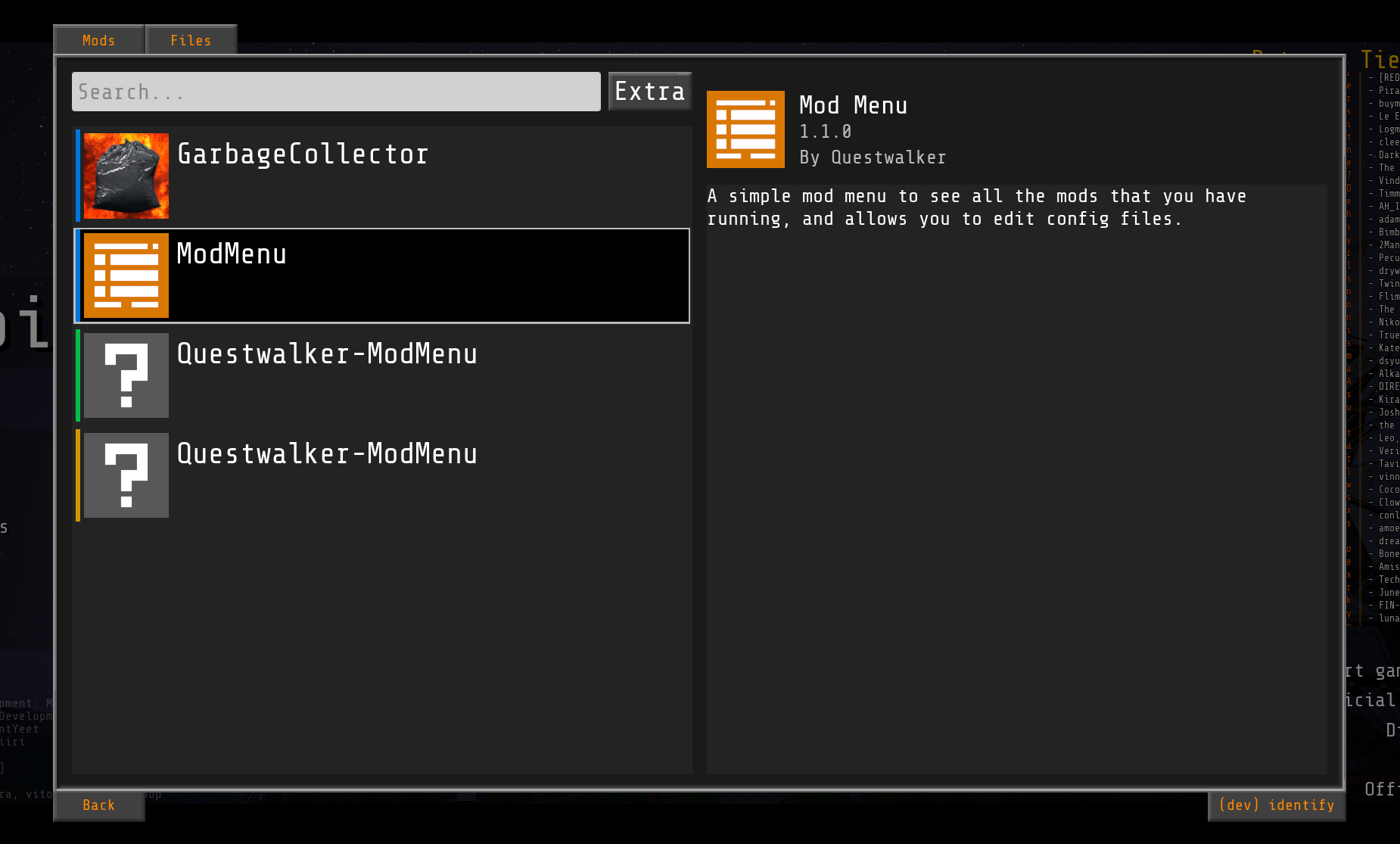
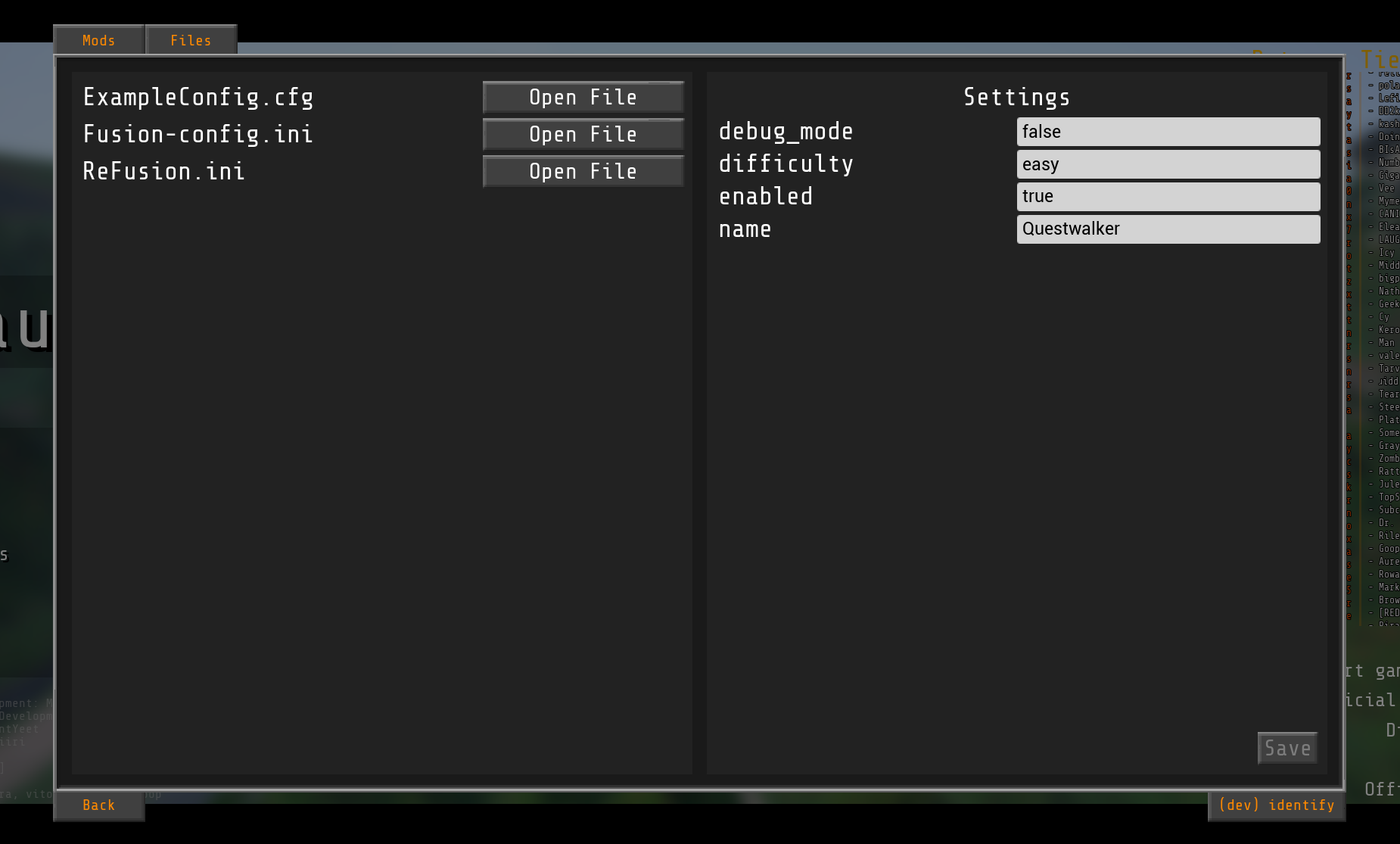
Feature List:
- Mod menu button available in the pause/main menu.
- View all mods (currently only blueprint mods!) currently loaded in the menu's first tab.
- View all config files in the menu's second tab.
- Edit config files in-game using the second tab's config editor.
The ConfigAPI library is also made alongside this project. It's a library that makes it easier for developers to read/write config files without having to roll all of the code themselves. See here for more documentation on that.
Creating your mod manifest (Making your ModMenu entry)
(This section is for developers)
In the folder where your ModActor is located, create a new blueprint (the parent class can be anything, I.E. the base object class) and name it "manifest".
Open it up and create 4 string variables, named "name", "desc", "author", "version". Then one final Texture2D variable "icon". Hit the compile button on the blueprint, and then hit the "Class Defaults" button to open up the defaults pane, where you should see the variables you just created in the list. This is where you will fill in your mod's information. Set the name, description, author, and version to whatever you want, and set the icon too (make sure the texture2D that you use is packaged with your mod or it might cause some issues).
