
Signals and Symbols
A small accessibility mod for Voices of the Void.
| Last updated | 10 hours ago |
| Total downloads | 19 |
| Total rating | 0 |
| Categories | Mods Misc |
| Dependency string | Thowan-Signals_and_Symbols-1.0.0 |
| Dependants | 0 other packages depend on this package |
This mod requires the following mods to function

Thunderstore-unreal_shimloader
Thunderstore Mod Manager and r2modmanPlus support for RE-UE4SS.
Preferred version: 1.1.7README
Signals & Symbols
An accessibility mod for Voices of the Void.
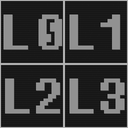
Adds L0–L3 text indicators to signal entries, so signal level can be read without relying solely on white, red, yellow, and green UI colors.
Report a bug or suggest an improvement
Features
- Adds
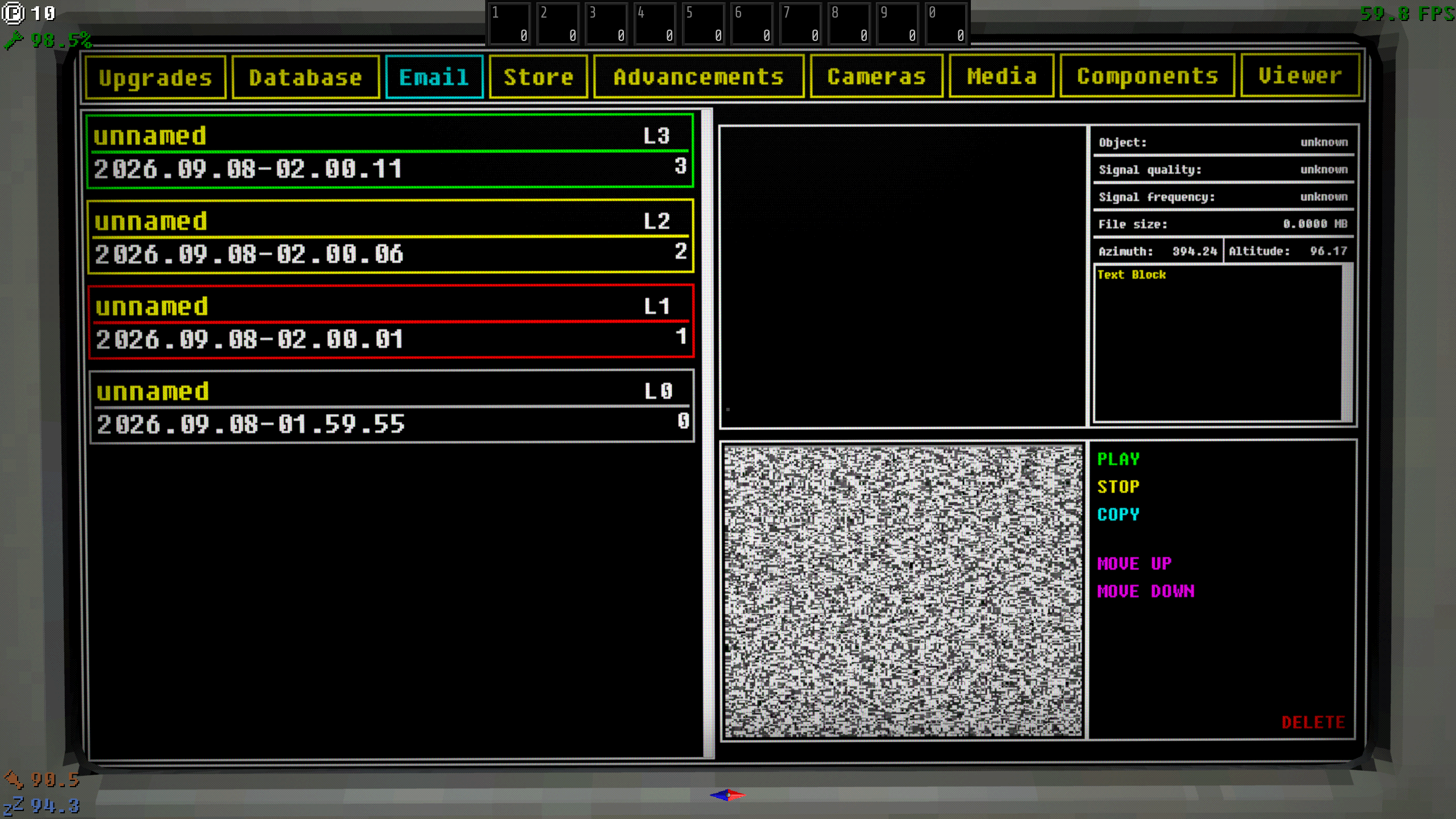
L0–L3indicators to the computer Database signal list. - Adds
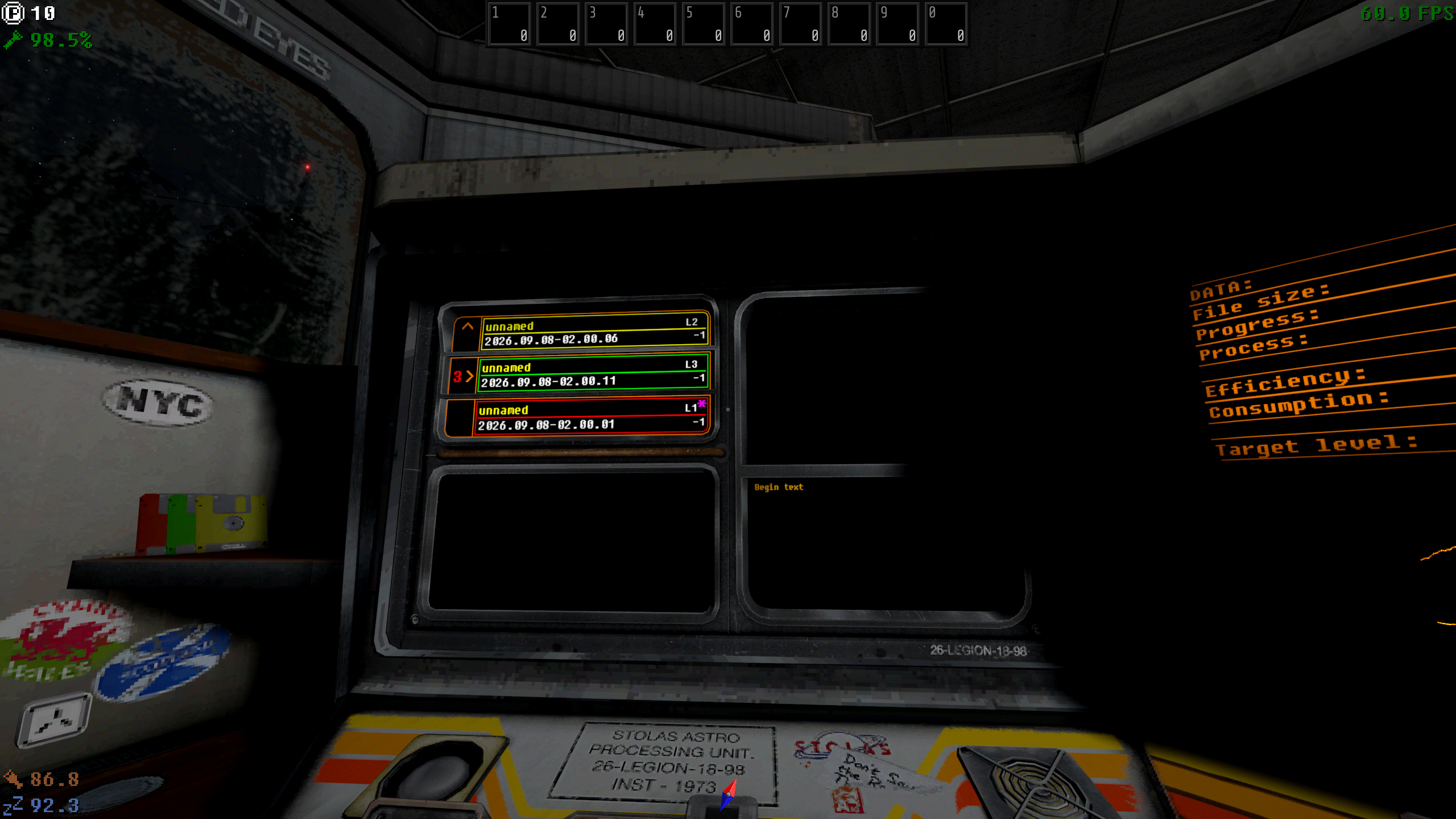
L0–L3indicators to the workstation Playback Panel. - Keeps the original signal colors unchanged.
- Visual-only: does not alter signal data, behavior, progression, or add gameplay content.
Compatibility
- Tested with Voices of the Void:
a090n - Requires UE4SS / VotV Shimloader for manual installation.
Preview
Examples
Installation
Thunderstore Mod Manager installation is recommended.
Manual installation
Install unreal shimloader
- Copy
dwmapi.dllinto theGAME/Binaries/Win64directory. Its new path should beGAME/Binaries/Win64/dwmapi.dll. - Copy the contents of the
UE4SSfolder in the package intoGAME/Binaries/Win64.
GAME/Binaries/Win64 should now contain the following new files and folders:
GAME-Win64-Shipping.exeue4ss.dllUE4SS-settings.inidwmapi.dll← This is the unreal-shimloader binary. It will load UE4SS for you.Mods/
Install Signals & Symbols
- Copy
Signals_and_Symbols.pakfrom thepakfolder toGAME/Content/Paks/LogicModsdirectory.
