
Please disclose if any significant portion of your mod was created using AI tools by adding the 'AI Generated' category. Failing to do so may result in the mod being removed from Thunderstore.
REPONativeUltrawide
Adapts the game and UI to ultrawide instead of stretching them. Works with any aspect ratio wider than 16:9.
| Last updated | 3 months ago |
| Total downloads | 1582 |
| Total rating | 0 |
| Categories | Mods Client-side AI Generated |
| Dependency string | NEDOSTUPN0-REPONativeUltrawide-1.0.0 |
| Dependants | 0 other packages depend on this package |
This mod requires the following mods to function

BepInEx-BepInExPack
BepInEx pack for Mono Unity games. Preconfigured and ready to use.
Preferred version: 5.4.2304README
REPONativeUltrawide
Probably the best ultrawide mod for R.E.P.O.
Other ultrawide mods get the game world right - FovUpdate, for example, expands the camera correctly - but they just stretch the interface to fill your screen, so the UI ends up distorted. This mod fixes the part they skip.
It adapts the interface to your ultrawide monitor: HUD elements, menus and prompts are rebuilt so they sit at the real screen edges - not squished, not stretched, the way it would look if the game shipped with native ultrawide support. It handles the game's rendering on its own too, so it works standalone.
Features
- No stretching - the game and the UI are adapted, not distorted
- HUD elements moved out to the true screen edges (same margins as 16:9)
- Menus, pause, lobby and settings spread across the full width; popups stay centered
- Loading screens, startup splashes and tutorial bars fixed too
- The mouse cursor reaches the whole screen
- The "old TV" lens distortion and chromatic aberration are toned down so the edges stay readable
- Works with any aspect ratio wider than 16:9 - 21:9, 32:9, whatever you've got
- Fully standalone - no other mods required
Compatibility
Runs on its own. Compatible with FovUpdate and, as far as I can tell, any other mod.
Client-side only - just you need it installed.
Screenshots
| Without the mod | With the mod | |
|---|---|---|
| Main menu | 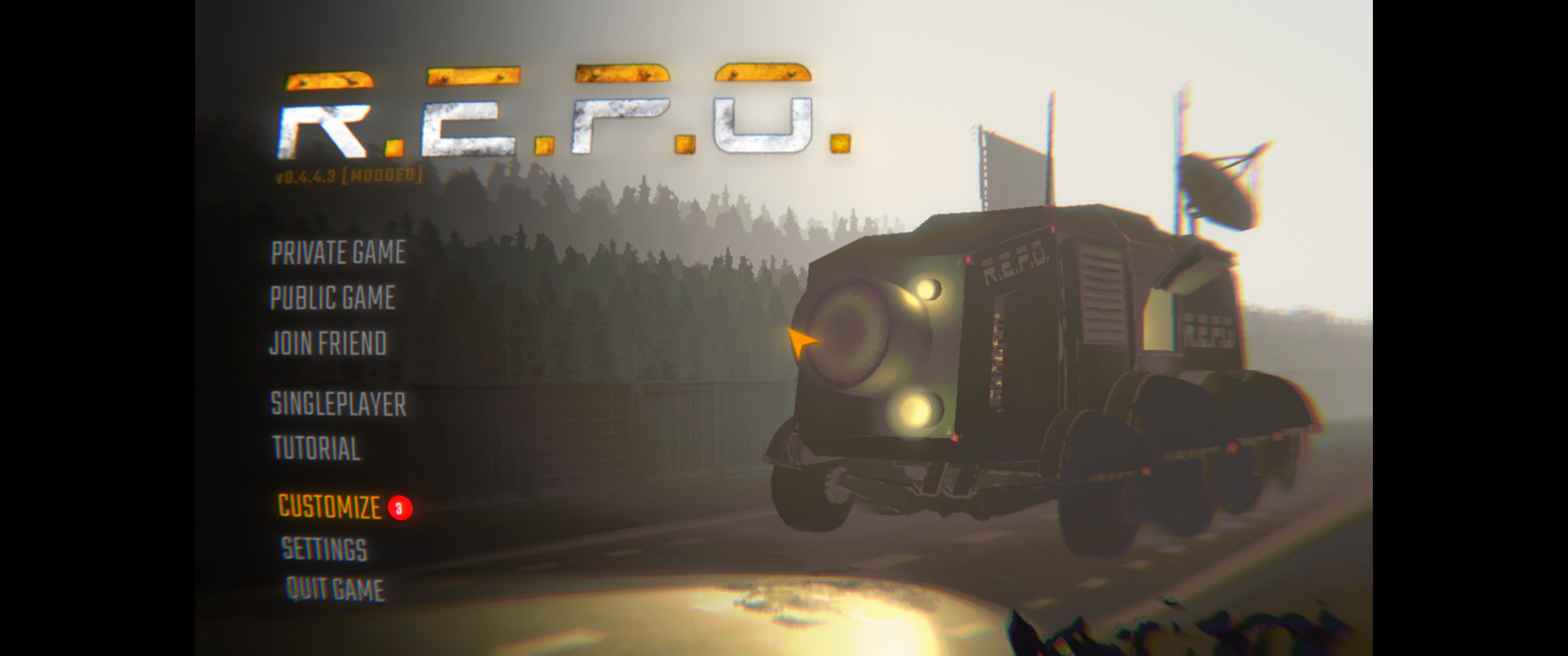 |
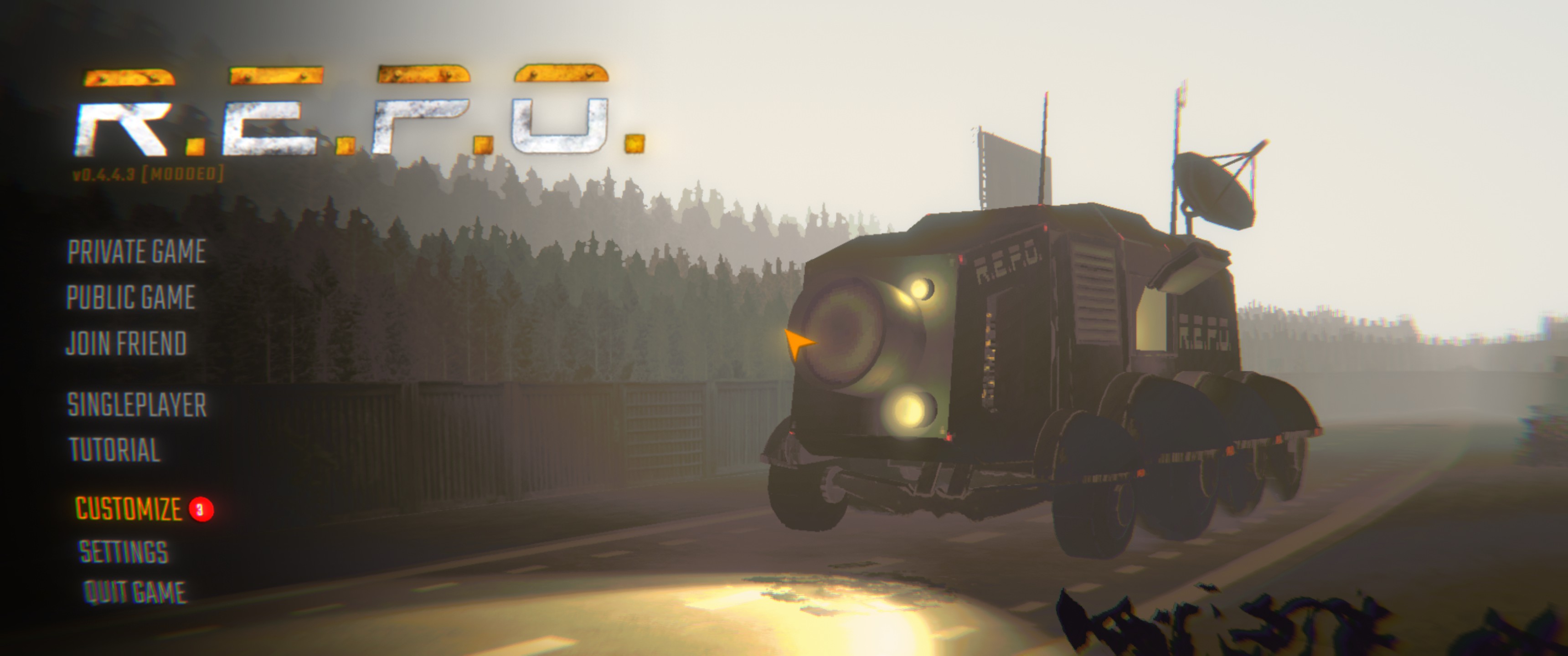 |
| In-game | 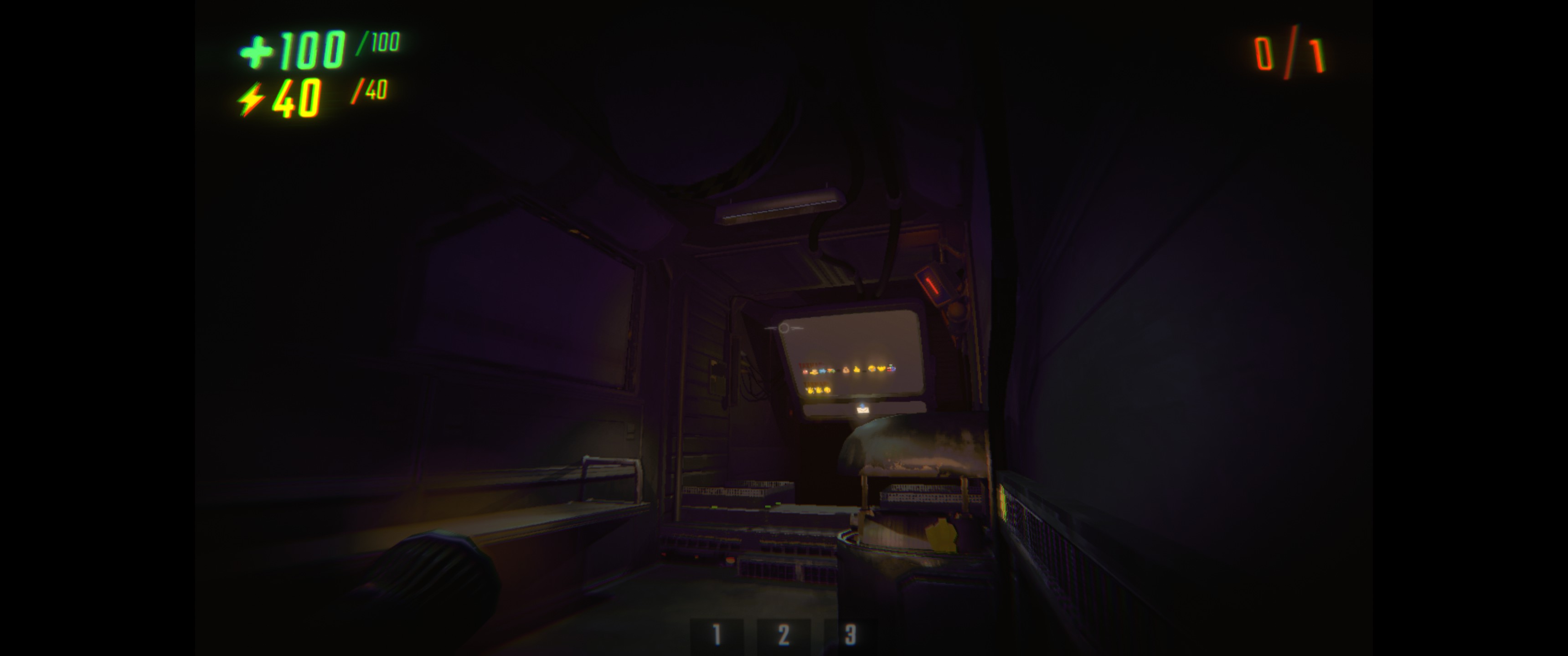 |
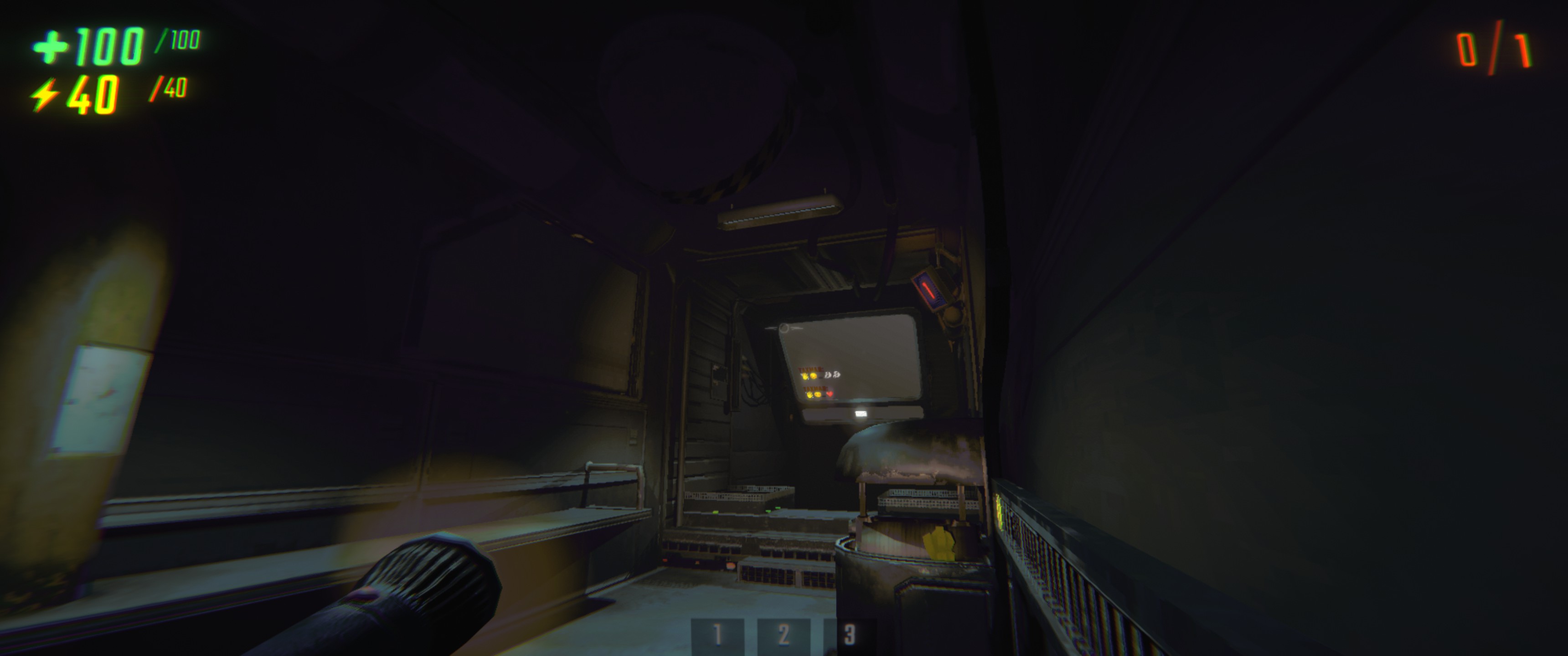 |
| Pause | 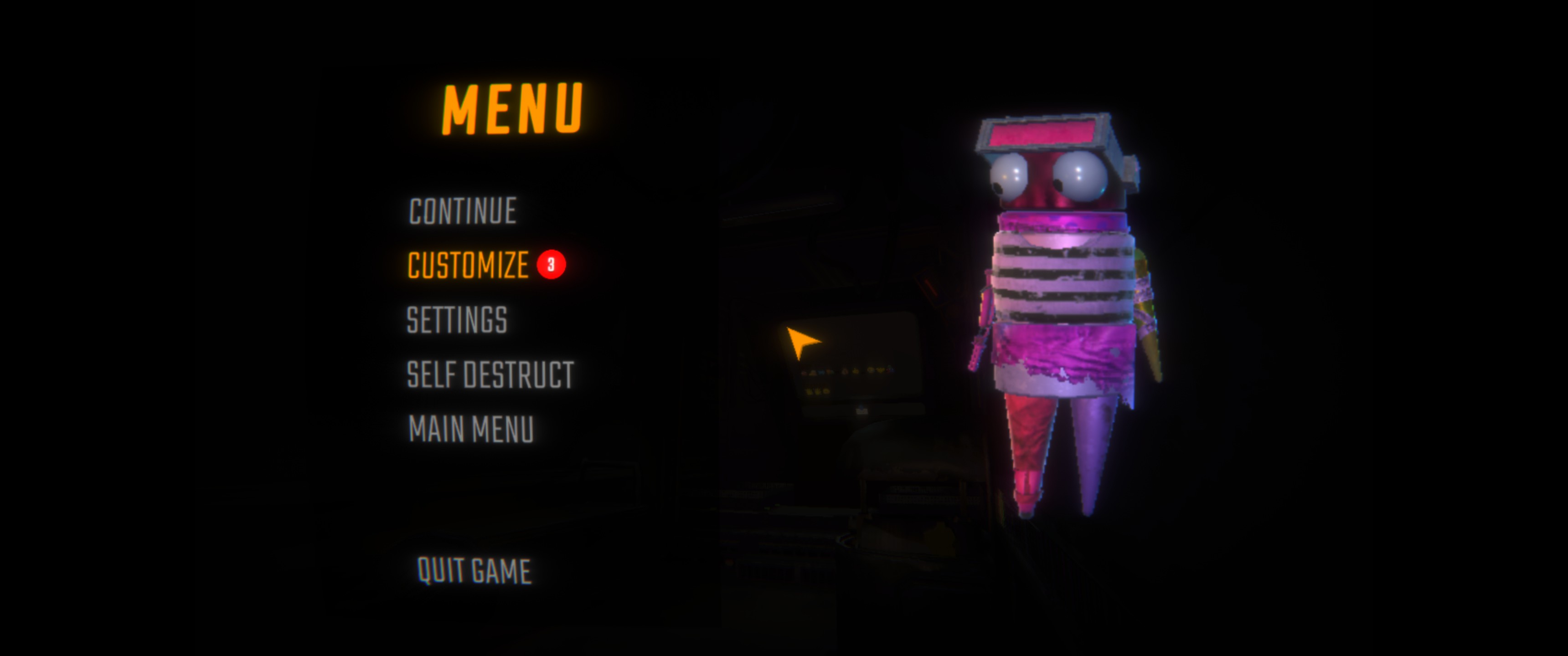 |
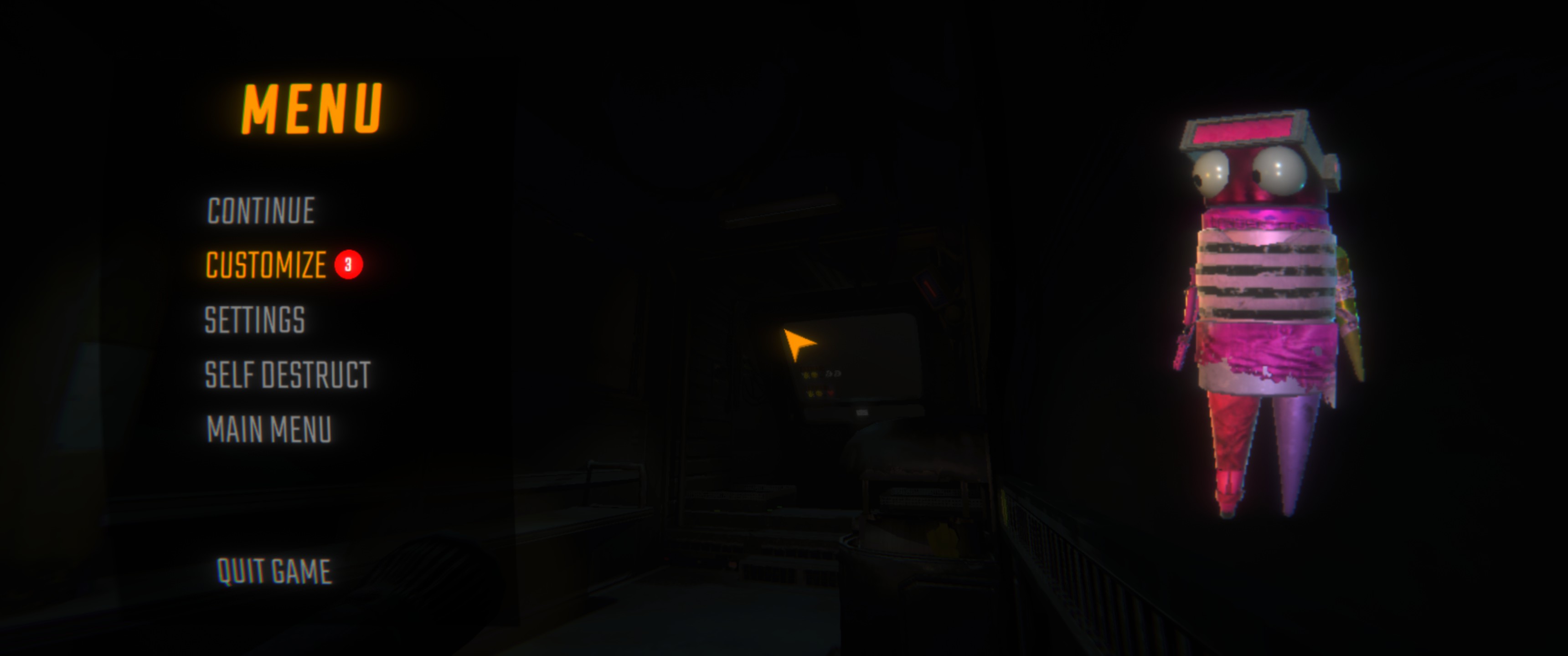 |
Configuration
A few toggles in BepInEx/config/com.github.NEDOSTUPN0.REPONativeUltrawide.cfg:
- Enabled - master switch
- Lens Distortion Fix - tone down the edge distortion and chromatic aberration on ultrawide
- A debug UI-dump key (unbound by default)
Notes
On screens 16:9 or narrower the mod does nothing - it only kicks in when your display is wider than 16:9. Ultratall (taller than 16:9) is not supported.
Fully vibe-coded with Claude Code - but it seems to work great anyway.
