

InvisibleFurnitureFix
Rooms no longer look empty: furniture the game spawned but never showed (beds, counters, cameras, ATMs) appears as soon as you are near it.
| Last updated | 2 hours ago |
| Total downloads | 21 |
| Total rating | 0 |
| Categories | Mods Patch AI |
| Dependency string | Sm3gm-InvisibleFurnitureFix-1.0.1 |
| Dependants | 2 other packages depend on this package |
This mod requires the following mods to function

BepInEx-BepInExPack_IL2CPP
BepInEx pack for IL2CPP x64 Unity games. Preconfigured and ready to use.
Preferred version: 6.0.755README
Invisible Furniture Fix
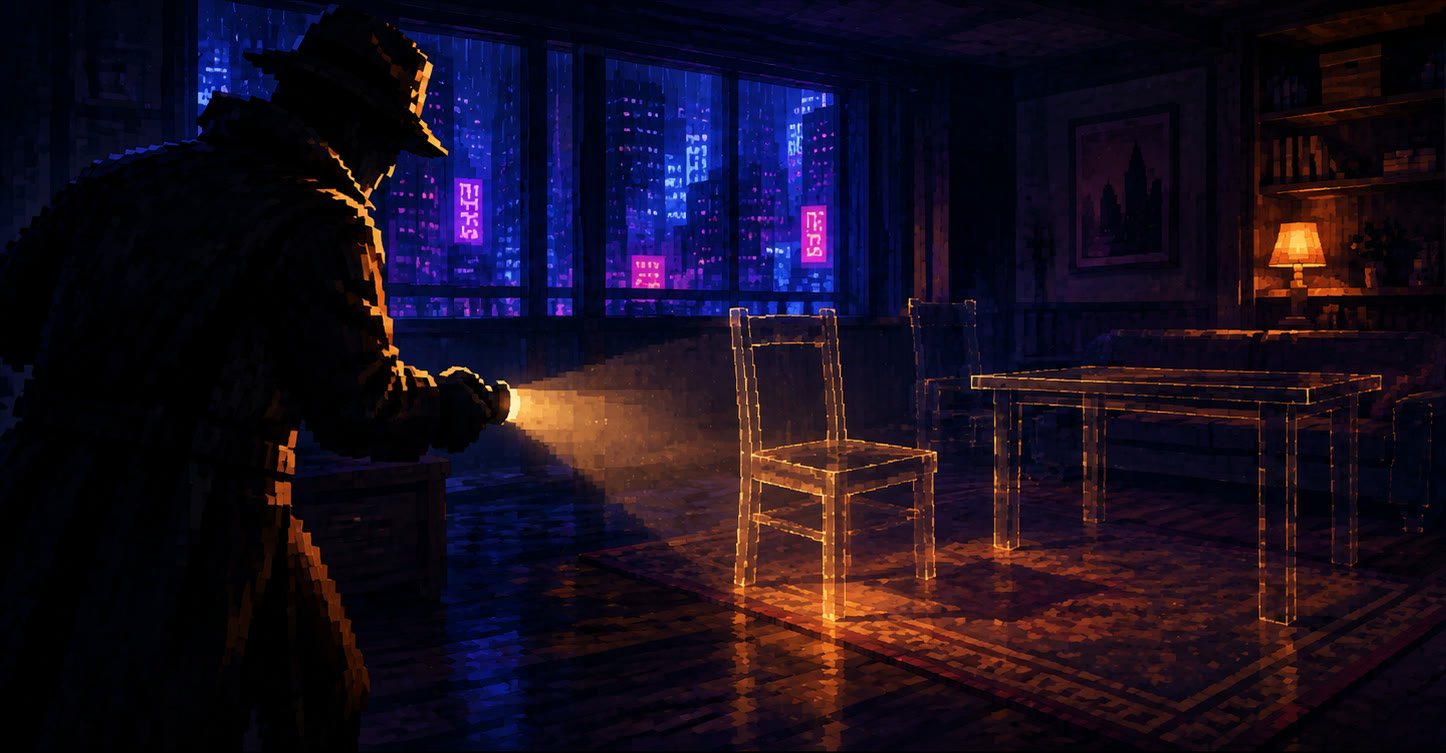
A BepInEx (mod loader) plugin for Shadows of Doubt. Rooms no longer look empty: furniture the game has placed but never shows appears as soon as you are near it.
If it brings your city's shops and apartments back to life, a like on its Thunderstore page is always appreciated. Donations are welcome too:


The problem
Sometimes whole rooms look empty: a Sync Clinic without its beds, a supermarket without fridges or counters, a lobby without its ATM. The furniture is actually there. You can still get the "Nearest Object" prompt for it and interact with it, you just cannot see it.
The game loads furniture in a little at a time as you move around, and each piece starts out hidden until the game decides you are close enough to see it. Pieces that are already close when they load can stay hidden for good. Only the room you stand in when you load a save is spared, because the game loads that one all at once.
What it does
- Shows hidden furniture: a few times a second it looks at the rooms you can see, and shows every piece that the game itself says is in range but has left hidden.
- Only what the game would show: it uses the game's own range check, so nothing far away is drawn and the game's own hiding of distant furniture works as before. It never hides anything.
- Light: it checks a handful of rooms per frame and only rooms that are visible, well under a millisecond per frame.
- Safe to add and remove: nothing is changed in your save.
Config
After one launch, edit BepInEx/config/sm3gm.sod.invisiblefurniturefix.cfg with the game closed.
| Setting | Default | Meaning |
|---|---|---|
| General / RoomsPerFrame | 40 | How many of the city's rooms are looked at each frame. Only visible rooms are checked. |
| Debug / LogFixes | false | Every 10 seconds, write how many pieces were shown and what the checks cost to the log. |
Install
Use Thunderstore Mod Manager or r2modman and install as normal. BepInEx is installed automatically.
To install by hand:
- Install BepInExPack IL2CPP version 6.0.755.
- Put
SoDInvisibleFurnitureFix.dllinBepInEx/plugins/InvisibleFurnitureFix/inside your existingBepInExfolder.
Feedback
Found a bug or have an idea? Post it on the official Shadows of Doubt Discord: https://discord.gg/shadows
Also by sm3gm
All Sm3gm mods are on Thunderstore.
Support
This mod is free and always will be.
Likes are greatly appreciated, so if you enjoy it, please leave one. You give a like on the mod's Thunderstore page while logged in to Thunderstore. If you installed through a mod manager, open that page in your browser to find the button.
If you'd like to support future mods, or just send a friendly thought, you can do so here:
Thanks for playing.
