
Please disclose if any significant portion of your mod was created using AI tools by adding the 'AI Generated' category. Failing to do so may result in the mod being removed from Thunderstore.

ComfortViewReforged
Visualize comfort ranges with colored rings and spheres. Pin furniture and compare coverage. An independent ComfortView update.
| Last updated | 2 days ago |
| Total downloads | 60 |
| Total rating | 1 |
| Categories | AI Generated |
| Dependency string | AugusDogus-ComfortViewReforged-1.0.1 |
| Dependants | 0 other packages depend on this package |
This mod requires the following mods to function

denikson-BepInExPack_Valheim
BepInEx pack for Valheim. Preconfigured with the correct entry point for mods and preferred defaults for the community.
Preferred version: 5.4.2350README

See the space your comfort items cover in Valheim. Display colored range rings or translucent 3D spheres, then pin individual pieces to inspect their overlap.
Features
- Visualize the 10 m comfort radius around nearby furniture.
- Switch between ground-level circles and 3D spheres.
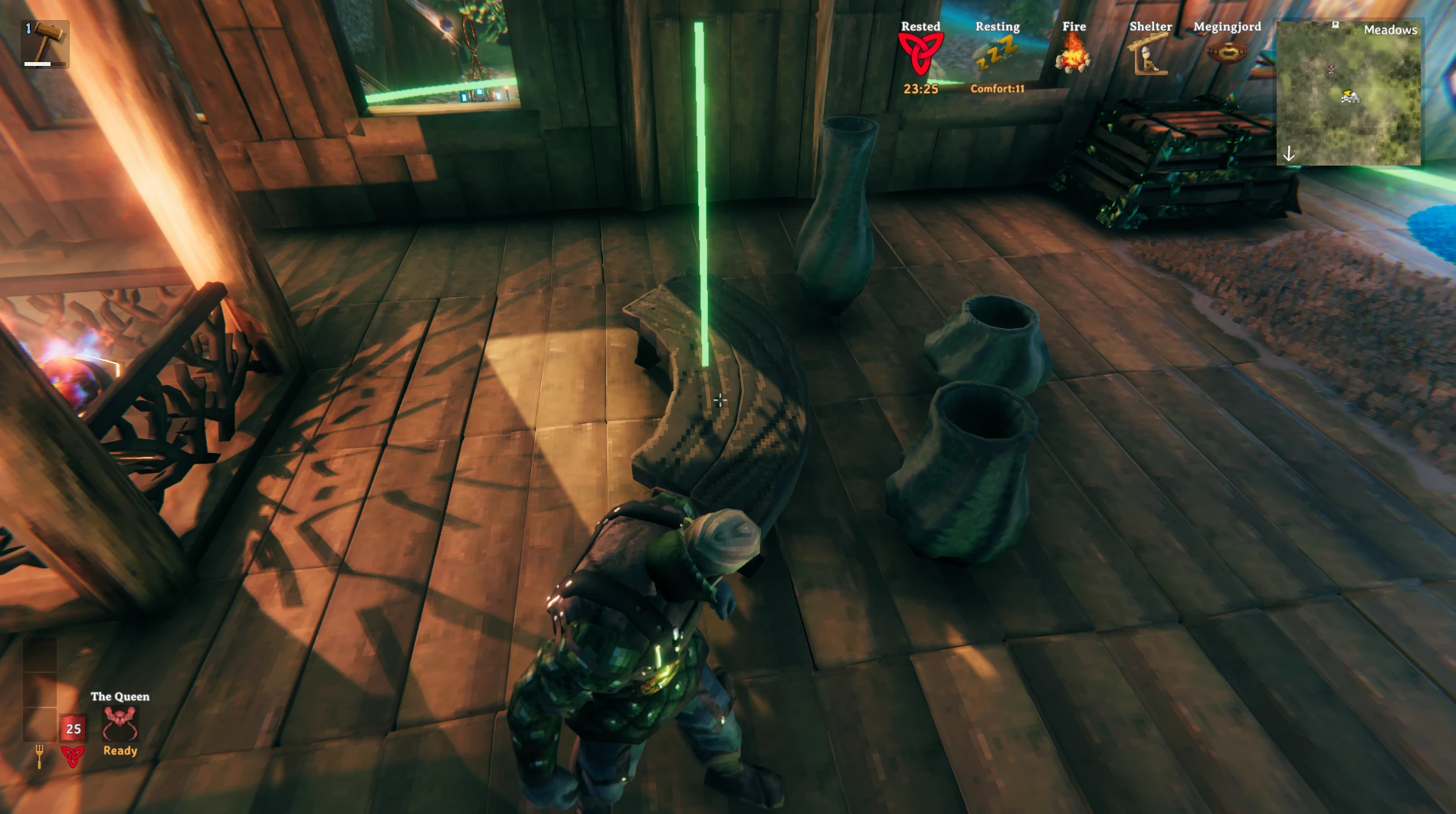
- Highlight an item's range by looking at it.
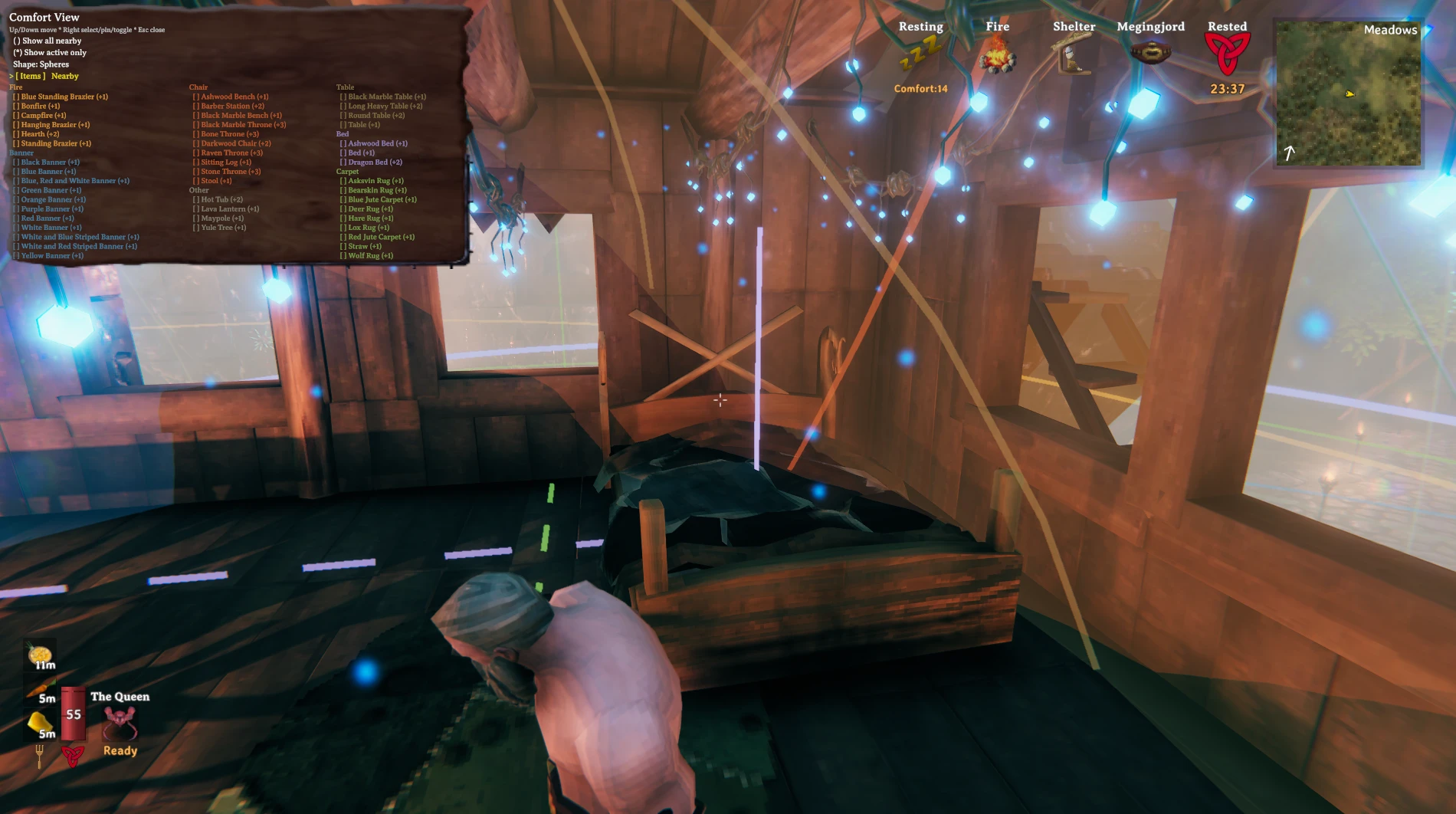
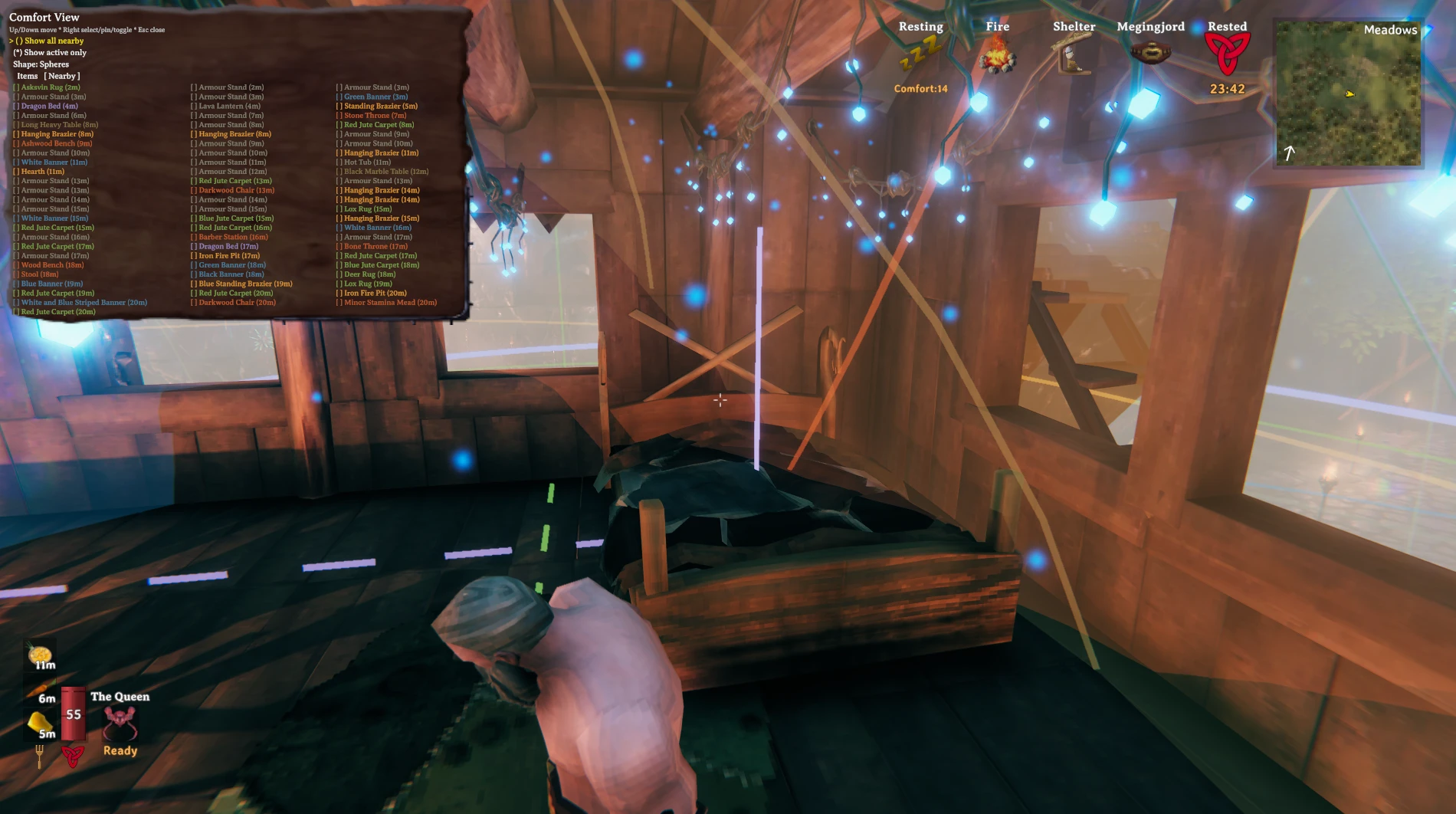
- Show all nearby items, use the active-only filter, or choose specific types and pieces.
- Discover comfort items from the running game's data, including newly eligible and modded pieces, without maintaining a fixed item list.
Screenshots
From the original ComfortView by greymishka.
Item picker and comfort ranges
Nearby furniture and distances
Highlighting an item's range
Installation
Requires Valheim and BepInEx 5.
- Download a ZIP from Releases or Actions, or build it below.
- Close Valheim.
- Place
ComfortView.dllin your mod profile'sBepInEx/plugins/ComfortViewReforged/directory. - Launch the game with that profile.
Remove any original ComfortView DLL from the profile before installing. Reforged retains its plugin ID and config file, so the two versions cannot run together.
Tested in-game with Valheim. Range displays assume the default 10 m comfort radius.
Controls
| Key | Action |
|---|---|
| F6 | Show or hide ranges |
| F7 | Open or close the selection menu |
| F8 | Pin or unpin the item you're looking at |
| Up / Down | Move through menu rows |
| Right | Select an item or change the highlighted option |
| Left / Right | Switch Items / Nearby tabs when the tab row is selected |
| Escape | Close the menu |
To see spheres: press F7, highlight Shape, and press Right to select Spheres. Press F8 while looking at furniture to isolate its range. You can pin multiple items to compare their coverage.
F6, F7, and F8 bindings can be changed in
BepInEx/config/mishka.valheim.comfortview.cfg.
Build
Requires .NET SDK 8, the Valheim client, and BepInEx 5.
dotnet build src/ComfortView/ComfortView.csproj -c Release \
  -p:GameDir="/path/to/Valheim" \
  -p:BepInExDir="/path/to/profile/BepInEx"
GameDir defaults to a standard Steam installation. Set BepInExDir for your mod profile. Output: src/ComfortView/bin/Release/net472/ComfortView.dll.
Development and releases · Repository layout · Changelog
Based on ComfortView by greymishka.
