
Please disclose if any significant portion of your mod was created using AI tools by adding the 'AI Generated' category. Failing to do so may result in the mod being removed from Thunderstore.

ValheimAviation
Single-player alpha: fly a crude biplane with wind, fuel, damage and breakup. Console spawning; blockout visuals; no crafting yet.
| Last updated | a day ago |
| Total downloads | 226 |
| Total rating | 1 |
| Categories | AI Generated Vehicles |
| Dependency string | Fritzorama-ValheimAviation-0.1.2 |
| Dependants | 0 other packages depend on this package |
This mod requires the following mods to function

denikson-BepInExPack_Valheim
BepInEx pack for Valheim. Preconfigured and includes unstripped Unity DLLs.
Preferred version: 5.4.2202
ValheimModding-Jotunn
Jötunn (/ˈjɔːtʊn/, 'giant'), the Valheim Library was created with the goal of making the lives of mod developers easier. It enables you to create mods for Valheim using an abstracted API so you can focus on the actual content creation.
Preferred version: 2.25.0README
Valheim Aviation — single-player alpha 0.1.2
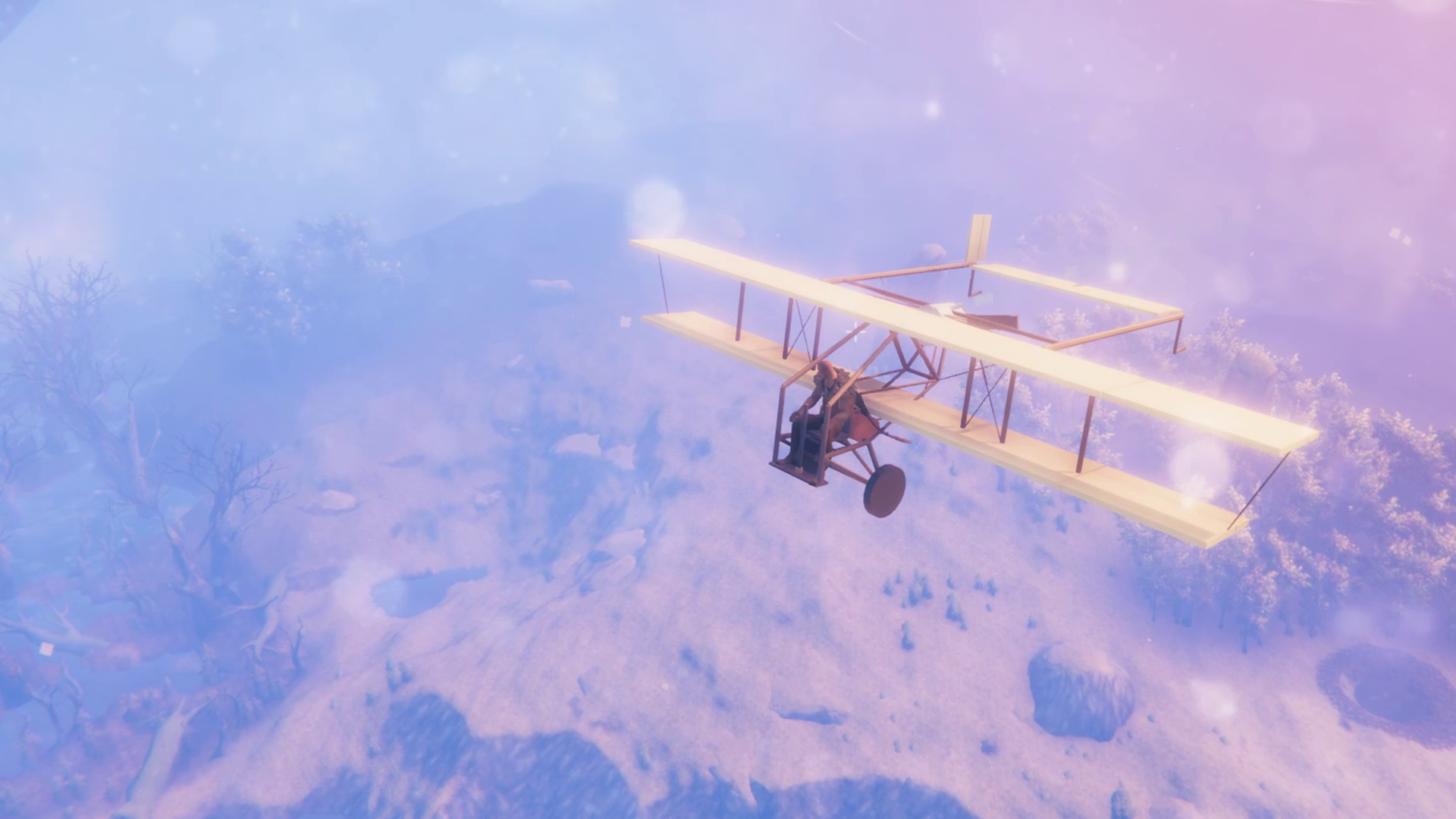
Take to the skies in a crude, single-seat biplane. Learn to handle the wind, watch your fuel, and bring your aircraft home in one piece.
Visit Fritzorama — project news and development journey
Windows / Steam / single-player only. Tested with Valheim 1.0.20. Multiplayer, dedicated servers, other mod combinations and future game updates are not verified. Use a separate test world and character; back up saves before testing.
Fly the alpha
- Pilot your own biplane: taxi, take off, bank, climb and land with working control surfaces.
- Feel the weather: gentle winds drift you off course; storms challenge your handling.
- Look after your engine: refuel with spirits, start it by hand, and hear it respond to the throttle.
- Care for your aircraft: repair damage with a hammer and shelter it from rain.
- See your landings leave a mark: runway dust, water spray and breakup effects bring contact with the world to life.
This is a testing alpha. The aircraft uses an unfinished prototype model. Spawn the plane and fuel through console commands; crafting and finished artwork will follow.
New in alpha 0.1.2
Make the cockpit controls your own. Rebind all nine aircraft actions in the game's Keyboard & Mouse settings, keep your choices between sessions, and restore aircraft defaults with one button.
- Aviation Key Binds: a dedicated section below the normal game controls for pitch, roll, rudder, throttle, brakes and dismount.
- Reset aviation keys: restores aircraft defaults without changing your normal game controls. OK saves changes; Back cancels them.
- Aircraft controls take priority while piloting: if inventory and rudder share a key, that key operates the rudder in the pilot seat and inventory on foot. Choose separate keys if you want inventory access while seated.
- Flight and taxi handling are unchanged in this update.
Alpha screenshots
These screenshots show the current prototype model; final artwork and crafting are still in development.
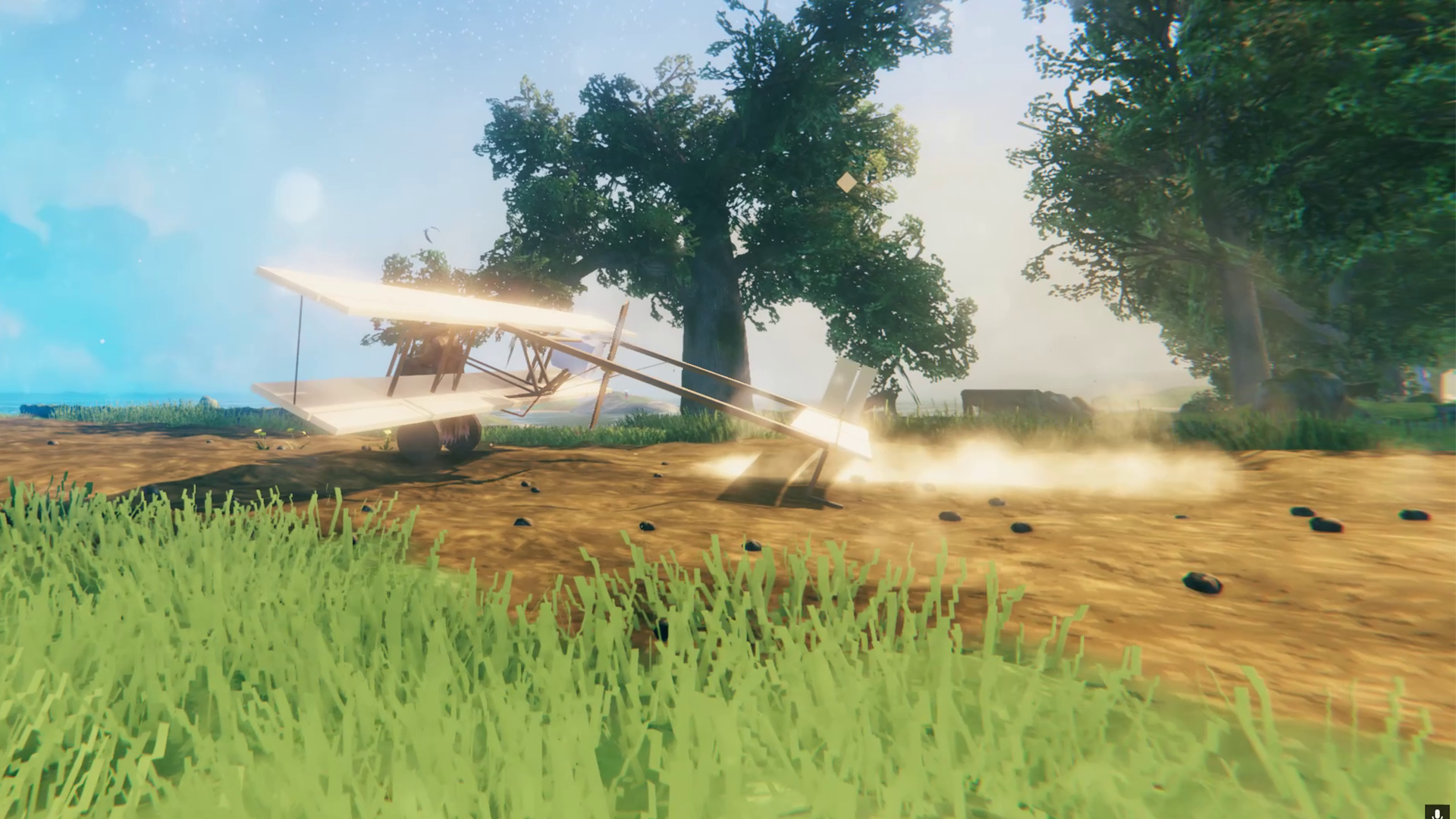
Engine running and propeller wash on a dirt runway.
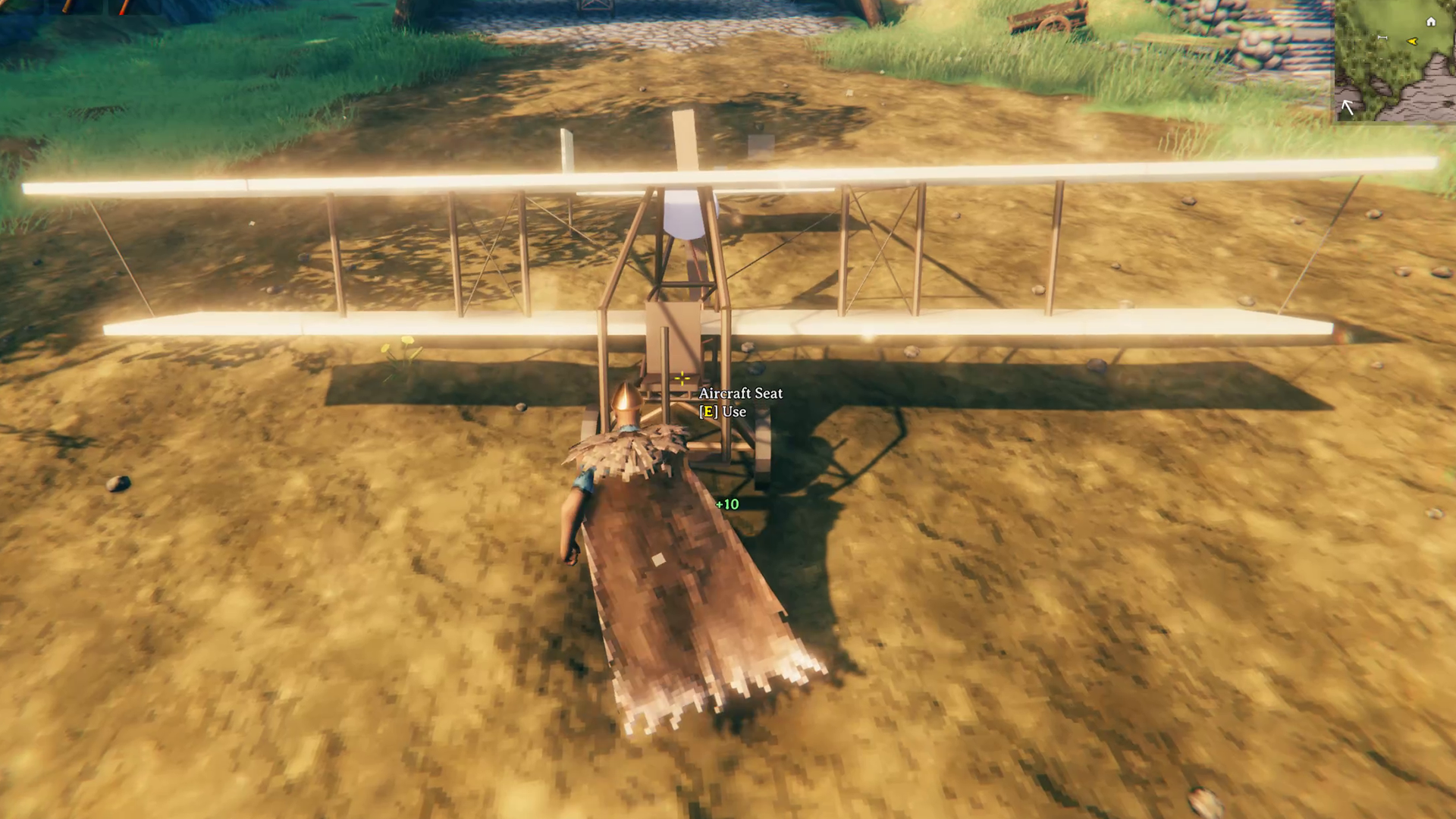
Walk up to the cockpit and take the pilot seat.
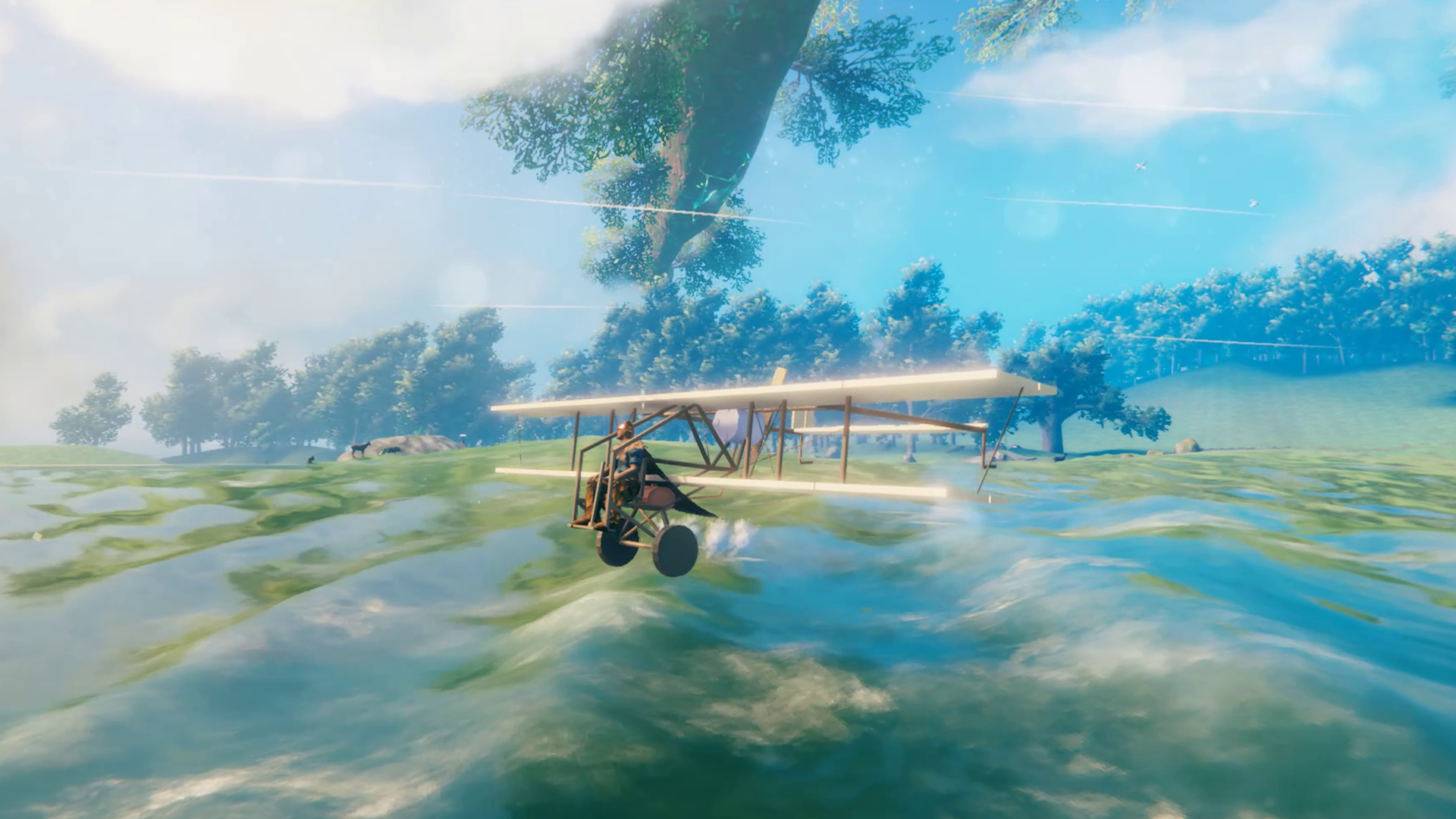
Wheel spray while skimming the water.
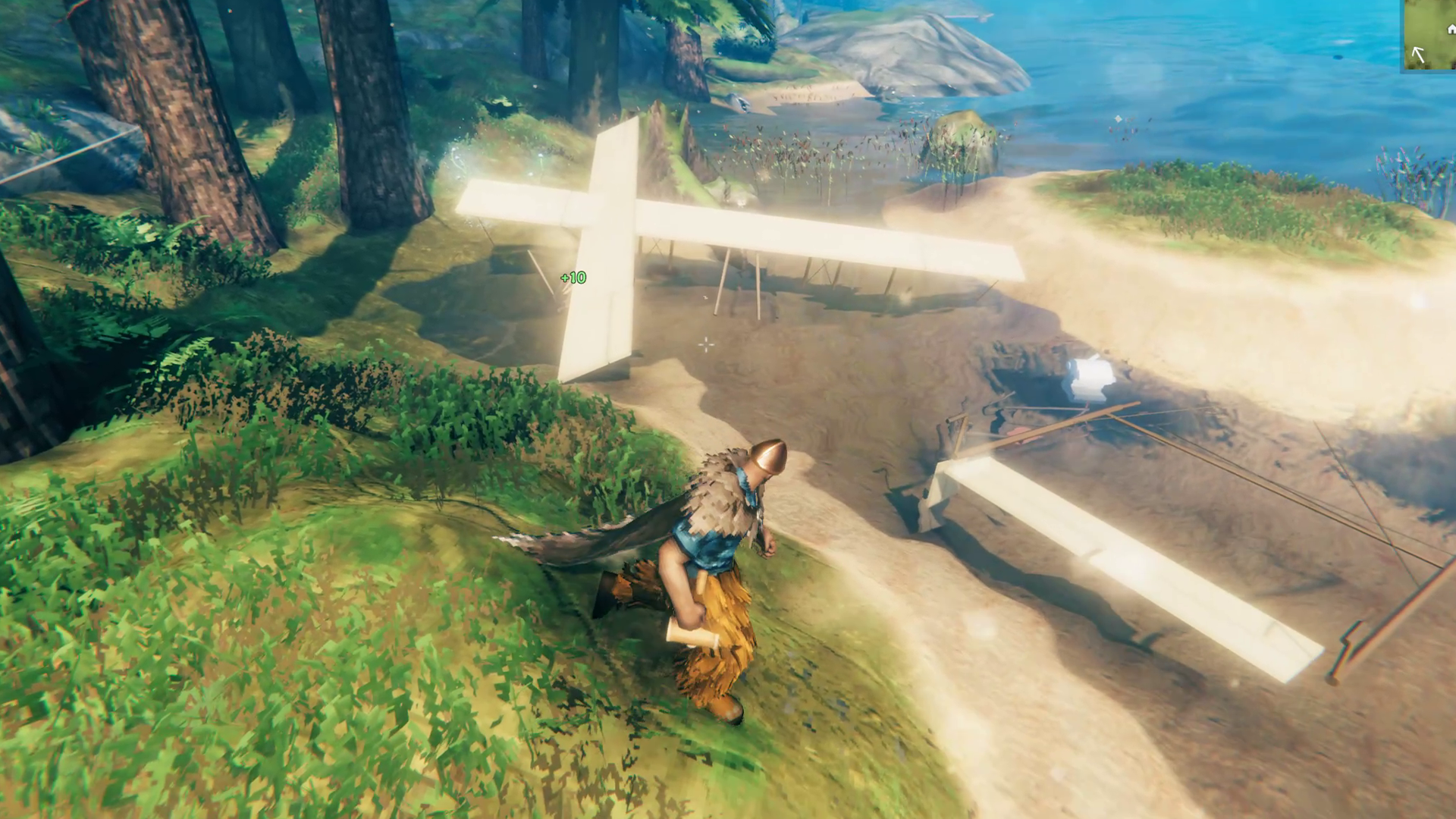
Hard crashes can break the aircraft into separate pieces.
Install
Install Valheim Aviation through r2modman or Thunderstore Mod Manager; the declared BepInExPack Valheim and Jotunn dependencies will be installed automatically. For a downloaded alpha ZIP, import it as a local mod in a fresh profile. For manual installation, merge the ZIP's BepInEx folder into the game folder after installing dependencies. Keep aircraft.assetbundle beside ValheimAviation.dll. Do not install duplicate copies. The included configuration is part of this alpha: it enables the accepted fuel, damage, noise and weather settings.
Add -console to launch arguments. Load a single-player test world, press F5, enter devcommands, then:
aviation_spawn— spawn one plane ahead of you; use a clear, open area.aviation_fuel_give— receive placeholder Strong Spirits fuel (temporary resin appearance).aviation_status— aircraft diagnostics.aviation_repair— repair the nearest aircraft within 10m; hammer repair also works.aviation_remove— remove the most recently tracked aircraft, not necessarily the one you are looking at. Avoid using this around aircraft you want to keep.
Close the console. Press your Interact key (E by default) at the fuel tank to add one bottle of spirits over three seconds, with a yellow progress bar and a workbench-style animation. Walking or jumping cancels without consuming the bottle. Four items fill an empty tank. Interact with the engine to start it, then the seat to board.
Aircraft controls (independent defaults)
| Control | Action |
|---|---|
| Hold Left Shift | Increase engine power; release to wind down |
| W / S | Pitch nose down / up |
| A / D | Roll left / right |
| Q / E | Rudder and ground steering |
| Left Ctrl | Wheel brakes with ground contact |
| Hold X | Dismount, including in flight |
| Mouse wheel | Camera zoom |
Rebind all nine aircraft actions in Settings > Keyboard & Mouse > Aviation Key Binds, below the normal controls. Aircraft bindings are independent of on-foot controls and remain saved between sessions. Reset aviation keys restores only aircraft defaults; the game's main Reset controls button resets all controls. OK saves and Back cancels.
While piloting with menus closed, shared keys prioritise aircraft controls. To open inventory while seated, give inventory and the aircraft action different keys. Normal controls resume on foot. Mods reading raw keyboard input may still need their own conflicting keys changed.
Use gentle throttle for taxiing. Allow runway space; slopes, wind and initial engine power change the takeoff distance. Avoid thunderstorms until comfortable flying. A quarter tank is added per fuel item; approximately 10 minutes of fuel at full engine speed. Check tank fullness by looking at it. The plane can stall and crash.
Saving, damage and weather
Aircraft persist across reload and travelling away in single-player. Rain wears exposed parked aircraft down to half health; a full roof protects them. Sustained partial submersion also stops at half health; deeply submerged wrecks eventually decay away. Destruction creates short-lived debris, with no salvage drops yet.
Aircraft records are separate from native world saves: back up BepInEx/ValheimAviation/persistence with your world. Mod-manager profiles have separate BepInEx data directories. Moving to another profile without this folder can make planes appear missing. Uninstalling hides aircraft; retained records can restore them if the mod is reinstalled. Fuel items are custom items: use a disposable test character.
Feedback and known limitations
Unfinished prototype artwork, placeholder fuel, console-only acquisition, no multiplayer, no salvage, and no guarantee of save-format compatibility across alpha updates. Decorative debris is not recoverable.
Share feedback in the comments on a Valheim Aviation video on our YouTube channel. Please include the mod/game version, what you were doing, what happened, and whether you can repeat it. Terrain, weather and other installed mods help us investigate. Keep relevant flight logs and BepInEx/LogOutput.log in case they are requested; review them for personal information before sharing. There is no Discord support channel at present.
The local black box records piloted flights under BepInEx/ValheimAviationBlackBox/flights; nothing is uploaded automatically. Recording is capped at 128MiB per flight and 1GiB total; it can be disabled in the FlightRecorder configuration. Preserve relevant logs before more testing.
Usage terms
You may install, configure and play the official release, keep personal backups, and share gameplay videos or screenshots. Reuploading, selling, redistributing modified versions, or reusing original code/assets in other projects requires written permission. Modpacks may reference the official package as a dependency. Full terms are included in LICENSE.md. Third-party rights and licences remain unchanged.
