
Please disclose if any significant portion of your mod was created using AI tools by adding the 'AI Generated' category. Failing to do so may result in the mod being removed from Thunderstore.

PotatoRider
Key steering and riding fixes for every Valheim mount: WASD steering, call your mount, get on from anywhere, the bow camera stops at its arc, no camera roll, the right mount picture. Client-side.
| Last updated | a day ago |
| Total downloads | 115 |
| Total rating | 2 |
| Categories | Transportation Utility Deep North Update Tweaks AI Generated Client-side |
| Dependency string | Potato_Tweaks-PotatoRider-1.0.2 |
| Dependants | 1 other package depends on this package |
This mod requires the following mods to function

ValheimModding-Jotunn
Jötunn (/ˈjɔːtʊn/, 'giant'), the Valheim Library was created with the goal of making the lives of mod developers easier. It enables you to create mods for Valheim using an abstracted API so you can focus on the actual content creation.
Preferred version: 2.30.2
denikson-BepInExPack_Valheim
BepInEx pack for Valheim. Preconfigured with the correct entry point for mods and preferred defaults for the community.
Preferred version: 5.4.2351README
Key steering and riding fixes for every Valheim mount: the Odin Horse, the Lox, and Mount Up's wolf, boar and anything else it saddles, a bear included. It runs only in your own game: the server doesn't need it, and anyone without it rides the usual way, on the same server.

Steer with the keys, not the mouse. In the base game a mount goes wherever the camera looks, and A and D do nothing. With PotatoRider the keys steer any saddled mount and the mouse only moves the camera, so you can look around, or aim, without turning it.
- W trots: the Odin Horse builds up gently, a wolf or boar is off at once. Shift gallops.
- Let go and the mount stops.
- A and D turn it at its own turn speed, with its own turning legs, and standing still it turns in place.
Each animal keeps its own pace: a boar is quick and nimble, a Lox heavy and slow, and a wolf leaps with its legs stretched out as in its run. The camera turns with your mount, so a turn doesn't swing your view away.
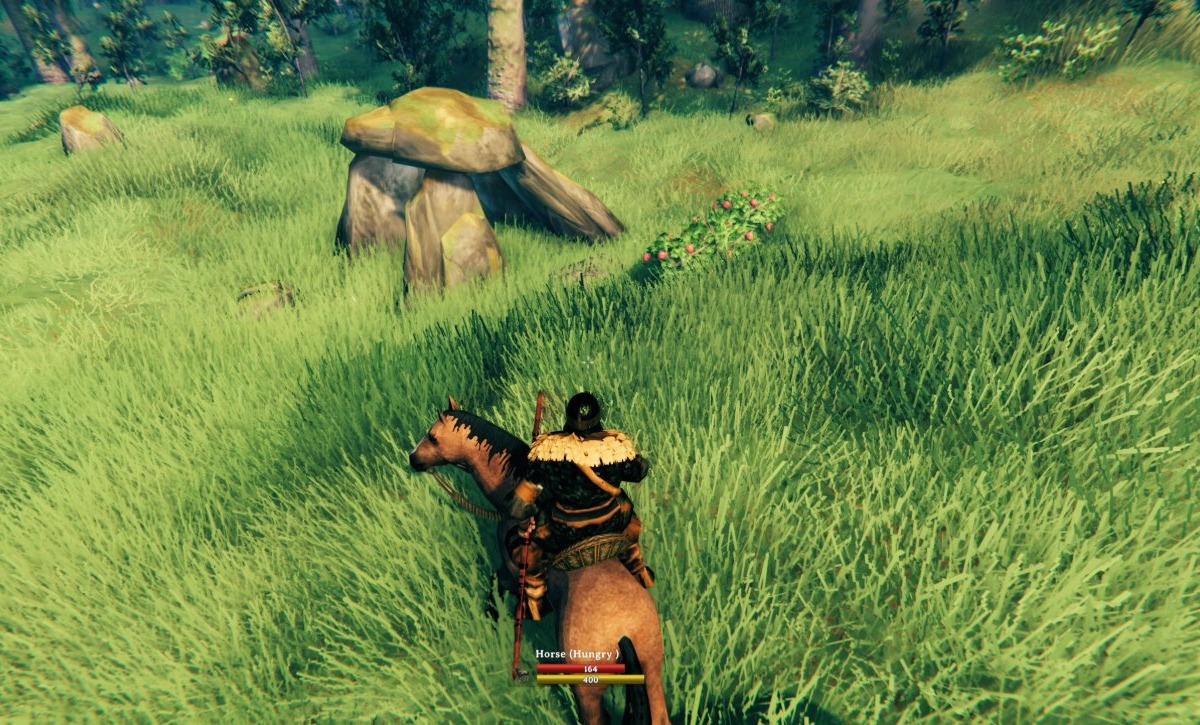

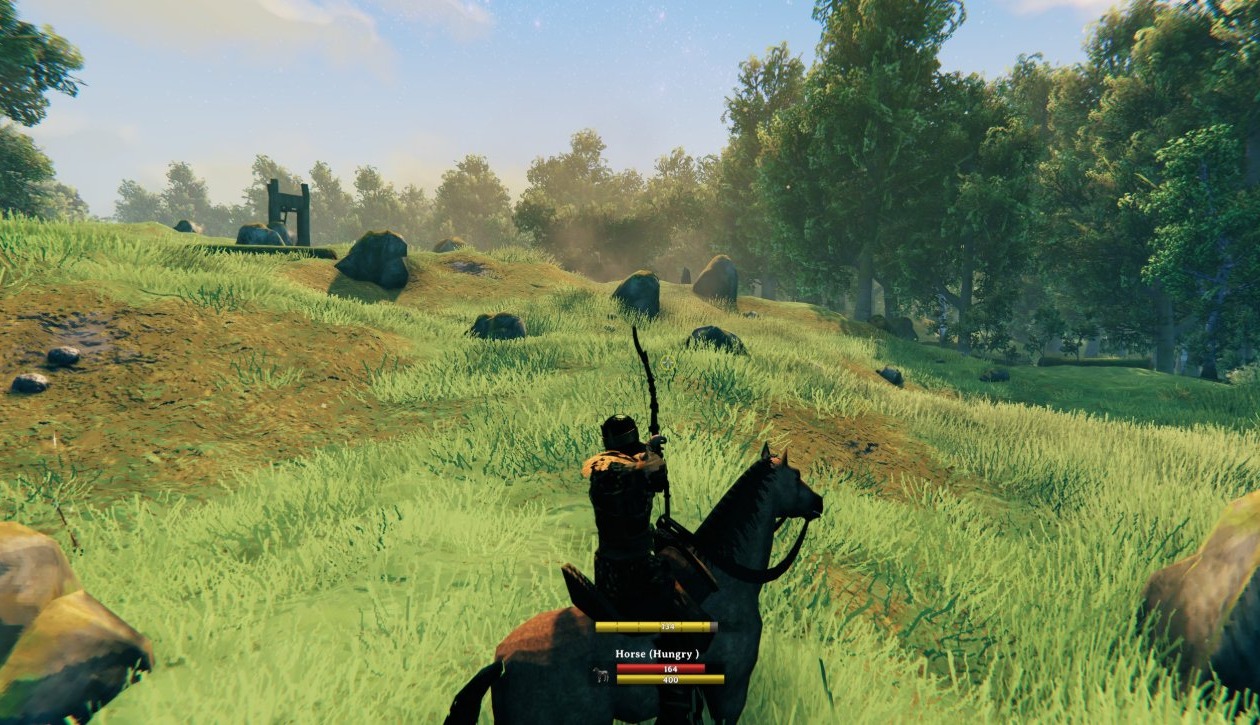
Shoot from the saddle. The Odin Horse lets you draw a bow while riding, within an arc either side of you, on the horse and on the Lox (and any tame you add to its mounted combat). Before, the camera could turn past that arc while the arrow couldn't, so the crosshair pointed where no arrow could go. Now, while the bow is drawn, the camera stops at the edge of the arc, and an arrow loosed there flies along the crosshair. With Better Archery installed, the rider no longer flickers while drawing.

Get on from anywhere. Hold Alt and press E anywhere on a tamed, saddled animal to climb on. No hunting for the saddle, which on big animals can hide behind the body. Plain E still pets it, and the animal's prompt shows the key while it's free to ride.
Call your mount, and it stays where you leave it. Press J and you whistle for the tame you last rode. It answers with its own call and comes to you, as long as it's close enough to hear. Too far off, and a message says it's out of earshot. When you get off, your mount stays on that spot, like telling a tame to stay, instead of wandering off or trailing after you.
A level camera and a calm horse. Attacking from the saddle no longer rolls the camera onto its side. And a ridden Odin Horse no longer rears up to attack on its own, throwing you around mid-fight. Unridden, it fights as before.

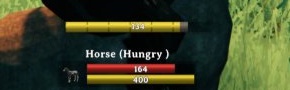
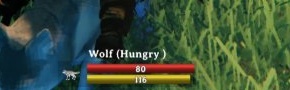
The right picture on the mount panel. The panel by your health and stamina bars showed a Lox for every mount. Now it shows the animal you're riding, the Odin Horse or a Mount Up wolf alike.
Settings
Every part has its own setting, under PotatoRider in Configuration Manager in two sections (Riding and Camera), and changes take effect while you ride. They're your own, not the server's.
| Setting | Default | What it does |
|---|---|---|
| Steer with the keys | On | A and D turn your mount, W trots, Shift gallops, let go to stop. Off: the base game's way, where the mount goes where the camera looks. |
| Turn speed percent | 100 | How fast A and D turn your mount, as a percent of its own turn speed (25-300). |
| Seconds to full trot | 0.75 | How long W takes the Odin Horse to build up to a trot, and to slow back down. 0 keeps the horse's own quicker build-up. Other mounts keep their own. |
| Ride from anywhere on the animal | On | Alt + E anywhere on a tamed, saddled animal gets you on. |
| Ride key | Left Alt | The key held with E for that. |
| Stays where you get off | On | A mount you get off stays on that spot. Off: it does what it did before you got on. |
| Call your mount | On | The call key whistles for the tame you last rode, and it comes to you. |
| Call key | J | The key that whistles for your mount. |
| Whistle volume | 60 | How loud the whistle is, in percent, on top of your sound effects volume. 0 is silent. |
| Camera turns with the mount | On | The camera turns when your mount turns. Off: it holds its direction while the mount turns under you. |
| Camera stops at the bow arc | On | While a bow is drawn from the saddle, the camera stops at the edge of the Odin Horse's bow arc. |
| Camera margin inside the bow arc | 0 | Degrees the camera stops short of the arc's edge (0-20). |
Tip for servers with the Odin Horse. Its "Speed Modifier" setting is really the horse's walking speed, in metres a second. At the default of 1, W barely moves it. Around 3 makes W a trot, which fits the steering here. Its bow arc settings ("Bow Turn Left", "Bow Turn Right", "Bow Aim Up Down") decide where the camera stops: we use 110, 110 and 55.
Bug reports go to GitHub Issues, where the source lives too, along with a write-up of how riding works in Valheim (docs/riding.md). Questions are welcome on Discord: relanebeis.
Needs BepInExPack Valheim and Jötunn. The steering, level camera and mount picture work on any mount. Shooting from the saddle comes from the Odin Horse's mounted combat. Mount Up's wolf, boar and other saddled animals come from Mount Up Restored; a ready Mount Up entry for riding a bear is in docs/riding.md.
The code is under the MIT License. The icon, page icons and screenshots are © TheRealRel under CC BY-NC 4.0: free to share and adapt with credit, but not for commercial use. See LICENSE for the details.
