
Please disclose if any significant portion of your mod was created using AI tools by adding the 'AI Generated' category. Failing to do so may result in the mod being removed from Thunderstore.

EffectsControl
Customize Valheim weapon and magic shield visuals: light, glow, opacity, size, particle count, stage influence, shield ovality and color.
| Last updated | 2 days ago |
| Total downloads | 81 |
| Total rating | 2 |
| Categories | Mods Tweaks Client-side AI Generated |
| Dependency string | Slikfoul-EffectsControl-1.0.1 |
| Dependants | 0 other packages depend on this package |
This mod requires the following mods to function

denikson-BepInExPack_Valheim
BepInEx pack for Valheim. Preconfigured with the correct entry point for mods and preferred defaults for the community.
Preferred version: 5.4.2351README
EffectsControl
Customize weapon and magic shield visuals in Valheim to keep combat effects clear and comfortable.
Features
- Adjust weapon light brightness, glow, opacity, size and particle count.
- Choose how strongly these settings affect attack launch, projectile flight and impact.
- Customize magic shield light brightness, glow, opacity, ovality and color.
- Apply your local settings to your own effects and other players' weapon effects and magic shields. Each player uses their own configuration.
- Select shield color with one hue slider.
- Use whole-number settings with immediate updates through F1 Configuration Manager.
- Restore original visuals by disabling the mod or its weapon and shield controls.
Screenshots
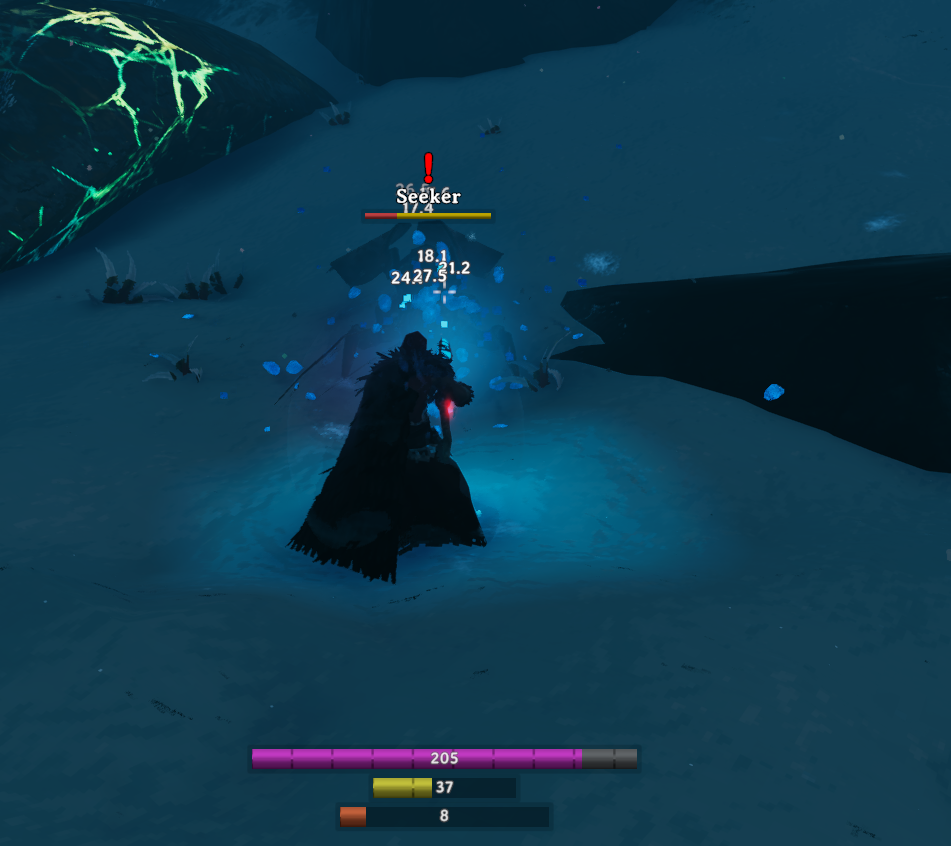
Frost attack effects
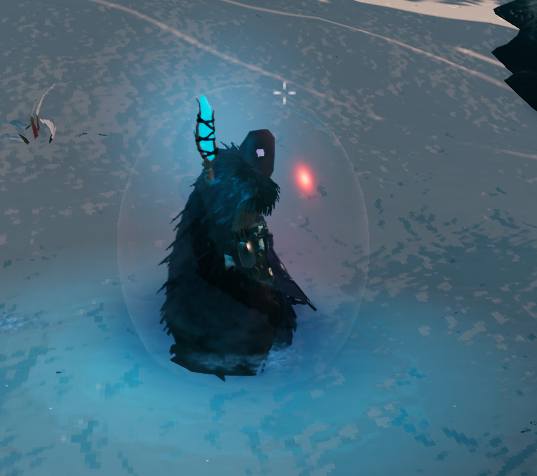
Oval magic shield
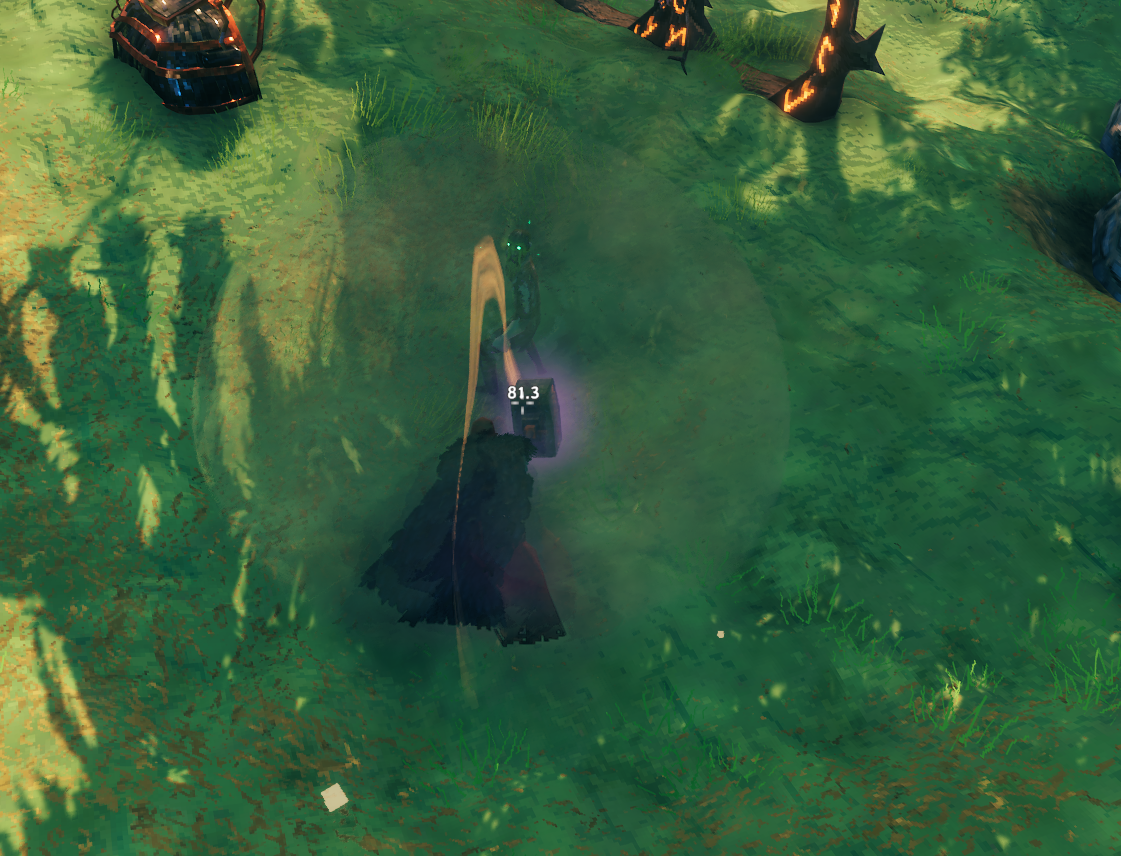
Melee impact effects
Weapon settings
2. Weapons - General sets the appearance of weapon effects. All values range from 0 to 100.
| Setting | Default |
|---|---|
| Light brightness | 0 |
| Glow | 50 |
| Opacity | 25 |
| Size | 100 |
| Particle count | 100 |
3. Weapons - Stages determines how strongly each stage uses the general settings.
| Stage | Default |
|---|---|
| Attack launch | 100 |
| Flight | 0 |
| Impact | 100 |
- 0 keeps the original effect.
- 100 fully applies the general settings.
- Values between 0 and 100 blend between the original and configured appearance.
With the defaults, attack launch and impact use the general settings, while flying projectiles retain their original appearance.
Magic shield settings
4. Magic Shield controls the Staff of Protection's visual shield.
| Setting | Default |
|---|---|
| Light brightness | 35 |
| Glow | 45 |
| Opacity | 30 |
| Ovality | 50 |
| Change color | Off |
| Color | 0 |
Ovality ranges from 0 to 100: 0 is round, 50 is oval and 100 is a narrower oval.
Enable Change color, then use Color to choose a hue from 0 to 360: red at 0/360, yellow at 60, green at 120, cyan at 180, blue at 240 and magenta at 300. Glow controls intensity and Opacity controls transparency.
Shield protection and duration remain unchanged.
Installation
Install EffectsControl with Thunderstore Mod Manager or r2modman. BepInExPack Valheim is installed as a dependency.
For manual installation, copy the archive's BepInEx folder into your Valheim installation. The DLL belongs in BepInEx/plugins/EffectsControl/.
Configuration
Open F1 Configuration Manager and select EffectsControl to change settings in game. Configuration Manager is optional and installed separately.
Configuration file: BepInEx/config/Slikfoul.EffectsControl.cfg.
Author: Slikfoul. Source code and MIT license.
