
Please disclose if any significant portion of your mod was created using AI tools by adding the 'AI Generated' category. Failing to do so may result in the mod being removed from Thunderstore.

RailgunnerTweaks
Quality-of-life tweaks for Railgunner: variable scope zoom, focal length scaling sensitivity, and hide pointless HUD elements. Client-side, and every feature can be toggled.
| Last updated | a day ago |
| Total downloads | 139 |
| Total rating | 0 |
| Categories | Tweaks AI Generated Client-side |
| Dependency string | Bishey-RailgunnerTweaks-1.0.0 |
| Dependants | 0 other packages depend on this package |
This mod requires the following mods to function


bbepis-BepInExPack
Unified BepInEx all-in-one modding pack - plugin framework, detour library
Preferred version: 5.4.2122README
RailgunnerTweaks
Quality-of-life tweaks for Railgunner.
Every feature can be turned off individually.
Features
Variable scope zoom
While scoped in, scroll the mouse wheel to switch between zoom levels. Default and alternate snipers can have different zooms:
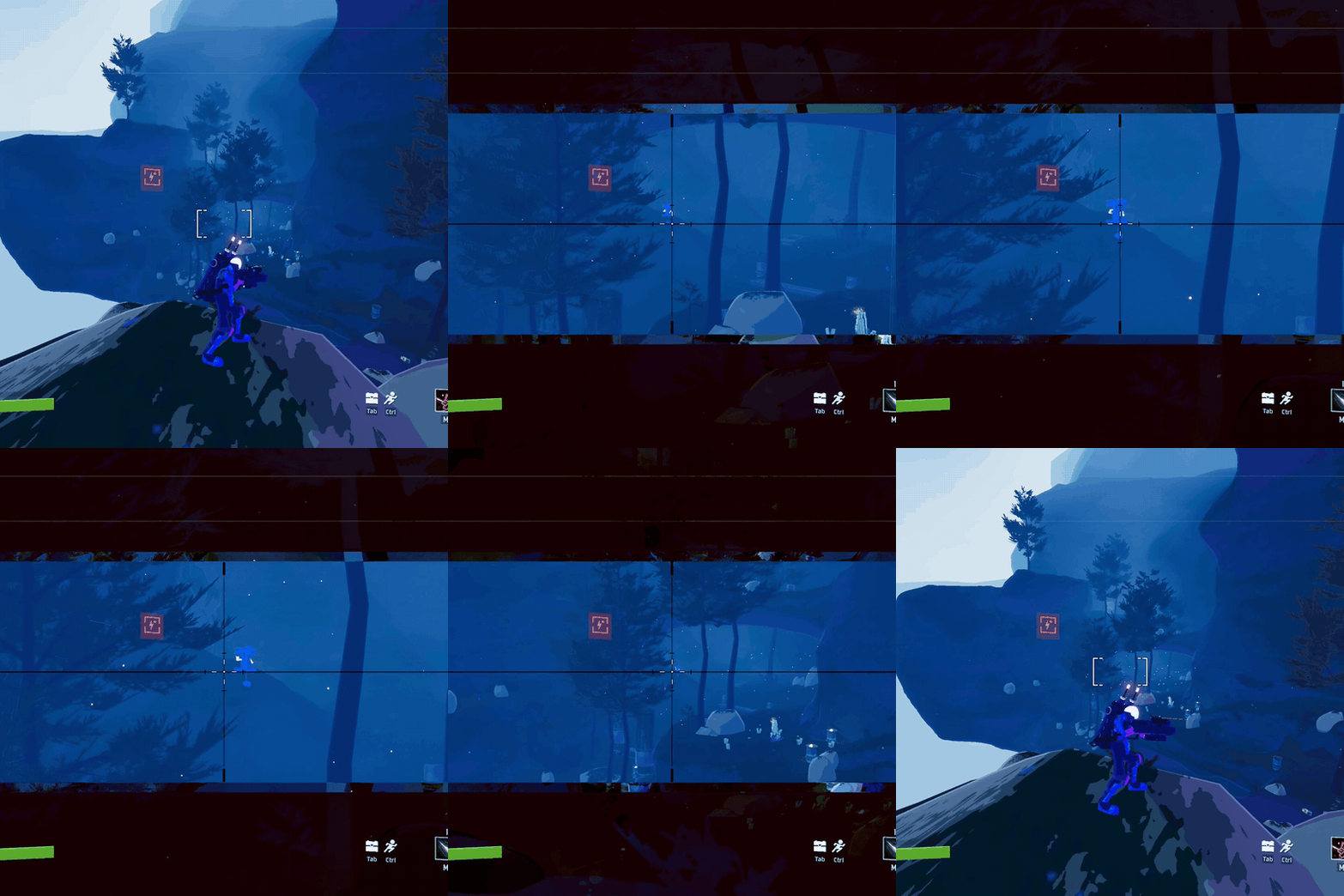
| Scope | Level 1 | Level 2 | Level 3 | Vanilla (at 60 FOV) |
|---|---|---|---|---|
| Default Sniper | 2x | 4x | 8x | about 3.6x |
| Alternate Sniper | 2x | 3x | 5x | about 2.2x |
- Zoom amounts are true magnification relative to your normal unscoped view, so they stay accurate with any FOV setting or FOV mod.
- Levels can be changed, and each one can be turned off. Use one, two or three levels per scope.
Consistent scoped sensitivity
- 0% monitor match: while scoped, mouse sensitivity is scaled by focal length (also known as 0% monitor match), so aiming feels the same at every zoom level. The game's default scaling is linear in FOV, which feels faster the further you zoom in. Unscoped sensitivity is never changed.
- Scoped sensitivity percentage: an extra multiplier for scoped sensitivity. It works independently from the 0% monitor match.
Cleaner HUD
- Hide the decorative yellow frame when unscoped.
| Vanilla | With RailgunnerTweaks |
|---|---|
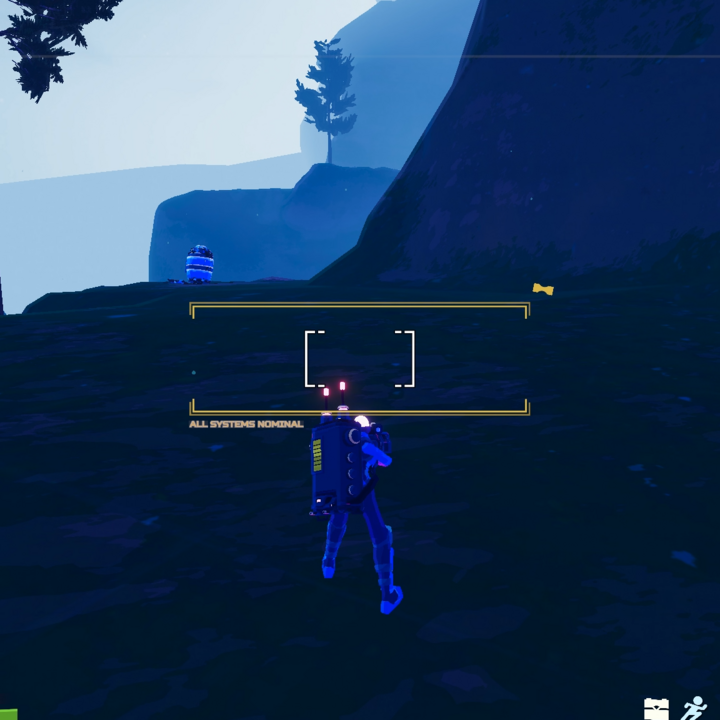 |
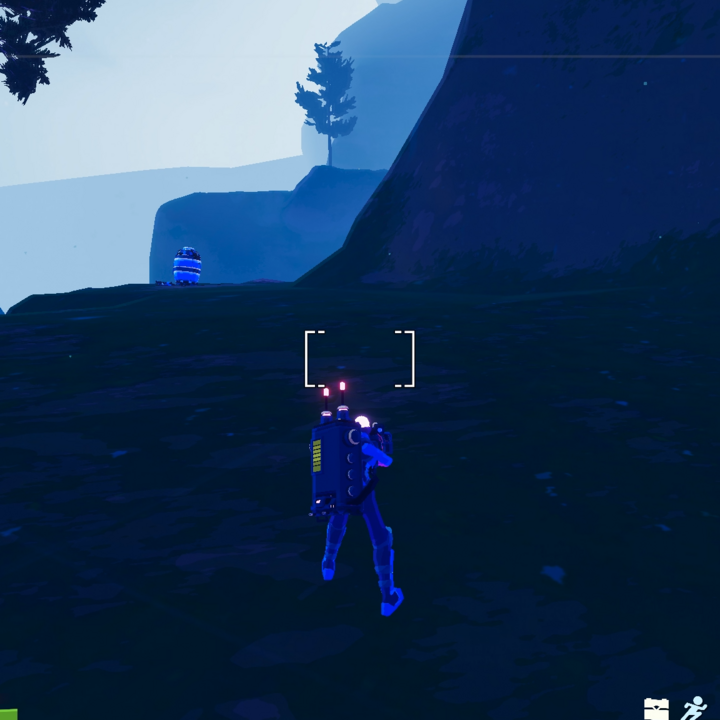 |
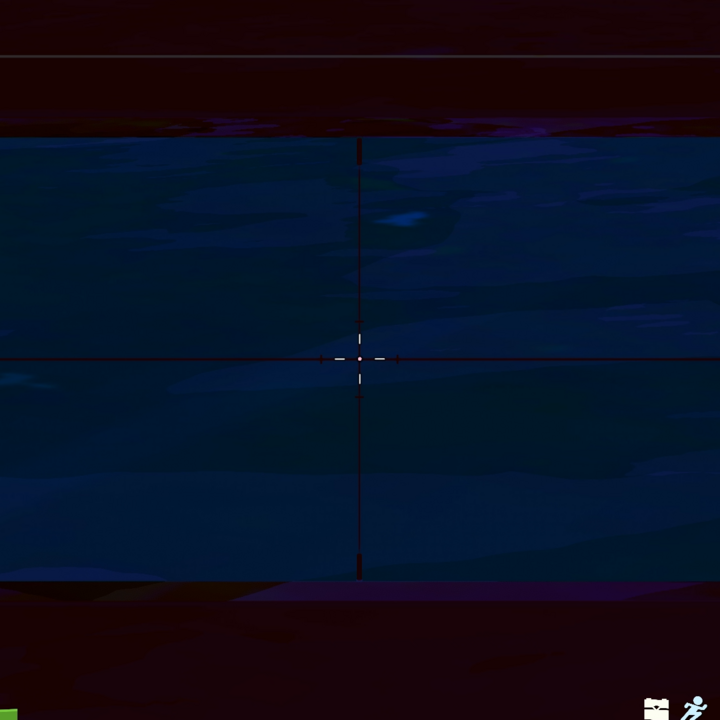
- Hide the pink frame when scoped-in with default sniper.
| Vanilla | With RailgunnerTweaks |
|---|---|
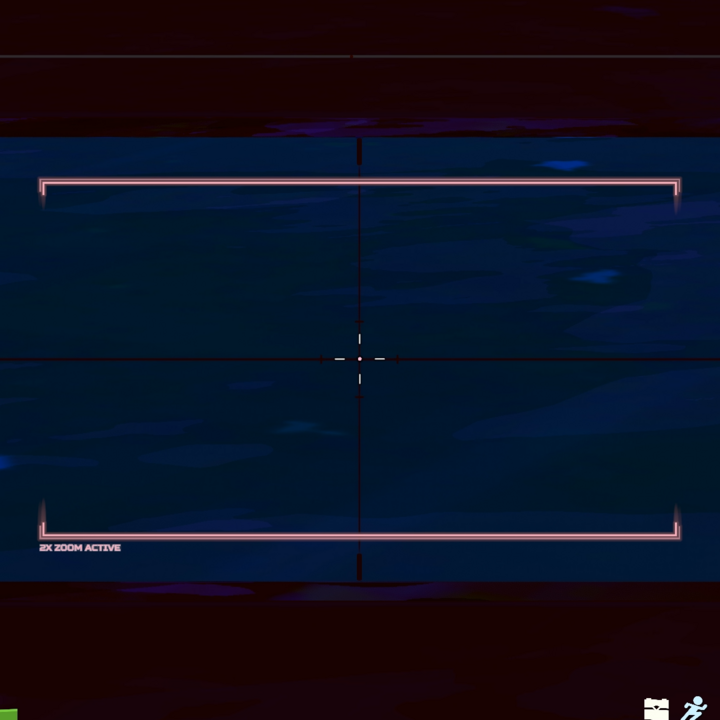 |
 |
Configuration
Settings are available in the in-game mod options menu when Risk Of Options is installed (recommended, not required). Otherwise, edit BepInEx/config/Bishey.RailgunnerTweaks.cfg.
General
| Setting | Default | Description |
|---|---|---|
| HideCrosshairFlavor | On | Hides the yellow frame, text and icon around the crosshair. |
| HideDefaultScopeFrame | On | Hides the pink frame and zoom text in the default secondary's scope. |
| EnableVariableZoom | On | Enables variable zoom with the mouse wheel. |
| InvertScroll | Off | When on, scrolling up zooms out instead of zooming in. |
| ZoomTransitionTime | 0.1 | Seconds a zoom change takes. 0 is instant. |
| ZeroMonitorMatch | On | 0% monitor match scaling for scoped sensitivity. |
| ScopedSensitivityPercent | 100 | Extra scoped sensitivity multiplier. 100 means unchanged. |
Zoom - Default and Zoom - Alternate
Each level has an on/off toggle and a zoom amount from 1x to 10x. So you can use 1 to 3 zoom levels.
Settings can be changed on the fly. HUD settings should apply the next time you scope in.
Compatibility
- Client-side. Works in multiplayer, and other players don't need the mod.
- Only affects Railgunner. Other survivors are untouched.
- Other scope sensitivity mods (such as ScopeSensitivity) overlap with the sensitivity features. Using both may stack their effects.
- Mods that change Railgunner's scope zoom may conflict with the variable zoom feature.
