Please disclose if any significant portion of your mod was created using AI tools by adding the 'AI Generated' category. Failing to do so may result in the mod being removed from Thunderstore.
Storage, Scan, Other, Extras
Updated a day agoStorage, Scan, Other, Extras
Storage
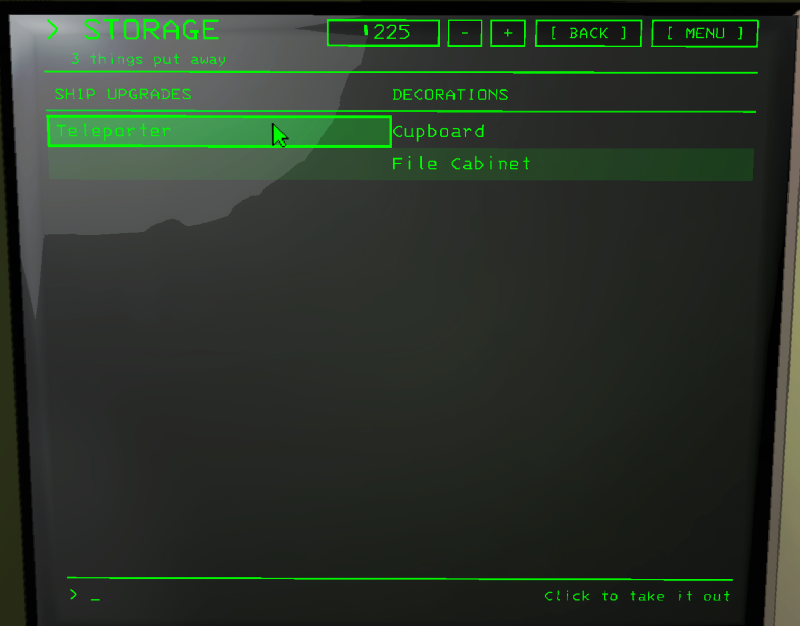
What is put away in storage, ship upgrades on the left, decorations and suits on the right. Click a name to take it out.
Scan
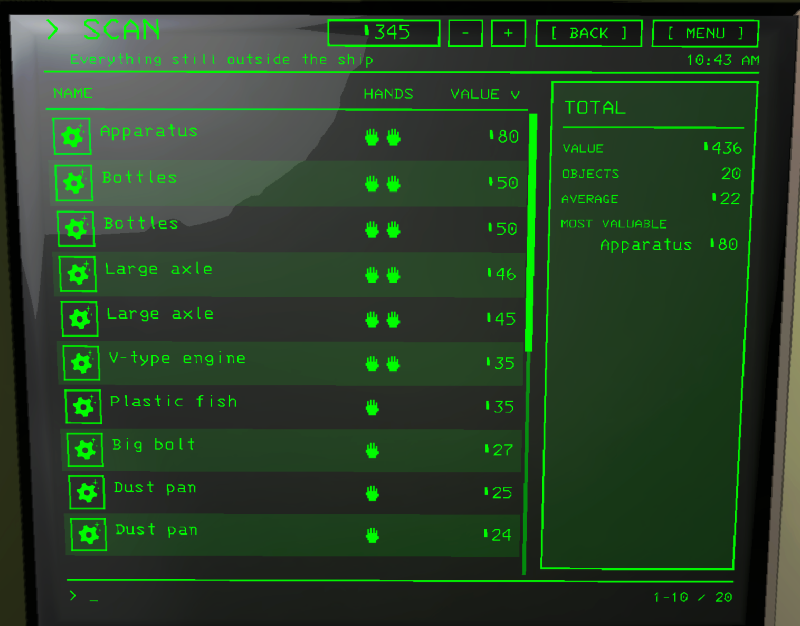
The scrap left on the moon, with the total beside it.
Other
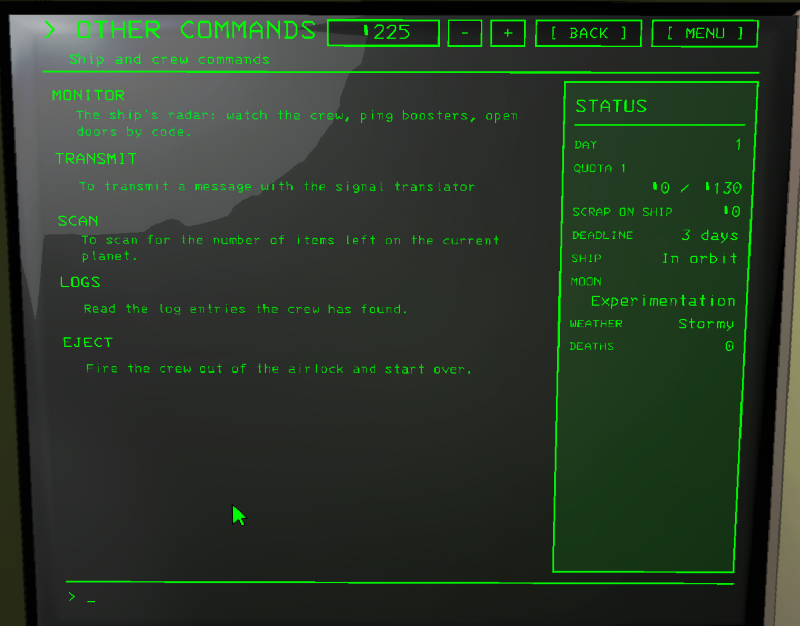
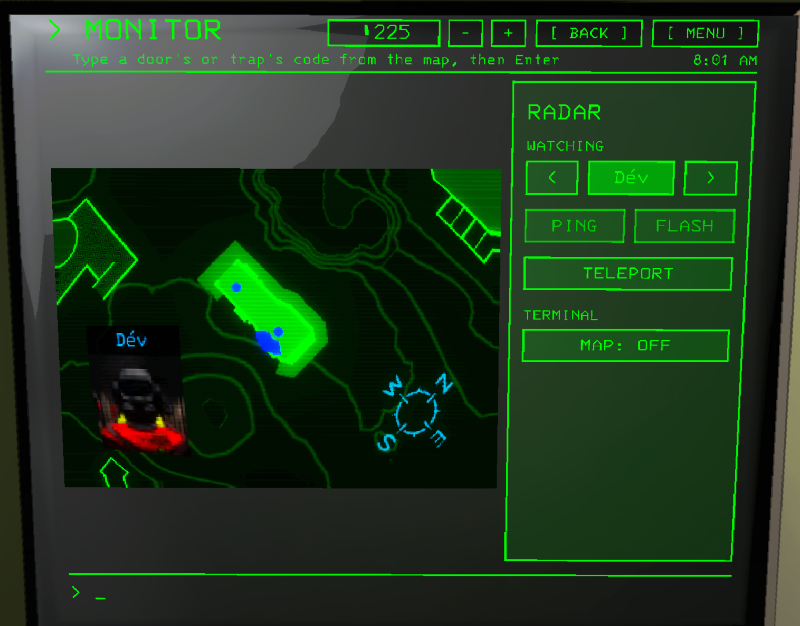
- MONITOR: the ship's radar live in the middle. In the panel:
- WATCHING < name >: switch between the crew and the radar boosters, click the name for the whole list.
- PING and FLASH the radar booster you're watching (FLASH after its cooldown).
- TELEPORT whoever you're watching. No teleporter: it offers to buy one.
- MAP: the ship's map on the terminal, on or off.
- Type a door or trap code from the map and press Enter.
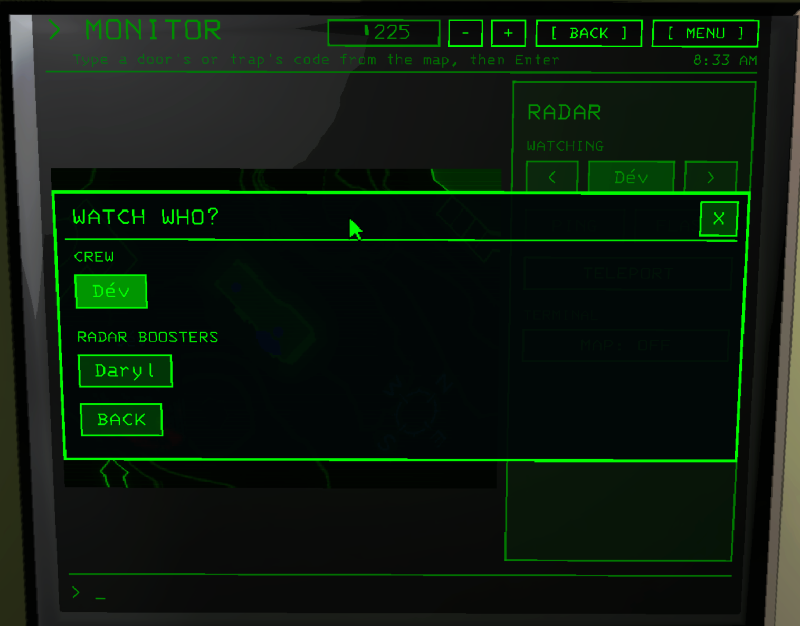
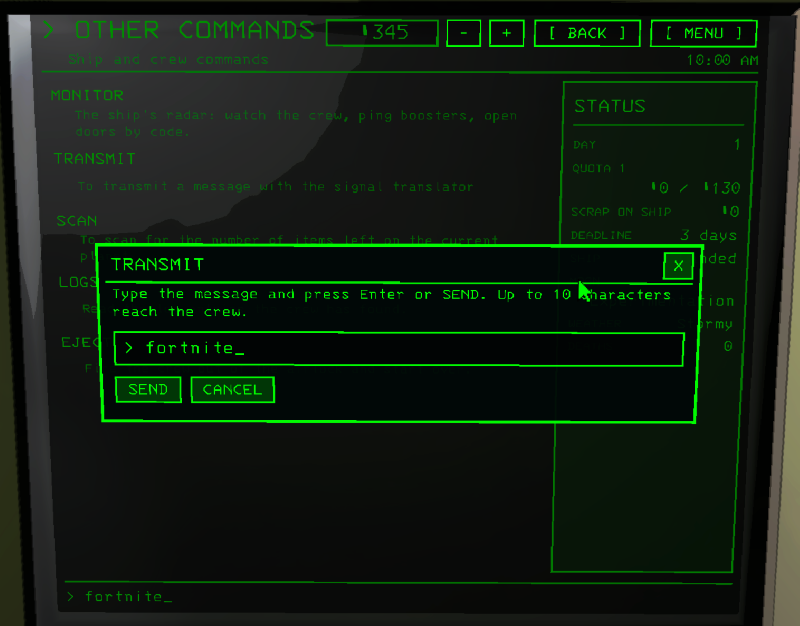
- TRANSMIT: a window to type the message, then SEND. Without a signal translator it offers to buy one.
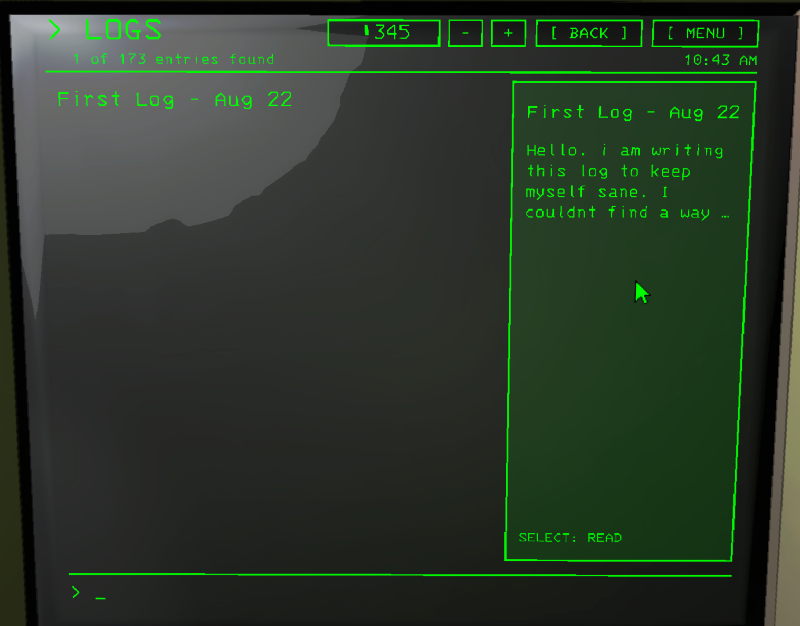
- SCAN, LOGS (Sigurd's logs, read in a window), EJECT (asks first).
Extras
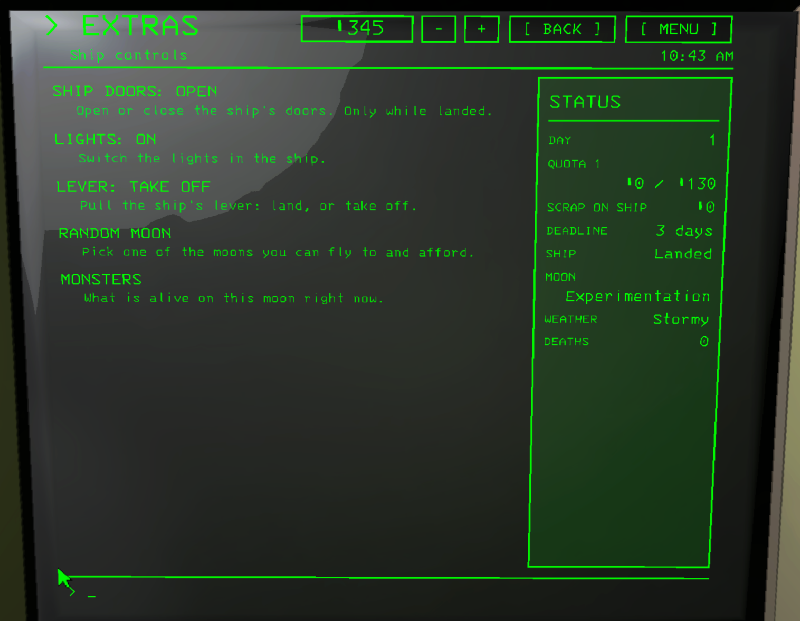
Buttons of the ship, from the terminal. The Extras setting puts them on their own page, at the end of OTHER, as buttons at the bottom of the STATUS panel, or nowhere.
- SHIP DOORS: open or close, only while landed.
- TELEPORTER / INVERSE TELEPORTER: when you have them, shows when they are charging.
- LIGHTS: on or off.
- LEVER: land or take off, asks first.
- RANDOM MOON: picks a moon you can fly to and afford, GO, ANOTHER or CANCEL.
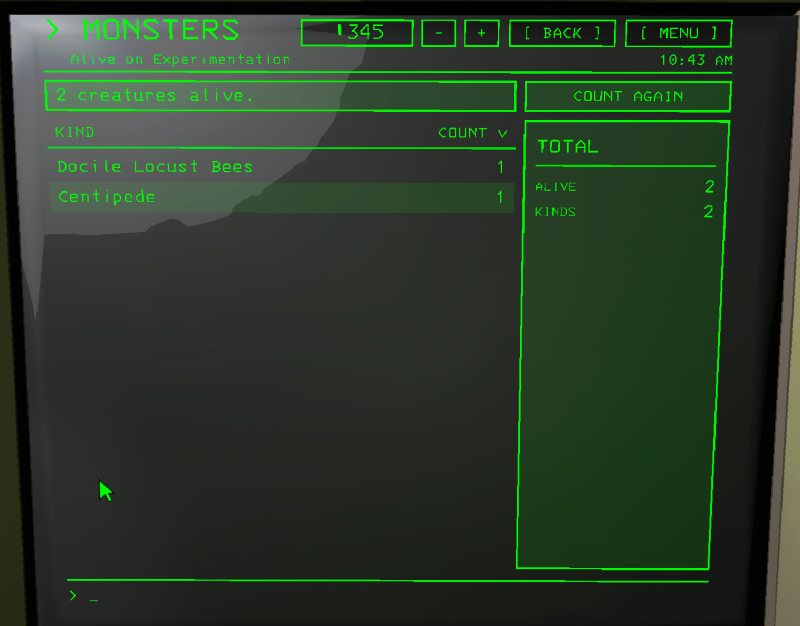
- MONSTERS: what is alive on the moon right now. The Monsters setting decides how much it tells: Count (only how many), Kinds (what and how many of each), Places (also inside or outside), or Off.