

ForgeOrdnance Arsenal
Supply pods, sentry turrets, barrages, fire, gas, stasis, a cutting beam, a hunter shell and drop-pod heavy weapons for ForgeOrdnance.
| Last updated | 2 days ago |
| Total downloads | 29 |
| Total rating | 0 |
| Categories | Rundown Mods |
| Dependency string | NAinfini-ForgeOrdnance_Arsenal-1.0.0 |
| Dependants | 0 other packages depend on this package |
This mod requires the following mods to function

BepInEx-BepInExPack_GTFO
BepInEx pack for GTFO. Preconfigured and includes Unity Base DLLs.
Preferred version: 3.2.4

NAinfini-ForgeCore
Public GTFO mod foundation: asset bundles, logging, settings, pools, networking, input leases, local saves and calls into the game's own systems.
Preferred version: 0.1.0
NAinfini-ForgeAudio
Public GTFO audio library: Ogg Vorbis cues, positioned and attached playback, voice budgets, occlusion and sounds every player hears.
Preferred version: 0.1.0
NAinfini-ForgeUI
Shared GTFO interface for mods: lobby buttons, pickers, menu pages, HUD elements and ready-made HUD templates, in the game's own style.
Preferred version: 0.1.0
NAinfini-ForgeVisual
Public GTFO world-visuals library: effects by name, particle pools, ground markers, glow materials and model loading.
Preferred version: 0.1.0
NAinfini-ForgeOrdnance
Call-in support for GTFO: hold a key, enter a directional code, throw a beacon and receive supplies or turrets. JSON-defined, extensible, host authoritative.
Preferred version: 1.0.0README
Forge Ordnance Arsenal
Twenty call-ins for Forge Ordnance: supply pods, sentry turrets, artillery strikes, fire, gas, stasis, a cutting beam and heavy weapons that arrive in a drop pod.
Report bugs on GitHub, or find me on the GTFO Modding Discord as nainfini.
How to use
- Pick call-ins in the lobby with the ORDNANCE button under APPAREL.
- In a level, hold the call key, enter the code with the arrow keys or W A S D, and throw the beacon. Forge Ordnance explains the full steps.
The in-game call-in names are Chinese.
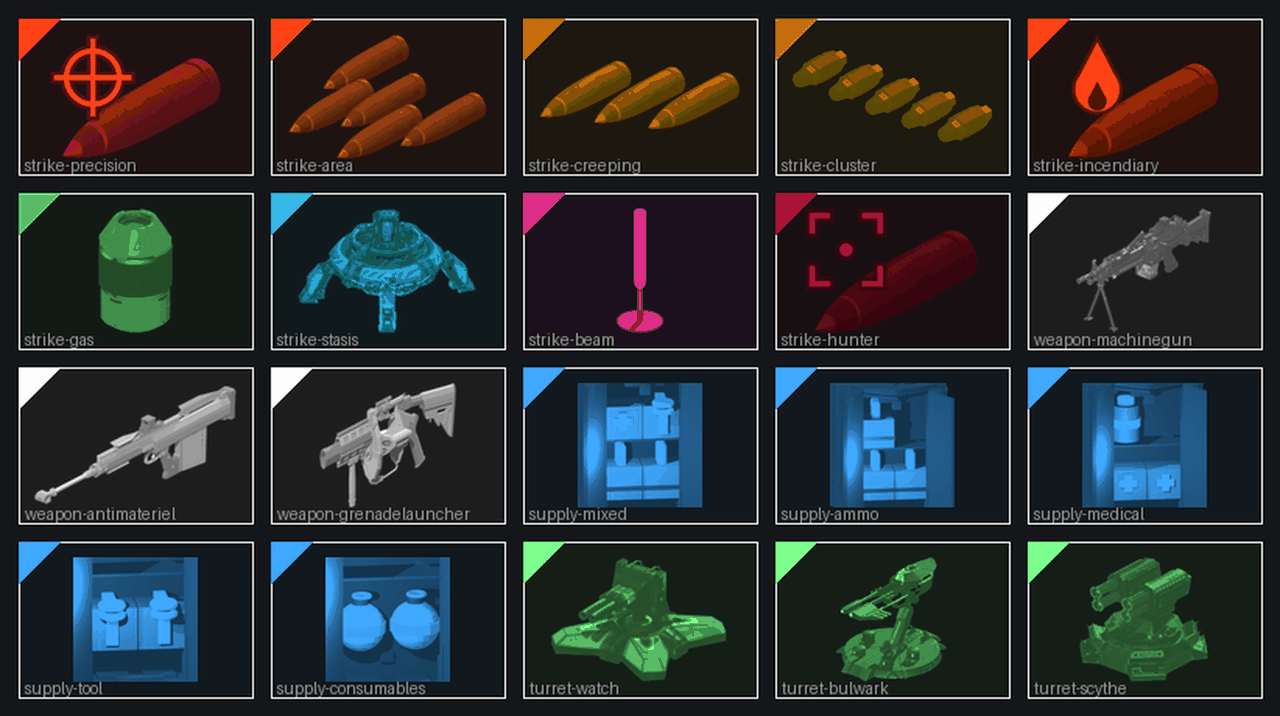
Supplies
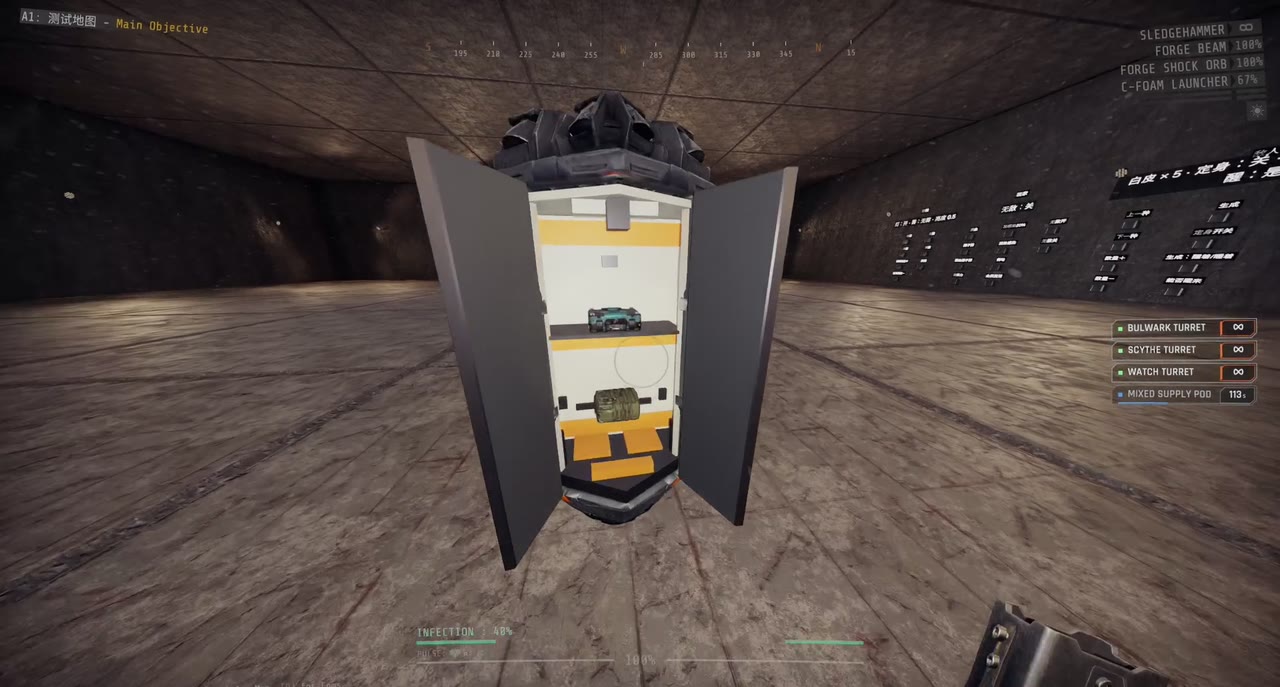
Supplies arrive in a drop pod. Take the packs out of it.
| Call-in | Code | Cooldown | Contents |
|---|---|---|---|
| Mixed Supply Pod | ↑ ↓ ↑ → | 180 s | Ammo pack x2, medipack x1, tool refill x1 |
| Ammo Pod | ↑ ↓ ↑ ← | 150 s | Ammo pack x3 |
| Medical Pod | ↑ ↓ ↓ → | 180 s | Medipack x2, disinfection pack x1 |
| Tool Pod | ↑ ↓ ↓ ← | 150 s | Tool refill x2 |
| Consumables Pod | ↑ ↓ ← ↑ | 240 s | C-foam grenade x2 |
Turrets
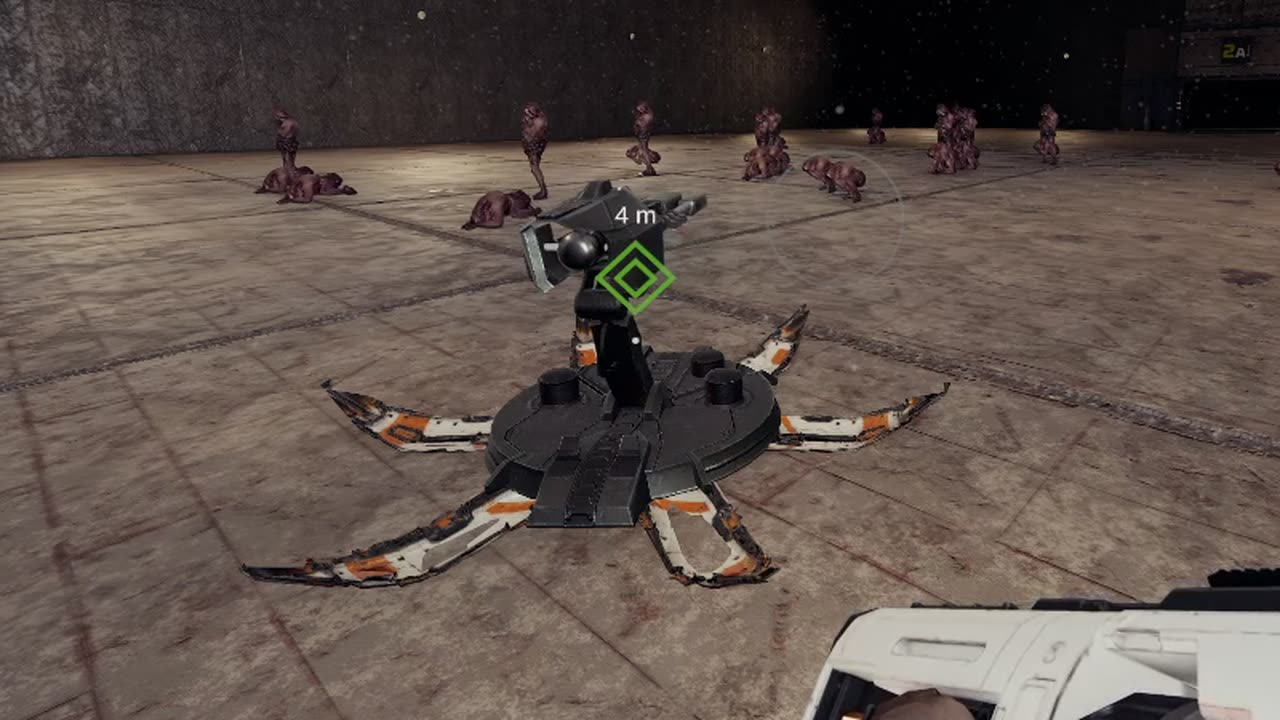
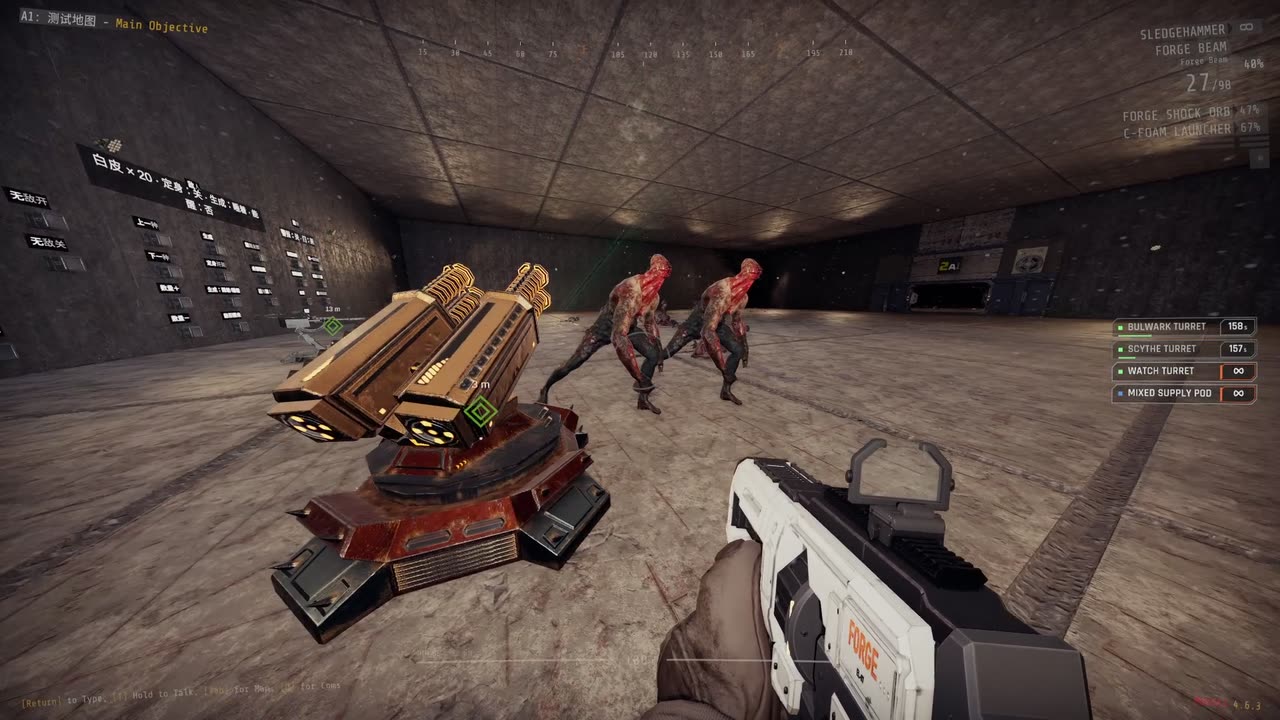
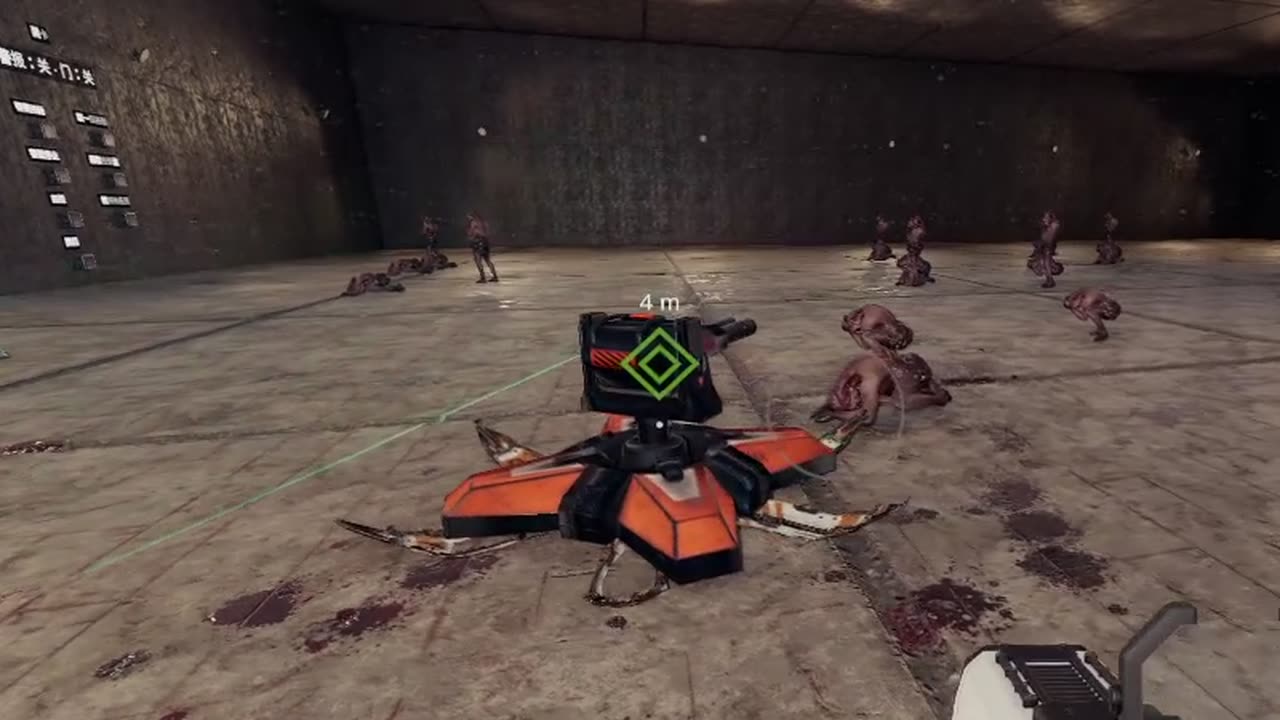
Each turret crashes down in a shell that opens around it. It is stronger than the game's sentry of the same type, cannot be picked up, and leaves after 180 seconds.
 |
 |
 |
|---|---|---|
| Bulwark | Scythe | Watch |
| Call-in | Code | Cooldown | Based on |
|---|---|---|---|
| Watch Turret | ← ↑ → ↓ | 180 s | Burst sentry |
| Bulwark Turret | ← ↑ → ↑ | 210 s | Sniper sentry |
| Scythe Turret | ← ↑ → ← | 180 s | Shotgun sentry |
Strikes
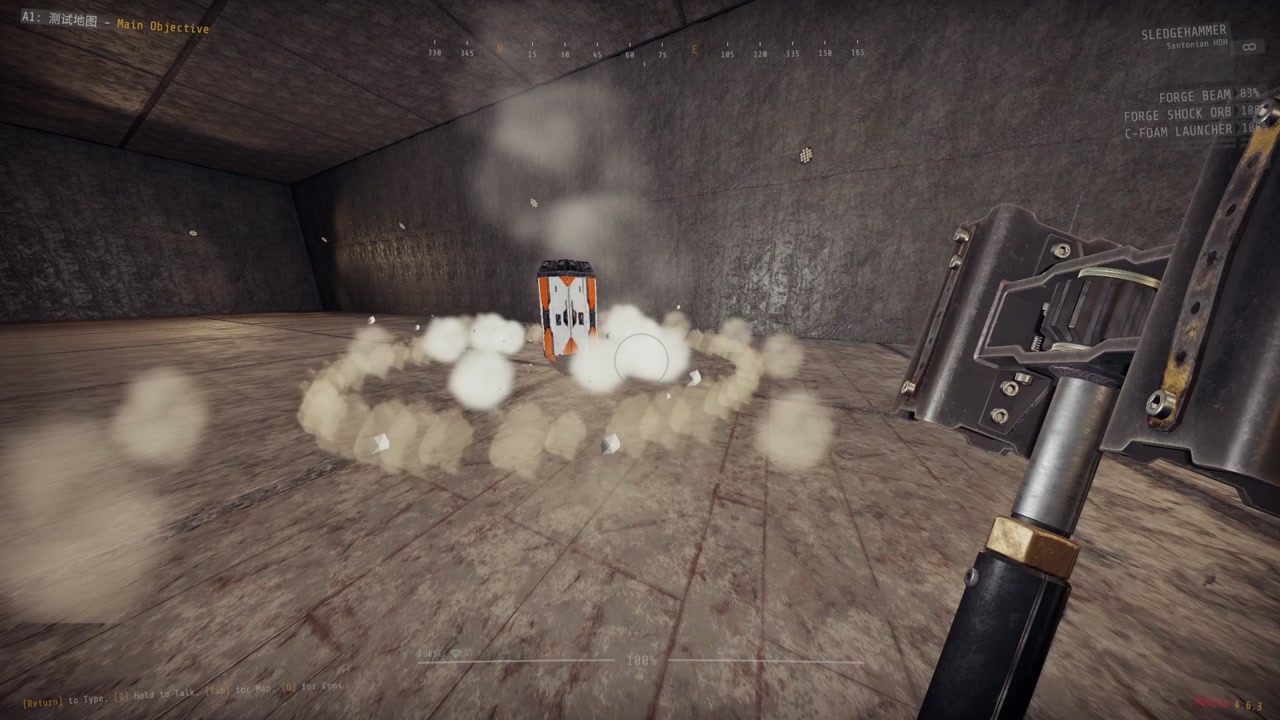
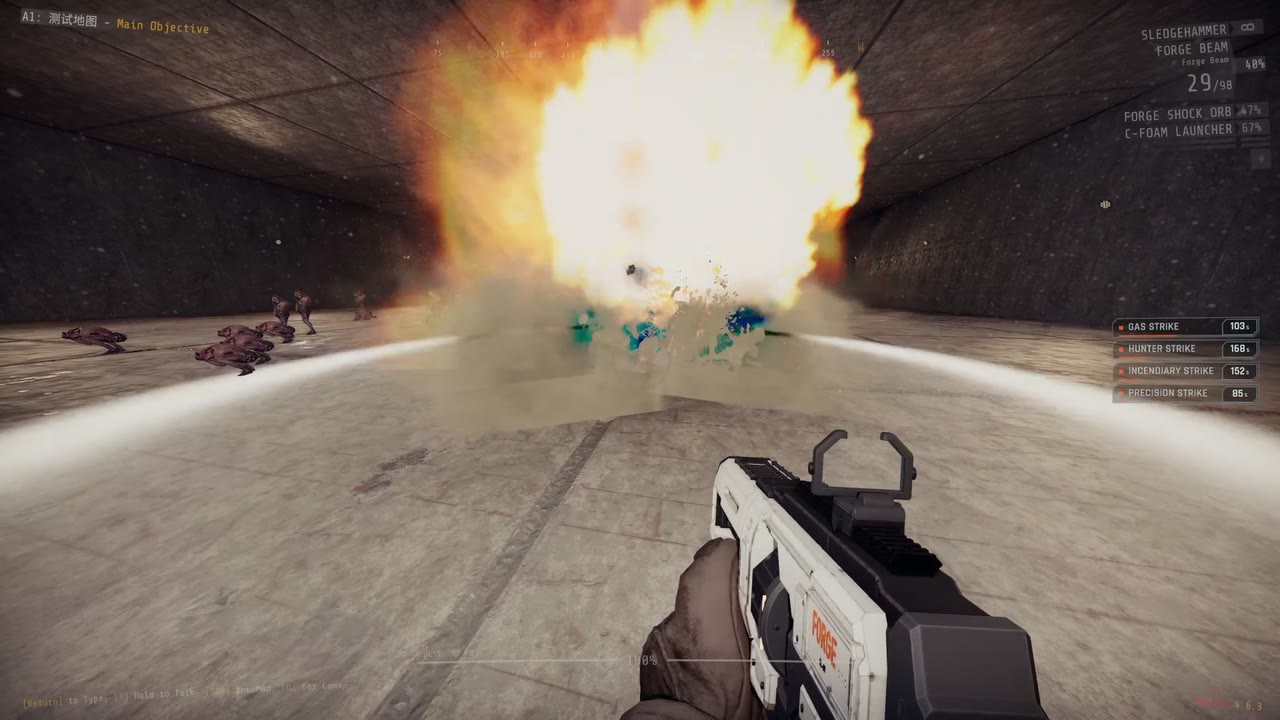
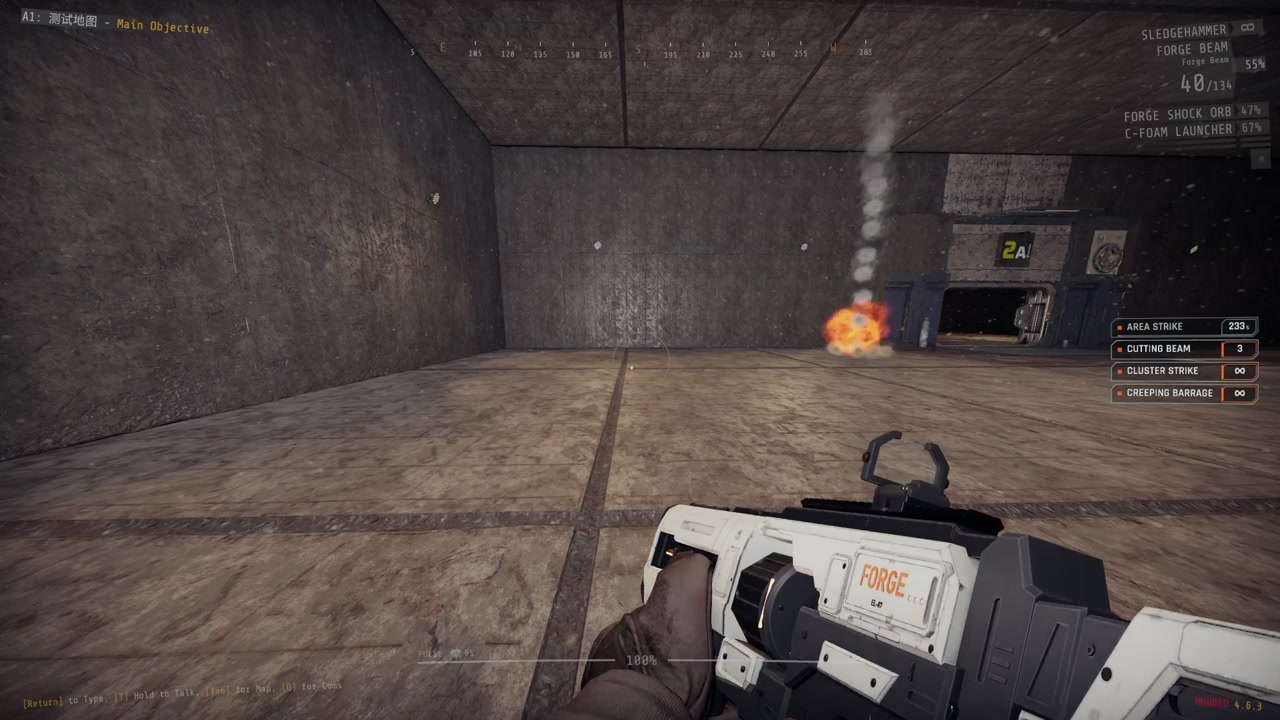
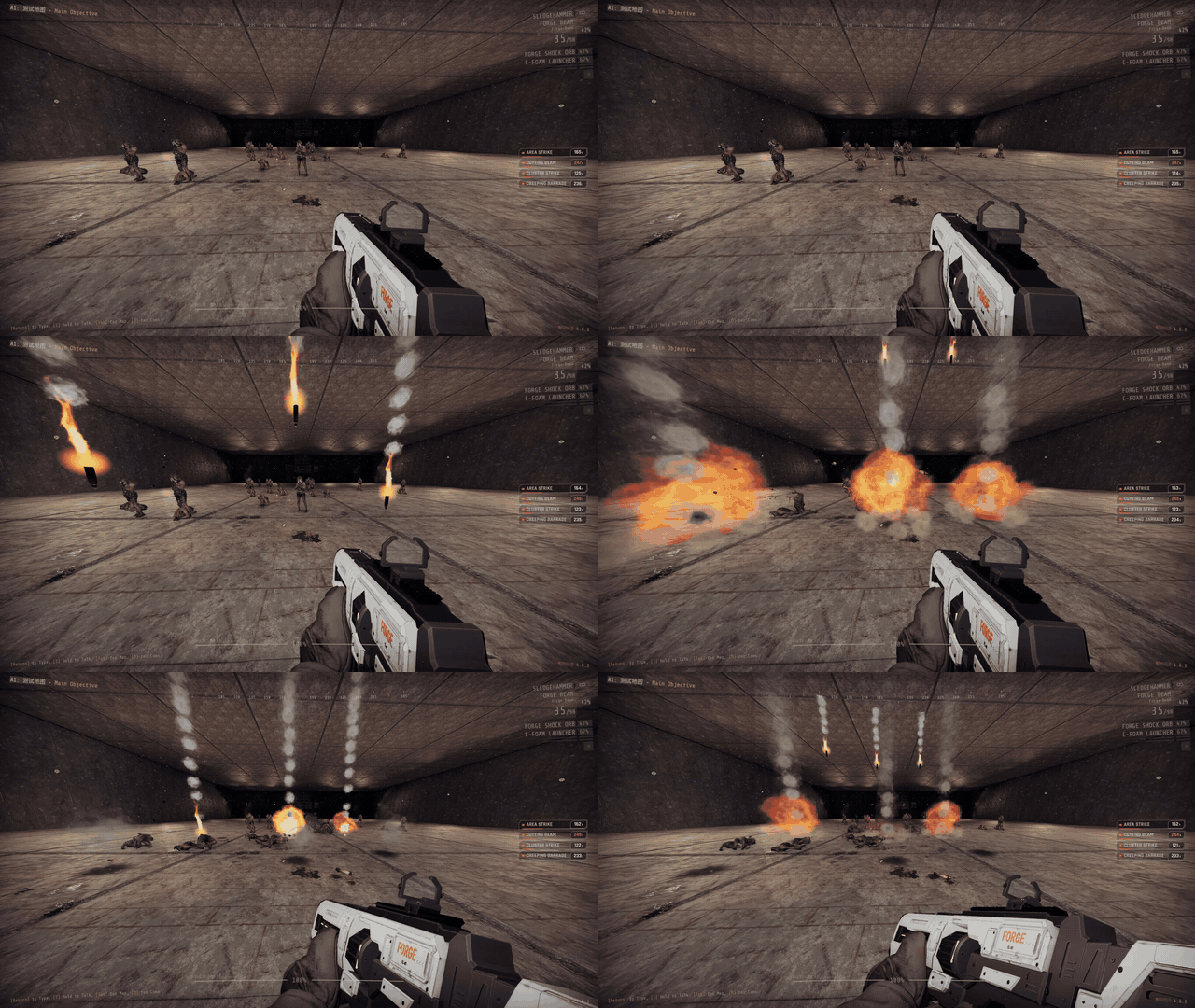
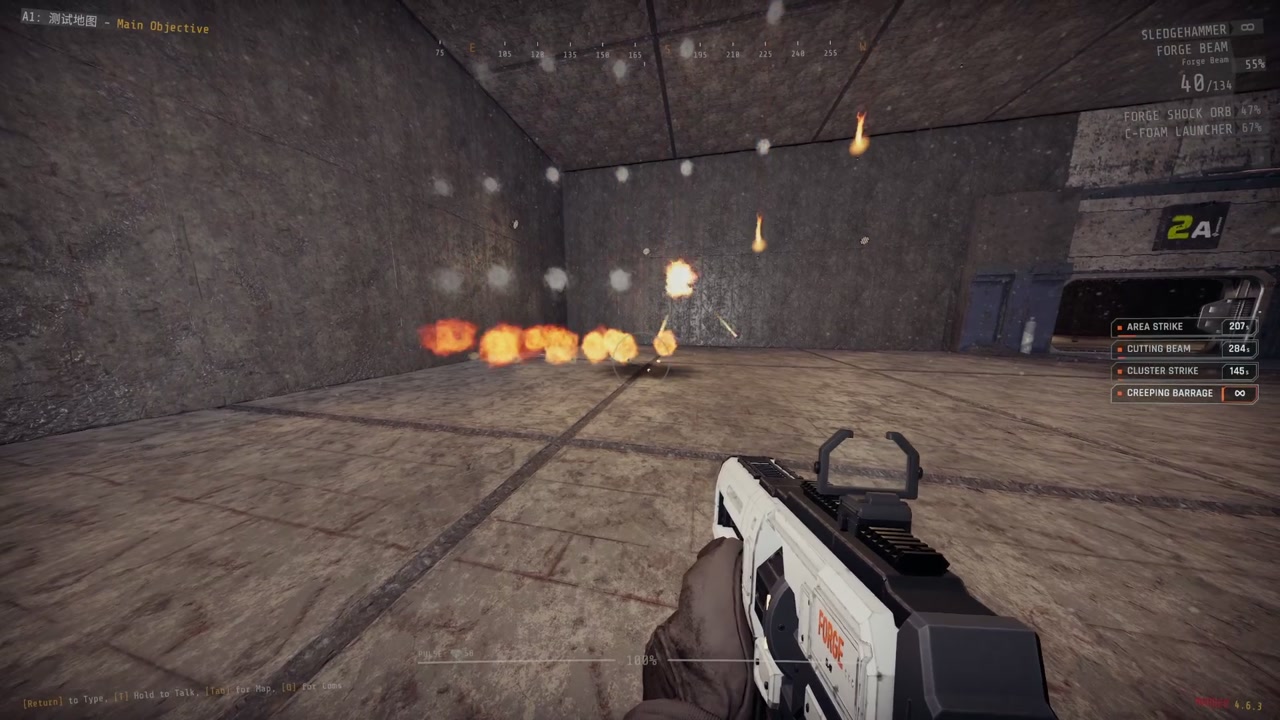
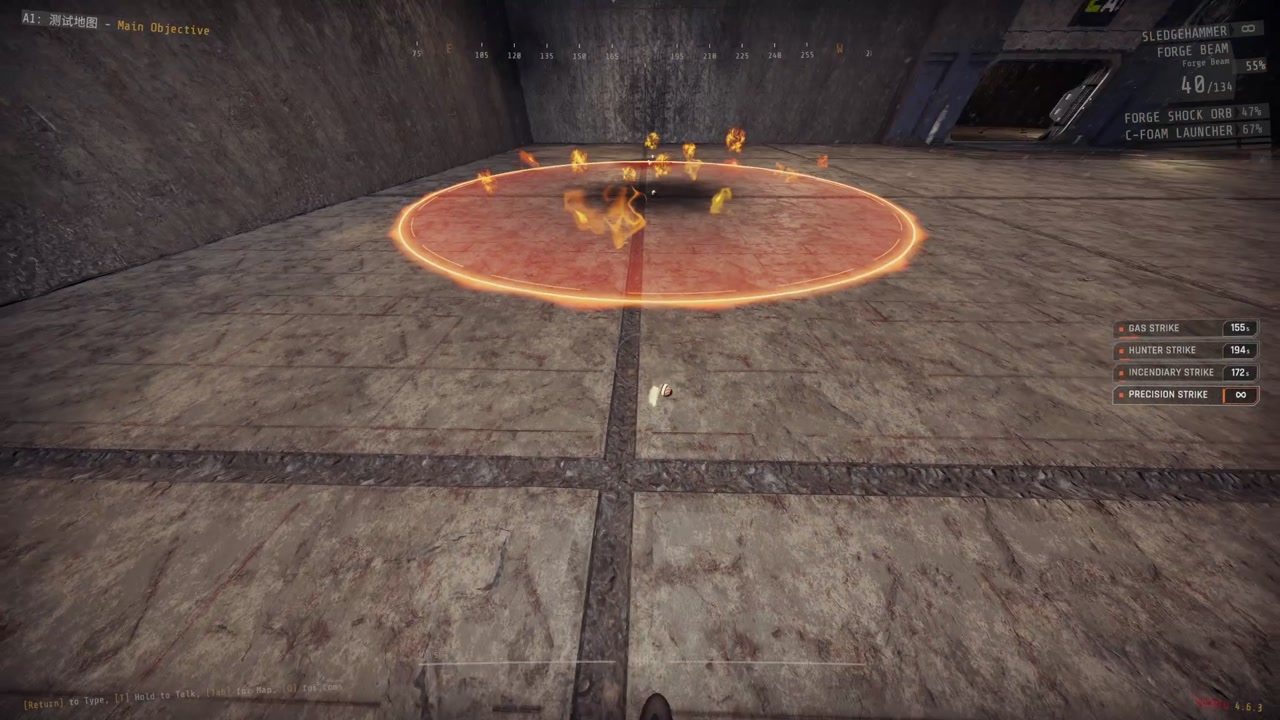
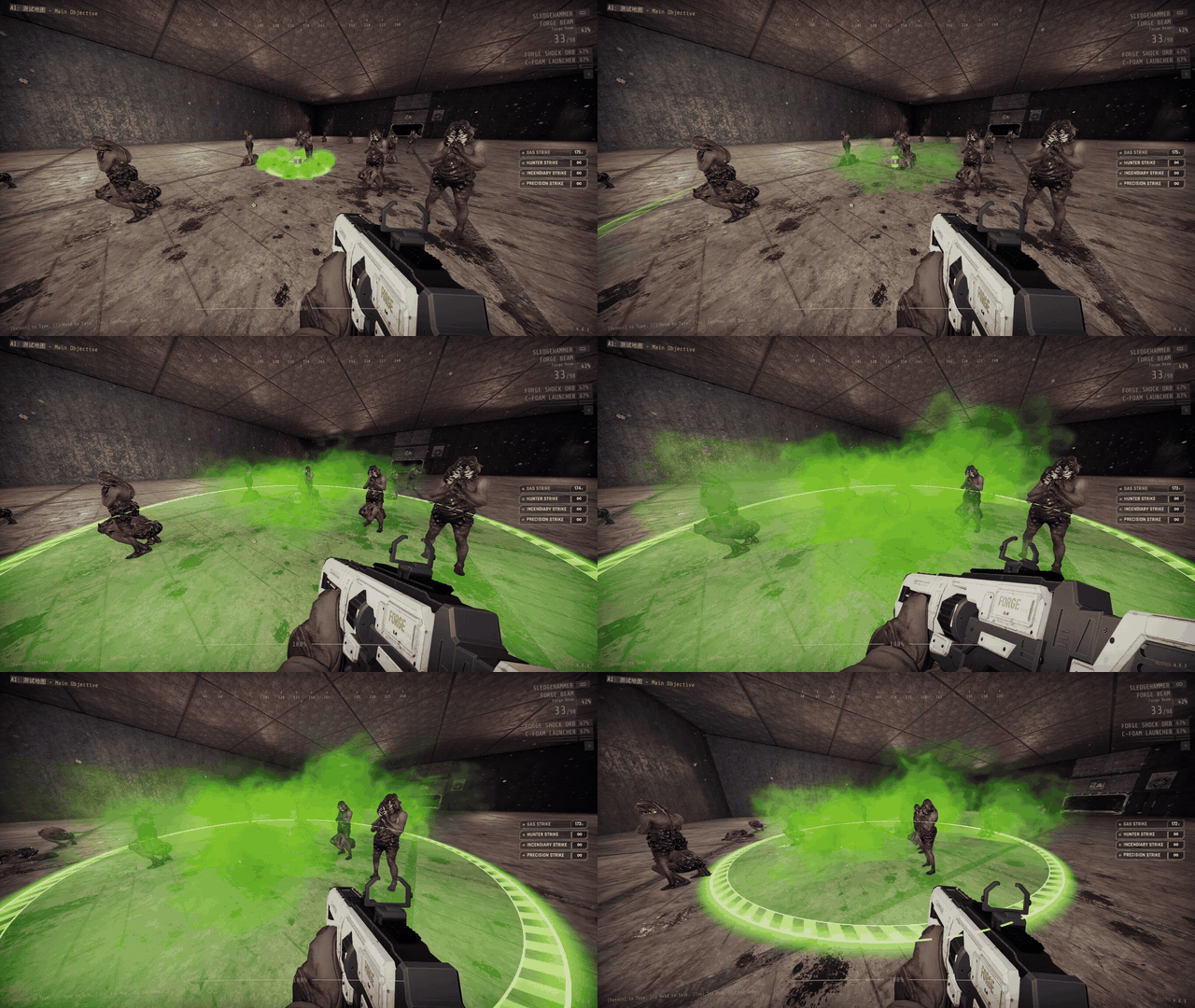
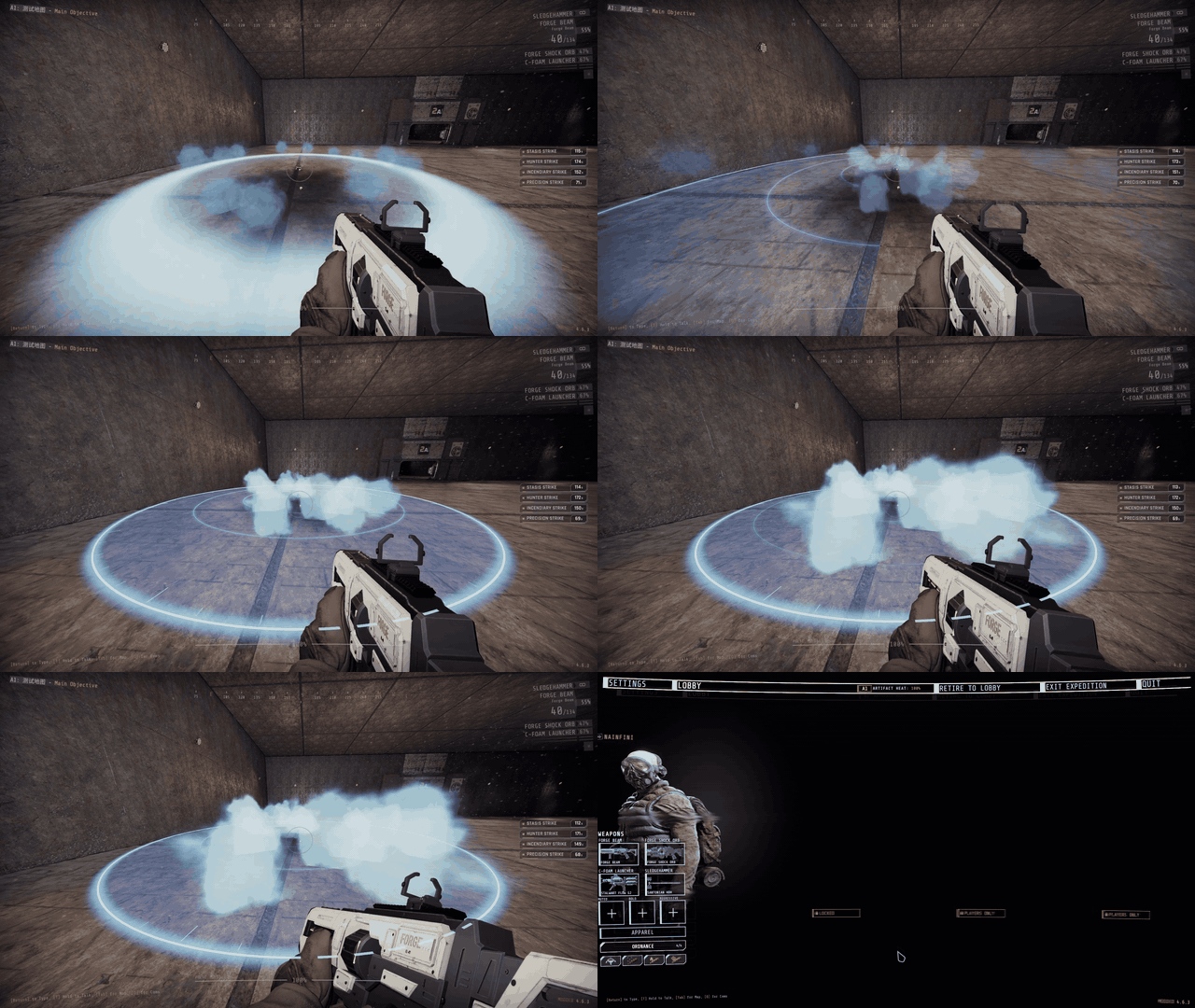
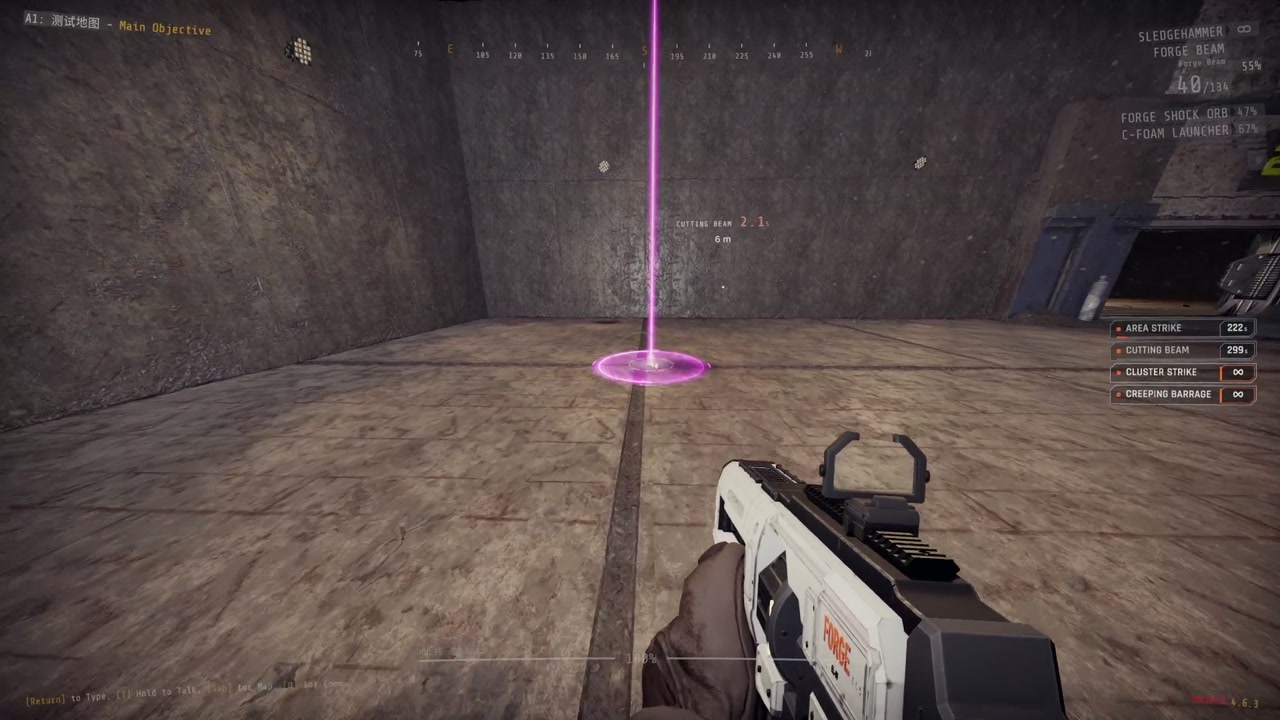
Strikes come down through the ceiling. Gas, fire and explosions hurt your teammates.
 |
 |
 |
| Precision | Area | Creeping Barrage |
 |
 |
 |
| Cluster | Incendiary | Gas |
 |
 |
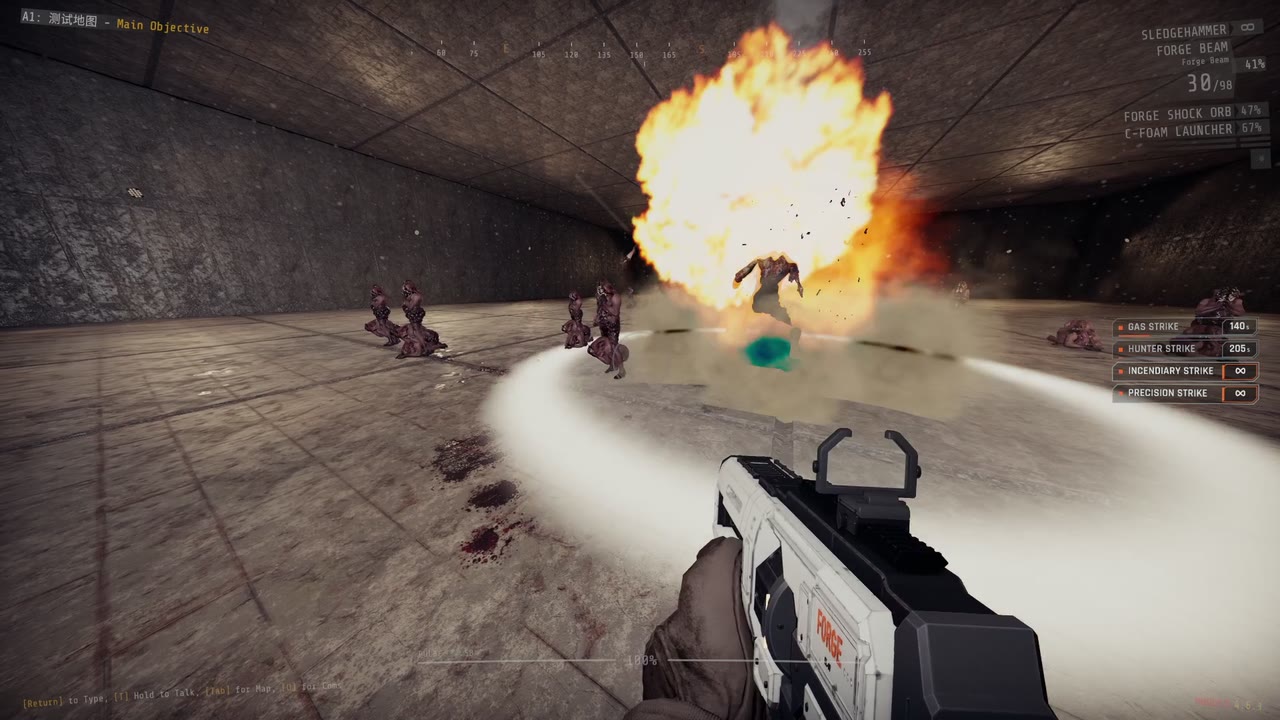 |
| Stasis | Cutting Beam | Hunter |
| Call-in | Code | Cooldown | Effect |
|---|---|---|---|
| Precision Strike | → → ↑ | 90 s | One heavy shell on the beacon |
| Area Strike | → → ↓ → | 240 s | 7 shells within about 15 m over 5 s |
| Creeping Barrage | → ↓ ↑ ← → | 240 s | Rows of shells walking forward along your throw |
| Cluster Strike | → → ↓ ← → | 150 s | Bomblets along a 20 m line across your throw |
| Incendiary Strike | → → ← | 180 s | A shell, then 10 s of fire around it |
| Gas Strike | → → ↓ ↓ | 180 s | A canister releasing 12 s of gas |
| Stasis Strike | → ↓ → ↑ | 120 s | Slows enemies within 8 m to about a third of their speed for 20 s |
| Cutting Beam | → ↑ ↓ ↓ → | 300 s, 3 uses | A beam from above that cuts the nearest enemy it can walk to for 10 s |
| Hunter Strike | → ↑ ← ↑ | 210 s | One shell on the biggest enemy near the beacon |
Heavy weapons
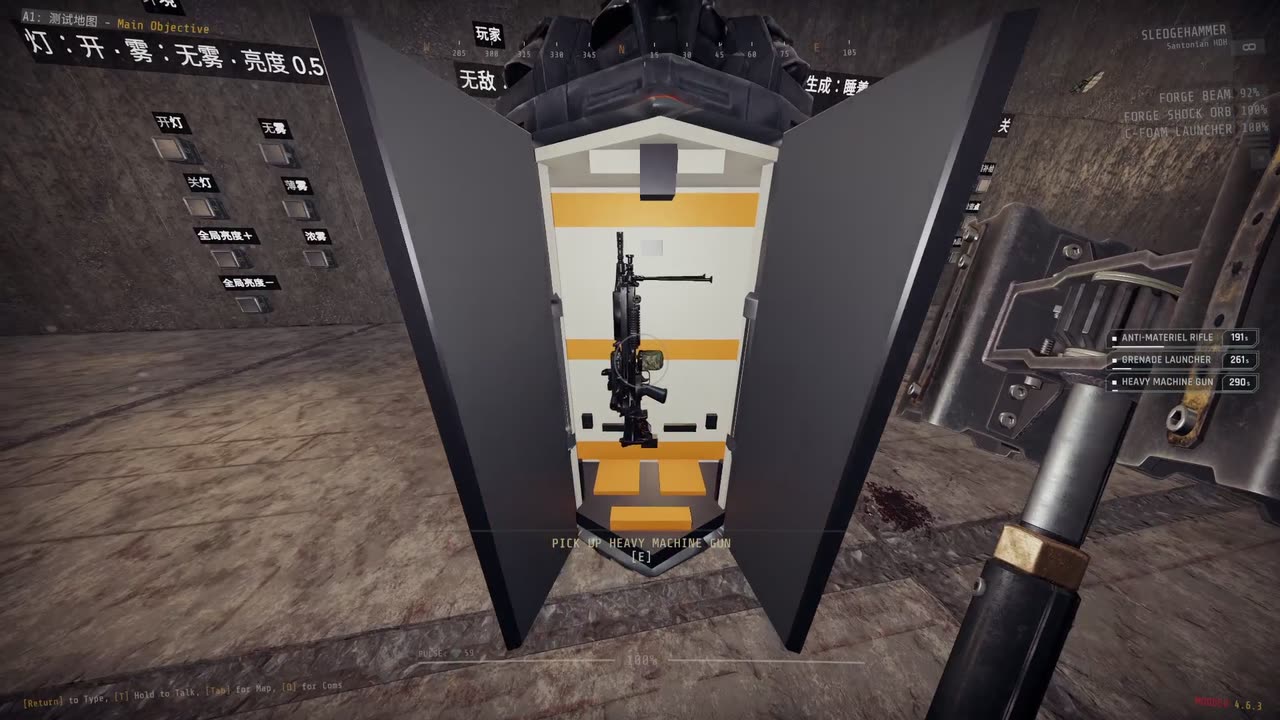
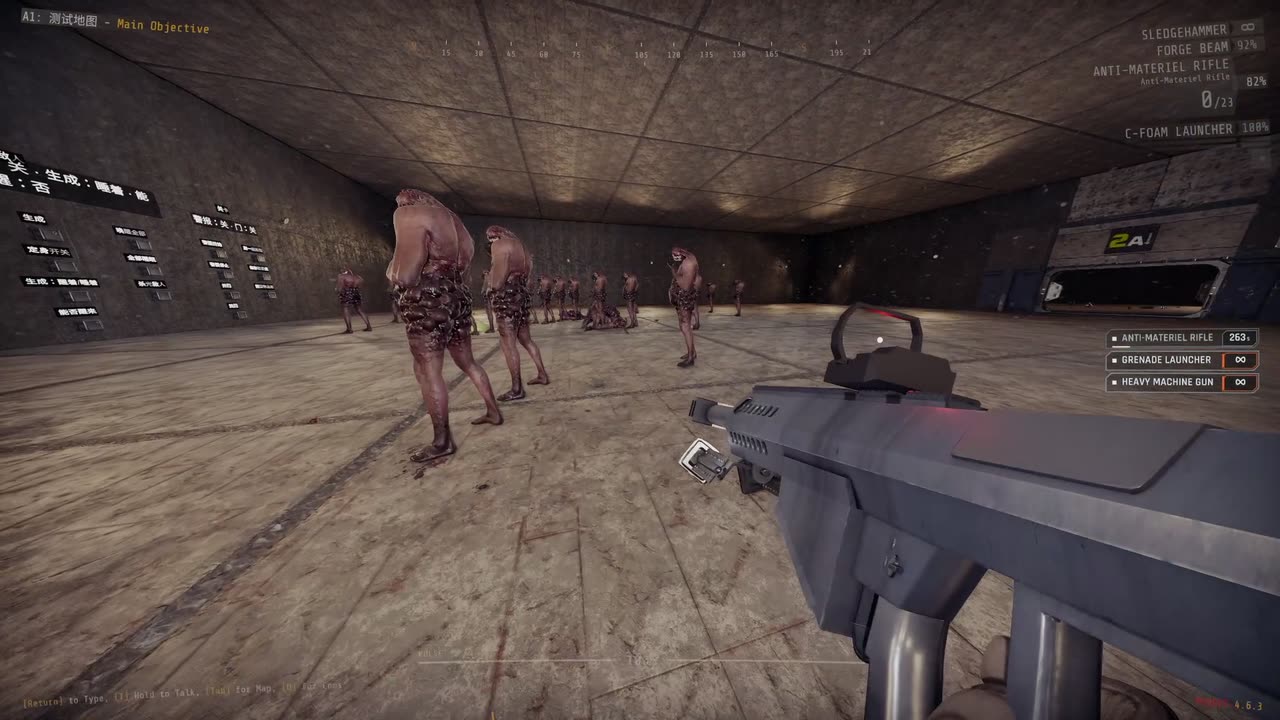
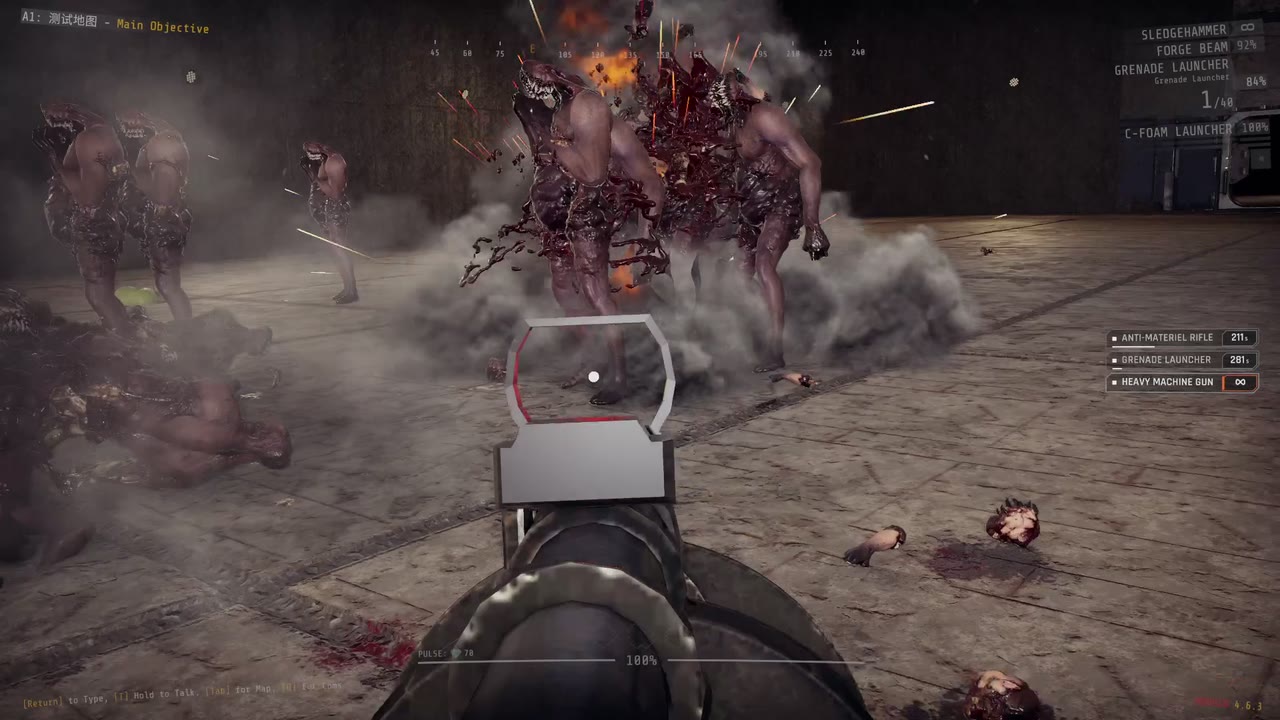
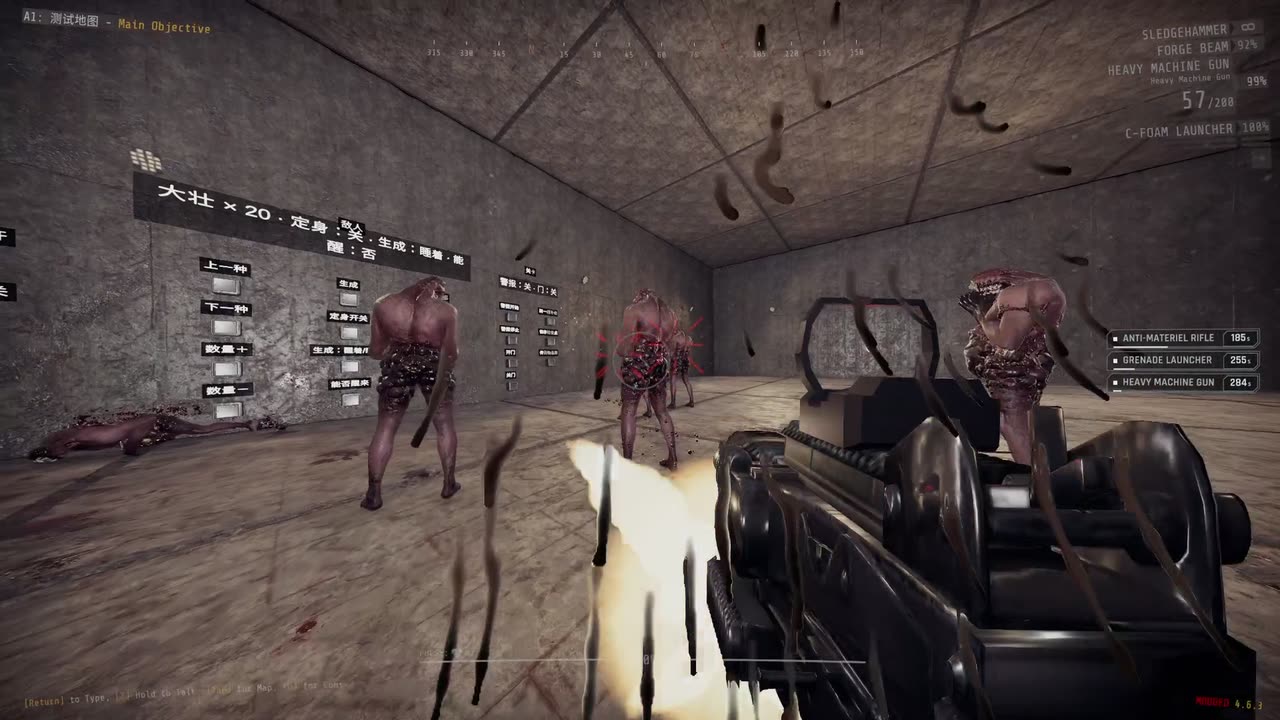
A drop pod brings a heavy weapon. Walk up to the open pod, look at the weapon and press the use key. It takes the place of your special weapon, and your own special weapon waits with its magazine and reserve.
 |
 |
 |
|---|---|---|
| Anti-Materiel Rifle | Grenade Launcher | Heavy Machine Gun |
- While a special weapon is in your hands, press the special weapon key (slot 3, as you have bound it) again to swap between your own special weapon and the heavy weapon. Both keep their magazine and reserve. It does not swap during a reload.
- When the heavy weapon runs out of ammunition it is gone, and your own special weapon comes back for good.
- Ammunition packs never refill a heavy weapon. They refill your own special weapon, even while the heavy weapon is in your hands.
- G, going down, or the end of the level also end the loan; you are left with your own special weapon and its ammunition. Reloading a checkpoint does the same.
- Climbing into a Forge Ordnance Frames exosuit puts the heavy weapon away with its magazine and reserve. While you pilot, the special weapon key swaps between the suit's gun and your own special weapon, and no heavy weapon can be taken from a pod. When you climb out, by any way, the heavy weapon is back as it was: in your hands if you held it when you climbed in, otherwise still waiting. Reloading a checkpoint while piloting ends the loan as above.
| Call-in | Code | Cooldown | Weapon |
|---|---|---|---|
| Heavy Machine Gun | ↓ ← ↓ ↑ → | 300 s | Machine gun |
| Anti-Materiel Rifle | ↓ ← → ↑ ↓ | 300 s | Heavy rifle |
| Grenade Launcher | ↓ ← ↑ ← ↓ | 300 s | Grenade launcher |
Settings
Give back heavy weapon (G by default) gives up a borrowed heavy weapon at once, also while it is stashed; change it in the game's settings, Controls, under Forge Arsenal.
BepInEx/config/NAinfini.ForgeOrdnanceArsenal.cfg:
| Setting | Default | Meaning |
|---|---|---|
Extra lights |
On | Extra lights and flashes on strikes and beams. Turn it off for a lighter picture. |
None of these change damage or timing.
Multiplayer
The host decides everything. Every player needs the same version of Arsenal and Forge Ordnance.
Installation
Install with r2modman or the Thunderstore Mod Manager. It also installs Forge Ordnance, MTFO, ForgeCore, ForgeUI, ForgeAudio and ForgeVisual. MTFO marks the game as modded, which turns off achievements and public matchmaking.
License
Code: MIT. Models and sounds keep their own licenses, listed in the License.txt files shipped in the package.
Modding the strikes or adding call-ins: see the developer guide.
